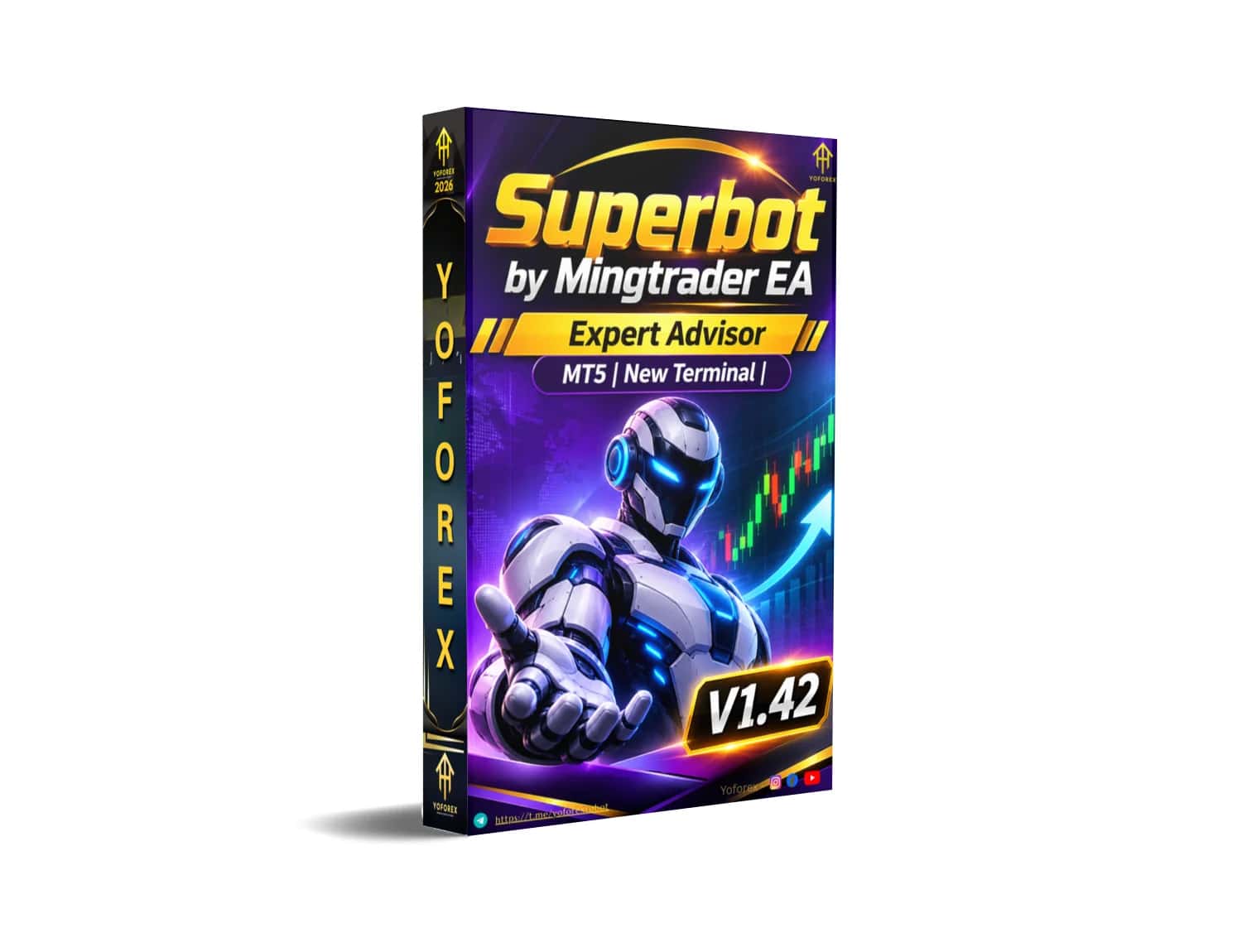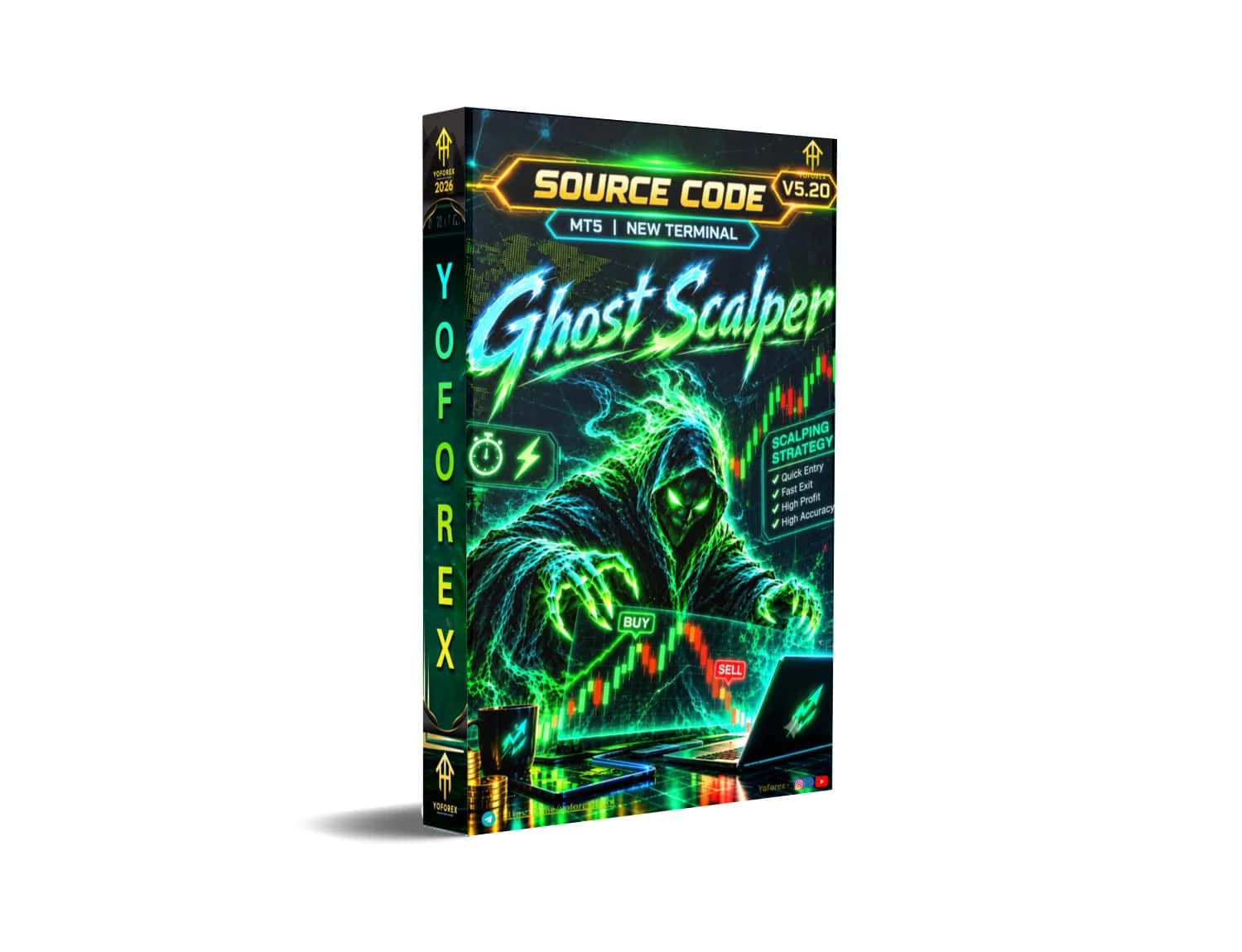
Prop Firm Ready Trading Bots

Free Forex Expert Advisors & Automated Trading Bots for MT4 and MT5

Download verified Expert Advisors for MT4 & MT5. Proven performance, rigorously tested, and designed for consistent professional trading.

Why choose YoForexEA

Free EAs

Download premium Expert Advisors at no cost

Regular Updates

EAs are constantly updated for best performance

Documentation

Detailed guides for every EA

Prop Firm Ready

Low drawdown designs for funded accounts
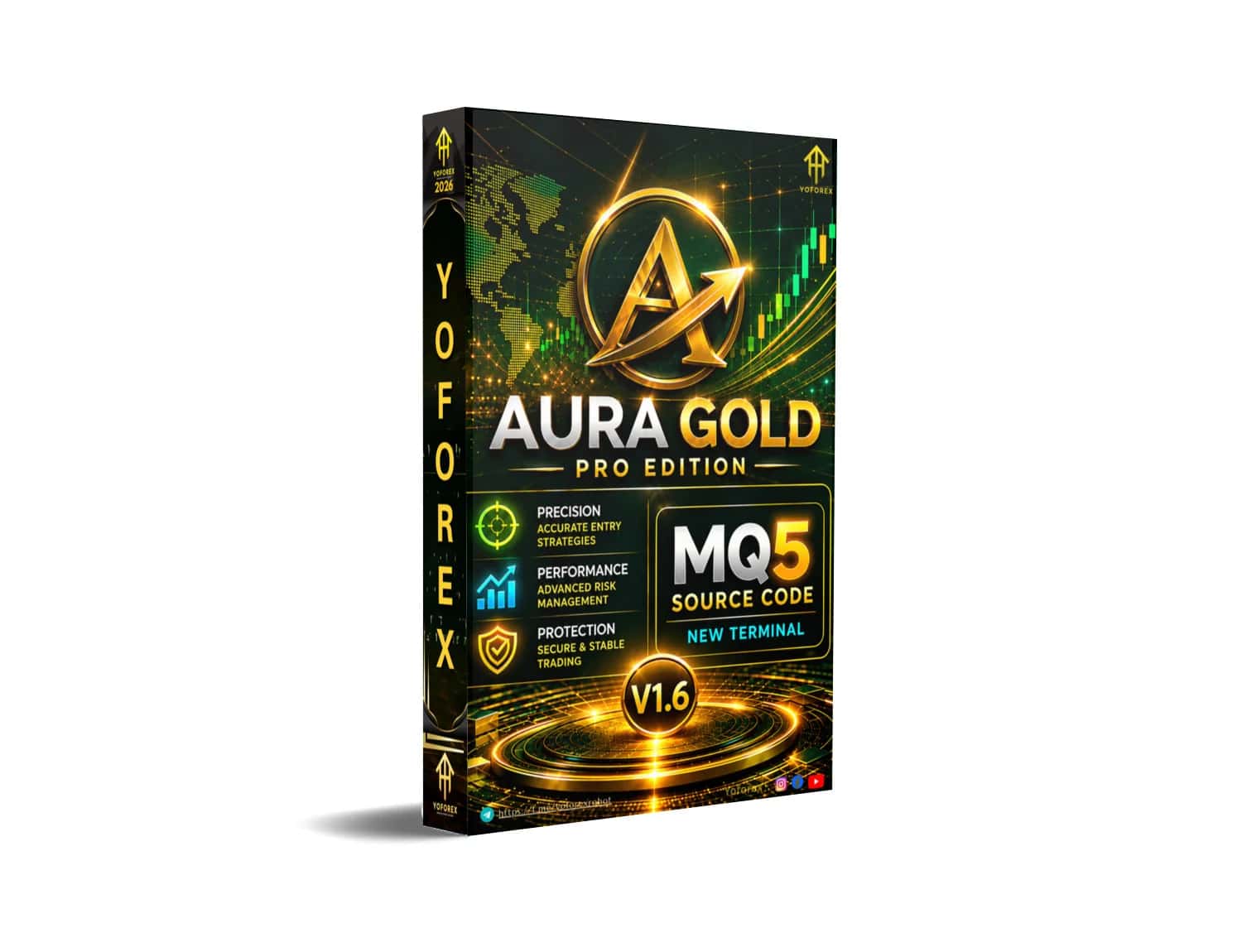
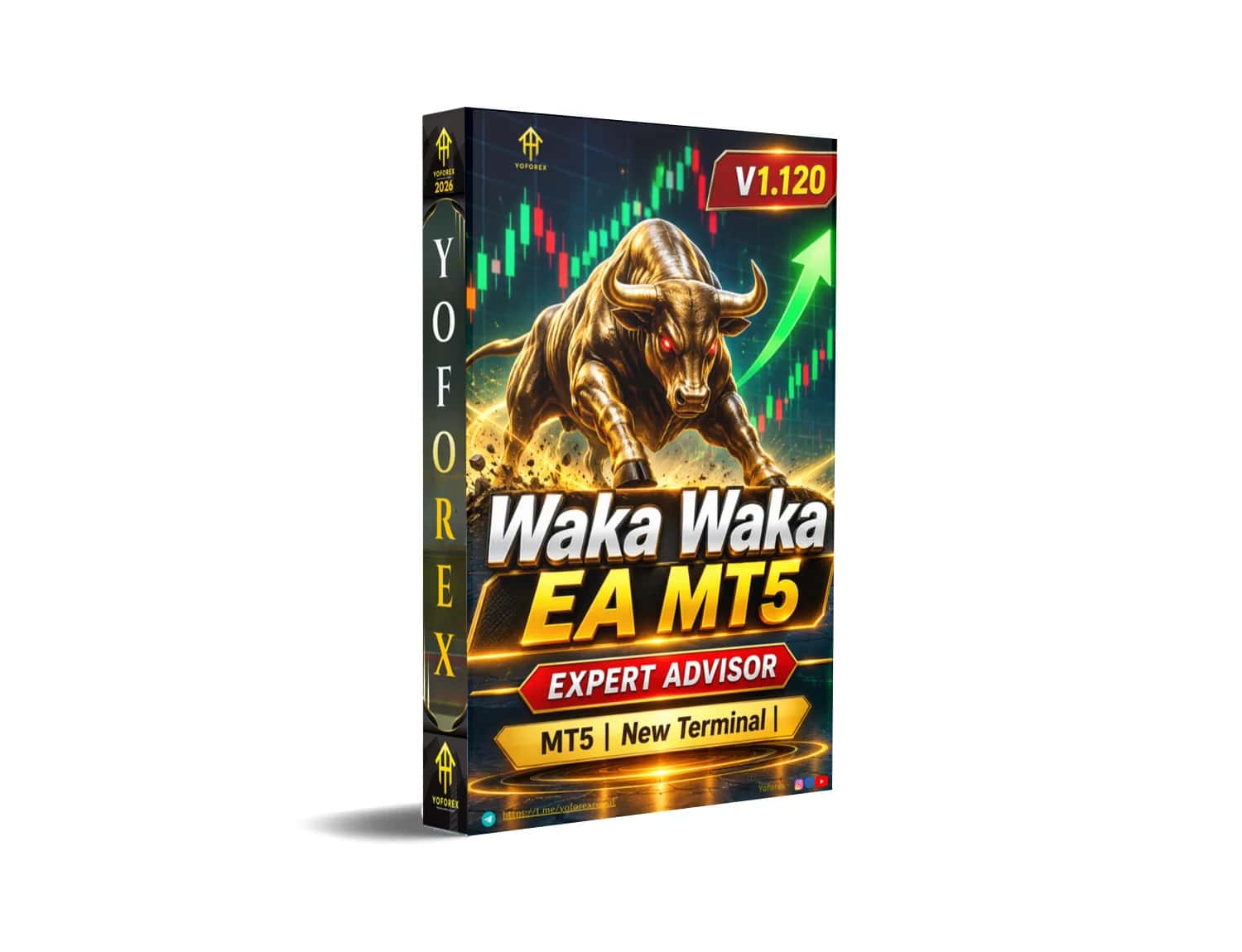
LATEST EA RELEASES

VIEW ALL →

MORE EXPERT ADVISORS

WHAT TRADERS SAY

★★★★★

"Passed my FTMO challenge using Vega Bot EA. The low drawdown feature was exactly what I needed!"

A

Ahmed K.

Prop Trader

★★★★★

"Been using YoForexEA for 6 months. The quality of EAs here is better than paid alternatives."

S

Sarah M.

Forex Trader

★★★★★

"Great collection of EAs with excellent documentation. Customer support is very responsive."

M

Michael T.

Day Trader

150+
Expert Advisors
50K+
Downloads
98%
Satisfaction Rate
24/7
Support Available

HOW IT WORKS

01

Choose an EA

Browse our collection and find the perfect Expert Advisor for your trading style.

02

Download & Install

Download the EA file and follow our simple installation guide for MT4 or MT5.

03

Start Trading

Attach the EA to your chart, configure settings, and let it trade for you.

FAQ

FREQUENTLY ASKED QUESTIONS

Find answers to common questions about our Expert Advisors, MT4 & MT5 compatibility, installation, and automated trading bot strategies.

What Is YoForexEA and How Can It Help Forex Traders?

YoForexEA is a Forex trading tools platform focused on Expert Advisors (EAs), automated trading resources, and tools for MetaTrader users. Traders can explore available Forex EA solutions and review their features before choosing a tool.

Where Can I Find Forex Expert Advisors for MT4 and MT5 on YoForexEA?

Users can explore Forex Expert Advisors designed for MetaTrader 4 (MT4) and MetaTrader 5 (MT5) through YoForexEA. Always check each EA's supported terminal and version before downloading or installing it.

What Types of Forex Trading Bots and EA Strategies Can I Explore on YoForexEA?

Traders can explore different Forex EA categories and automated trading approaches, such as Gold trading, scalping, trend-following, and other strategy-based trading tools, depending on the listings available on the website.

How Do I Install a Forex EA on MetaTrader 4 or MetaTrader 5?

Download the EA file that matches your MetaTrader platform. In the terminal, open File → Open Data Folder, then place the file in the MQL4/Experts or MQL5/Experts folder as appropriate. Restart or refresh the Navigator, attach the EA to a chart, and review its settings before enabling automated trading.

How Can I Check Forex EA Performance Before Using an Automated Trading Bot?

Review the available backtesting results, trading history, drawdown information, strategy settings, and platform compatibility for the Forex EA. Test the EA on a demo account first; past performance does not guarantee future results.

Does YoForexEA Provide Forex EA Support and Guidance for MetaTrader Users?

Users should refer to the relevant product information, documentation, or support options provided on YoForexEA for help with Forex EA setup, MetaTrader compatibility, and common installation questions. Availability of support may vary by product.

Still have questions about our Forex Expert Advisors?

Check our comprehensive FAQ directory or reach out directly to our dedicated support team.

Full FAQContact Support

STAY UPDATED WITH NEW EA RELEASES

Get notified when we release new Expert Advisors, updates, and exclusive trading tips.