Top 10 Trading Platforms for Automated & Discretionary Execution in 2026
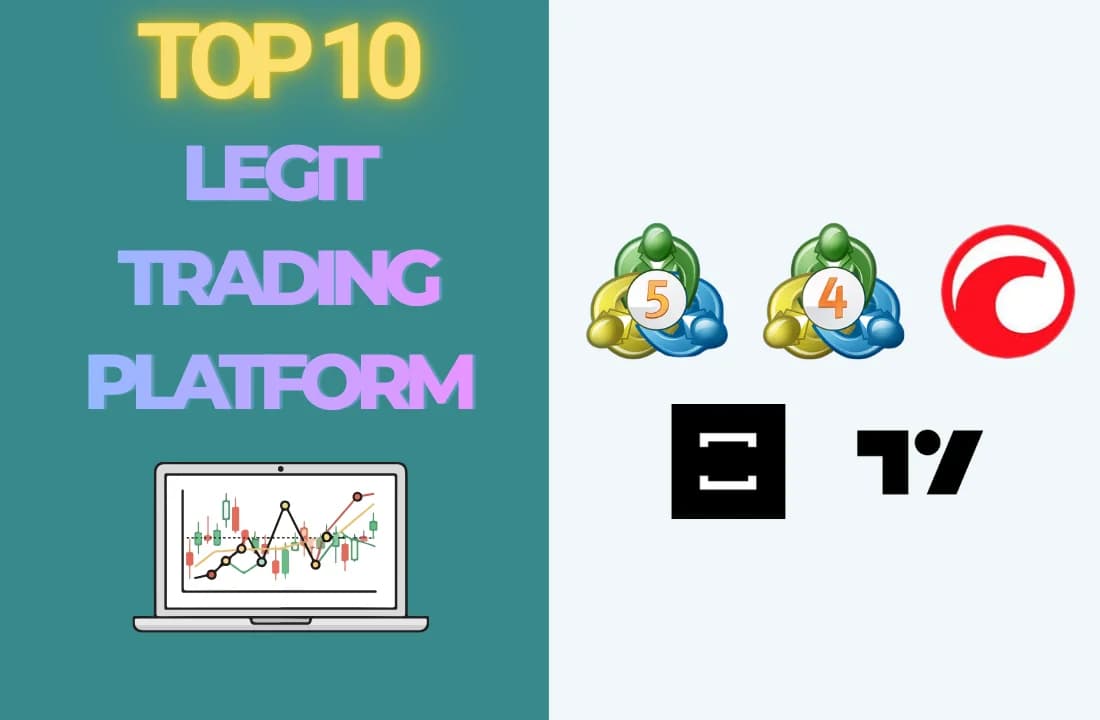
Quick Technical Verdict
Security and reliability in 2026 depend on pairing established trading software—such as MetaTrader 4, MetaTrader 5, cTrader, TradingView, NinjaTrader, or Interactive Brokers TWS—with a verifiable, strictly regulated broker. Platform choice governs your scripting language, backtesting precision, execution latency, and native .ex4/.ex5 EA compatibility.
EA SPECIFICATIONS
| Platform | MT4 / MT5 |
|---|---|
| Version | 2026 Guide |
| Strategy | Multi-Platform Execution, API & Regulation Verification Guide |
| Target Pairs | Forex, Metals, Futures, Equities, ETFs & CFDs (platform-dependent) |
| Timeframes | Tick / Seconds through Monthly Charts |
| Account Requirements | Account opened directly with a regulated broker or dealer supporting the chosen terminal |
| Broker Requirements | Verifiable top-tier regulatory registration, segregated client accounts, transparent fee schedule |
| Prop Firm Suitability | Explains which terminals natively run MT4/MT5 EAs vs. C#, Pine, or API workflows |
| Risk Level | Low-Moderate |
Software Platform vs. Regulated Broker: Know the Difference
Many scams exploit confusion between trading software and the financial institution holding client money. MetaTrader 4, MetaTrader 5, cTrader, TradingView, and NinjaTrader are software interfaces and order-routing engines—not custodial banks. Even legitimate software can be misused if an unregulated offshore entity points a terminal at manipulated price feeds or blocks withdrawals.
Evaluating platforms properly in November 2026 means separating technical capability (scripting language, backtesting speed, execution latency, EA compatibility) from counterparty safety (verifying your broker's license on official regulator registers).
Top 10 Established Trading Platforms Compared in 2026
- MetaTrader 4 (MT4): Powered by MQL4 (
.ex4/.mq4), MT4 remains a staple for legacy spot-forex Expert Advisors and custom indicators. Its single-threaded Strategy Tester is simpler and slower than MT5's, and MetaQuotes no longer emphasizes new feature development—yet its massive existing EA library keeps it relevant for forex automation. - MetaTrader 5 (MT5): Built around MQL5 (
.ex5/.mq5), MT5 adds a multi-threaded, multi-currency Strategy Tester, native Depth of Market (DOM), expanded timeframes, and both hedging and netting account modes. It is the standard platform for modern multi-pair EAs and multi-asset CFD/futures feeds. - cTrader: Developed by Spotware, cTrader automates strategies through cTrader Automate (cBots) written in modern C# alongside FIX API connectivity. It stands out for transparent Level II pricing, detailed execution timestamps, and clean UI ergonomics—though it cannot execute MT4/MT5 binaries directly.
- TradingView: Driven by Pine Script, TradingView leads in multi-asset browser charting, community indicators, and cloud alerts. Live automated trading requires connecting to a supported broker integration or routing Pine webhook alerts through an external execution bridge/server, adding an extra hop compared with local terminal EAs.
- NinjaTrader 8: Uses NinjaScript (C#) with tick-replay historical testing and Advanced Trade Management (ATM) brackets. Widely adopted by retail futures and active US-compliant derivatives traders needing precise order-book and DOM automation.
- Interactive Brokers Trader Workstation (TWS) & IBKR API: Provides direct exchange routing across global equities, options, futures, bonds, and FX under strict multi-jurisdiction oversight, automated via Python, Java, C++, or Client Portal REST APIs rather than plug-and-play retail EAs.
- MultiCharts / MultiCharts .NET: Supports PowerLanguage (EasyLanguage-compatible) and C#, offering high-resolution portfolio-level backtesting across multiple data feeds and broker gateways simultaneously.
- ProRealTime (ProOrder): Runs automated strategies written in ProBuilder / ProOrder directly on server-side infrastructure for supported brokers—meaning orders continue executing even when your home computer is switched off, without renting a separate VPS.
- Match-Trader & TradeLocker: Fast-growing web and mobile terminals adopted by modern brokers and prop firms where MetaQuotes access is constrained. Ideal for manual chart execution and TradingView-style charting, but they do not natively run
.ex4or.ex5EAs without an external API bridge where permitted. - Broker FIX API & Custom Execution Stacks: For institutional or advanced quantitative workflows, direct FIX 4.4 or low-latency WebSocket/REST broker gateways allow custom Python, C++, or Rust engines to eliminate graphical terminal overhead altogether.
Platform Technical & EA Compatibility Matrix
| Platform | Scripting Language / API | MT4/MT5 EA Compatible? | Backtesting & Execution Profile | Best-Fit Use Case |
|---|---|---|---|---|
| MetaTrader 4 | MQL4 (.ex4) |
MT4 only | Single-threaded local tester; fast lightweight terminal on Windows VPS | Legacy forex EAs & MQL4 custom indicators |
| MetaTrader 5 | MQL5 (.ex5) |
MT5 only | Multi-threaded, multi-symbol tester with real-tick modeling & DOM | Modern multi-pair EAs, Gold/Indices bots, MT5 indicators |
| cTrader | C# (cBots) / FIX API | No (requires C# port) | Fast C# execution, transparent fill logs, built-in cloud/local backtesting | C# algorithmic traders & ECN transparency |
| TradingView | Pine Script + Webhooks | No (bridge required) | Cloud-evaluated bar alerts; webhook latency depends on bridge hop | Cross-asset charting, alerts, & webhook automation |
| NinjaTrader 8 | NinjaScript (C#) | No | Tick-replay historical simulation, low-latency futures/DOM routing | Regulated futures & intraday order-flow automation |
| IBKR TWS / API | Python, Java, C++, REST | No | Exchange-routed institutional execution; requires custom code/data loop | Multi-asset portfolios, equities, options & futures bots |
| MultiCharts | PowerLanguage / C# | No | Portfolio-level simulation across multi-broker data streams | Systematic multi-strategy portfolio engineering |
| ProRealTime | ProBuilder / ProOrder | No | Server-side strategy hosting (no local VPS needed on supported brokers) | Hands-off swing/intraday automation on supported accounts |
| Match-Trader / TradeLocker | REST / Charting UI | No | Lightweight web/mobile execution; manual or limited API integration | Discretionary trading on non-MetaQuotes brokers/props |
| FIX 4.4 / Custom Stack | FIX / WebSocket / REST | No | Minimal overhead; latency limited mainly by co-location & LP routing | Custom quantitative systems & institutional liquidity feeds |
6-Step Broker & Platform Regulation-Verification Checklist
Before depositing funds to use any platform above, verify counterparty legitimacy independently—never trust footer logos on a website alone:
- Look up the license number directly on the official regulator portal: Search the exact legal entity name and registration ID on public registers such as the UK FCA, US CFTC/NFA or SEC/FINRA, Australia's ASIC, Cyprus's CySEC, Singapore's MAS, or Canada's CIRO.
- Confirm the domain matches the regulated entity: Scammers frequently clone an authorized firm's registration number on an unrelated lookalike domain. Check the registered website URL listed inside the official regulator record.
- Verify the exact legal entity onboarding your account: Large broker groups often hold one Tier-1 license for EU/UK/US clients and an offshore entity with weaker protections for international signups—read your onboarding agreement carefully.
- Check client-money segregation & negative balance policies: Confirm whether retail client funds are held in segregated tier-1 bank accounts and whether negative balance protection applies in your jurisdiction.
- Verify platform server authenticity inside the terminal: Official MT4/MT5 servers display the licensed broker's registered company name inside the connection dialog; avoid unverified APK installers or obscure web clones asking for credential logins outside official apps.
- Test execution and withdrawal mechanics small first: Start with minimal capital or demo-to-small-live verification to confirm spreads, swap schedules, order fill logs, and hassle-free withdrawal processing back to your funding method before scaling.
FREQUENTLY ASKED QUESTIONS
Collections & Tags
RECOMMENDED SETUP & RISK GUIDES
READY TO TEST TOP?
Verify spreads, stop-loss controls, and execution on demo first.
Demo-test first on your target broker feed before live capital.
YoForexEA Research Desk
Independent MetaTrader 4 and MetaTrader 5 research desk auditing Expert Advisor logic, parameter requirements, spread sensitivity, drawdown exposure, and prop-firm rule compatibility.