Thiago Indicator V2.4 (MT4) Review: Arrow Signals & Repaint Check Guide
Quick Technical Verdict
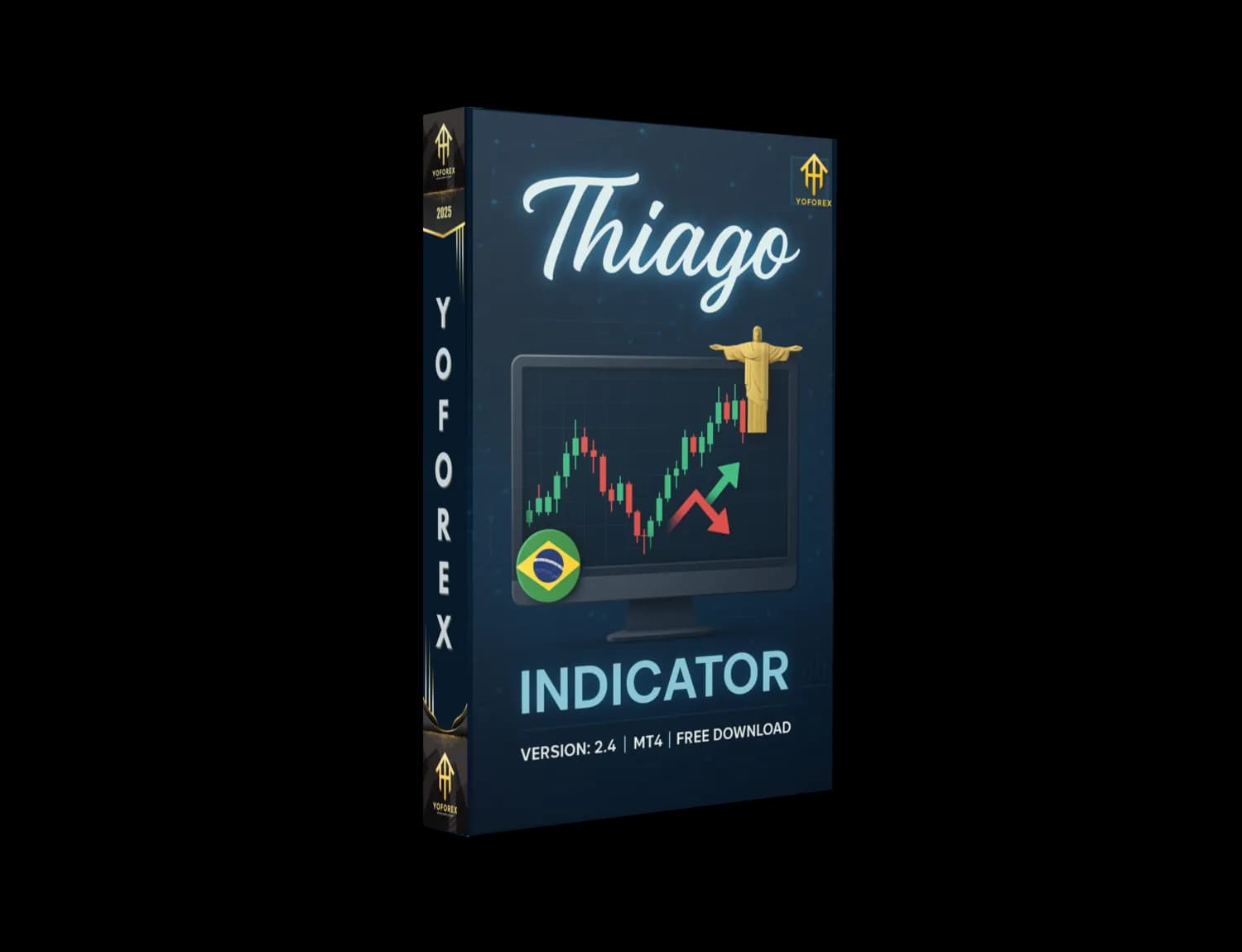
Thiago Indicator V2.4 is a MetaTrader 4 arrow-signal indicator that plots buy/sell directional arrows and alerts directly on price charts. Because arrow indicators are frequently marketed with flattering historical screenshots, verifying arrow persistence in MT4 Visual Strategy Tester is mandatory before trusting any live signal.
EA SPECIFICATIONS
| Platform | MT4 |
|---|---|
| Version | V2.4 |
| Strategy | On-Chart Arrow Signal & Reversal/Pullback Alert Indicator |
| Target Pairs | Major Forex Pairs, Gold (XAUUSD), Indices |
| Timeframes | M5, M15, H1 |
| Account Requirements | Any MT4 demo or live account (non-execution indicator) |
| Broker Requirements | Standard MT4 feed |
| Prop Firm Suitability | Fully compliant — manual signal/alert indicator without automated execution |
| Risk Level | Moderate |
What Thiago Indicator V2.4 (MT4) Does
Thiago Indicator V2.4 is an MT4 chart indicator installed in MQL4/Indicators that displays directional buy and sell arrows alongside alert notifications. Like all MetaTrader indicators, it provides visual entry cues rather than automatic order placement—meaning stop-loss placement, lot sizing, and trade execution remain your responsibility.
Step-by-Step Guide: Verifying Non-Repainting Claims in Visual Strategy Tester
Historical chart screenshots make almost any arrow tool look effortless—especially if an indicator recalculates pivots, uses ZigZag legs, or peeks forward when loaded statically. Before risking live funds on Thiago Indicator V2.4 (or any arrow indicator), run this strict 6-step audit inside MetaTrader 4:
- Open Strategy Tester (
Ctrl+R): Switch the first dropdown from Expert Advisor to Indicator and choose Thiago Indicator V2.4. - Select a high-turnover chart: Pick
EURUSDorXAUUSDonM5orM15with Control points or Every tick, covering a mixed week that includes both quiet Asian consolidation and London breakout volatility. - Enable Visual Mode at slow speed: Tick Visual mode and drag the speed slider low enough that you can watch bars print one by one.
- Log arrows in real time as bars close: Every time an arrow appears, pause the tester after the next bar closes (
bar[1]) and write down the exact candle timestamp and price—or mark a horizontal/vertical line manually on the tester chart. - Watch for disappearing or shifting arrows: Advance 20 to 40 candles further. Check two red flags: (a) arrows that vanish completely after price moves against them, and (b) arrows that slide onto a better-looking high or low several bars later.
- Cross-check against a fresh chart reload: After the visual run ends, attach the indicator cleanly to a standard chart over that exact same date window and verify every arrow matches your live-recorded timestamps.
Diagnostic Checklist: Genuine Signal vs. Repainting Behavior
| Observation in Visual Tester | What It Means | Action to Take |
|---|---|---|
Arrow flickers on open bar[0], locks permanently once bar[1] closes |
Normal closed-bar behavior (wait for candle close) | Safe to evaluate on candle close; avoid entering mid-candle |
| Arrow shifts from bar 10 to bar 13 after a deeper swing forms | Classic ZigZag / swing recalculation repainting | Do not rely on historical backtest arrows for entry accuracy |
| Losing arrow vanishes from history after hitting stop zone | Severe historical repainting | Reject for live signal execution; historical chart accuracy is invalid |
Risk Rules If You Trade Closed-Bar Arrows Manually
- Never blindly reverse on opposite arrows: Sideways consolidation will generate alternating buy and sell arrows inside a tight range. Only take arrows aligned with higher-timeframe structure (H1/H4) or bouncing cleanly off major support/resistance.
- Define stop-loss before clicking Buy/Sell: Arrow tools rarely enforce stop placement for you. Anchor stops beyond the recent swing high/low plus an ATR spread buffer and cap per-trade risk at a fixed percentage of equity.
FREQUENTLY ASKED QUESTIONS
Collections & Tags
RECOMMENDED SETUP & RISK GUIDES
READY TO TEST THIAGO?
Verify spreads, stop-loss controls, and execution on demo first.
Demo-test first on your target broker feed before live capital.
Pritick Saha
Pritick Saha is a content researcher and writer focused on forex trading, Expert Advisors, automated trading, and trading technology. He researches trading products, software features, strategies, and platform-related topics before turning them into clear and engaging articles. Pritick Saha specializes in creating informative, well-structured content that helps traders understand and evaluate modern trading tools.