Fxsos Classic EA V1.05 MT5
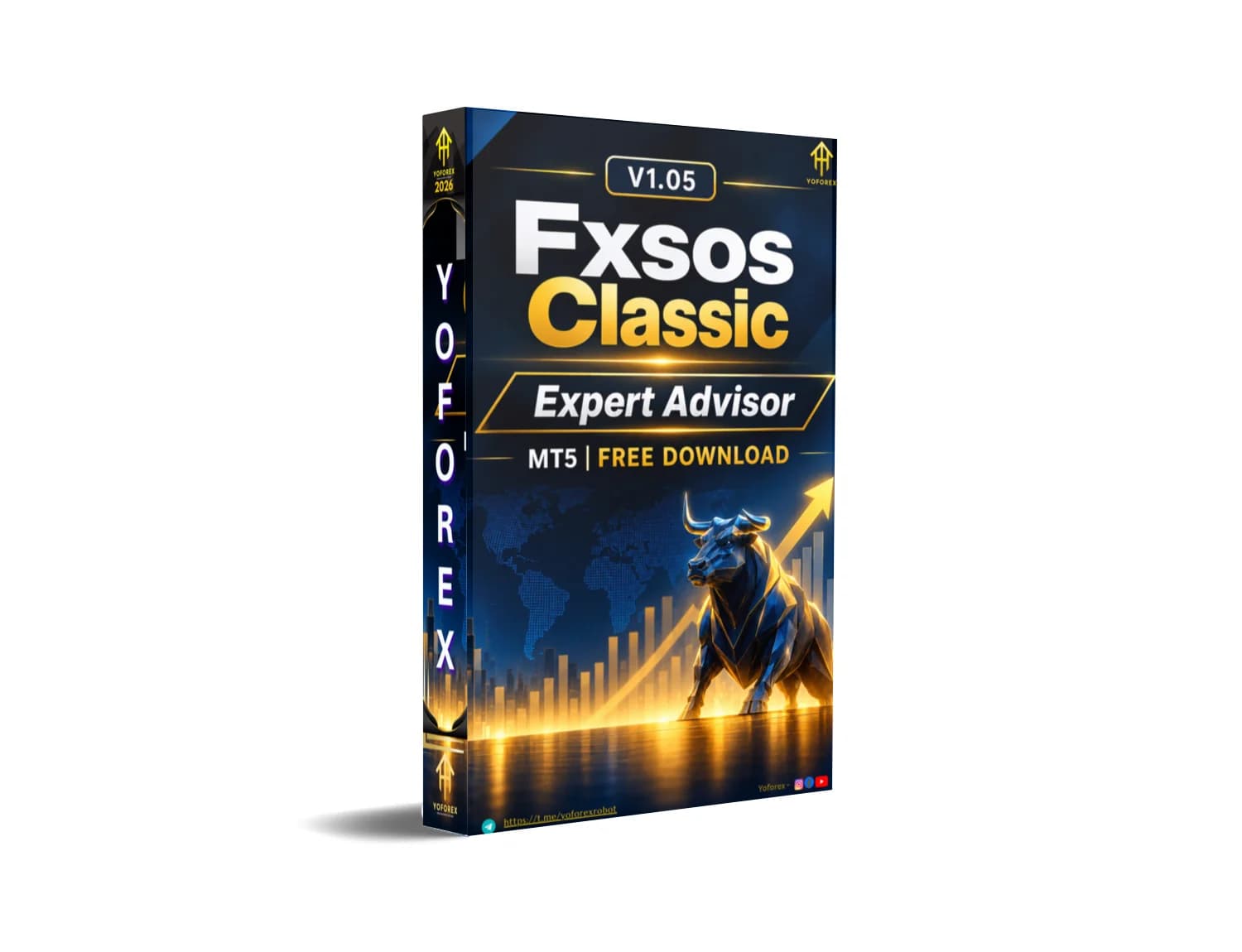
Evaluating Fxsos Classic EA V1.05 MT5 requires separating vendor-reported MetaTrader 5 features from independently verified evidence before committing live capital. Check every specification first. Because public third-party testing and build-specific documentation remain limited, buyers should review risk disclosures, test on a demo account, and confirm broker compatibility.
What Is the Product?
Buyers searching for Fxsos Classic EA V1.05 MT5 are looking at an automated trading robot built for the MetaTrader 5 terminal, though the exact v1.05 build number and developer identity are not verified in available public records. In the MQL5 Market product listing, the software appears under the title Fxsos Classic MT5. YoForexEA did not develop, distribute, or audit this Expert Advisor, and this review examines only what is publicly documented versus what buyers still need to confirm.
According to the vendor product description, the advisor evaluates programmed entry conditions, opens an initial position, and manages subsequent additions automatically according to its internal strategy. The same listing cautions that a configured target objective does not mean the market will reach that level. Because third-party technical documentation for version v1.05 is absent, prospective users should confirm whether the live marketplace release matches the build they plan to evaluate.
How It Works
As described on the MQL5 Market listing, the robot operates in discrete automated trading cycles rather than placing isolated single-ticket orders. Once active on an account, it evaluates programmed entry rules, initiates a starting trade, and manages follow-on additions automatically without requiring manual entry selection. If a calculated opening lot falls below the broker minimum, the advisor skips that opening while continuing to manage existing positions, and an on-chart panel offers Pause and Close controls.
The vendor risk overview states that the software is built for aggressive trading with separately allocated risk capital rather than conservative capital preservation. To illustrate manual risk separation, the product documentation example describes funding a standalone trading account with 1/100 of a predefined speculative risk budget for one attempt while holding the remaining funds outside that account. Exact entry formulas, grid spacing, and exit rules remain unverified.
Strategy and Risk Controls
Publicly available documentation outlines a cycle-oriented execution model without disclosing the full underlying rule set. On its MQL5 Market page, the robot is described as evaluating programmed entry conditions, opening an initial trade, and managing subsequent additions in line with its strategy. Because multi-position addition systems can expand total market exposure during sustained adverse price moves, understanding how and when additions trigger is critical before deploying capital.
Specific technical safeguards—such as fixed stop-loss distances, equity drawdown cutoffs, spread filters, or maximum open-order caps—are not verified in the available material. Traders reviewing automated systems with additive position management should consult YoForexEA's risk management guide to understand how margin requirements and floating drawdown scale across consecutive additions. Any buyer considering this robot should verify directly with the vendor whether hard stop controls exist and how they behave during volatile sessions.
Features and Quick Specifications
Publicly confirmed product specifications are limited to high-level platform and pricing details. Per the MQL5 Market product page, Fxsos Classic MT5 is a MetaTrader 5 Expert Advisor designed for automatic Fibonacci-based trading cycles and carries a displayed listing price of 1,000 USD. These details represent seller-provided marketplace information rather than independently audited software specifications, and specific v1.05 changelog notes remain unverified.
| Feature | Details |
|---|---|
| Platform | MetaTrader 5 |
| Strategy | Fibonacci-based trading cycles with position additions |
| Trading Style | Aggressive cycle-based growth |
| Instruments/Pairs | Primarily gold (GOLD / XAUUSD recommended) |
| Timeframe | M5 recommended |
| Risk Management | Margin-based load parameter; no hard stop-loss percentage claimed |
| Automation | Fully automated entries and management once attached |
| VPS | Terminal or VPS must stay running and connected |
| Best For | Traders allocating separate risk capital for aggressive gold cycles |
| Account Type | Native Hedged account required |
| Price (MQL5 listing) | 1,000 USD purchase; rental options available |
Operating Requirements and Settings
Verified product-specific settings information was not available. Publicly accessible documentation does not list default lot sizing, risk-percentage inputs, take-profit levels, cycle-multiplier parameters, or downloadable configuration templates. Because additive and cycle-based Expert Advisors are highly sensitive to input calibration, buyers should avoid guessing default values or assuming that settings shared for unrelated trading robots can be transferred safely.
In general, deploying any MetaTrader 5 Expert Advisor requires verifying desktop terminal compatibility, confirming that your broker permits automated trading on your account type, and checking whether the strategy expects hedging or netting accounting. Because automated cycles require continuous price monitoring to manage open additions and exits, many traders evaluate uninterrupted hosting through VPS resources rather than relying on an intermittent home internet connection.
Benefits, Limitations, and Risks
Practical utility depends on whether automated cycle execution aligns with a trader's tolerance for aggressive risk. According to the MQL5 Market listing, the advisor automates Fibonacci-based trading cycles at a 1,000 USD price point, removing the need to calculate and enter each addition manually. However, vendor risk disclosures emphasize that the tool targets aggressive trading with separately allocated risk capital and warn that substantial drawdown or total loss of the allocated account balance is possible.
General automated-trading hazards also apply alongside these product-specific caveats. Market gaps, widening spreads during macroeconomic releases, broker execution slippage, and connectivity drops can alter entry prices and cycle outcomes relative to historical expectations. Even with manual account isolation—such as funding a separate account with 1/100 of a speculative budget—poor market timing or high leverage can exhaust an attempt quickly. Review both documented strengths and limitations below.
Pros
- Automates programmed Fibonacci-based entry selection and subsequent cycle additions on MetaTrader 5.
- Skips openings below broker minimum lot requirements instead of forcing larger position sizes.
- Includes an on-chart information panel with manual Pause and Close controls for active management.
- Vendor explicitly discloses aggressive risk positioning rather than framing the robot as low risk.
Cons
- Displayed 1,000 USD price on MQL5 represents a high upfront cost without verified independent audits.
- Supported currency pairs, recommended timeframes, settings, and version v1.05 specifics are not verified.
- Aggressive cycle-based additions expose allocated account balances to rapid drawdown and full depletion.
- No independently verified backtest reports or live third-party track records are documented.
Backtesting and Live Performance
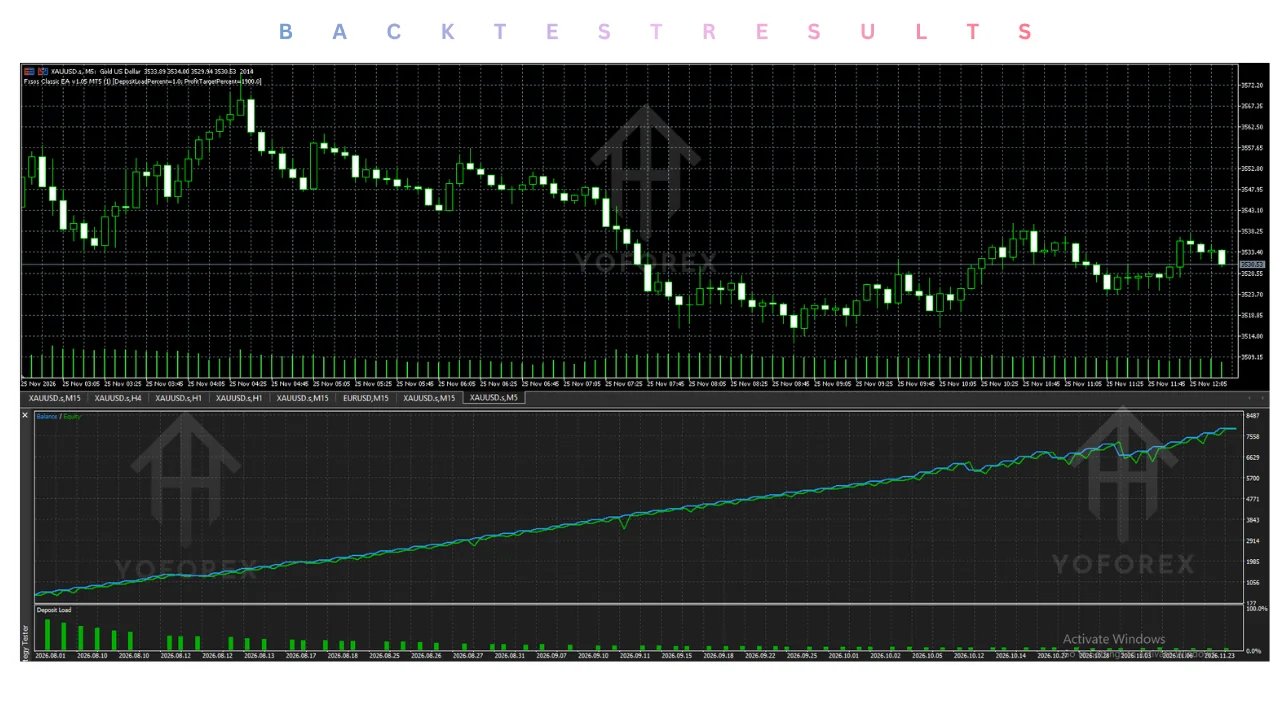
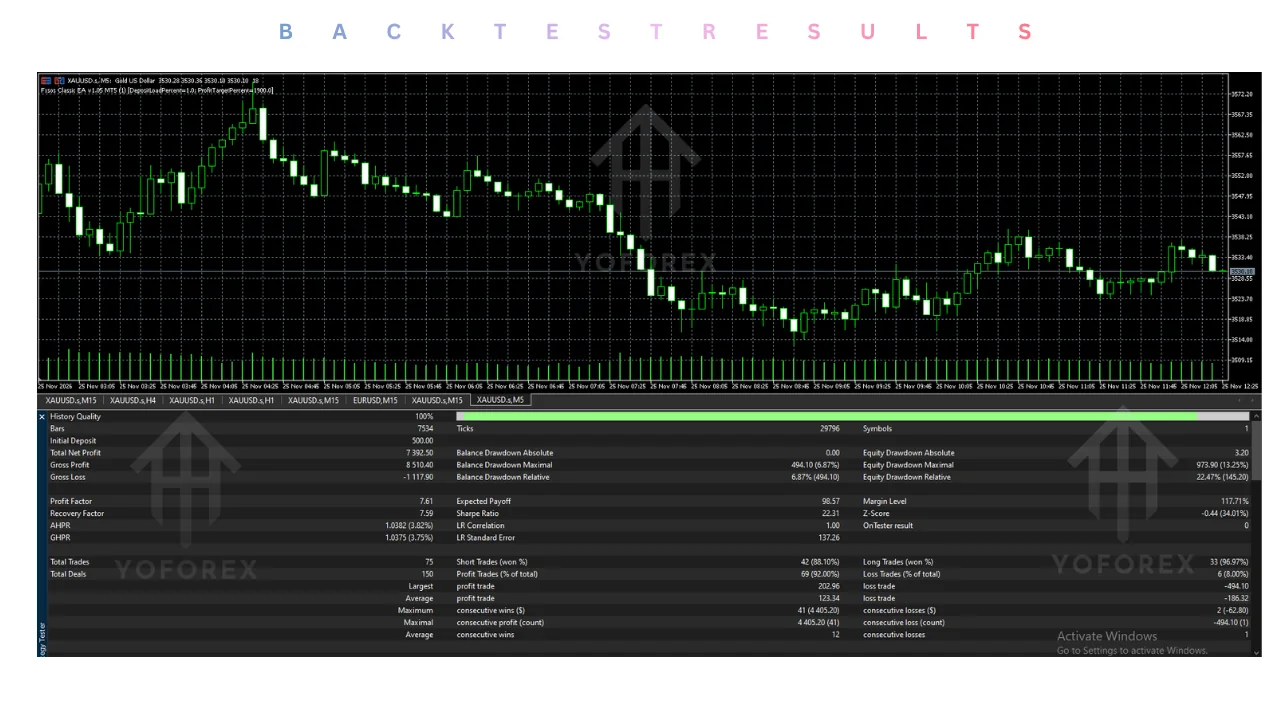
Independently verified historical backtest reports, forward-test logs, and audited live trading performance records are unavailable in the reviewed documentation. No verified return percentages, win rates, profit factors, or historical maximum drawdown figures can be reported as factual evidence for this Expert Advisor. Any marketing claims or unverified account screenshots found elsewhere online should be treated strictly as unconfirmed seller statements unless backed by an independently audited track record.
When evaluating any automated system, buyers should separate Strategy Tester simulations from forward demo testing and live real-money execution. Simulations often omit variable spreads, swap charges, order rejections, and real-world slippage, all of which strongly affect strategies that open multiple additions per cycle. Remember that past performance, backtests, and simulated results do not guarantee future outcomes. Traders seeking broader context on tracking live results can review YoForexEA signals resources.
Comparison With Manual Trading
Comparing Fxsos Classic MT5 with discretionary manual trading highlights a tradeoff between rule-based automation and human adaptability. While the robot executes Fibonacci-based trading cycles automatically without manual entry picking, its vendor documentation notes that the approach carries aggressive risk and that configured targets may never be reached by the market. Even when separating attempt capital via a standalone 1/100 budget account, automated execution does not remove market risk, and neither method is inherently superior.
| Aspect | Fxsos Classic EA | Manual Trading |
|---|---|---|
| Execution | Automated once conditions met | Fully discretionary |
| Screen time | Lower once running, but monitoring still needed | High |
| Consistency | Follows programmed rules | Subject to trader discipline |
| Emotional interference | Reduced on entry decisions | High risk of emotion-driven mistakes |
| Speed | Fast reaction to programmed signals | Limited by human reaction time |
| Flexibility | Fixed to its Fibonacci cycle logic | Fully adaptable |
| Monitoring | Still required (connection, exposure, restarts) | Continuous |
| Risk management | Margin load parameter + manual oversight | Entirely trader-defined |
Who Should Consider It?
Evaluation makes sense only for experienced MetaTrader 5 users who understand how multi-addition automated cycles behave under adverse market trends. Because the robot handles automatic entry selection and additions and the vendor illustrates isolating 1/100 of a speculative risk budget per attempt, suitable evaluators are traders who already segregate high-risk speculative funds from core savings and can monitor terminal health consistently.
Beginners, traders seeking steady capital preservation, and anyone operating under strict daily loss rules should avoid deploying this system on live funds. In particular, traders evaluating prop firm EAs must verify whether aggressive cycle additions and undocumented drawdown limits could breach funded-account rules. Anyone unwilling to risk losing the entire allocated deposit—or unable to verify missing settings and version details first—should stay on the sidelines.
What to Check Before Buying
Before paying for any automated MetaTrader 5 software, confirm every technical and commercial detail directly with the seller or marketplace listing. In the MQL5 listing, the product is named Fxsos Classic MT5 at 1,000 USD, while build v1.05 and key operational parameters are missing from public extracts. Work through the checklist below to address aggressive risk requirements and capital-isolation assumptions before purchasing:
- Exact product name and version: Confirm whether Fxsos Classic MT5 on MQL5 corresponds to build v1.05 and review any version changelog.
- Strategy and trading logic: Request clarity on Fibonacci entry triggers, addition spacing, and cycle termination conditions.
- Risk controls, drawdown, and performance evidence: Ask for verified drawdown history, stop-loss behavior, and independently audited results.
- Platform and broker compatibility: Confirm required MT5 build numbers, hedging versus netting support, and minimum lot rules.
- VPS requirements: Verify recommended latency, uptime expectations, and server resource usage.
- Settings and documentation: Confirm whether full user manuals and parameter explanations are included after purchase.
- Testing evidence: Check whether a free demo build is available inside MetaTrader 5 Strategy Tester.
- Support and updates: Verify developer responsiveness, update frequency, and support channels.
- License and activation limits: Check how many terminal activations are included and whether hardware changes consume activations.
- Price and refund terms: Confirm the 1,000 USD listing fee, currency, and marketplace refund policy before checkout.
How to Evaluate It
If you decide to investigate the software further, use a structured verification workflow on simulated funds before risking capital. Remember that vendor risk statements classify the system as aggressive and note that each completed cycle requires a deliberate manual restart before starting again. Follow these steps alongside YoForexEA's EA downloads library and educational guides:
- Verify platform and build identity: Confirm MT5 terminal compatibility, exact v1.05 build status, and broker account mode requirements.
- Review documentation and licensing: Inspect seller manuals, input definitions, activation limits, and total software cost before buying.
- Follow verified setup steps: Install only official marketplace or vendor-supplied files inside a dedicated demo MetaTrader 5 terminal.
- Test on a demo account: Run forward demo sessions to observe how the robot opens initial trades, manages additions, and pauses between completed cycles.
- Monitor execution and capital limits: Track floating drawdown, margin usage, and spread impact using isolated demo balances modeled on the 1/100 attempt-capital concept.
- Decide long-term fit: Review weeks of demo logs objectively before deciding whether live micro-allocation is even appropriate.
Quick Specifications
To summarize verified product facts versus open questions, the MQL5 Market product page confirms three core attributes while leaving technical operating specifics unverified. Buyers should treat all unlisted details as open verification items:
- Confirmed platform: MetaTrader 5 (MT5).
- Confirmed core design: Automatic Fibonacci-based trading cycles with automated entry and addition management.
- Confirmed listing price: 1,000 USD displayed on the MQL5 Market page.
- Unverified details: Build v1.05 confirmation, developer identity, supported instruments, timeframes, input parameters, VPS specs, broker rules, license activations, and independent performance history.
For general answers on how Expert Advisors are categorized and configured, visit the YoForexEA FAQ or browse the YoForexEA blog.
Conclusion
On available evidence, Fxsos Classic EA V1.05 MT5 cannot be evaluated beyond its high-level marketplace positioning. Publicly accessible records on MQL5 Market verify only that Fxsos Classic MT5 is a MetaTrader 5 Expert Advisor designed for automatic Fibonacci-based trading cycles at a 1,000 USD price tag. Critical buyer details—including exact v1.05 build confirmation, supported currency pairs, timeframe rules, input settings, license terms, and independently audited performance—remain unverified.
Because the vendor frames the robot explicitly as an aggressive trading tool rather than a capital-preservation system, cautious due diligence is mandatory. Only experienced MT5 traders who can tolerate full loss of isolated speculative capital should even consider testing it on a demo account after confirming all missing specifications with the seller. Before evaluating any high-risk automated robot, review YoForexEA's risk management guide and explore our educational trading guides to establish strict evaluation benchmarks first.
FREQUENTLY ASKED QUESTIONS
Collections & Tags
READY TO TEST FXSOS?
Verify spreads, stop-loss controls, and execution on demo first.
Demo-test first on your target broker feed before live capital.
Pritick Saha
Pritick Saha is a content researcher and writer focused on forex trading, Expert Advisors, automated trading, and trading technology. He researches trading products, software features, strategies, and platform-related topics before turning them into clear and engaging articles. Pritick Saha specializes in creating informative, well-structured content that helps traders understand and evaluate modern trading tools.