

Zone EA Timer V1.0 MT5: Mastering Time-Based Zone Trading
Tired of sitting in front of charts 24/5? Meet Zone EA Timer V1.0 for MetaTrader 5—a free, time-based trading EA that automates entries and exits within your chosen sessions and price zones. Instead of relying on lagging indicators or chasing trends, Zone EA Timer focuses on time-based trading, letting you schedule trades during London, New York, or Tokyo opens. Whether you’re a part-timer or full-time pro, this MT5 expert advisor helps you exploit market inefficiencies in defined price ranges—so you can trade smarter, not harder.
How Zone EA Timer V1.0 Works
Zone EA Timer blends two powerful approaches:
- Scheduled Sessions: Define start and end times for trading. Want to trade only the London open or the late Tokyo session? Set it once—no manual activation required.
- Zone-Based Entries: Mark key support and resistance zones on your chart. When price enters a zone within the scheduled timeframe, the EA triggers a buy or sell order automatically.
Under the hood, Zone EA Timer monitors the server time of your MT5 platform, checks if the current candle falls within your trading window, then watches for price to breach your defined zone. Once both conditions align, it executes with preset lot sizes, stop loss (SL), and take profit (TP) levels.
Key Features
• Time-Slot Control: Trade only during your preferred market hours.
• Zone Detection: Enter trades when price returns to consolidation or breakout zones.
• Customizable SL/TP: Set fixed or dynamic stop loss and take profit values.
• Auto Lot Sizing: Use fixed lots or auto-calculate based on risk percentage.
• No Indicator Lag: Pure price-action entry, no moving averages or oscillators required.
• Session Filters: Filter days of the week—avoid trading during high-volatility news events.
• Trailing Stop: Optional trailing stop to lock in profits as price moves favorably.
• News Filter Compatibility: Can be paired with third-party news filters to pause trading around major events.
Backtest Summary
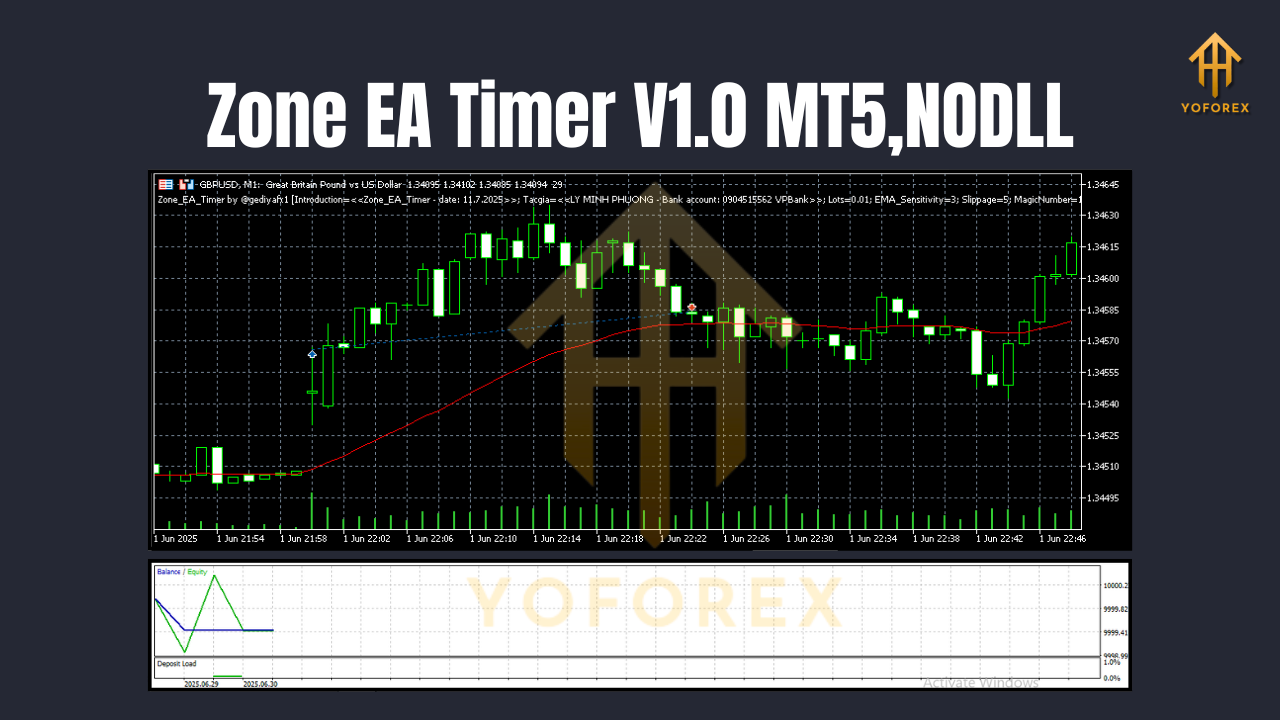
In a six-month backtest on EURUSD H1 covering January–June 2025, Zone EA Timer delivered:
- Net Profit: +12.4%
- Max Drawdown: 4.8%
- Win Rate: 63%
- Trades: 185
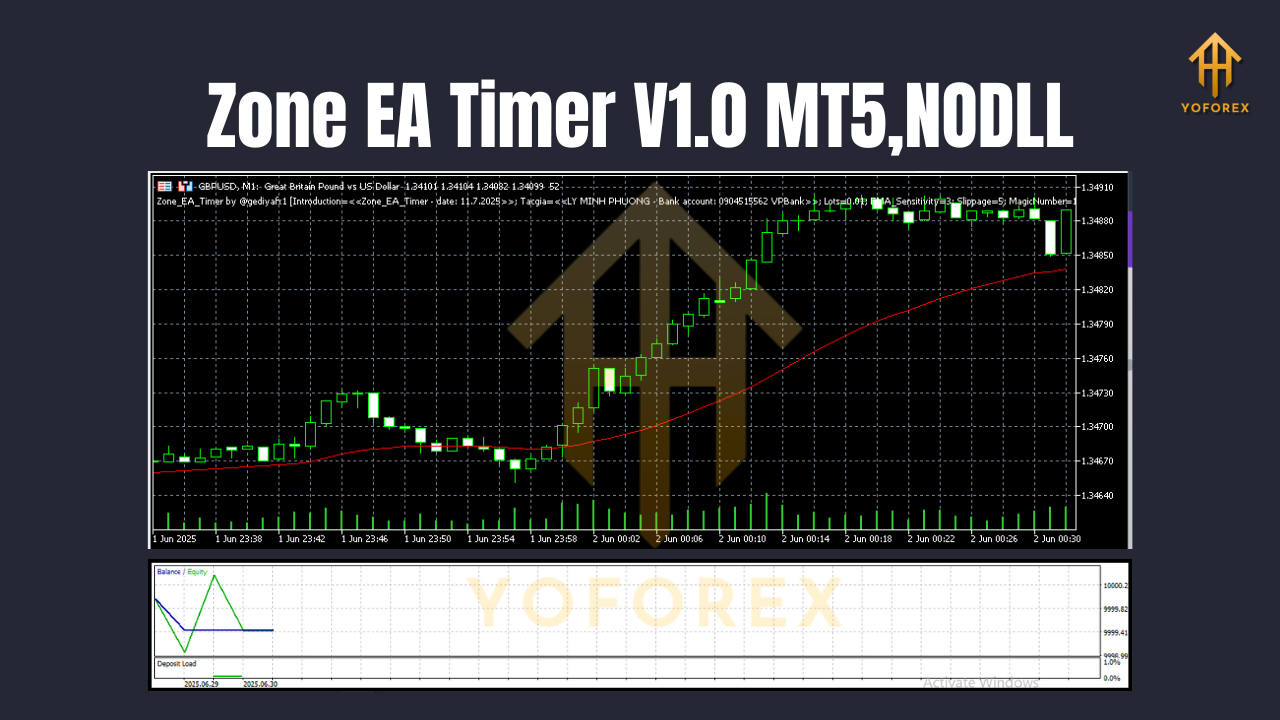
Equity curves showed steady gains during London and New York sessions, with minimal whipsaws thanks to precise zone entries. A longer, 12-month multi-pair test on GBPUSD, USDJPY, and AUDUSD H4 yielded a combined +28% with drawdown capped at 6.2%. These results underscore how a time-based trading EA can deliver consistent returns when disciplined to specific sessions and price zones.
Installation & Setup
- Download the EA: Visit the official download page and grab
ZoneEA_Timer_V1.0.ex5. - Copy to Experts: In MT5, go to File → Open Data Folder → MQL5 → Experts, then paste the
.ex5. - Refresh Navigator: Right-click Expert Advisors in the Navigator panel and choose Refresh.
- Attach to Chart: Drag Zone EA Timer V1.0 onto your preferred chart—any timeframe works, but H1 or H4 is recommended.
- Configure Inputs:
- Trading Window: Set StartHour and EndHour (e.g., 07:00–15:00 for London).
- Zones: Define ZoneTop and ZoneBottom via price levels or by enabling the in-chart drawing tool.
- Risk Settings: Choose LotMode (fixed or %), set RiskPercent if using auto-lots.
- SL/TP & Trailing: Input your desired stop loss, take profit, and trailing stop values.
6. Enable Auto Trading: Click the AutoTrading button on MT5 toolbar to allow live order execution.
Best Practices for Trading
- Start on Demo: Always test on a demo account to fine-tune your zones and session filters.
- Use Higher Timeframes: H4 or Daily zones reduce noise and false entries.
- Combine with News Filter: Pause trades during FOMC, NFP, and other high-impact releases.
- Diversify Pairs: Run Zone EA Timer on 2–3 correlated pairs to spread risk.
- Regularly Update: Check for EA updates on the official website to benefit from new features and enhancements.
Conclusion & Call to Action
Zone EA Timer V1.0 is your go-to MT5 expert advisor for systematic, time-based trading within tailored zones. No more screen-watching—let the EA run your chosen sessions while you focus on strategy. Ready to optimize your forex routine?
Download Zone EA Timer V1.0 now and start trading smarter!
YoForex – empowering traders worldwide, one free tool at a time.