

Scooby Doo Arrows Indicator V1.0 MT4 — Simple, Clean Entry Signals That Don’t Waste Your Time
What is the Scooby Doo Arrows Indicator?
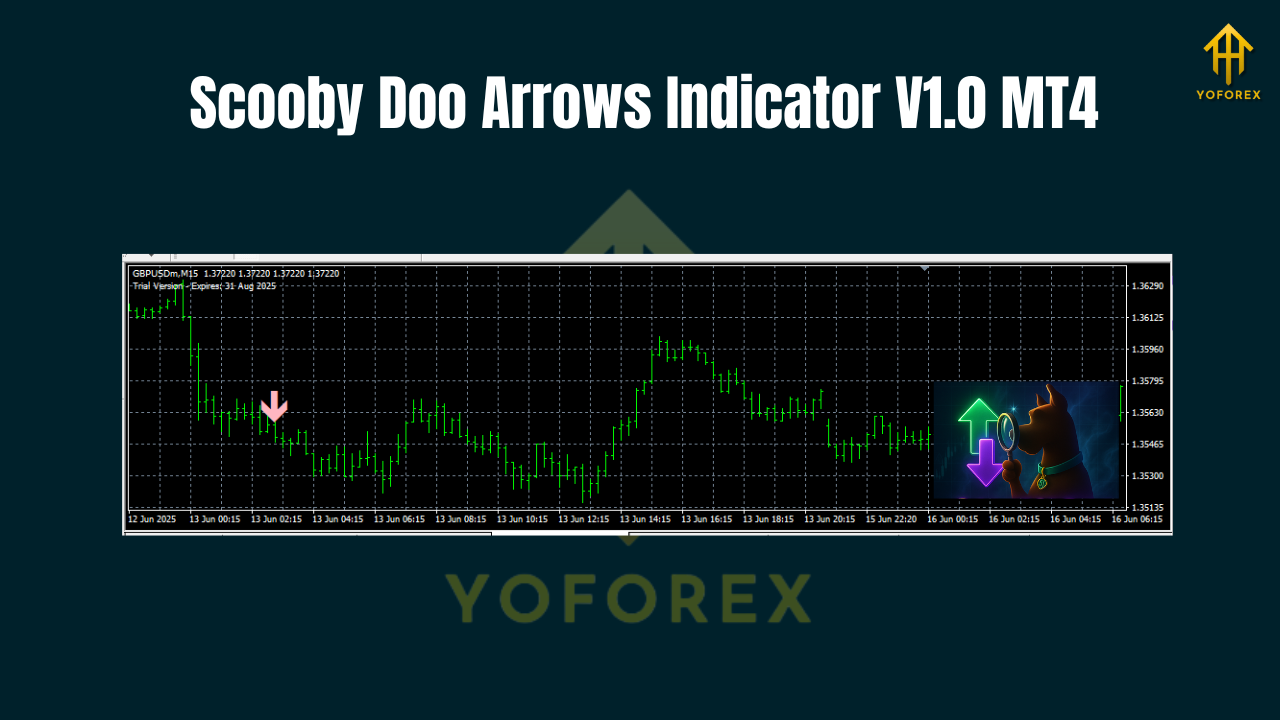
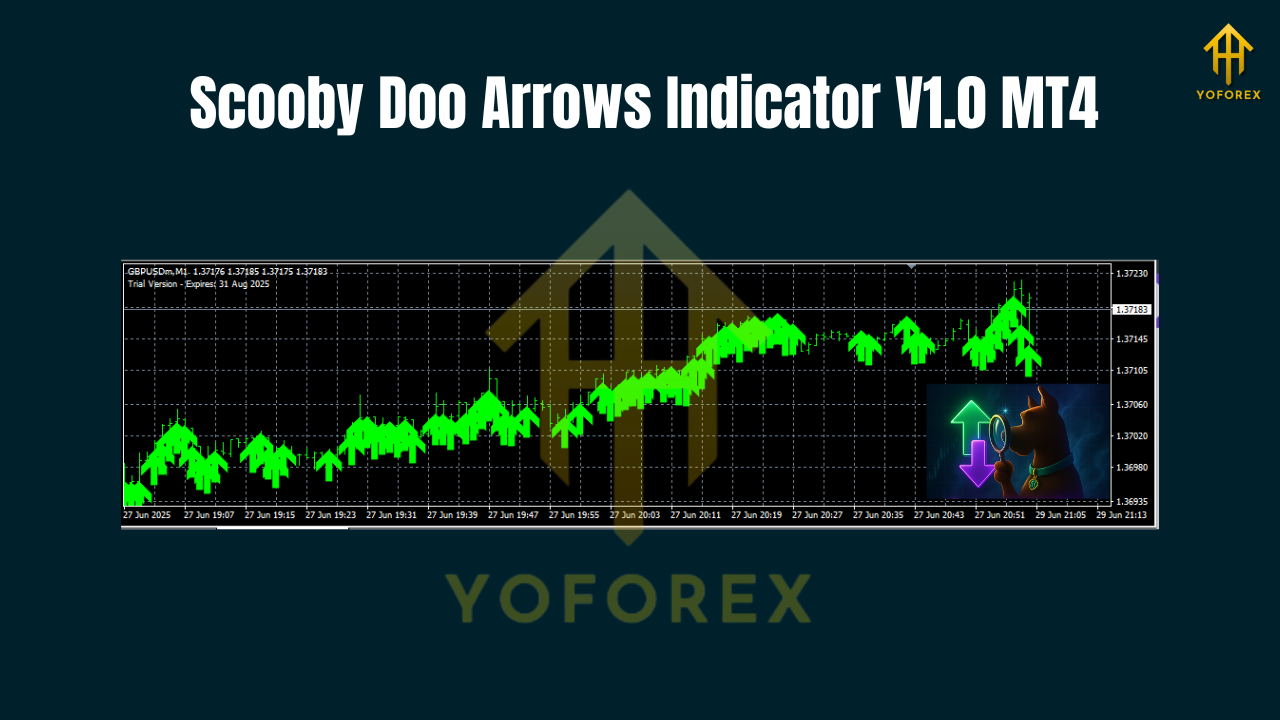
Scooby Doo Arrows Indicator V1.0 for MT4 is a lightweight, visual trade-signal tool that paints buy/sell arrows directly on your chart when a set of momentum + trend + volatility filters align. The idea is dead simple: cut the noise, show the setup, let you decide. No clutter, no distracting panels, no 27 sub-windows. Just arrows and optional alerts so you can focus on execution.
Under the hood, the indicator looks for short-term momentum surges in the direction of the prevailing bias. A dynamic filter (ATR-style) tries to avoid signals during very low volatility, while a trend gate helps reduce counter-trend traps. Arrows are designed to confirm at candle close—so signals are stable rather than constantly flickering mid-bar. That’s the whole point: reliable visual cues you can actually trade.
Who’s it for? If you scalp on M5/M15, day-trade on M30/H1, or want a clean confirmation on H4 swings, this will fit nicely into your toolkit. It’s not a magic wand; it’s a clear, rules-driven pointer that shortens decision time.
Why traders like “arrow” indicators
- Speed: The human eye catches arrows faster than it deciphers multi-line oscillators.
- Clarity: Either there’s a signal, or there isn’t. Fewer gray areas.
- Stackable: Use it with your existing tools (EMAs, pivot zones, supply/demand) to “green-light” entries.
- Discipline booster: Fewer impulse trades—if there’s no arrow confirmation, you wait.
Scooby Doo Arrows goes a step further by combining a bias filter (trend), a momentum pulse (entry), and a volatility threshold (environment). This triad aims to keep you out of chop while still catching dynamic moves.
Recommended instruments, sessions, and spreads
- Majors: EURUSD, GBPUSD, USDJPY typically give the cleanest signals with tight spreads.
- Gold (XAUUSD): Great for momentum bursts; stick to brokers with low spreads and consistent execution.
- Indices (US30/GER40): Volatile, so consider widening stops and reducing lot size.
- Sessions: London and New York sessions provide the best follow-through; Asia session works, but expect smaller targets.
Pro tip: prioritize instruments with consistent sub-1 pip (or low) spreads on your timeframe. Arrow signals love clean execution.
Timeframes: how to use it across styles
- M5/M15 (scalping): Take signals in the direction of your higher-timeframe bias (e.g., H1). Target 10–20 pips on majors, 50–150 points on indices (broker points), or $1–$3 on gold depending on volatility.
- M30/H1 (intraday): Fewer but stronger signals. Aim for 1:1.5 to 1:3 risk-to-reward by setting stops beyond recent swing or ATR multiple.
- H4 (swing confirmation): Use Scooby Doo Arrows to time pullback entries in trend; smaller position size, bigger targets.
Installation (MT4)
- Download the indicator file (MQ4/EX4).
- In MT4, click File → Open Data Folder.
- Navigate to MQL4 → Indicators and paste the file.
- Restart MT4 or right-click Indicators in Navigator → Refresh.
- Drag Scooby Doo Arrows Indicator onto your chart and click OK.
That’s it. Keep your chart clean—price, a couple of EMAs if you must, and these arrows.
Key settings
- Trend Filter Period: 100–200 (EMA or LWMA). Higher = fewer, cleaner signals.
- Momentum Lookback: 5–14 bars. Shorter = more aggressive, longer = more conservative.
- ATR Filter (Enable/Disable + Multiplier): Enable with 1.5–2.5 multiplier to avoid micro-chop.
- Arrow on Candle Close: Enabled (recommended) to stabilize signals.
- Alerts: On-screen + push/desktop; keep sound minimal so you don’t click out of boredom.
- Signal Gap Protection: 1–3 bars minimum between arrows to prevent stacking into the same move.
You can of course tweak, but start conservative. Most poor results come from over-aggressive settings in quiet markets.
A simple, rules-first strategy you can start with
Trend: Only trade long when price is above the 200 EMA; only trade short when it’s below.
Entry: Wait for a Scooby Doo arrow at candle close—no early clicks.
Stop Loss:
- Majors: ATR(14) × 1.5 beyond the signal candle’s opposite wick, or below/above last swing.
- Gold/Indices: ATR(14) × 2.0 to account for spikes.
Take Profit: Aim for 1:1.5 to 1:2. If structure supports more, trail the stop behind a 20–30 EMA or swing lows/highs.
News filter: Avoid entries 10–15 minutes before and after high-impact news for the pair you’re trading.
Risk: 0.5–1% per trade max. Two losing trades in a row? Pause and re-assess market conditions.
This approach keeps you aligned with trend, uses the arrow as timing, and respects volatility.
Risk and money management
Even the best arrow signal loses sometimes; that’s fine. Your edge is the combination of positive R:R and consistent rules. Keep your average winners larger than losers, and let the math do its thing over a decent sample size. Journal every trade: pair, TF, reason, screenshot, result, emotion. Patterns will pop.
Backtesting and forward testing tips
- Visual backtest: Use MT4’s bar-by-bar replay on historical charts; note where arrows would have fired at candle close.
- Sample size: Shoot for at least 100 trades per timeframe/pair to understand expectancy.
- Forward demo: Run it live on a demo for 2–4 weeks to test spreads, slippage, and your discipline.
- Don’t curve-fit: If you tweak settings after every 10 trades, you’re just chasing noise.
Common mistakes to avoid
- Chasing mid-bar arrows: Wait for candle close confirmations; it reduces fakeouts.
- Trading against HTF bias: Scooby can catch pullbacks, but trend-aligned entries have better follow-through.
- No news awareness: High-impact events can invalidate otherwise perfect signals.
- Over-leveraging gold/indices: Volatility punishes big lots; reduce size, widen stops smartly.
Final thoughts
Scooby Doo Arrows Indicator V1.0 MT4 keeps things clean: a simple arrow when trend, momentum, and volatility check out. It’s not designed to predict every wiggle; it’s built to highlight higher-probability moments so you can act quickly and consistently. Pair it with strict risk management, wait for candle close, and focus on quality over quantity. That’s how you turn a neat visual into a serious, rules-driven edge.