Tired of “get rich overnight” robots that blow up accounts the moment the market twitches? Same. That’s exactly why Poverty Killer EA V1.0 (MT5) was built—to focus on steady, controlled gains and strict risk limits, not hype. If you’ve been juggling work, family, and charts, this EA is meant to shoulder most of the heavy lifting: scanning markets, timing entries, managing exits, and keeping risk in check while you get on with your day.
Poverty Killer EA runs on MetaTrader 5, uses a rules-driven system (trend + pullback confirmation + volatility filter), and favors quality over quantity. You won’t see it fire 100 trades a day; it waits for probabilities to stack up and then acts. Sounds simple, but sticking to discipline is where most humans slip… the EA doesn’t. And yeah, it’s configurable—so you can dial in your own risk, pair choices, and session filters. Let’s dig in.
Quick Specs (At a Glance)
- Platform: MT5 (MetaTrader 5)
- Pairs: EURUSD, GBPUSD, USDJPY, XAUUSD (Gold), plus other majors
- Timeframes: M15, M30, H1 (H4 optional for swing mode)
- Minimum Deposit: $200 (standard risk)
- Account Types: Standard/ECN recommended, raw spread preferred
- Leverage: 1:100 or higher is comfortable (brokers permitting)
- Strategy Style: Trend-pullback with volatility filter; scaling out on strength
- Recovery Logic: Conservative partial-recovery only (no martingale)
- News Filter: Option to pause around high impact events (manual toggle recommended)
What Makes Poverty Killer EA Different?
- Market State Check – It first scores the trend on the higher timeframe (H1/H4) to avoid trading against heavy flows.
- Pullback & Re-Entry Zone – It waits for a measured pullback into fair value; no chasing candles.
- Volatility Guard – If spreads are spiking or volatility is chaotic (hello, news), it stands down.
- Risk-Layered Exits – Trades use a fixed SL, dynamic take-profit bands, and optional partial closures.
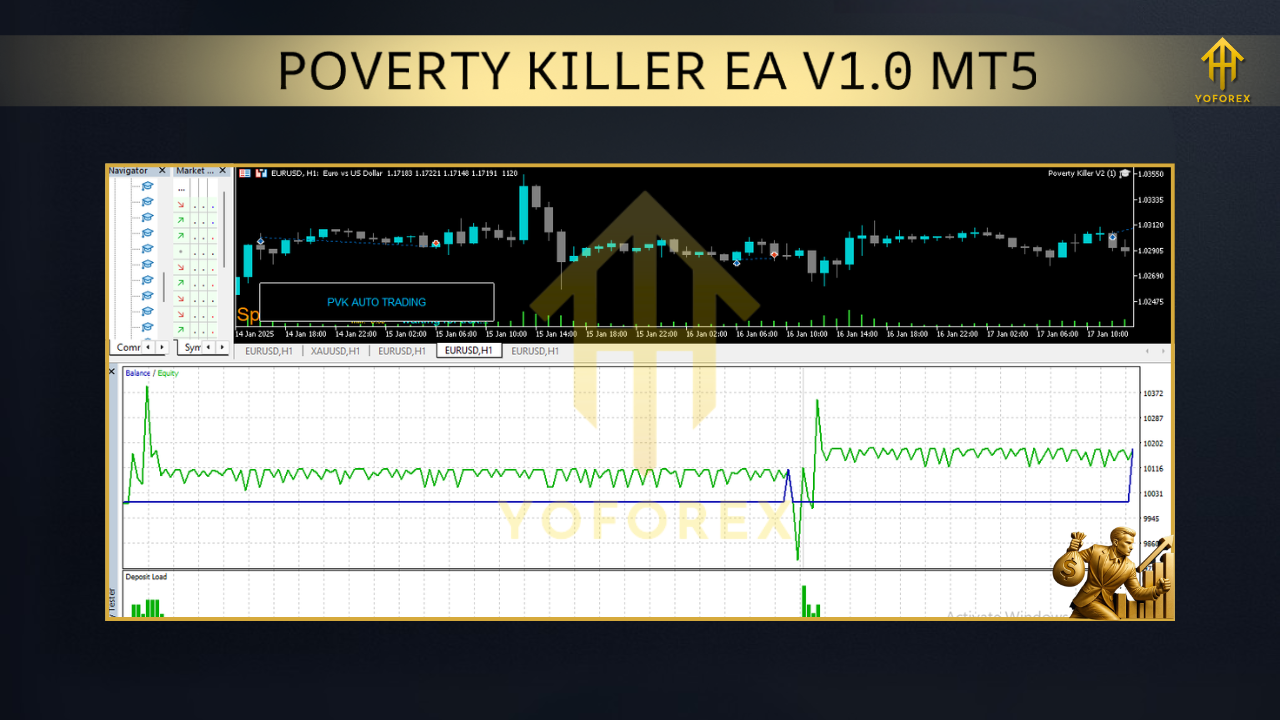
Key Features (Why Traders Like It)
- MT5 native engine for speed, multi-threaded optimization, and reliable execution.
- Trend + Pullback logic to avoid chasing impulsive moves.
- Volatility filter to skip noisy periods and minimize slippage-driven losses.
- Strict stop-loss on every trade; no hidden, no “hope & pray.”
- Optional partial take profit to bank gains earlier and let a runner ride.
- Session filter (e.g., trade London/NY overlap; skip dead Asian hours if desired).
- No martingale, no grid (conservative recovery only when conditions re-align).
- Equity protection: kill-switch if a daily or weekly drawdown cap is hit.
- News awareness workflow: simple inputs to pause trading around red-folder events.
- Clean logs & inputs so you can backtest, optimize, and replicate.
How It Trades (Under the Hood)
- Entry: The EA aligns with the dominant trend (H1/H4) and then watches the trading timeframe (M15/H1) for a pullback into a structure zone or dynamic mean band. If momentum flips back in trend direction and spreads are acceptable, it triggers.
- Stop-Loss: Pre-defined, based on recent structure + a volatility buffer.
- Take-Profit: Multi-tiered; the first tier banks partial profits quickly, while the final target rides the trend leg.
- Re-Entry Logic: If price invalidates the setup, EA stops out and resets—no aggressive “double-down” behavior.
- Position Sizing: Fixed lot or per-trade risk %; you choose. 0.5–1.0% per trade is a reasonable default for small accounts.
Recommended Settings (Getting Started Fast)
- Timeframe: Start with M30 or H1 on EURUSD/GBPUSD/USDJPY; consider XAUUSD only if your broker spreads are tight.
- Risk (% per trade): 0.5–1.0% for accounts near the $200–$500 range.
- Max Open Trades: 2–4 per pair (avoid over-allocation).
- Daily Loss Limit: 3–5% equity cap (EA stops opening new trades if hit).
- Session: Prefer London/NY overlap; avoid first 5 minutes after major news.
Backtesting & Forward Logic (How to Validate)
- Sample Period: 2–3 years on EURUSD and GBPUSD, modeling every tick (or tick-based simulation) with realistic spread and a small commission.
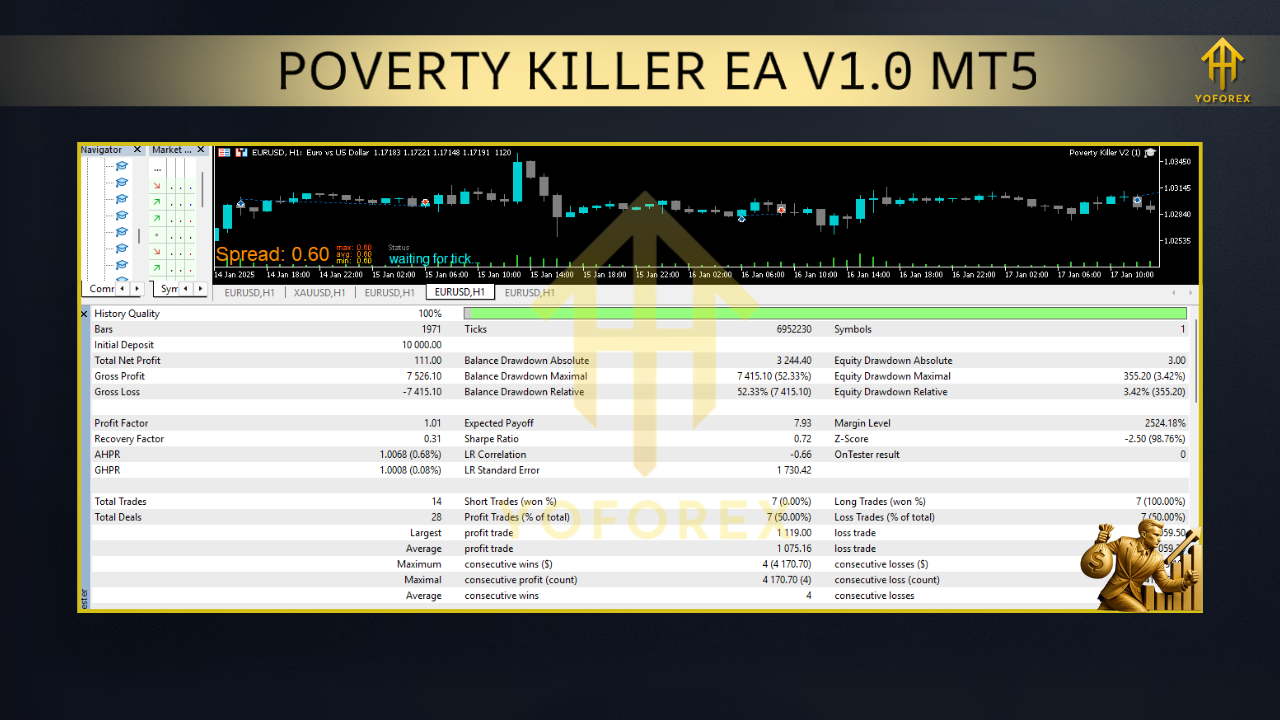
- Metrics to Watch: Profit factor above 1.3; max drawdown under 20% for baseline risk; stable equity curve without multi-month stagnation.
- Forward Demo: At least 10–20 trading days. Compare live fills vs. backtest assumptions; adjust pair list if spreads are wide.
- Live Risk: Start at half the risk you think you want, then scale gradually.
Installation (MT5) — Step-by-Step
- Download the EA file (ex5) and save it on your computer.
- Open MT5 → File → Open Data Folder.
- Navigate to MQL5 → Experts and paste the Poverty Killer EA file.
- Restart MT5 or right-click Experts in the Navigator and hit Refresh.
- Drag Poverty Killer EA V1.0 onto your chart (e.g., EURUSD M30).
- In the Inputs tab, set your lot size or risk %, session filters, and pair list.
- Enable AutoTrading (top toolbar) and confirm the smiley face appears on your chart.
- Optional: Add a news reminder or your own pause times around high-impact events.
Best Practices (So You Don’t Self-Sabotage)
- One change at a time. If you tweak risk, don’t also switch pairs that same day.
- Set daily limits. When the daily loss cap is hit, walk away; the EA will.
- Don’t widen stops after entry “just coz.” Respect your plan.
- Keep a trade journal. Note spreads, slippage, VPS uptime, and news-time behavior.
- Update cautiously. When a new EA version is released, forward-test before full switch.
Who Is It For?
- Busy professionals who want rules-based automation with strict risk controls.
- Newer traders who understand basics but struggle with discipline and timing.
- Prop-firm challengers who need risk consistency (always confirm prop rules first).
- Anyone tired of martingale/grid EA blowups looking for a calmer alternative.
Risk Disclosure & Support
Trading involves risk. Past performance is not a guarantee of future results. Markets change, spreads change, execution varies by broker. Always test on demo first, then go live with conservative risk. If in doubt, scale back.
Got stuck or found a quirk? Our team is here to help—configuration checks, VPS tips, broker selection basics, you name it.
- WhatsApp Support: https://wa.me/+443300272265
- Telegram Group: https://t.me/yoforexrobot
Call to Action
Ready to put your trading on a saner, rules-driven track? Install Poverty Killer EA V1.0 (MT5), start on demo, and let the data do the talking. Keep risk modest, follow the plan, and iterate. When you’re confident, scale slowly—no rush. Your account will thank you.
Build With
- Platform: MetaTrader 5
- Language: MQL5
- Works On: Windows (MT5 desktop), VPS setups
- Dependencies: None (no external DLLs)