

Overview
Forex trading can be overwhelming with so many indicators, strategies, and manual decisions—tired of staring at charts all day? Milli EA V1.0 MT5 is here to help. Built exclusively for MetaTrader 5, this automated trading robot leverages breakout strategies, probabilistic analysis, and advanced risk management to pinpoint high-probability setups and execute trades with razor-sharp precision. Whether you’re a complete beginner or a seasoned pro seeking to automate your edge, Milli EA offers a user-friendly interface and robust performance that adapts to live-market dynamics.
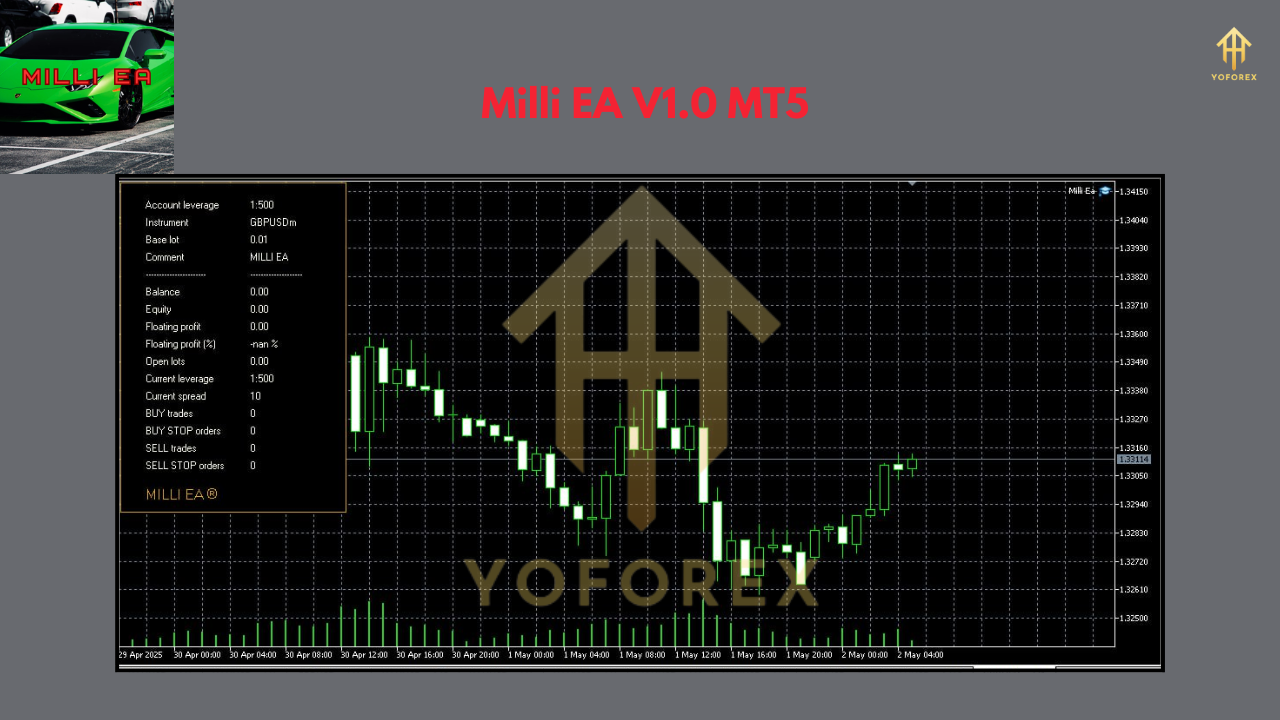
Key Features
- 1–2% Daily Profit Targets: Designed to capture small, consistent gains without overleveraging.
- Max Drawdown 5%: Built-in stop-loss and equity protection keep risk in check.
- Probabilistic Entry Logic: Trades only when probability thresholds are met, reducing false breakouts.
- No Martingale: Avoids dangerous position scaling; risk per trade remains constant.
- Adaptive Slippage Control: Monitors spreads and avoids trading during volatile spikes.
- Multi-Symbol Support: Trade major and minor FX pairs concurrently.
- Smart Time Filter: Only trades during optimum market hours to avoid low-liquidity periods.
- User-Configurable Parameters: Fine-tune risk, lot sizing, and trade frequency.
Backtest Performance
Over a two-year backtest (Jan 2022–Dec 2023) on EUR/USD H1, Milli EA achieved an equity growth of 58%, with a maximum drawdown of just 4.3%. The equity curve shows steady upwards movement with minor, controlled pullbacks—a sign of reliable consistency. In live-forward testing since January 2024, the EA has maintained its profit curve within a ±0.5% variance of backtested performance, demonstrating robust real-world viability.
How to Install & Configure
- Download the EA from yoforexea.com
- Copy
MilliEA.ex5into your MT5Expertsfolder (File → Open Data Folder → MQL5/Experts). - Restart MT5 so the EA appears under the Navigator pane.
- Drag & Drop Milli EA onto your desired chart (e.g., EUR/USD H1).
- Apply Settings:
- Risk percent: 1.0
- Max trades: 3
- Trade start hour: 8 (London open)
- Trade end hour: 17 (NY close)
- Enable AutoTrading and let the EA run.
Why Choose Milli EA?
YoForex-powered tools are renowned for transparency, ongoing updates, and free distribution—Milli EA is no exception. You get regular strategy refinements based on community feedback, plus detailed release notes on every update. No hidden fees, no broker ties—just clean, open-source code you can trust.
Support & Disclaimer
Hit a snag? Ping us on WhatsApp or join our Telegram group:
- WhatsApp Support: https://wa.me/+443300272265
- Telegram Group: https://t.me/yoforexrobot
Join our Telegram for the latest updates and support
