

Breakout trading can be a game-changer—if you nail the timing and follow through with precision. The PipFinite Breakout EDGE Indicator V6.0 for MetaTrader 4 strips away the guesswork, alerting you to high-probability breakouts and arming you with the data you need to jump in confidently. Whether you’re just starting out or you’ve been around the block, this tool’s blend of statistical rigor and user-friendly dashboard will up your trading game.
How It Works
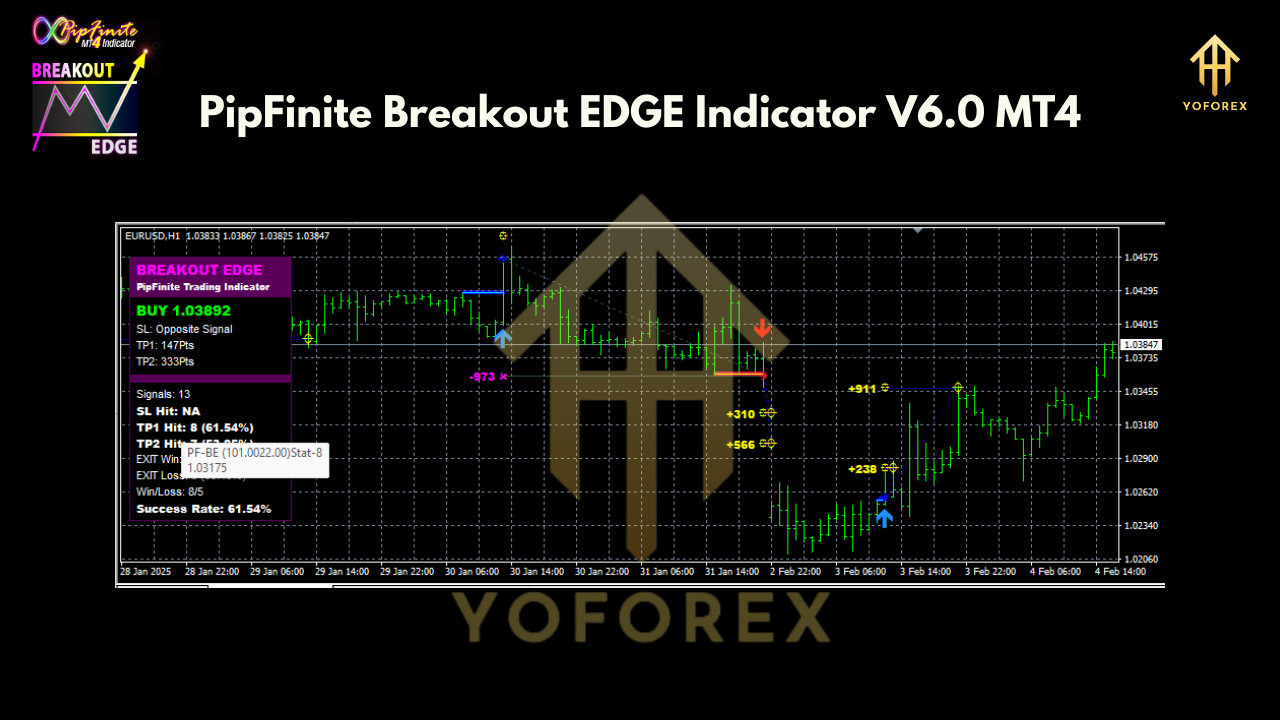
At its core, the Breakout EDGE scans price consolidation zones and measures volatility thresholds. When price closes beyond a defined range—backed by adaptive filters—you see a clear signal on your chart. Behind the scenes, the indicator:
• Monitors multiple look-back periods to avoid false breakouts.
• Filters signals through dynamic ATR-based bands.
• Calculates probability scores so you know which setups carry the strongest edge.
Key Features
- Adaptive Breakout Bands – Automatically adjust to shifting market volatility.
- Probability Score – Ranks signals by historical success rate, so you can choose quality setups.
- Multi-Timeframe Dashboard – View top pairs and TFs at a glance.
- Built-In Alerts – Push, email or pop-up alerts the moment a valid breakout occurs.
- Customizable Filters – Fine-tune sensitivity, session times and minimum distance thresholds.
- Trend Confirmation – Optional moving-average or ADX filters to trade with the bigger trend.
- No Over-Optimization – Designed to generalize across pairs, not curve-fit to one.
Selecting Pairs and Timeframes
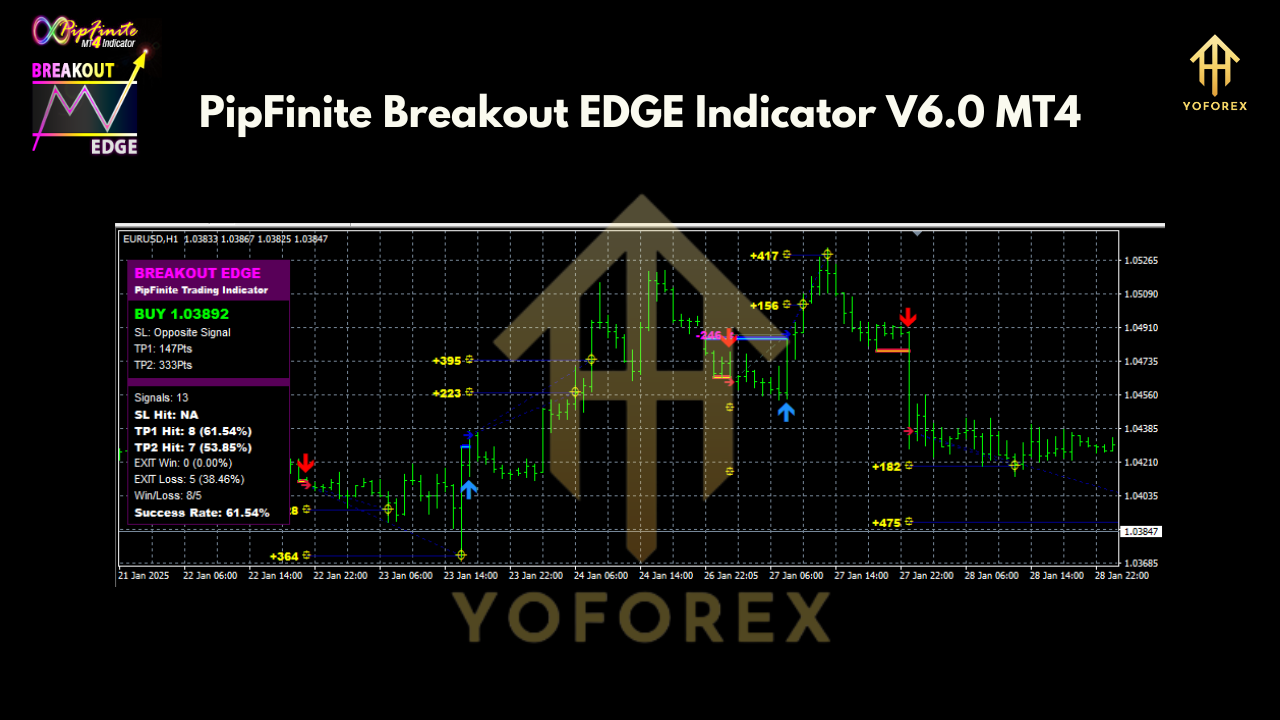
The real power lies in knowing where and when to trade. The dashboard ranks your pairs by success rate, so instead of endless scanning, you focus on the best opportunities:
- AUDUSD on H1 – Historically the top performer with an 80% win rate.
- EURUSD on M30 – Solid 69% success, great for intraday scalpers.
- GBPJPY on H4 – Fewer signals but high-impact moves, ideal for swing traders.
- Simply sort by “Probability Score” in the dashboard, then switch to the chart layout you prefer.
Installing & Configuring on MT4
- Download the
PipFinite_Breakout_EDGE.ex4file. - Copy it into your MT4’s
MQL4/Indicatorsfolder. - Restart MT4 and drag the indicator onto your chart.
- Open the dashboard by clicking the “Edge” button in the upper-right.
- Set your session filters, sensitivity level, and alert preferences.
- Save your template so you can apply it instantly across any pair or timeframe.
Practical Tips & Strategy Ideas
- Trade the Trend: Combine Breakout EDGE signals with a 50-period EMA filter. Only take breakouts that occur in the direction of the EMA slope.
- Time Your Entries: Restrict signals around major news releases; use the built-in economic calendar filter to auto-pause during volatile events.
- Scale Out: Consider splitting your position; take half at initial breakout targets and trail the other half using the indicator’s dynamic band as a stop.
- Risk Management: Aim for reward-to-risk ratios of at least 1.5:1. The probability score helps you pick the setups that justify tighter stops.
Why Choose PipFinite Breakout EDGE?
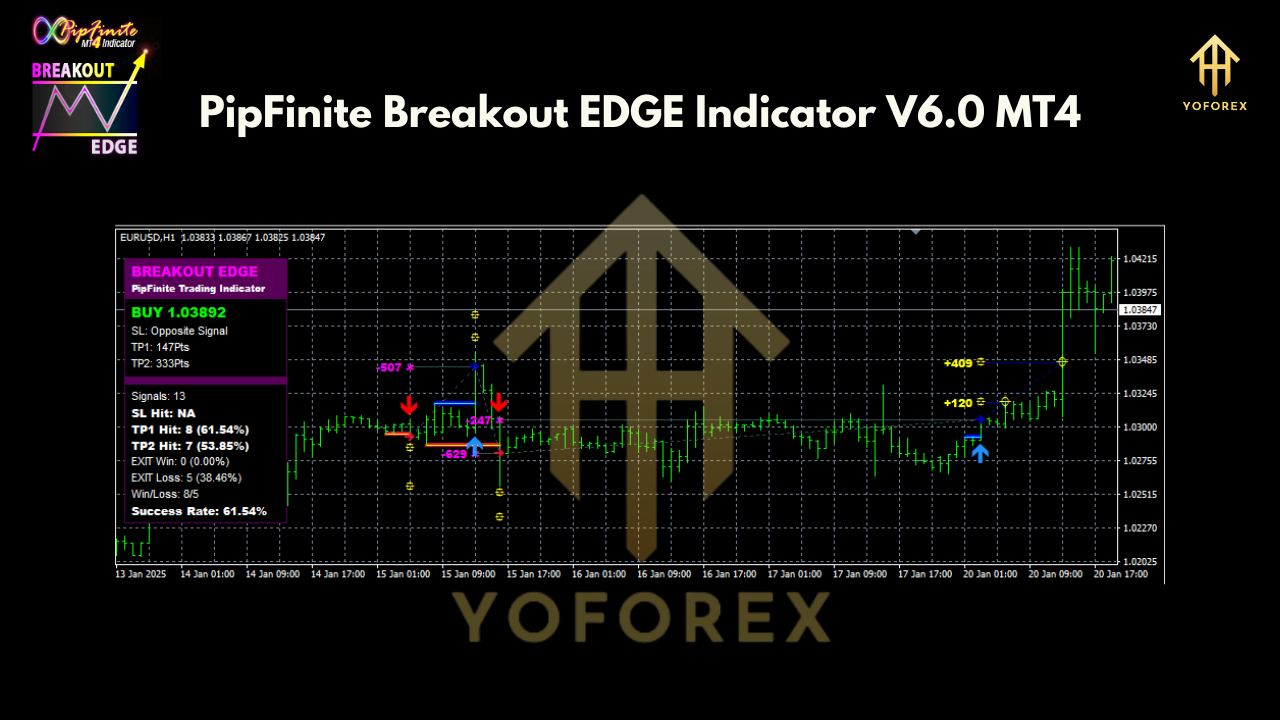
You’ll find plenty of “breakout” tools out there; what sets this one apart is its data-driven foundation. The probability scoring system is built on years of tick-by-tick backtests across FX majors, minors and exotics. And unlike rigid scripts, the adaptive bands evolve with each market move—so you’re not trading yesterday’s volatility.
Conclusion
The PipFinite Breakout EDGE Indicator V6.0 for MT4 gives you a clear framework for breakout trading—from scanning and filtering to entries, exits and risk management. By focusing only on the highest-probability setups, you’ll spend less time second-guessing and more time capitalizing on real market moves. Ready to level up? Dive into your MT4 platform, load the Edge, and start mastering breakouts today!
Join our Telegram for the latest updates and support