

If you’ve been searching for a smarter, calmer way to automate your trades on MetaTrader 4, GenAIBot EA V1.3 MT4 might be the neat fit. It blends AI‑assisted signal logic with disciplined money management, so you’re not just firing entries—you’re running a structured plan. In this guide, I’ll walk you through what GenAIBot EA is designed to do, how it behaves in different market conditions, suggested settings, and the best practices that make the difference between “meh” automation and a robust, professional setup.
What Is GenAIBot EA V1.3 MT4?
GenAIBot EA V1.3 is an Expert Advisor for MT4 that uses a rules-based core (trend + volatility filters) augmented by AI‑inspired decision layers (pattern detection, noise filtering, and adaptive risk throttling). In plain English: it attempts to avoid “random” trades by waiting for confluence—trend alignment, acceptable spread, and a volatility envelope that isn’t about to spike against you.
Who is it for?
- Traders who want semi‑hands‑off automation without the usual martingale traps.
- Users comfortable with small-to-medium risk and consistent compounding rather than lottery-style bets.
- Those who can manage realistic expectations, adopt a VPS, and keep spreads/latency under control.
Primary markets: Major FX pairs (EURUSD, GBPUSD, USDJPY), plus XAUUSD (Gold) for users who prefer metals with higher momentum.
Typical timeframes: M15–H1 for majors; M5–M15 for scalpy gold strategies (advanced users).
Account types: ECN/Raw-spread brokers recommended, with fast execution and low slippage.
Why GenAIBot V1.3 Is Different
- Signal gating: Trades are only allowed when a trend filter, volatility band, and spread check all line up.
- Adaptive stop width: Uses ATR‑aware logic to size stops relative to current conditions—tighter when markets are quiet, wider (within limits) during moderate expansion.
- Scaling rules, not martingale: It can add exposure selectively on confirmation (pyramiding) but will never blindly average down.
- Drawdown protector: Halts new entries if floating drawdown exceeds a user‑defined threshold; resumes only after recovery criteria are met.
- News awareness (manual or indicator‑based): You can block trading around scheduled events to avoid slip‑heavy spikes.
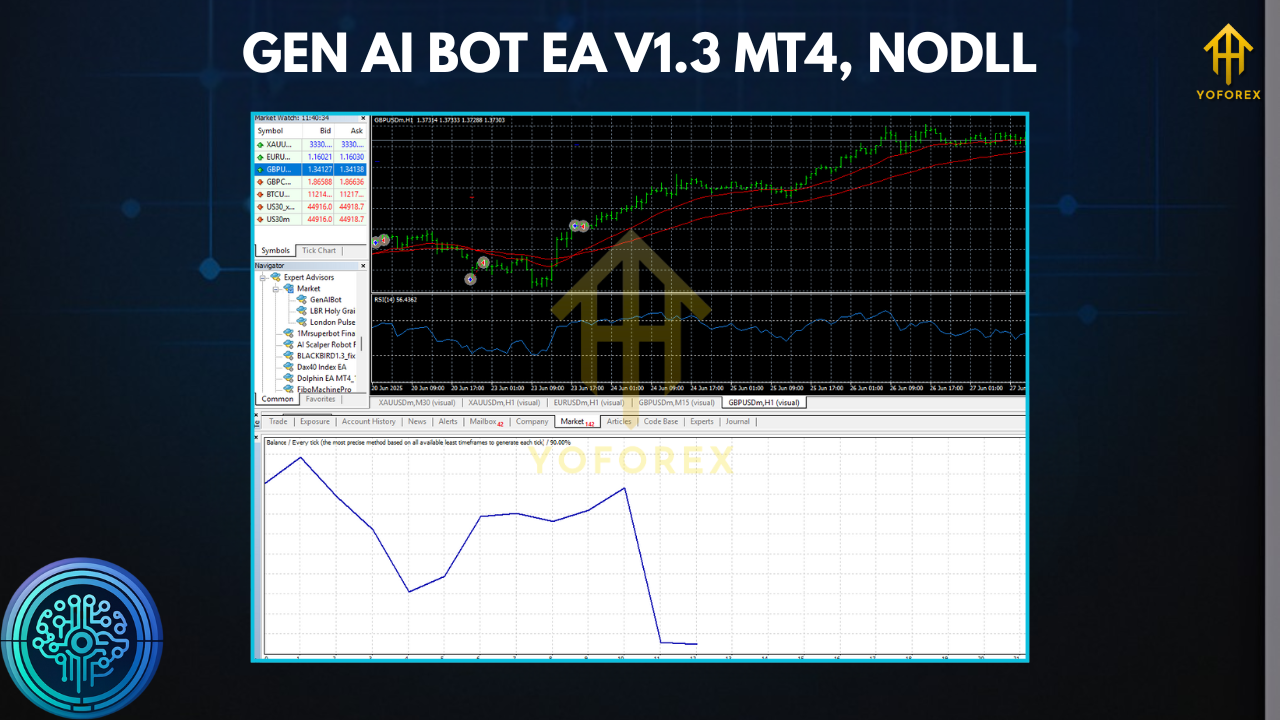
Key Features at a Glance
- AI‑assisted confluence (trend, volatility, and pattern confirmation)
- Non‑martingale, non‑grid core for controlled risk
- Dynamic SL/TP informed by ATR and recent structure
- Equity guard to pause new entries when DD hits your ceiling
- Spread & slippage filters to avoid hostile execution
- Time/session filters (e.g., avoid low‑liquidity rollover)
- Symbol presets for majors and gold (editable)
- Stealth mode (optional) to hide stops from some broker UIs
- Partial close & trailing logic for better trade lifecycle management
- Detailed logging so you can actually see why a trade was taken or skipped
Strategy Logic (Under the Hood)
1) Directional Bias
A moving‑average structure plus momentum indicator decides if the market is trending or mean‑reverting. If the trend is clean, the EA prefers continuation pullbacks. If rangey, it waits for overextended moves to fade back to the mean—but only when volatility isn’t exploding.
2) Volatility Guard
ATR bands define when conditions are “too hot.” If your stop would need to be overly wide or your edge is likely to get slipped, entries are vetoed. This is where V1.3 tightened filters compared with earlier builds.
3) Entry Confirmation
A candle‑pattern or micro‑structure check (break‑retest, engulf, or rejection wick) provides the last “green light.” No pattern? No trade.
4) Risk & Exposure
Position size scales by risk–per–trade (percent of equity). If the trend extends in your favor and a secondary confirmation appears, the EA can pyramid lightly (optional) while honoring maximum exposure.
Recommended Settings (Starter Template)
- Account: ECN/Raw spread
- Leverage: 1:200–1:500 (use responsibly)
- VPS: Yes (low latency)
- Risk per trade: 0.5%–1.0% (beginners stay at 0.5%)
- Max concurrent trades: 3–5 (symbols combined)
- Equity guard pause: 5%–8% floating DD threshold
- EURUSD, GBPUSD, USDJPY: M15–H1
- XAUUSD (advanced): M5–M15
- SL: ATR‑based (1.5–2.5× ATR depending on TF)
- TP: 1.2–2.0R (with optional trailing after +1R)
- Partial close: at +1R, close 30–50%; trail remainder
- Spread cap: broker‑dependent (e.g., EURUSD ≤ 15–20 points; XAUUSD ≤ 35–50 points—adjust to your broker’s quoting format)
- News block: 10–15 min before/after high‑impact events (FOMC, CPI, NFP, etc.)
- Session filter: Focus London/NY overlap for majors; avoid rollover
Installation & Setup (MT4)
- Copy the EA to
MQL4/Experts/in your MT4 data folder. - Restart MT4, open Navigator → Experts, and drag GenAIBot V1.3 onto the desired chart.
- Enable AutoTrading (top toolbar), and allow DLL/imports if required by your broker feeds or news filters.
- Load a preset (if provided) or set inputs manually as per the template above.
- Attach to one symbol per chart; if you trade multiple pairs, open a chart for each.
- Run on demo for 1–2 weeks to validate execution, spreads, and broker behavior before going live.
Risk Management: The Part Most Traders Skip
- Keep risk constant. Do not “revenge double” your lot sizes after a loss.
- Use the equity guard—that’s your seatbelt.
- Monitor broker conditions. If spreads widen during your trading session, reduce exposure or pause.
- Don’t over‑optimize. Curve‑fitted parameters look great on paper and terrible in the wild.
Performance Expectations & Testing
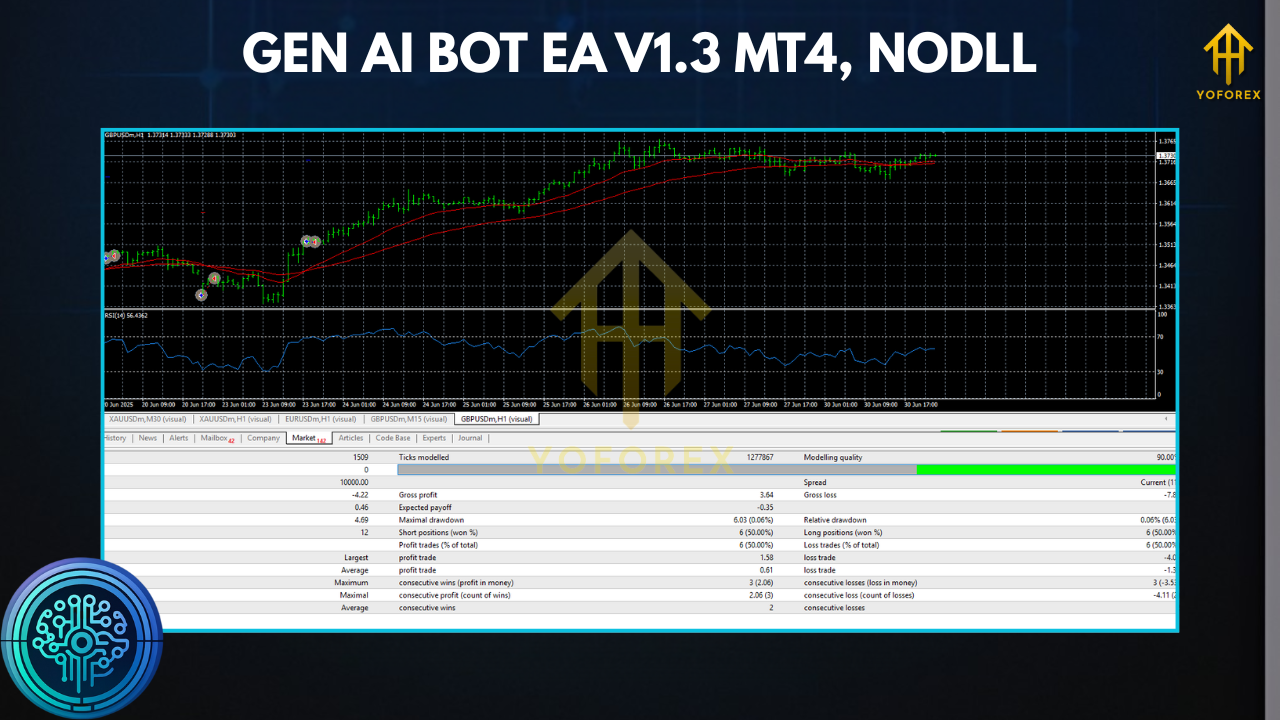
You’ll likely see clusters of wins when the market respects trend and volatility constraints, and flat periods when conditions are messy. That’s normal. The EA is designed to skip low‑quality windows rather than force trades.
Backtesting tips:
- Use tick‑quality data with variable spread if possible.
- Simulate news blocks; many “too good” tests ignore event risk.
- Validate across multiple pairs/timeframes, not just the best‑case.
- Follow with forward testing—the only way to confirm real execution behavior.
FAQs
Q: Does GenAIBot use martingale or a recovery grid?
A: No. It can scale in on confirmation, but it will not average down losses.
Q: Can I run it on small accounts?
A: Technically yes, but stay conservative—$200–$500 with 0.5% risk per trade is a sensible start.
Q: Which is better for results—M15 or H1?
A: M15 may capture more signals; H1 is typically cleaner and less noise‑sensitive. Choose based on your patience and broker costs.
Q: Will it trade every day?
A: Not necessarily. Skipping bad conditions is part of the edge.
Disclaimer
Trading involves risk. Past performance is not indicative of future results. Use demo accounts to validate your setup and only trade funds you can afford to risk.
Call to Action
Ready to put a smarter, rule‑driven EA on your MT4 charts? Install GenAIBot EA V1.3, start with conservative risk, and let the filters do the heavy lifting. Get your environment right (VPS + ECN), forward‑test for a bit, and then scale responsibly.