
Gold Expert Advisor
The Silent Investor EA V1.50 MT5
1 MIN READSEP 22, 2026
READ POST
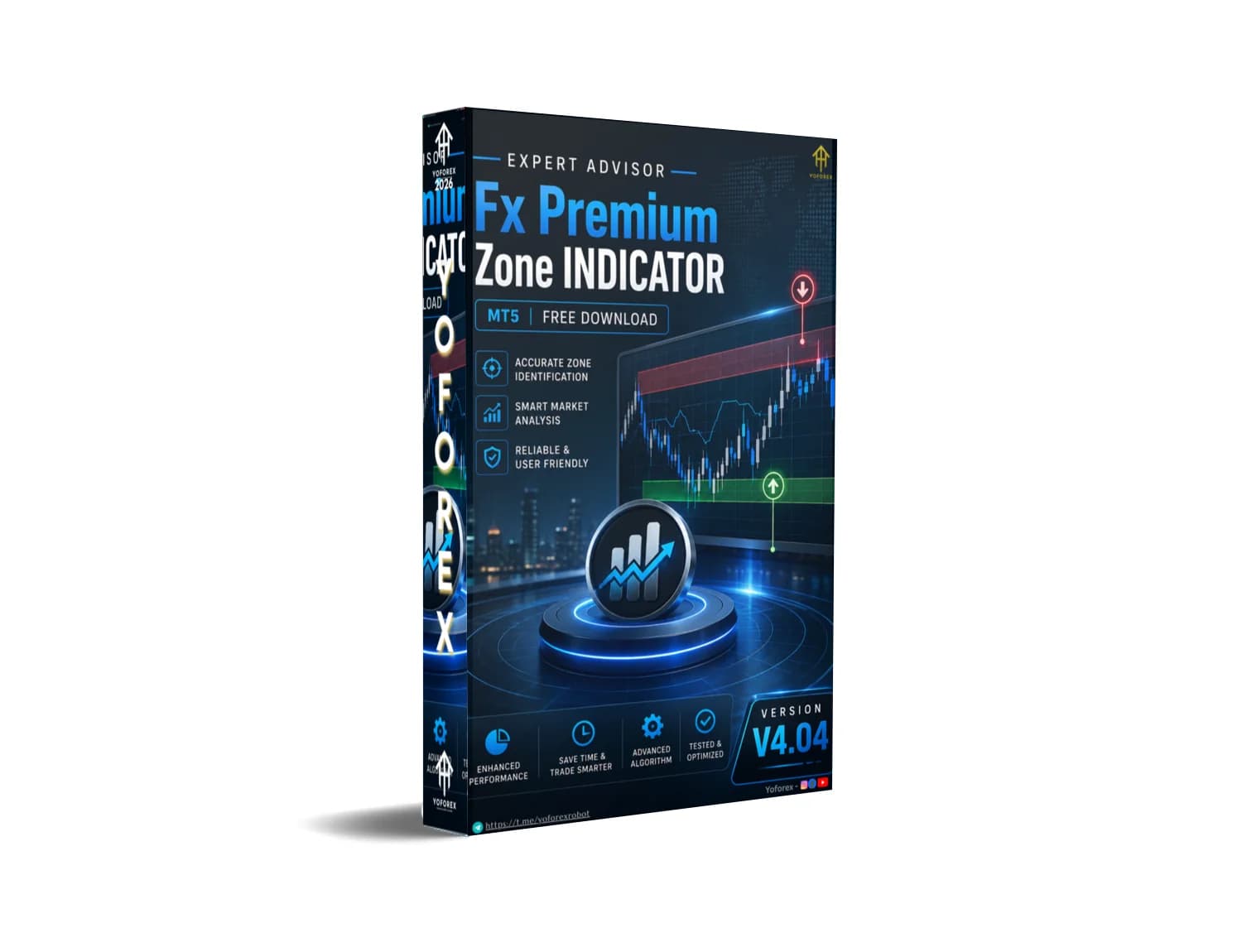
Many traders spend too much time manually marking premium areas on their charts. Price often reacts at these higher-value zones, yet drawing and updating them consistently is time-consuming and subjective. The Fx Premium Zone Indicator V4.04 MT5 addresses this practical need by helping traders visualize premium zones directly on MetaTrader 5 charts.
Available through Yoforex EA resources, this indicator focuses on clarity rather than automation of trades. It supports traders who want structured visual guidance while keeping full control over their decisions.
The Fx Premium Zone Indicator V4.04 is a technical indicator designed for the MetaTrader 5 platform. Its core purpose is to highlight premium zones — areas where price is considered relatively high within a recent range or structure.
In common trading frameworks (including ICT/SMC-style analysis), premium zones represent the upper portion of a dealing range. These areas are often watched for potential selling opportunities or profit-taking on long positions. Version 4.04 indicates an updated release focused on refined zone display for MT5 users.
It is an indicator, not an Expert Advisor. It does not open, manage, or close trades. Traders remain responsible for all entries, exits, and risk decisions.
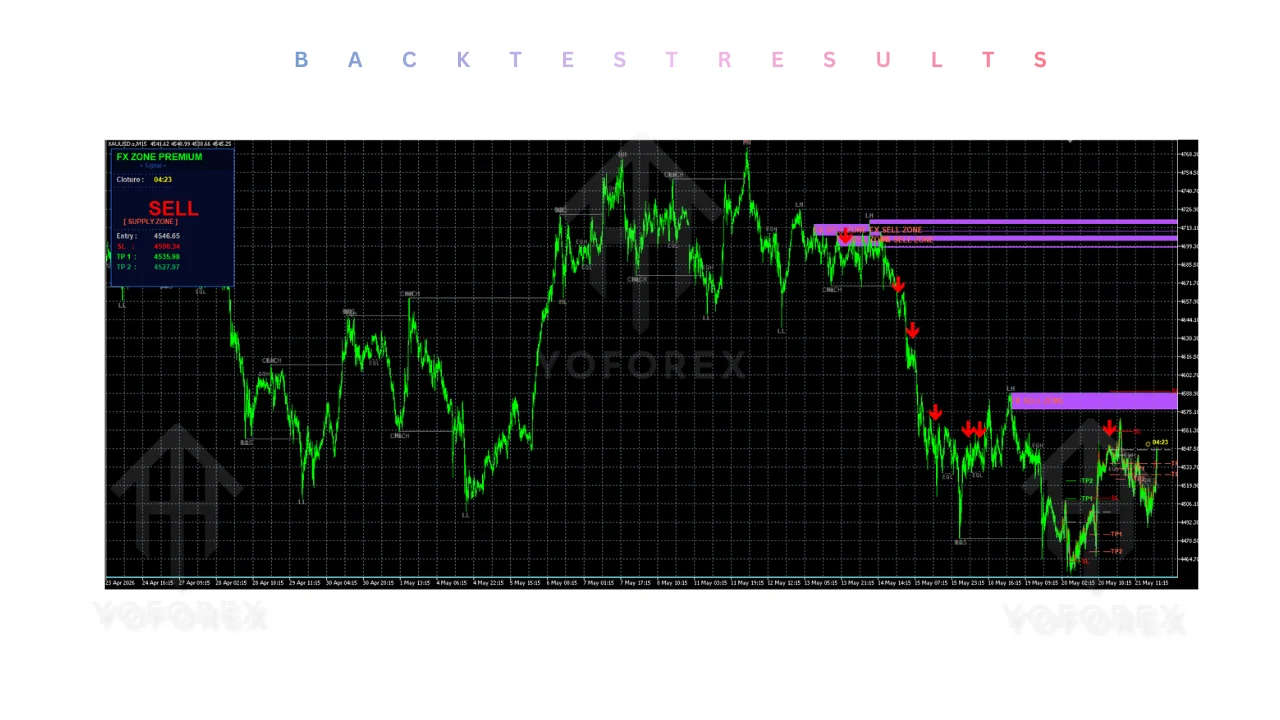
The indicator analyzes recent price action on the attached chart and plots visual zones that represent premium areas.
Traders typically apply it to their preferred symbol and timeframe. The tool then marks the relevant premium region based on its internal calculation of the recent range or swing structure.
Users can observe when price enters, respects, or rejects these zones and combine the information with their own analysis (market structure, order flow, higher-timeframe bias, or other indicators).
Because it is visual and non-executing, it works alongside any manual or semi-automated approach the trader already uses.
Quick Features Table
| Feature | Details |
|---|---|
| Platform | MetaTrader 5 (MT5) |
| Strategy | Premium zone identification |
| Trading Style | Manual / discretionary |
| Pairs | Any symbol available in MT5 |
| Timeframe | Multi-timeframe compatible |
| Risk Management | User-controlled (indicator only) |
| Automation | None – visual tool only |
| Best For | Zone-based and structure traders |
The primary benefit is reduced manual work. Instead of constantly redrawing zones, traders receive consistent visual references on the chart.
This supports cleaner decision-making. When price reaches a marked premium area, traders can more easily evaluate confluence with other factors.
It also promotes discipline. Having predefined zones on the chart helps avoid impulsive entries outside structured areas.
Busy traders appreciate the time savings. The indicator stays active in the background while they monitor multiple charts or focus on higher-timeframe context.
Realistic expectations matter: the indicator improves visibility of zones. It does not predict direction or guarantee reactions at those levels.
Beginners who already understand basic support/resistance and range concepts can also benefit once they learn how to interpret the zones in context.
If you need an Expert Advisor that places trades automatically, look for dedicated EAs instead.
Fx Premium Zone Indicator vs Manual Trading
| Aspect | With Indicator | Pure Manual Drawing |
|---|---|---|
| Zone consistency | Standardized visual output | Subjective and variable |
| Time required | Lower once installed | Higher ongoing effort |
| Chart clarity | Clean overlay | Can become cluttered |
| Adaptability | Updates with price action | Requires constant redrawing |
| Decision control | Full trader control | Full trader control |
| Learning curve | Moderate | Depends on experience |
What To Check Before Buying
Never skip forward testing. Past visual behavior on historical charts does not guarantee future reactions.
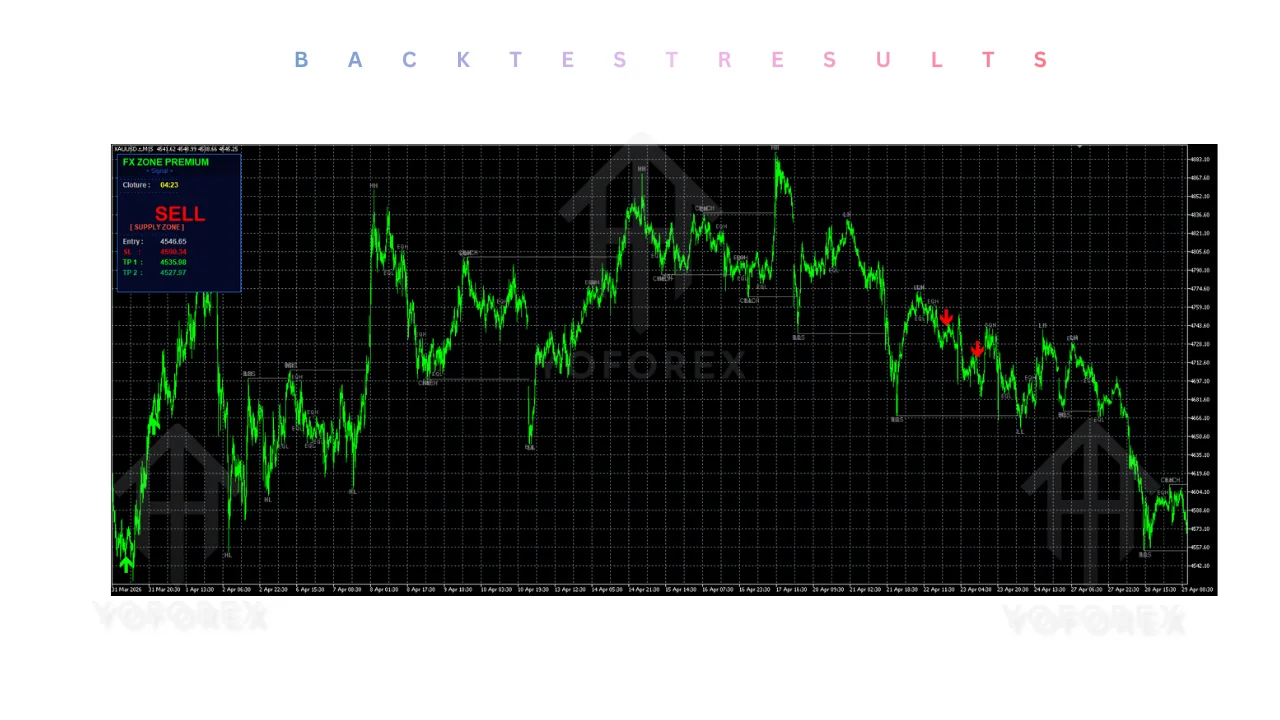
Keep position sizing conservative and treat every zone interaction as a probability, not a certainty.
No. It is a visual indicator only. It does not open or manage trades.
The name specifies MT5. Confirm platform requirements before purchase.
Yes, if they understand basic zone and structure concepts. Complete beginners should learn those first.
Specific alert features are not confirmed from the product name alone. Check the actual product details.
It is multi-timeframe compatible. Many zone traders prefer H1 and higher for clearer structure, but personal testing is essential.
No indicator can. Results depend entirely on the trader’s overall strategy, risk management, and market conditions.
Not for the indicator itself. A VPS is only useful if you want continuous chart monitoring.
Through official Yoforex EA channels. Always verify you are downloading from the legitimate source.
The Fx Premium Zone Indicator V4.04 MT5 solves a common practical problem: keeping premium zones clearly visible without constant manual drawing. It supports structured, discretionary trading on MetaTrader 5 and fits traders who already work with zone-based or institutional-style concepts.
It will not trade for you, eliminate risk, or produce guaranteed results. Used correctly as one component of a complete approach — with solid risk management and thorough testing — it can improve chart clarity and decision consistency.
If this matches the kind of visual tool you need, review the full product details, test it thoroughly on demo, and decide based on your own results. Visit the Yoforex EA resources to explore the Fx Premium Zone Indicator V4.04 MT5 and related trading tools.
Join the VIP Signals Telegram Channel for real-time expert trading signals and stay ahead in the forex market. Get personalized strategies by becoming a part of our Real Account Management Telegram Channel and optimize your trading experience. If you’re aiming to Pass PropFirm Challenges , join our dedicated channel for tips and proven methods. Start managing your capital effectively with expert advice from our Funded Account Management Telegram Channel. For advanced traders, our HFT EA / Passing Telegram Channel offers high-frequency trading insights and strategies to boost your performance.
Download now and start your automated trading journey
Mary Lopez
We review and share the best Expert Advisors and trading robots for MetaTrader platforms.
Subscribe to get notified about new Expert Advisors
Risk Warning: Trading involves risk. Past performance is not indicative of future results.