The era of algorithmic trading has evolved far beyond simple moving-average crossovers and grid strategies. Ferret AI EA V1.0 MT4 brings artificial-intelligence sophistication to the MetaTrader 4 platform, promising traders an automated assistant that filters market noise, generates emotionless signals, and executes orders with minimal slippage. In this in-depth review, we’ll explore how Ferret AI’s three-tiered AI architecture works, walk you through recommended settings, and share best practices for backtesting and real-world deployment.
Introduction
As retail traders seek an edge in crowded markets, AI-powered Expert Advisors (EAs) have surged in popularity. Ferret AI EA V1.0 MT4 stands out by combining volatility analysis, pattern recognition, and a high-speed execution engine into a turnkey package. Whether you’re a complete beginner or an experienced algorithmic trader, this guide will help you determine whether Ferret AI is the right fit for your strategy.
How Ferret AI Works
-
Noise Filtration Layer
-
Uses historical volatility metrics to distinguish genuine price moves from random “tick noise.”
-
-
Signal Synthesis Module
-
Applies machine-learning-inspired pattern recognition to identify high-probability setups without any human bias.
-
-
Execution Engine
-
Streams orders through an optimized API interface, reducing slippage and ensuring precise entry/exit levels.
-
This end-to-end AI pipeline runs autonomously once deployed, requiring no manual tweaks beyond initial parameter setup.
Recommended Settings
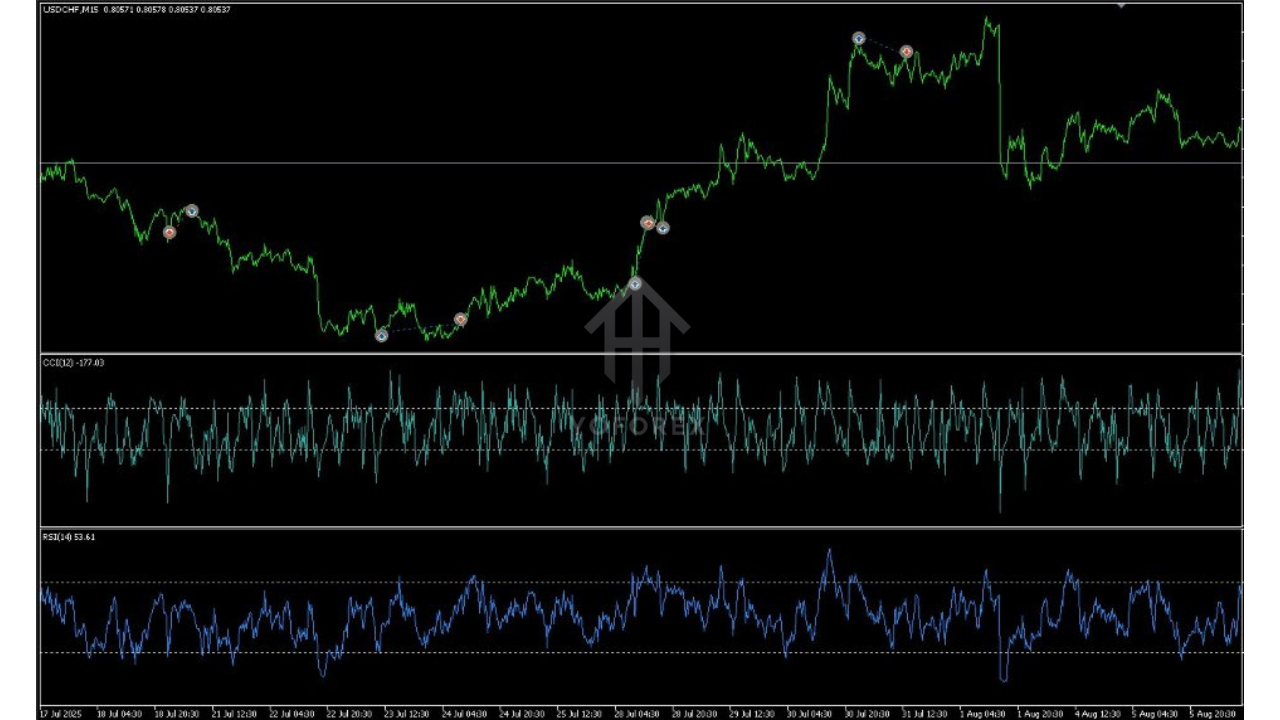
To get started, attach six Ferret AI EA instances—one per symbol—on the M15 timeframe. Below are the baseline parameters:
- Trading Symbols: EURUSD, GBPUSD, AUDUSD, NZDUSD, USDCAD, USDCHF
- Timeframe: M15
- Lot Sizing: Adaptive mode (default) or fixed lots at 0.01–0.05 per signal
- Maximum Spread Filter: 2.0 pips
- Magic Number: 501234
- Slippage Tolerance: 3 points
- Risk Management: 1–2% of equity per trade
These settings balance trade frequency and risk exposure for typical ECN or raw-spread accounts.
Performance Validation
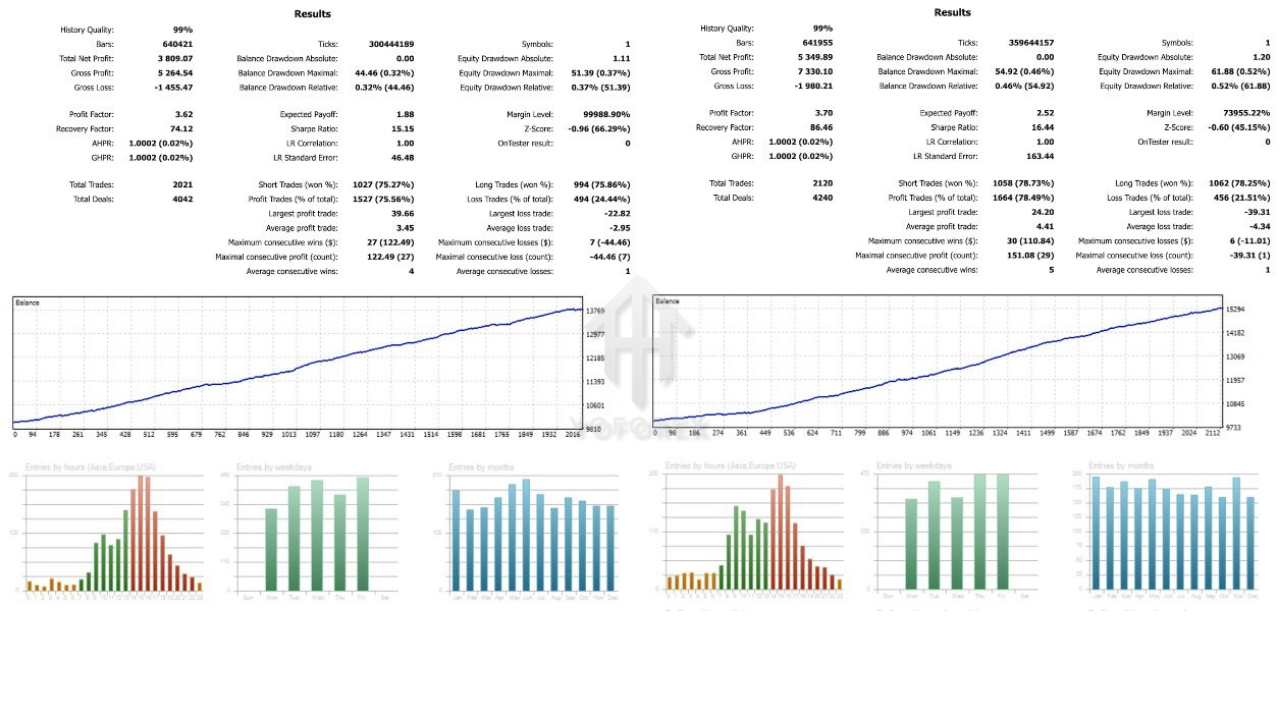
Although Ferret AI’s MQL5 product page highlights “extensive historical testing,” it omits a public backtest report. To validate performance:
- Backtest Yourself: Run a 99% tick-quality backtest on at least two years of data across each symbol.
- Demo Forward-Test: Trade a demo account with live data for one month, monitoring execution speed, drawdown, and win rate.
- Compare Results: Ensure your custom backtest metrics align with the vendor’s claims before committing real capital.
Advantages of Ferret AI EA
- Cutting-Edge AI Architecture: Three-tiered design reduces false signals and emotional bias.
- Turnkey Setup: Drag-and-drop installation on MT4—no coding required.
- Capital Preservation Focus: No martingale or hedging; adaptive sizing controls risk.
- Cross-Symbol Diversification: Simultaneous deployment on six major pairs.
Potential Limitations
- Transparency Gaps: Lack of a public backtest report means you must verify performance yourself.
- Single Timeframe: Optimized exclusively for M15; may underperform in trending or range-bound markets outside this timeframe.
- Premium Price Point: At $199, it sits above many entry-level EAs—best suited to serious traders.
Installation & Setup Guide
- Download & Unzip: Place
FerretAI.ex4into your MT4/Expertsfolder. - Restart MT4: Ensure the EA appears in the Navigator pane.
- Attach to Charts: Drag Ferret AI EA onto each M15 chart for your chosen symbols.
- Configure Inputs: Enter the recommended parameters (lot sizing, spread filter, magic number).
- Enable Auto-Trading: Click the Auto-Trading button on your MT4 toolbar.
After these steps, Ferret AI will begin scanning live ticks and executing trades according to its AI-derived signals.
Best Practices & Tips
- Use ECN Accounts: Lower spreads improve signal quality and reduce execution cost.
- Monitor Drawdown: Set an equity-stop in MT4 to halt trading if drawdown exceeds your risk tolerance.
- Stay Updated: Check for EA updates monthly to benefit from performance enhancements and bug fixes.
- Combine with Manual Filters: Consider using a higher-timeframe trend filter (e.g., H1) to align AI signals with market direction.
Conclusion
Ferret AI EA V1.0 MT4 represents a significant leap forward for retail algorithmic traders seeking AI-level sophistication without complex setup. While it carries a premium price and requires you to validate its backtests yourself, its noise-filtering and signal-synthesis modules can deliver more consistent entries and controlled risk. By following our recommended settings and validation steps, you can harness Ferret AI’s potential and decide whether to integrate it into your live trading arsenal.
WhatsApp: https://wa.me/+443300272265
Telegram Group: https://t.me/yoforexrobot