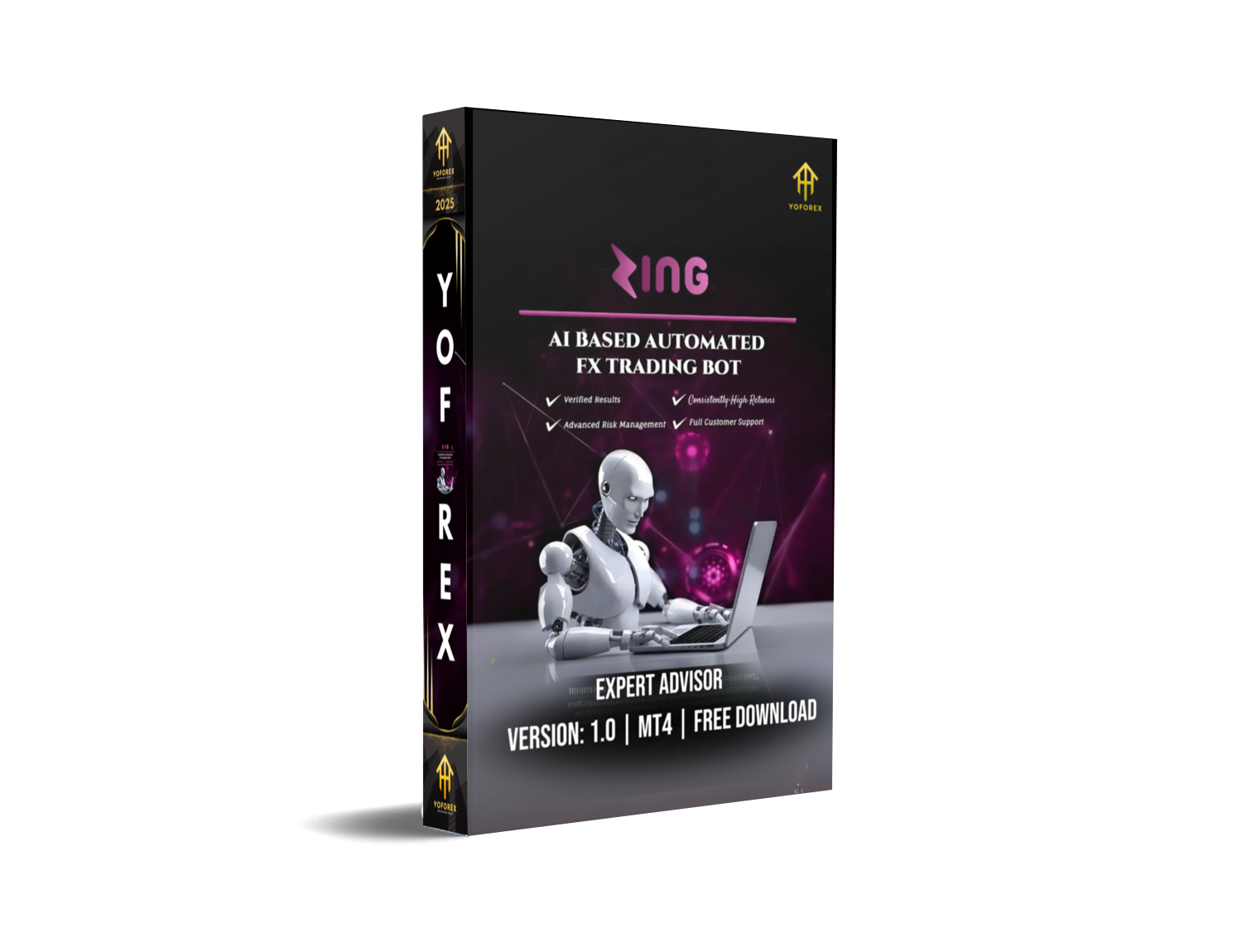
If you’ve ever wanted a truly smart trading bot that handles the Forex market with real logic and precision, then Zing Trading Bot EA V1.0 for MT4 is worth your attention. This Expert Advisor offers a complete AI-powered solution for hands-free trading with dynamic lot sizing and verified performance. It's designed to work seamlessly on MetaTrader 4 and gives both beginners and seasoned traders a serious edge in the market.
What is Zing Trading Bot EA V1.0 MT4?
Zing Trading Bot EA V1.0 MT4 is an automated trading system, commonly known as an Expert Advisor (EA), created for the MetaTrader 4 platform. It uses artificial intelligence to analyze market movements and places trades with mathematical precision. Its foundation is built not on generic strategies, but on real market behavior, supported by a dynamic Fibonacci-based money management system.
This EA removes the need for emotional trading, guesswork, or manual chart watching. It does everything — from signal generation to trade execution and risk management — in an optimized, automated loop.
Key Features of Zing Trading Bot EA
1. AI-Based Decision Making
Zing EA is powered by a proprietary AI engine that constantly monitors the market for price patterns, volatility shifts, and breakout opportunities. It makes trading decisions based on these real-time inputs, unlike traditional EAs that rely on fixed indicators.
2. Fibonacci Dynamic Lot Sizing
Instead of placing trades using a fixed lot size, Zing uses a Fibonacci-based method to calculate trade volume. This ensures better risk-to-reward ratios and adapts position sizing to your account balance and trade context.
3. Dual Take Profit Mechanism
Zing locks in profits at two different levels — taking partial profits early and letting the rest of the trade ride for bigger moves. This strategic TP model helps reduce risk and increase net gains.
4. Smart Risk Management
Built-in safeguards include:
- Maximum open trade limits
- Equity-based shutdown triggers
- Auto-stop on percentage loss
- Configurable safety level to cap drawdowns
5. Plug & Play Setup
Even if you’re not a tech-savvy trader, you can install and configure Zing in under 5 minutes. It comes with default presets that are beginner-friendly and ready for use on demo or live accounts.
How Does It Perform?
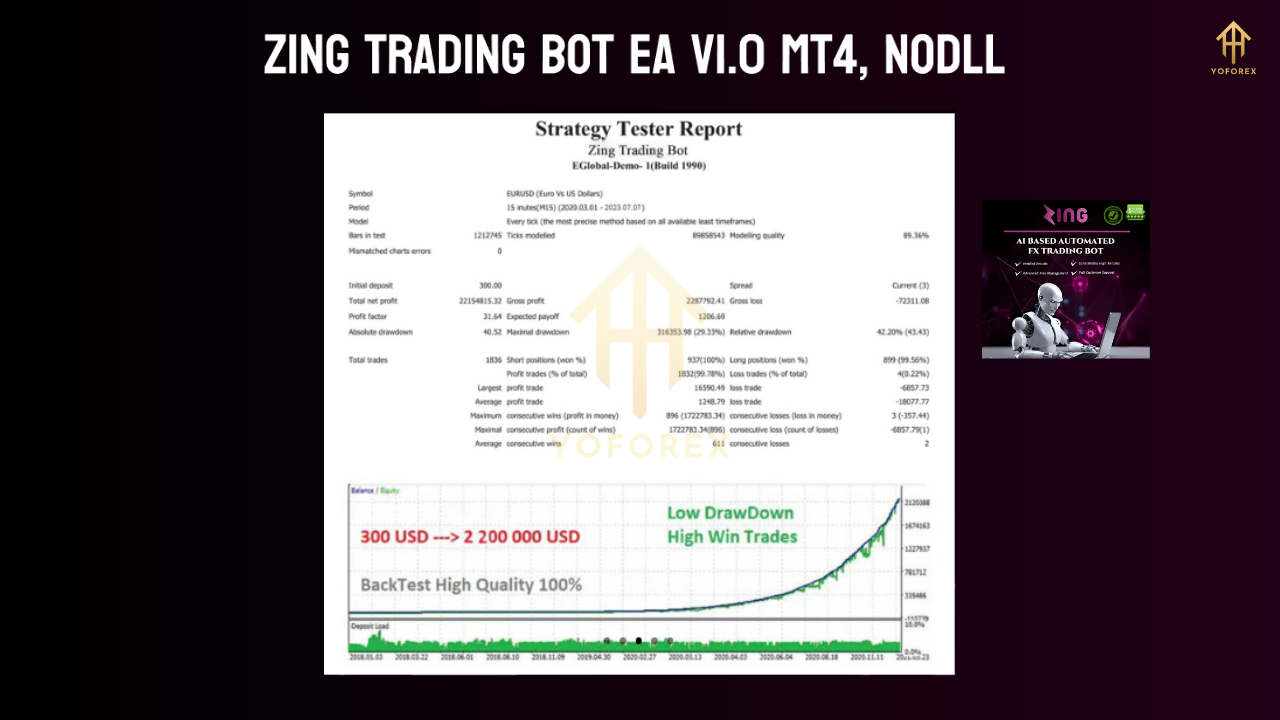
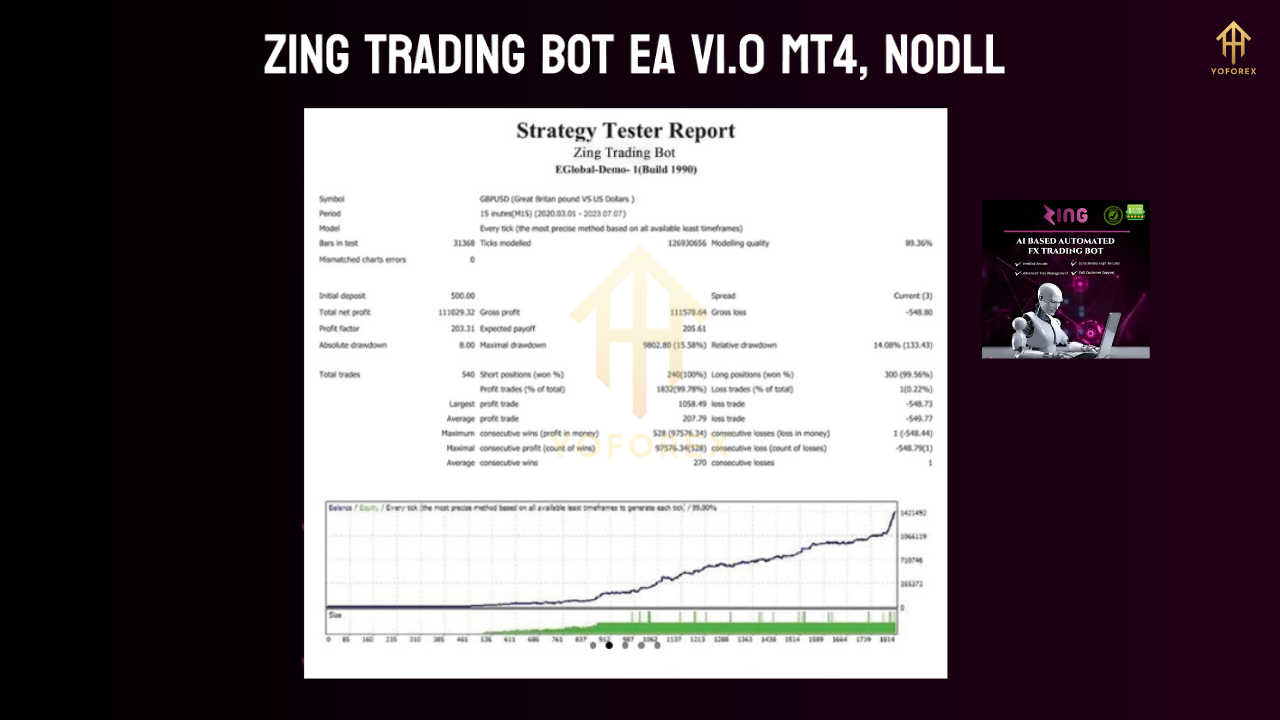
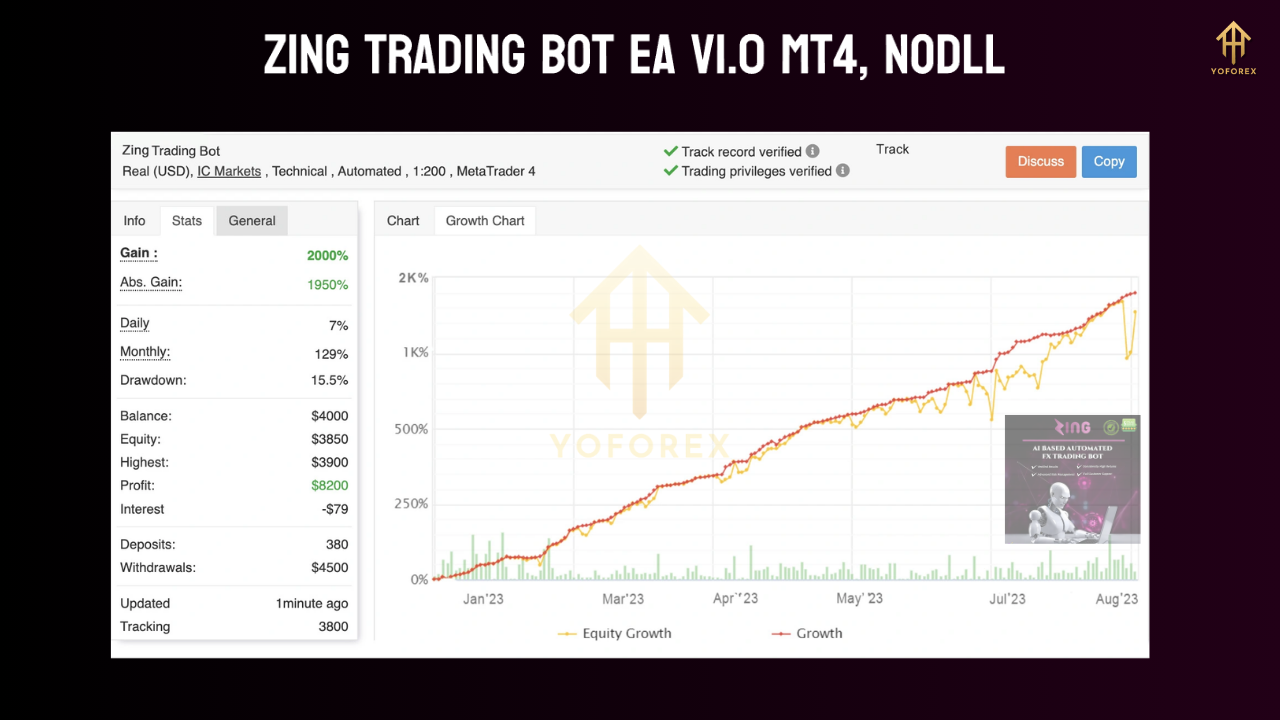
Zing EA has been tested on both demo and live accounts with consistent, trackable results. The bot has:
- Delivered up to +47% profit on demo accounts with drawdown under 6%.
- Reached +100%+ profit on aggressive live setups, with drawdowns ranging from 7% to 60% depending on parameters and capital size.
The strategy is most effective during volatile market sessions like London and New York. It works well on major currency pairs and even some exotic pairs with lower spreads.
Zing EA Setup Guide on MetaTrader 4
Setting up Zing EA is simple:
- Download the EA file and place it in the
Expertsfolder of your MT4 directory. - Restart MT4 and attach the EA to a live or demo chart.
- Enable "AutoTrading".
- Adjust the input settings as follows:
- Lot Size: Start with 0.01
- Safety Level: Default 30.0
- TP1 & TP2: 20 pips each
- Max Open Trades: 10 to 20
- Close All at Loss %: Optional; use between 5%–15% for conservative risk
You can run the bot on timeframes like M15, M30, or H1 for best performance, especially on pairs like EURUSD, GBPUSD, or AUDCAD.
Who Should Use Zing Trading Bot EA?
This bot is ideal for:
- Beginners who want a fully automated trading setup
- Busy professionals who can’t watch charts all day
- Intermediate traders looking to diversify their strategy
- Risk-conscious traders wanting built-in drawdown protection
- MT4 users who prefer using the classic platform over MT5
What Are the Benefits?
- 24/5 automated execution with no emotional interference
- Built-in money management for better capital preservation
- Low minimum capital requirement, suitable for cent accounts
- Multi-currency support across trending and ranging markets
- Myfxbook-like transparency with easy trade tracking and reporting
What to Watch Out For
While Zing EA is powerful, it’s important to understand its limitations:
- Performance varies based on broker, spread, and server speed
- Drawdowns can be high if aggressive settings are applied
- News events can affect short-term trade accuracy
- It requires VPS hosting for uninterrupted 24/7 operation
Always test the EA on a demo or cent account before moving to live trading.
Tips for Best Use
- Use a low-spread ECN broker with fast execution
- Install it on a VPS server to avoid internet interruptions
- Trade during high-liquidity sessions (London, NY)
- Monitor equity curve and adjust TP levels as needed
- Always backup your trading account and use a stop-out protection strategy
Why Zing EA Stands Out in 2025
In a world flooded with “get-rich-quick” bots and overfitted EAs, Zing Trading Bot EA V1.0 offers a refreshing level of transparency and control. It doesn’t rely on martingale or dangerous doubling strategies. Instead, it takes a realistic, data-backed approach to finding trades — and exits them with solid profit logic.
Whether you’re managing your first $500 or scaling up to a $10,000 portfolio, Zing EA’s scalability and reliability make it a solid contender for your auto-trading toolkit.






Comments
Leave a Comment