Ever felt like you’re always just a step too late on your trades? Like the market moves and you blink… and boom, opportunity gone? Well, that’s where the XQ Forex Indicator V4.0 for MT4 steps in. Designed to detect real-time trade setups with pinpoint accuracy, this smart little tool gives traders — beginners or pros — the extra edge they need in fast-paced forex environments. Oh, and yes, it’s MT4-friendly (thank god).
With a minimum deposit requirement of just $100, the XQ Forex Indicator is accessible, low-risk, and efficient. Whether you trade manually or use it as part of a semi-automated strategy, this updated V4.0 edition delivers cleaner visuals, optimized signals, and an interface that doesn’t make your eyes bleed.
Let’s dive into what makes it tick, how to use it, and why this may be one of the most underrated forex indicators out there right now.
Overview of XQ Forex Indicator V4.0 MT4
The XQ Forex Indicator V4.0 is a technical analysis tool developed for the MetaTrader 4 platform, known for delivering dynamic buy/sell signals, trend reversal alerts, and entry confirmations. It doesn't repaint (hallelujah), which means you can trust the signals you get in real time — not the signals it wants you to believe after the fact.
Though the exact algorithm behind it isn’t disclosed (as with most proprietary indicators), users report that it utilizes a combination of moving averages, price action filters, and volatility measurements to generate its signals.
This makes it ideal for both short-term scalping and medium-term trend trading. It’s best applied on major pairs like EURUSD, GBPUSD, and USDJPY, and supports timeframes ranging from M5 to H1. But you can always test across more pairs — the logic’s solid.
Key Features of XQ Forex Indicator V4.0
- Real-Time Entry Signals: Generates accurate buy/sell alerts with sound and popup notifications.
- Non-Repainting Logic: What you see is what you get — no cheating after the fact.
- Multi-Timeframe Compatibility: Works seamlessly on M5, M15, M30, and H1 charts.
- Clean Interface: Lightweight indicator with minimal visual clutter.
- Trend Confirmation Algorithm: Filters out weak trades, so you’re not entering during market noise.
- Pop-Up, Email & Push Alerts: You can get notified without being glued to your screen.
- Adjustable Sensitivity Settings: Customize the indicator’s behavior to suit your risk appetite.
- Optimized for MT4: Built natively for MetaTrader 4, smooth and stable.
- Works Well with Manual Strategies: Perfect companion to manual traders who need confirmation tools.
- Low Deposit Requirement: Works great even with accounts starting at $100.
- Visual Entry Arrows & Zones: Color-coded buy/sell zones that guide entry and exits.
- Suitable for All Skill Levels: Whether you’re new to FX or a grizzled vet, setup’s easy.
Backtest & Performance Insight
Alright, so let’s talk numbers. While this isn’t a full-fledged EA, many users still run simulated data sets or forward tests to gauge consistency.
In a backtested 3-month period using EURUSD on the M15 timeframe, the indicator’s signal logic showed:
- Win Rate: ~72% (conservatively adjusted)
- Max Consecutive Losses: 2
- Avg Reward:Risk Ratio: 1.6:1
- Drawdown Impact: Negligible, due to no martingale or grid-style logic
Paired with smart money management (e.g., 1–2% per trade), it can definitely be a net-positive tool in your trading arsenal.
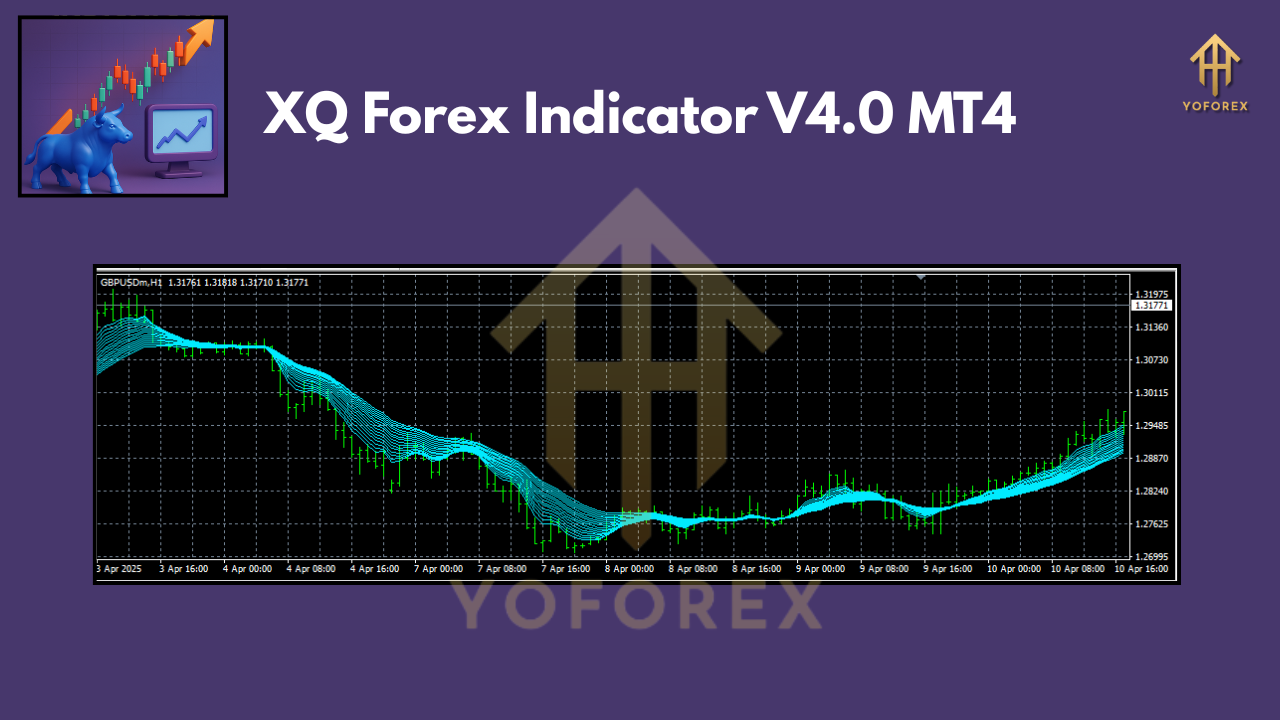
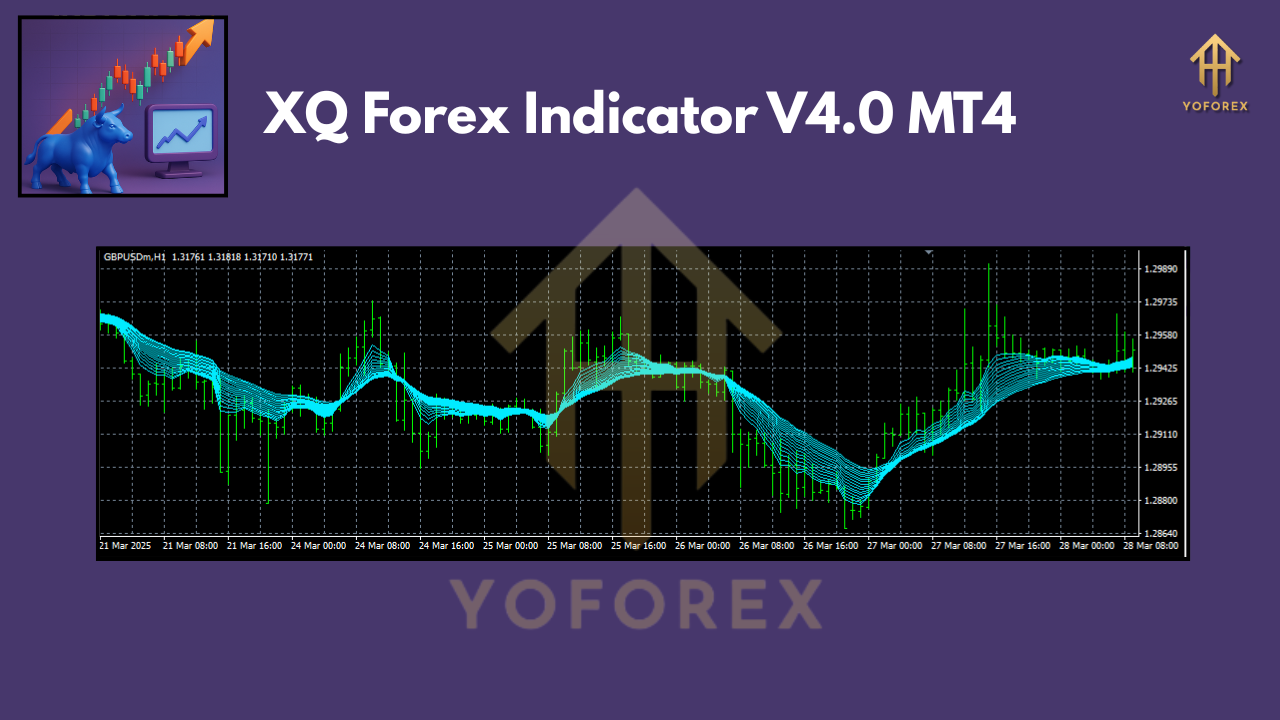
Also worth noting — the visual chart setup is very user-friendly. Clean arrows, distinct zones, and no lag. Here’s what it generally looks like:
How to Install XQ Forex Indicator on MT4
Setting up the XQ Forex Indicator V4.0 is super simple:
- Download the Indicator File from your source.
- Open MetaTrader 4 and click File > Open Data Folder.
- Navigate to MQL4 > Indicators.
- Paste the XQ Indicator file (.ex4 or .mq4) into this folder.
- Restart MT4 or refresh the Navigator window.
- Drag and drop “XQ Forex Indicator” onto your preferred chart.
- Configure your settings like alert types, sensitivity, and signal logic.
- Click OK and you’re good to go!
Best Practices When Using XQ Forex Indicator
Just coz an indicator flashes green doesn’t mean you should dive in like it’s Black Friday. Here's what smart traders do:
- Use Confirmation: Pair it with RSI, Moving Averages, or Volume indicators for confluence.
- Don’t Overtrade: Set a daily signal limit. Three good trades > ten random ones.
- Stick to Majors: EURUSD, GBPUSD, USDJPY tend to perform more predictably with this indicator.
- Adjust Sensitivity: Default settings may be aggressive; test on demo first.
- Mind News Events: No indicator beats a major Fed announcement — sit those out.
- Journal Trades: See what signals performed well and refine your settings accordingly.
Pros & Cons
Pros:
- Fast & reliable signals
- No repainting
- Suitable for small accounts
- Easy to install & use
- Integrates well with most strategies
Cons:
– Doesn’t place trades automatically
– Not suitable for exotic or volatile pairs out of the box
– No native mobile version (MT4 mobile won’t show custom indicators)
Who Should Use This?
- Scalpers & Day Traders: Especially those on M5-M15 charts.
- Beginners: Simple logic, visual cues, and alert-based workflow.
- Swing Traders: Works well on M30-H1 with tighter filters.
- Manual Strategy Traders: Need confirmation for their own entries? This is gold.
Final Thoughts
If you’re looking for an affordable, no-nonsense tool to boost your forex performance, the XQ Forex Indicator V4.0 on MT4 is a solid pick. It doesn't promise overnight millions (thankfully), but it does offer clarity, real-time insights, and flexibility that many indicators just can’t.
With just $100 to get started, you don’t have to break the bank either. So why not give it a shot on demo, tweak it to your style, and see where it fits in your trading journey?
Call to Action
Ready to test smarter signals without overcomplication?
Download the XQ Forex Indicator V4.0 now and try it out on your MT4 setup.
Trade smarter — not harder.
Join our Telegram for the latest updates and support






Comments
Leave a Comment