
Volume Scalper EA V3.0 MT4 — Fast, Focused, Volume-Driven Scalping on M5
If you’ve been hunting for an MT4 bot that actually respects risk while still taking decisive, high-probability entries, Volume Scalper EA V3.0 might be the tool you’ve been waiting for. It’s designed specifically for XAUUSD (Gold), USDJPY (assuming “USDJPY” was a typo), and US30 on the M5 timeframe. The edge? A volume-based entry logic that reads the pulse of the market to catch bursts of momentum—without resorting to risky tactics like grid, martingale, or hedging. Clean entries, clear exits, and a structure you can actually manage.
Below you’ll find a practical, no-fluff walk-through: what it does, how it works, when to use it, and how to configure it so you can trade with confidence.
What Is Volume Scalper EA V3.0?
Volume Scalper EA V3.0 is an automated trading system for MetaTrader 4 that specializes in short-term momentum moves identified through volume and volatility shifts. The EA listens for unusual participation (tick volume spikes), validates it with micro-structure filters (such as candle range, session timing, and spread checks), and then enters trades with predefined stop-loss and take-profit logic.
Core aims:
- Target quick moves on M5 where liquidity and volatility converge (think: London/NY overlap).
- Avoid dangerous recovery methods—no martingale, no grid, no hidden hedging.
- Keep risk controlled—each trade has a fixed SL/TP or ATR-based dynamic protection.
- Stay broker-agnostic—works with any MT4 broker that offers tight spreads and stable execution.
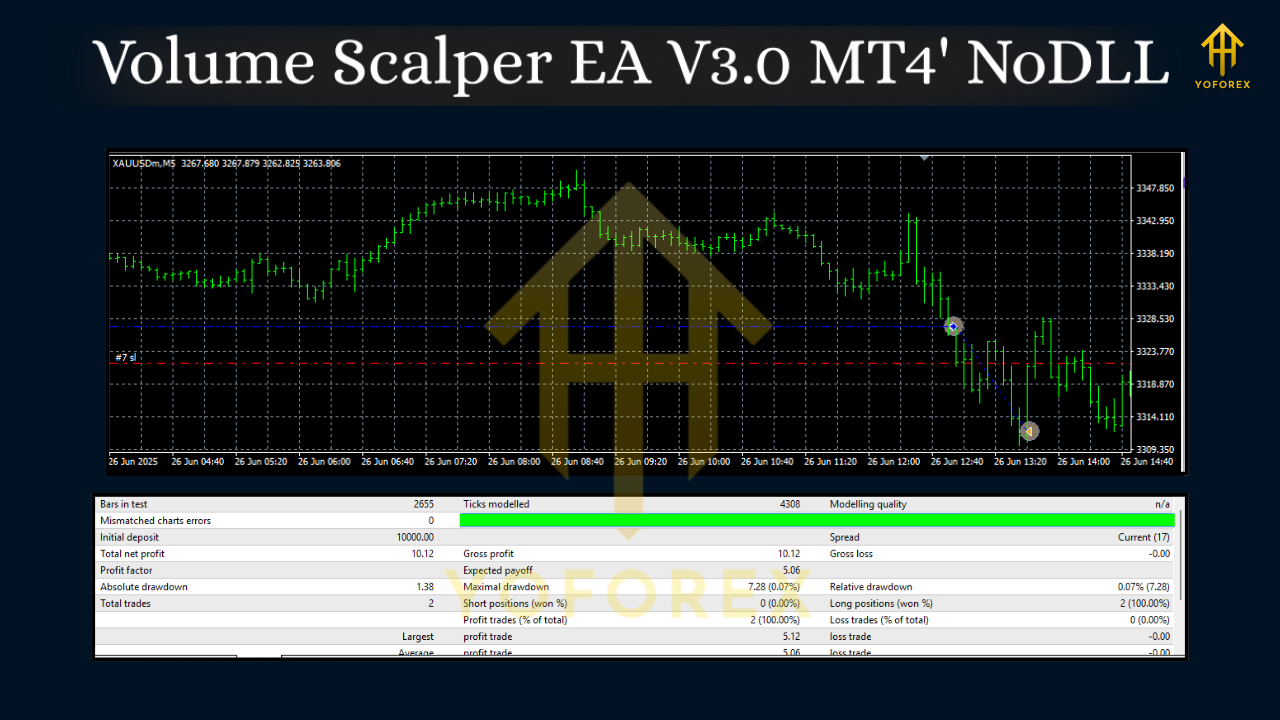
Why Volume-Based Scalping?
Volume (tick volume on MT4) can be a powerful proxy for participation. When participation spikes, markets often break micro-ranges, trigger stops, or expand into new mini-trends. On Gold (XAUUSD) and US30, these bursts can be dramatic; on USDJPY, they’re cleaner and more technical. A volume-aware strategy tries to enter only when there’s proof the market is moving—not just when a line crosses another line.
In practice, that means:
- Ignoring low-energy chop and waiting for volume surges.
- Filtering out entries when spreads widen or news spikes make fills unreliable.
- Using tight, defended stops so a small loss stays small.
Supported Symbols & Timeframe
- XAUUSD (Gold) — highly responsive to liquidity events; great for momentum bursts.
- USDJPY — often trends cleanly during session overlaps; good for systematic scalps.
- US30 (Dow Jones) — volatile, but attractive once spreads and slippage are under control.
- Timeframe: M5 only (that’s where the model’s filters are tuned).
Tip: While the EA is calibrated for M5, you can still consult M15/H1 for higher-timeframe context (trend direction, key zones). The EA won’t need it, but you might use it for risk posture (e.g., smaller risk when fading HTF trend).
How Volume Scalper EA V3.0 Takes Trades
- Market Scan
The EA monitors tick volume, candle range, recent ATR, and spread. If any condition is off (e.g., spread too wide), it stands down. - Trigger & Confirmation
A volume spike plus a range expansion (or micro-breakout) sets the stage. Optional filters like time-of-day or session windows help avoid dead hours. - Entry Execution
When all conditions align, the EA places a market or stop entry (depending on your inputs), with pre-attached SL/TP. - Trade Management
Built-in logic manages breakeven shifts, partial take profits (if enabled), and hard exits when momentum fades. No recovery grids. No doubling down. - Exit & Cool-Down
After exit, optional cool-down timers prevent over-trading during noisy periods.
Key Features at a Glance
- Volume-First Logic — trades only when participation rises, filtering random noise.
- No Martingale, No Grid, No Hedging — losses are capped, risk stays predictable.
- Symbol-Aware Filters — minor tweaks for XAUUSD, USDJPY, and US30 dynamics.
- Smart Risk Settings — fixed SL/TP or ATR-adaptive; optional breakeven and partials.
- Session Windows — trade only in the most liquid hours (London/NY overlap recommended).
- Spread & Slippage Checks — avoid entries when costs spike.
- News Pause (Manual/Optional) — stand down around major events if your broker’s fills get erratic.
- Simple Dashboard — see status (tradable/not tradable), spread, and last signal at a glance.
- Broker-Flexible — any MT4 broker with tight spreads and stable execution.
- Lightweight — optimized for VPS execution with minimal CPU footprint.
Recommended Requirements
- Account Type: ECN/RAW spread if possible; standard works, but costs matter for scalping.
- Leverage: 1:100 or higher is typical; you’re not over-leveraging per trade, but margin helps.
- VPS: Strongly recommended for 24/5 uptime and low latency.
- Minimum Balance: Even a few hundred dollars can work; position sizing scales. For indices like US30, plan for higher margin.
Setup & Configuration (Quick Start)
- Install the EA
Copy the .ex4 file into MQL4/Experts. Restart MT4. - Enable Algo Trading
Check the “AutoTrading” button and allow DLL imports if the EA requires them (it usually won’t). - Attach to Charts
Open three M5 charts: XAUUSD, USDJPY, US30. Attach the EA to each chart. - Inputs to Review
- Risk_Per_Trade: e.g., 0.5%–1.0% to start.
- StopLoss / TakeProfit: Fixed pips or ATR-based (try ATR 14 with a sensible multiplier).
- Session_Start / Session_End: London/NY overlap (e.g., 12:30–20:30 GMT) is a great default.
- Max_Spread: Set this wisely per symbol.
- Breakeven/Partial: Start conservative. Move to breakeven after ~1R; consider a small first partial at 1–1.5R.
5. Forward Test First
Run it on demo for at least 1–2 weeks to check broker costs, slippage and execution. Then go small on live.
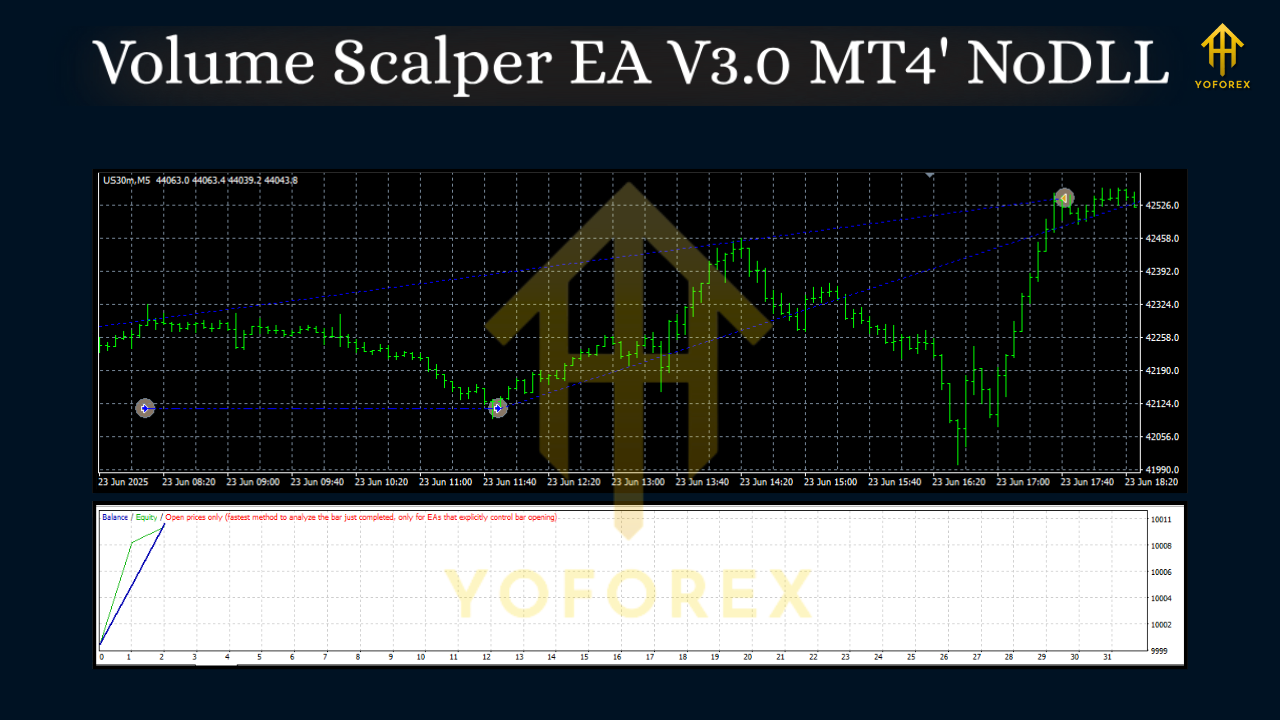
Risk & Money Management
Scalping lives or dies by risk discipline. This EA is designed to respect a fixed stop, so let it do that job. A few practical rules:
- Keep risk small—0.5%–1% per trade is plenty on M5.
- Do not over-optimize—if you curve-fit for last month’s regime, next month can punish you.
- Respect costs—if spreads and commissions rise, reduce trading or pause.
- Cut down before news—if you don’t disable trading around major releases, consider smaller risk.
- Daily Loss Limit—set a daily max (e.g., 2%–3%) and stop trading for the day if hit.
Optimization Tips (Without Overfitting)
- ATR Multipliers: Calibrate SL/TP ATR multipliers per symbol. Gold may need more breathing room than USDJPY.
- Session Tuning: If your broker’s fills are best at specific hours, trade those only.
- Spread Threshold: Track average spread and set Max_Spread a touch above that.
- Trade Frequency: Don’t chase. Two or three solid trades per session can outperform ten mediocre ones.
- Periodic Review: Re-check settings monthly; markets evolve.
Who Is This EA For?
- Traders who want fast trades with tight risk and no martingale nonsense.
- Those who prefer data-driven entries and clear, mechanical rules.
- Anyone comfortable letting an EA operate during core hours while they monitor risk.
If you’re after a “set and forget” holy grail that never loses—this isn’t it, and nothing is. If you want a disciplined scalper that focuses on volume-validated impulse moves, you’ll feel right at home.
Final Notes & Disclaimer
Past performance does not guarantee future results. Scalping—especially on Gold and indices—can be volatile. Always test on demo before going live, start with small risk, and use a reputable, low-cost broker. Your job is to manage risk and expectations; the EA’s job is to execute a tested edge consistently.






Comments
Leave a Comment