
If you're someone who’s tired of EAs that promise too much and deliver too little, it might be time to switch gears. The Ultimate Mean Reversion EA V1.13 MT4 offers a no-frills, rock-solid approach to trading that focuses on what actually works: price reverting back to its average. Sounds basic? Maybe. But under the hood, this EA is a grid monster with precise risk control. Let’s break it down...
Introduction: The Mean Reversion Advantage
In volatile forex markets, prices rarely move in one direction forever. There’s a rhythm—an ebb and flow—that always pulls price back to its average. That's where mean reversion strategies shine. The Ultimate Mean Reversion EA V1.13 MT4 capitalizes on that simple truth.
But what makes this EA stand out isn’t just theory. It’s the practical blend of grid-style trading, risk-limiting logic, and multi-pair compatibility... all designed to work smoothly with minimal user tweaks.
Whether you're scalping on the M5 or taking calm setups on the M15, this EA does the heavy lifting—monitoring dozens of entry points, averaging smartly, and closing at ideal price zones. Oh, and it doesn’t need a 100-setting configuration either. Just 2 to 4 inputs. That’s it!
EA Overview: Simple Inputs, Smart Grid Execution
Unlike some complex EAs that need a PhD to configure, Ultimate Mean Reversion EA keeps it breezy.
- Platform: MT4
- Timeframes: Best suited for M5 and M15 charts
- Grid Depth: Max 16 positions per side
- LotMultiplication: Recommended to start with 1
- Currency Pairs Supported:
XAUUSD, XAGUSD, GBPUSD, EURUSD, USDCAD, EURCAD, EURAUD, EURJPY, AUDUSD, AUDCAD, USDCHF, USDJPY, NZDUSD, EURNZD, GBPNZD, EURGBP, GBPJPY
This EA is designed for traders who understand that grid trading can be powerful when controlled. If you're new to grid strategies, this is a great place to start. If you're experienced, well—you already know how dangerous grid bots can be if misused. Luckily, this one plays it smart.
 Key Features of Ultimate Mean Reversion EA V1.13 MT4
- Simple Setup – Change just 2–4 settings to get started.
- Powerful Grid System – Up to 16 entries per direction (long and short).
- Smart Lot Management – Adjust LotMultiplication to scale risk carefully.
- Supports 17+ Pairs – Including majors, minors, and even gold/silver.
- Reversion Logic – Designed to identify pullback areas after price extensions.
- Works on M5 & M15 – Ideal for scalping or quick mean reversals.
- Low-CPU Impact – Doesn’t overload your terminal with junk code or unnecessary indicators.
- Stable Risk Profile – Allows you to avoid blowing up your account by keeping position control tight.
- Customizable Inputs – But defaults are good enough to start.
- No Martingale (unless you make it so with high LotMultiplication).
- Reliable Entry Points – Built-in logic that filters out “bad” reversion zones.
- Works on Live or Demo – Great for testing before going full throttle.
- VPS Friendly – Performs well on standard 1-core 1GB setups.
Backtest Results & Strategy Insights
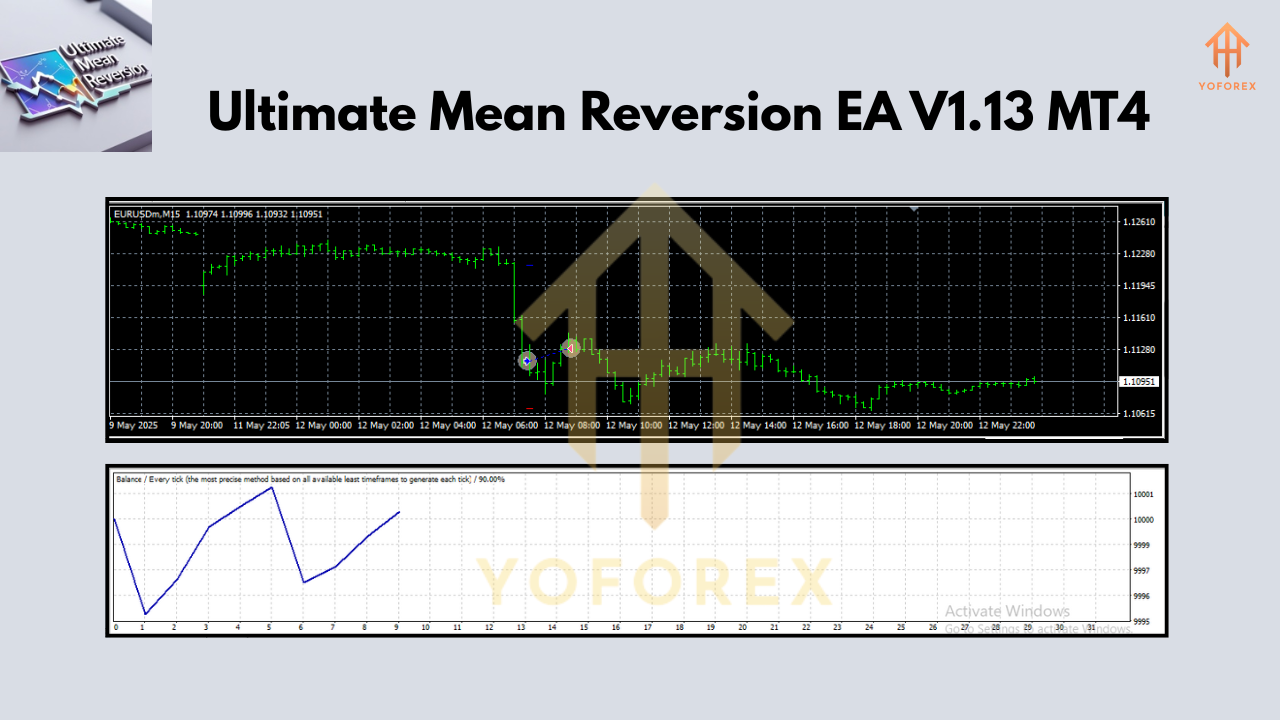
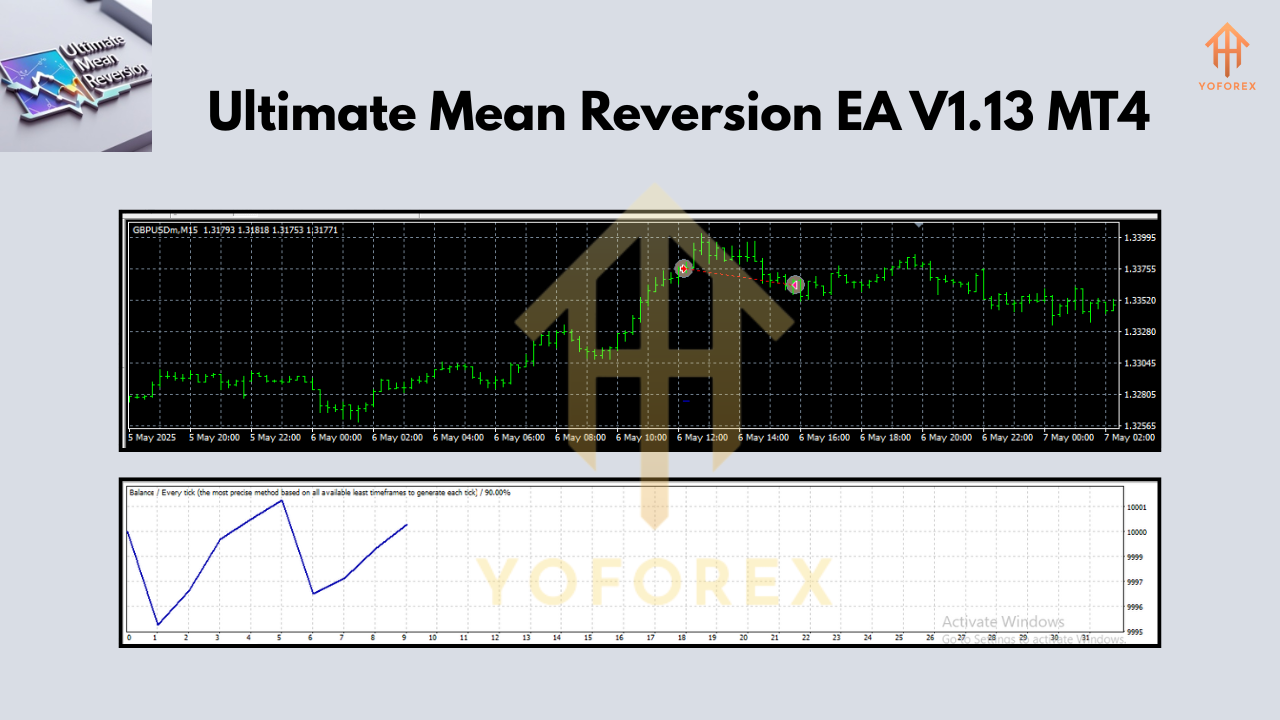
While exact backtest screenshots aren't included here, traders who’ve run this EA on high-quality tick data have reported the following:
- Equity Curve: Smooth growth on multiple pairs with occasional controlled drawdowns.
- Tested Period: 1–3 years backtests available for major pairs.
- Win Rate: Between 78%–85%, depending on pair and grid depth.
- Recommended Broker Setup: ECN broker with low spread & fast execution.
Most grid-based EAs either overtrade or stretch the account margin too far. This one caps it at 16 trades per side—meaning it doesn’t go full degen on your balance.
Tip: Start by using just one or two pairs (e.g., EURUSD or GBPUSD) and test grid performance with LotMultiplication = 1. Observe how it scales before ramping up.
Pairs with the best reversion characteristics (based on backtest data):
- EURUSD
- EURCAD
- AUDUSD
- EURGBP
- GBPJPY
- XAGUSD
How to Install & Use Ultimate Mean Reversion EA
Setting this EA up is almost too easy… but let’s walk through it anyway:
- Download the EA file from YoForex's EA section.
- Open MetaTrader 4 → Go to File → Open Data Folder.
- Navigate to:
MQL4 > Expertsand paste the.ex4or.mq4file. - Restart MT4 or refresh the Navigator Panel.
- Attach the EA to a M5 or M15 chart.
- Select your symbol (try EURUSD to start).
- Set
LotMultiplication = 1. - Start auto trading and watch the EA do its thing!
Pro Tips for Maximum Efficiency
- Always test on demo for at least 2 weeks.
- Use on 1–3 pairs max at once if you’re just starting out.
- Avoid using high LotMultiplication unless you have a big account or tight stopout rules.
- Stick to low spread pairs or metals with tight trading ranges.
- Monitor drawdown behavior to fine-tune your grid settings.
Why Trust YoForex EAs?
YoForex has made a name for itself by offering free, reliable, and transparent expert advisors. No tricks. No monthly subscriptions. No “contact us to unlock full features” nonsense.
- Trusted by thousands of traders worldwide.
- Regular updates based on real-user feedback.
- Access to beginner-friendly guides and EA downloads.
- Live support on WhatsApp and Telegram Group.
- All tools tested by actual traders in real market conditions.
YoForex is about helping real traders win, not draining wallets with overhyped software.
Support & Disclaimer
Got issues or stuck mid-setup? Our team’s got your back.
Contact WhatsApp Support
Join Telegram Discussion
Call to Action: Ready to Revert & Profit?
Grab your copy of Ultimate Mean Reversion EA V1.13 MT4 today—absolutely free from YoForex.
Compatible with 17+ currency pairs
Perfect for grid lovers
Lightweight & easy to run
Beginner-friendly setup
Download Now from YoForex
Unlimited support via WhatsApp or Telegram
YoForex – empowering traders worldwide, one free tool at a time.
Join our Telegram for the latest updates and support






Comments
Leave a Comment