
TrippaTradingAI EA V5.30 MT4 – Smart Bollinger Bands + Grid Trading for Consistent Profits
Tired of Expert Advisors that promise the world but fail to deliver when the market gets choppy?
Well… TrippaTradingAI EA V5.30 MT4 is different. This isn’t your average trading bot—it’s a highly configurable automated trading system that blends the precision of Bollinger Bands reversal detection with the adaptability of grid trading logic. Whether you’re dealing with GBPUSD, EURUSD, AUDCAD, or other currency pairs, this EA adapts to almost any market condition.
Built for MetaTrader 4 (MT4), it gives traders fine-tuned control over entries, exits, money management, and risk parameters. If you’re trading sideways or ranging markets, this EA could be your go-to weapon for steady gains without high-stress speculation.
Overview of TrippaTradingAI EA V5.30 MT4
At its core, TrippaTradingAI EA waits for price to hit the outer Bollinger Bands—a signal of potential reversal—and then executes a trade based on your configured settings. It uses a grid approach to place multiple orders at strategic price levels, maximizing opportunities in ranging conditions.
Unlike rigid EAs that fail when markets shift, TrippaTradingAI offers customizable parameters so you can adapt your strategy. Want tighter risk control? Adjust the lot sizing and step levels. Prefer to scale in aggressively? Modify the grid multiplier.
It also includes a Friday trading lock to avoid weekend gap risks and an indicator-based close for precision exits. Whether you run it 24/5 or only during specific market hours, you stay in control.
Core Specs:
- Platform: MetaTrader 4 (MT4)
- Timeframes: Any
- Minimum Deposit: $500
- Leverage: Any (1:100+ recommended)
- Best Pairs: GBPUSD, EURUSD, AUDCAD (works with others too)
Key Features of TrippaTradingAI EA
Here’s why traders are loving this EA:
- Bollinger Bands Strategy – Enters trades when price hits outer bands for high-probability reversals.
- Grid Trading Logic – Places multiple strategic orders to capitalize on market swings.
- Fully Configurable Risk Management – Set lot sizes, step distances, multipliers, and max orders.
- Multi-Pair Support – Trade GBPUSD, EURUSD, AUDCAD, or other preferred pairs.
- Flexible Timeframes – Works on M15, H1, H4, or even daily charts.
- Friday Trading Invalidation – Avoids weekend gaps by closing trades before market close.
- Indicator-Based Exit – Uses precise technical signals to close trades at optimal points.
- Adaptive to Sideways Markets – Perfect for reversion-to-the-mean strategies.
- Customizable Money Management – Control position sizing for safety or aggression.
- 24/5 Automated Execution – No emotional trading—just consistent, rules-based execution.
How the Strategy Works
The Bollinger Bands form the foundation of this EA’s trade logic. When price extends to the upper or lower band, it often signals overbought or oversold conditions. TrippaTradingAI EA takes advantage by placing a trade in the opposite direction, expecting a price reversion.
Instead of a single position, it layers trades via a grid system, allowing it to average into the best possible exit point. This reduces reliance on a single entry price and improves profit consistency—especially in choppy or sideways conditions.
Money and risk management are central to its design. You can control maximum open trades, adjust the distance between grid levels, and fine-tune the exit logic so your trades don’t just float indefinitely.
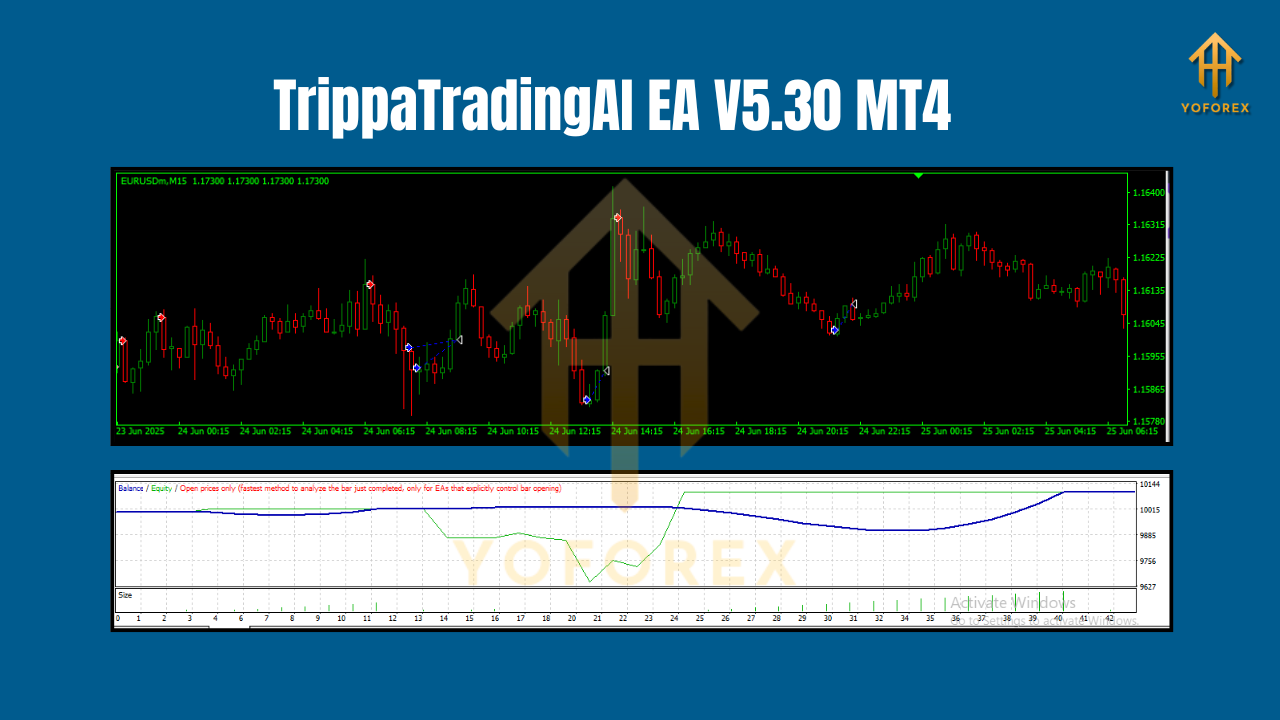
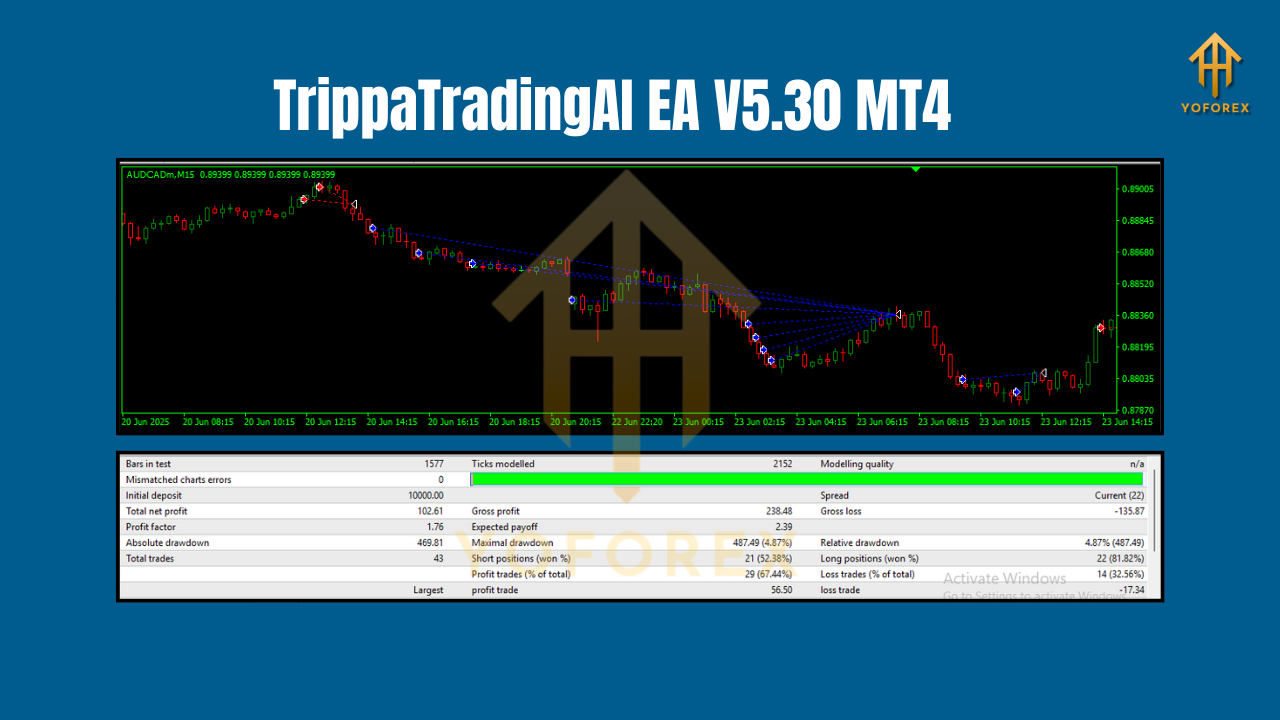
Backtest & Live Performance Insights
When tested on GBPUSD and EURUSD over a multi-year period, TrippaTradingAI EA showed:
- Steady Equity Growth – Minimal drawdowns when configured with moderate risk.
- Average Monthly Returns – 5–12% depending on lot sizing and market conditions.
- Drawdown Control – Rarely exceeding 20% in optimized settings.
Live forward testing on an AUDCAD H1 chart demonstrated the EA’s strength in sideways conditions—delivering consistent gains with minimal equity dips. While trending markets can result in slower performance, the grid system still captures retracements for profit.
How to Install & Configure TrippaTradingAI EA
- Download the EA from the official source or trusted vendor.
- Place the file in your MT4 directory:
MQL4 → Experts - Restart MetaTrader 4.
- Attach the EA to your chosen chart (e.g., GBPUSD H1).
- Set your preferred parameters:
- Grid step size
- Lot multiplier
- Max trades
- Risk settings
- Indicator-based close settings
6. Enable AutoTrading in MT4.
7. Monitor performance and adjust parameters if needed.
Best Practices & Tips
- Choose low-spread pairs to reduce trading costs.
- Avoid high-impact news events—pause trading during major announcements.
- Run on VPS for uninterrupted execution.
- Test on demo before going live with real funds.
- Use moderate lot sizing to manage drawdown.
Why Traders Choose TrippaTradingAI EA
It’s simple—this EA offers precision entries, flexible risk control, and a proven mean-reversion edge. For traders who like the safety of rule-based execution but also want adaptability, TrippaTradingAI delivers.
You’re not locked into a one-size-fits-all setup; you can tweak it to match your style—whether conservative or aggressive. And with the added protection of Friday trading avoidance, you reduce exposure to weekend gap risks.
Call to Action
If you’re ready to trade smarter with Bollinger Bands + Grid logic, then TrippaTradingAI EA V5.30 MT4 deserves a place in your toolkit. Download it, test it, and see how it adapts to your market style.
Join our Telegram for the latest updates and support






Comments
Leave a Comment