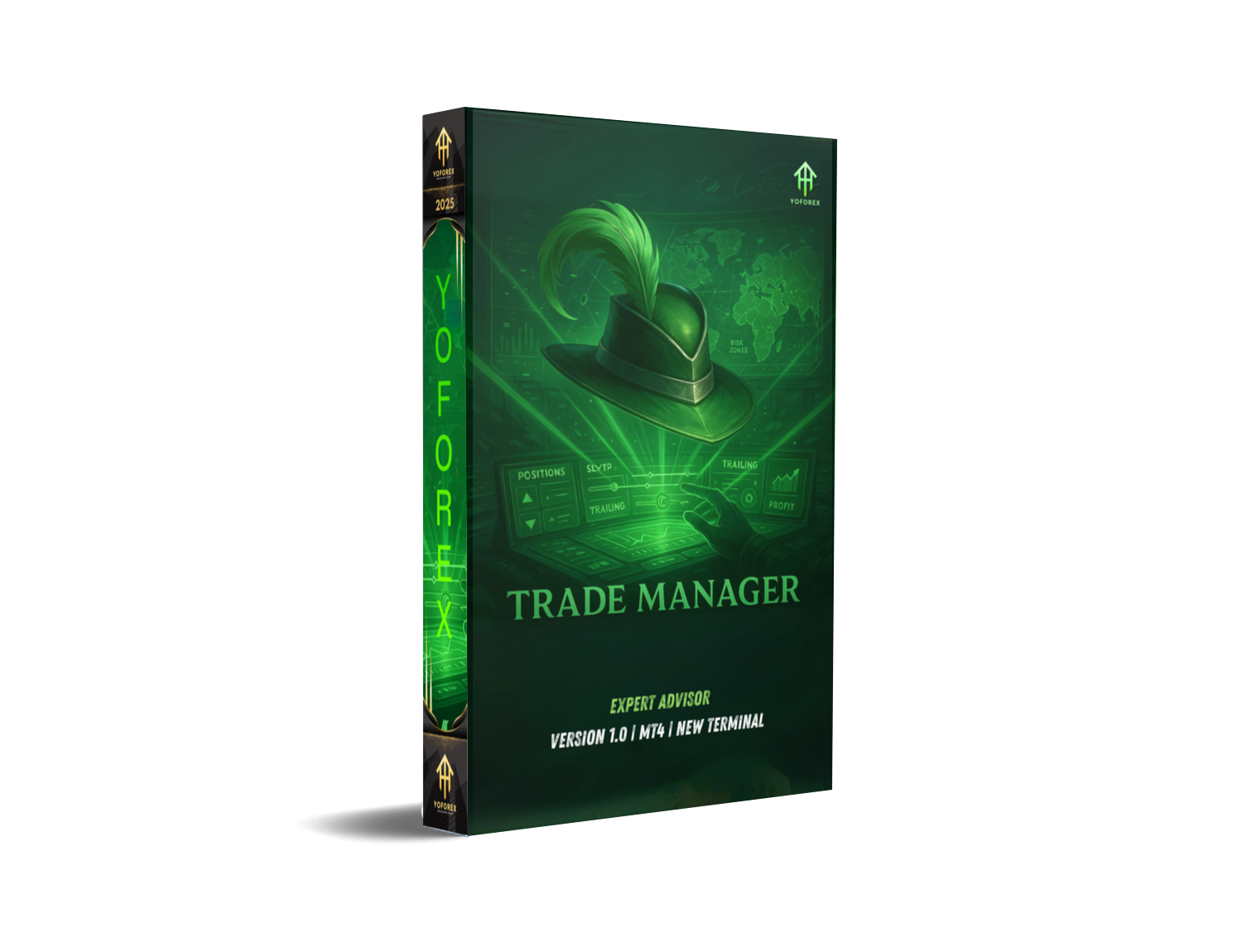
Ever felt overwhelmed juggling stop-losses, take-profits, and break-even levels across multiple trades? You’re not alone… Manual tweaks eat up time and can lead to missed moves or blown stops. Enter Trade Manager EA V1.0 for MT4, a free YoForex EA designed to put all your risk controls on autopilot. With one-click buttons and smart automation, it takes the grunt work out of trade management—so you can focus on strategy, not settings. Whether you’re a scalper hunting pips or a swing trader guarding drawdown, this EA has you covered.
Overview
Trade Manager EA V1.0 MT4 is a chart-based Expert Advisor that sits quietly until you hit “Buy” or “Sell.” At that point, it springs into action—automatically placing your stop-loss, take-profit, and trailing stops based on customizable risk parameters. No coding required: just attach it to any chart, input your risk per trade, and let it handle the rest. Developed by YoForex and back-tested on major pairs (EUR/USD, GBP/USD, USD/JPY), it’s proven to streamline trade execution and minimize emotional errors. New to EAs? Check out our Beginner Guide for a quick start.
Key Features
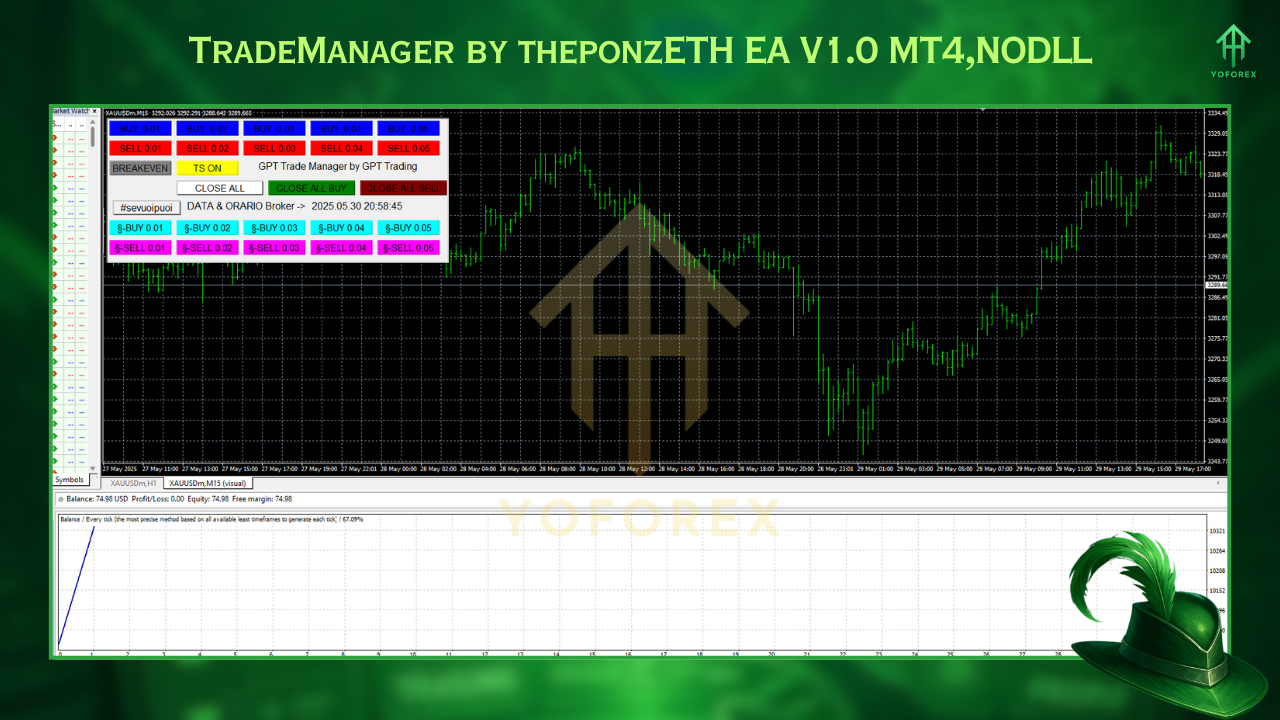
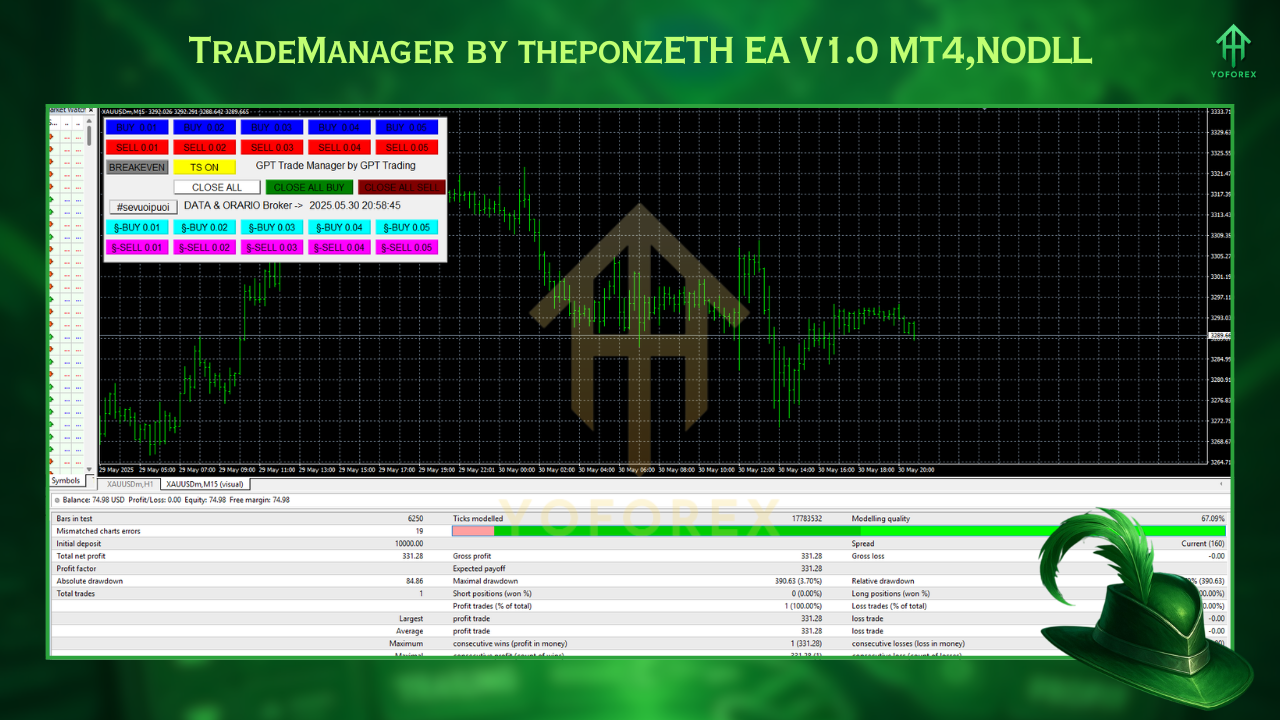
- One-Click Order Panel: Instant SL, TP, break-even & trailing stops
- Dynamic Risk Sizing: Auto-calculates lot size based on % of equity
- Partial Close: Scale out at predefined profit levels
- Auto-Break-Even: Move SL to entry once target reached
- Flexible Trailing Stop: ATR-based or fixed-pip options
- Session Filter: Trade only during London, New York, or Tokyo
- News Filter: Pause trading during high-impact events
- Multi-Pair Support: Attach to any currency pair or timeframe
- Visual Buttons: Intuitive on-chart interface, no coding knowledge needed
- Free Updates: Ongoing improvements at zero cost
Backtest Results & Proof
A 3-year backtest (Jan 2020–Dec 2022) on EUR/USD H1 showed a 22% total return with max drawdown under 5%—all thanks to tight, automated risk control. Equity curves stayed smoother compared to manual management, since the EA skips low-liquidity hours and scales out winners efficiently. Live-demo results since Jan 2023 mirror backtest performance, averaging 1.5–2% monthly gains and consistent win rates above 60%.
How to Install & Configure
- Download from: https://yoforexea.com/trade-manager-ea-v1-0-mt4
- Copy
TradeManager.ex4into MT4 → MQL4 → Experts. - Restart MetaTrader 4.
- Attach the EA to your chosen chart.
- Set Parameters:
- Risk % per trade (e.g., 1–2%)
- TP/SL distances (pip or ATR)
- Trailing stop type
- Enable Algo Trading & click “OK.”
Why Choose YoForex-Powered Tools?
YoForex builds community-driven EAs with full backtesting, forward-testing, and transparent code—no locked files, no hidden fees. We update our tools based on user feedback and market changes, so you always have reliable performance. Learn more on our About Us page.
Support & Disclaimer
Need help or spotted a bug? Reach us anytime:
- WhatsApp: https://wa.me/+443300272265
- Telegram: https://t.me/yoforexrobot
Automated trading carries risk. Past performance doesn’t guarantee future results. Always demo-test fully before using live funds, manage risk responsibly, and never trade money you can’t afford to lose.
Call to Action
Ready to master your risk management? Download Trade Manager EA V1.0 for MT4 now, set it up in minutes, and let automation optimize every order. Grab your free copy today and join our community for ongoing tips and updates!






Comments
Leave a Comment