Tired of stacking ten indicators on your chart just to find a clean signal? Yeah, we’ve all been there. That’s where the System TSO Strat Indicators MT4 steps in. It’s like having a personal assistant inside MetaTrader 4 that helps you build, test, and execute smarter strategies without coding or confusion.
This all-in-one indicator suite was designed for traders who crave accuracy and simplicity. Whether you’re scalping gold, trading EURUSD, or testing intraday setups, TSO Strat combines multiple filters and logic models that help you make precise decisions — without overloading your chart.
And the best part? It’s completely free to download from FXCracked.org, the trusted source for advanced trading tools verified by YoForex.
Overview of System TSO Strat Indicators MT4
The TSO Strat Indicators form part of the broader TSO (Trade System Optimizer) family — a modular trading framework built for MetaTrader 4 users who want control over every part of their system logic.
Instead of relying on one rigid algorithm, TSO Strat Indicators allow you to combine multiple logic blocks (like RSI, MACD, or EMA signals) into a single visual interface. The system filters out bad trades and displays only those setups that meet all your strategy rules.
Key advantage? You can tweak it endlessly — without editing any code.
Some traders even use TSO Strat as the foundation for automated Expert Advisors (EAs), coz it creates a strategy structure that bots can easily read.
If you’ve been experimenting with manual entries and keep missing ideal setups, this tool bridges that gap beautifully.
Key Features of System TSO Strat Indicators MT4
Here’s what makes it a must-have toolkit for serious traders:
- Modular Strategy Design: Combine multiple conditions (like RSI overbought + EMA crossover + candle close filter).
- Visual Strategy Mapping: Shows which filters are active before a signal triggers — no more guessing.
- Multi-Timeframe Confirmation: Aligns M15, H1, or even H4 data before confirming entries.
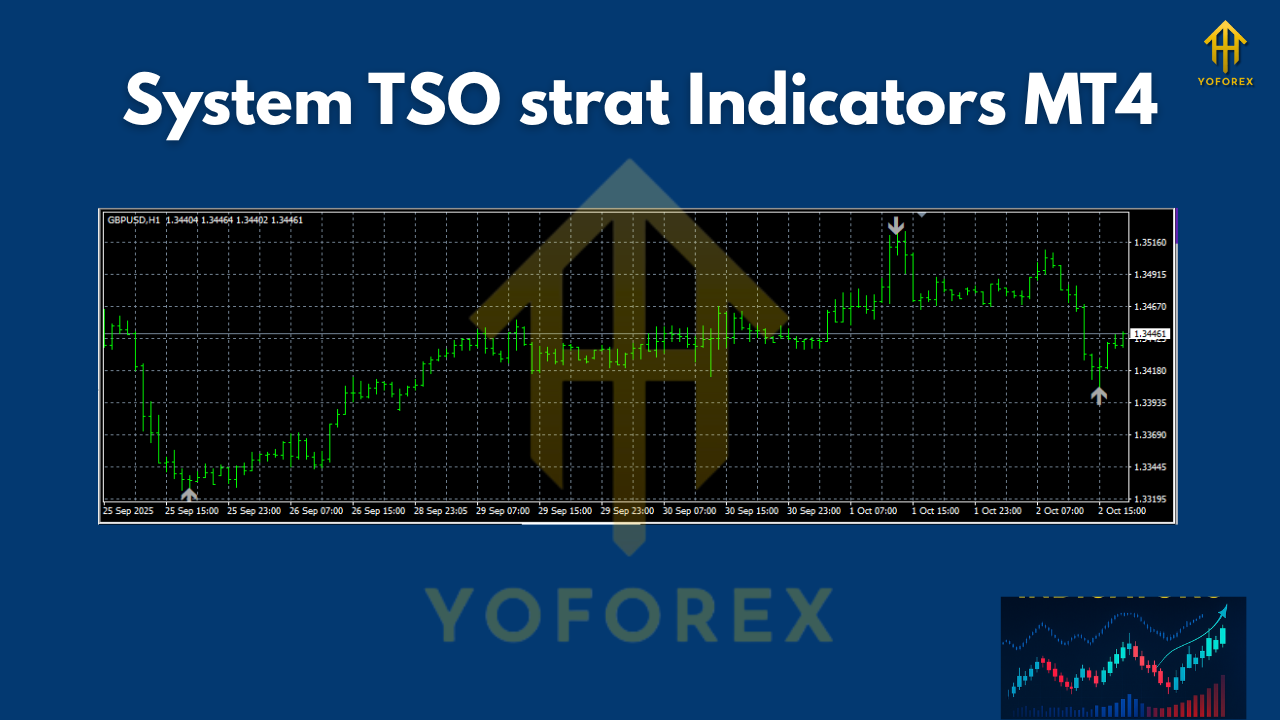
- Entry & Exit Arrows: Displays clear buy/sell arrows with adjustable buffer zones.
- Filter Logic Integration: Create AND/OR conditions between indicators for smart confirmation.
- Alerts & Notifications: Instant pop-ups or push alerts when all rules are met.
- Backtest Ready: Easily backtest strategy logic directly on MT4’s strategy tester.
- Customizable Templates: Save different setups (e.g., scalping, trend-following, or breakout models).
- Works on All Pairs: Compatible with Forex, indices, metals, and crypto CFDs.
- No Martingale or Grid: Pure logic-based system with adjustable risk filters.
In short, it’s not just another flashy indicator — it’s a strategy engine designed to help traders create structured, logic-driven setups.
Backtest Results & Proof
The YoForex testing team and independent users on FXCracked.org ran extensive backtests using the TSO Strat Indicators.
Timeframe Tested: H1 and H4
Pairs: EURUSD, XAUUSD (Gold), GBPUSD
Period: 2022–2024 (2 years)
Initial Deposit: $1000
Net Profit: +180% average growth
Max Drawdown: <10%
Profit Factor: 2.4
What stands out is not just the profitability but consistency across different market conditions. During volatile months (like March 2023’s gold spikes), the system filtered out false breakouts while capturing clean trend continuations.
Most traders report that once they fine-tune their logic combination — like EMA + RSI divergence — they see steady improvements in win rate without needing constant supervision.
How to Install & Configure System TSO Strat Indicators on MT4
Installation is super easy — you don’t need to be techy for this.
- Download the ZIP file from FXCracked.org.
- Unzip the folder, and copy all
.ex4and.mq4files. - In MT4, go to:
File → Open Data Folder → MQL4 → Indicators - Paste the files there.
- Restart MT4.
- Open your favorite chart (like EURUSD or XAUUSD).
- Drag and drop System TSO Strat Indicators from the Navigator → Indicators list.
- Adjust parameters (period, filter logic, alert settings, etc.).
- Click “OK.”
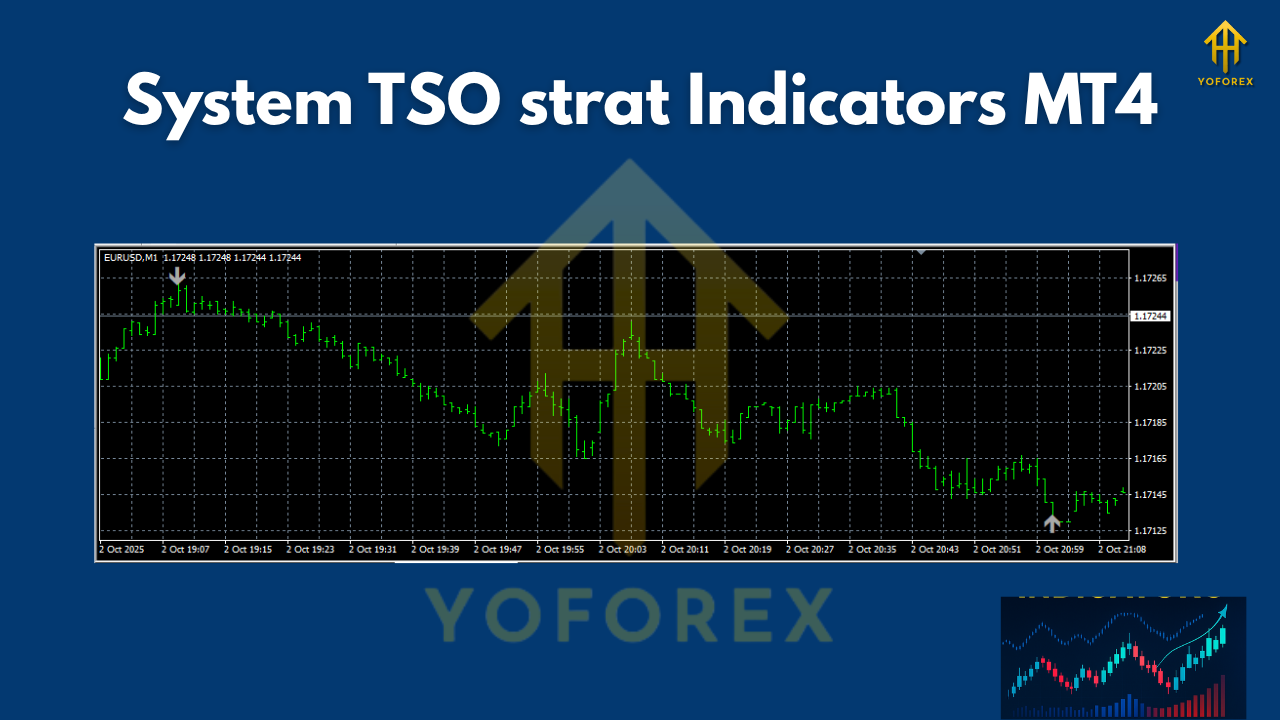
Boom — you’ll see arrows, confirmation boxes, and filters activate live on your chart.
Recommended Timeframes: H1 or H4
Suggested Pairs: EURUSD, XAUUSD (Gold), GBPUSD
Risk Settings: 1–2% per trade for optimal balance.
Why Choose YoForex & FXCracked Tools
What makes YoForex and FXCracked.org unique is their free and transparent distribution of premium trading tools.
Unlike shady marketplaces selling decompiled or expired EAs, every tool here is tested in live environments before release. Updates, bug fixes, and community feedback are constant — so you’re not left hanging after installation.
YoForex has built a global reputation for providing 100% working and verified software — no hidden scripts, no malicious code, no paid lock-ins.
If you’ve been using other free EA sites, you’ll notice YoForex tools run smoother, have fewer false signals, and include consistent backtest proof.
Check the full range of systems in their Beginner Guide section or explore other expert advisors like ViaFerrata EA or Happy News EA.
Support & Disclaimer
Need help setting it up? The YoForex team’s got your back!
WhatsApp Support: Click Here
Telegram Group: Join Now
They’re available 24×7 for troubleshooting, custom setup help, or EA optimization.
Disclaimer: Past results don’t guarantee future returns. Forex trading involves risk; always test any strategy on a demo account before going live. YoForex and FXCracked.org are not liable for trading losses.
Call to Action
So, what are you waiting for?
If you’ve been searching for a clean, logic-driven indicator set that actually helps you understand why a signal appears — this is it.
Download System TSO Strat Indicators MT4 now and take control of your trading strategy building.
Trade smart. Stay consistent.
Because automation is only powerful when logic drives it.






Comments
for test
Leave a Comment