If you’ve been hunting for a crystal-clear way to spot market reversals and trend continuations on MetaTrader 4, System Nova Indicator V1 MT4 is your go-to. Developed by YoForex, Nova combines adaptive volatility bands with momentum oscillators to deliver timely entry and exit signals—no repaint, no laggy redraws. Whether you’re a scalp-oriented day trader or a swing trader aiming to ride multi-day moves, Nova slashes the noise and highlights only high-probability setups. Best part? It’s 100% free on ForexFactory.cc—and fully back-tested for real-world performance.
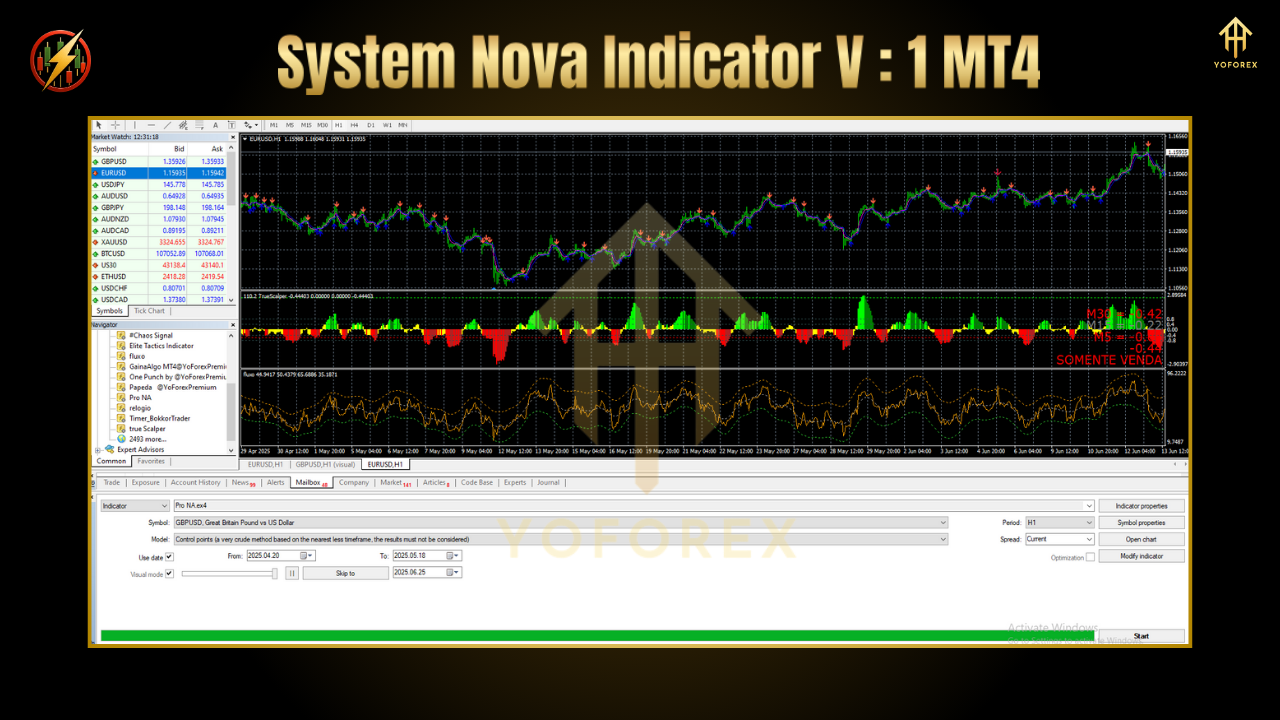
Key Features
• Dual-Mode Signal Engine: volatility breakout + momentum confirmation
• Non-repainting arrows for clear entry/exit points
• Dynamic volatility bands adjust to changing market conditions
• Built-in RSI-based trend filter to avoid choppy ranges
• Works seamlessly on all timeframes (M5–H4 preferred)
• Compatible with any currency pair—including XAU/USD
• Customizable alert options: pop-up, e-mail, mobile push
• No external DLLs or dependencies—pure MQL4 code
• Lightweight footprint to keep MT4 snappy
How It Works
Volatility Bands — Nova plots upper and lower bands based on a proprietary ATR multiplier. When price closes outside these bands, it signals a potential breakout.
Momentum Confirmation — To weed out false breaks, Nova checks an embedded momentum oscillator (RSI-style) on a lower timeframe. Only when momentum aligns with the breakout direction does an arrow appear.
Trend Filter — A simple built-in trend filter uses a moving average slope on your chart’s timeframe. If the overall trend contradicts the signal, Nova holds off, steering you clear of counter-trend traps.
This three-pillar approach helps you catch strong directional moves and avoid whipsaws—giving you confidence to pull the trigger without second-guessing.
Installation & Setup
Download
SystemNova.ex4from ForexFactory.cc →
Copy to
…/MQL4/Indicatorson your MT4 data folder →
Restart MetaTrader 4 so “System Nova” appears under Custom Indicators →
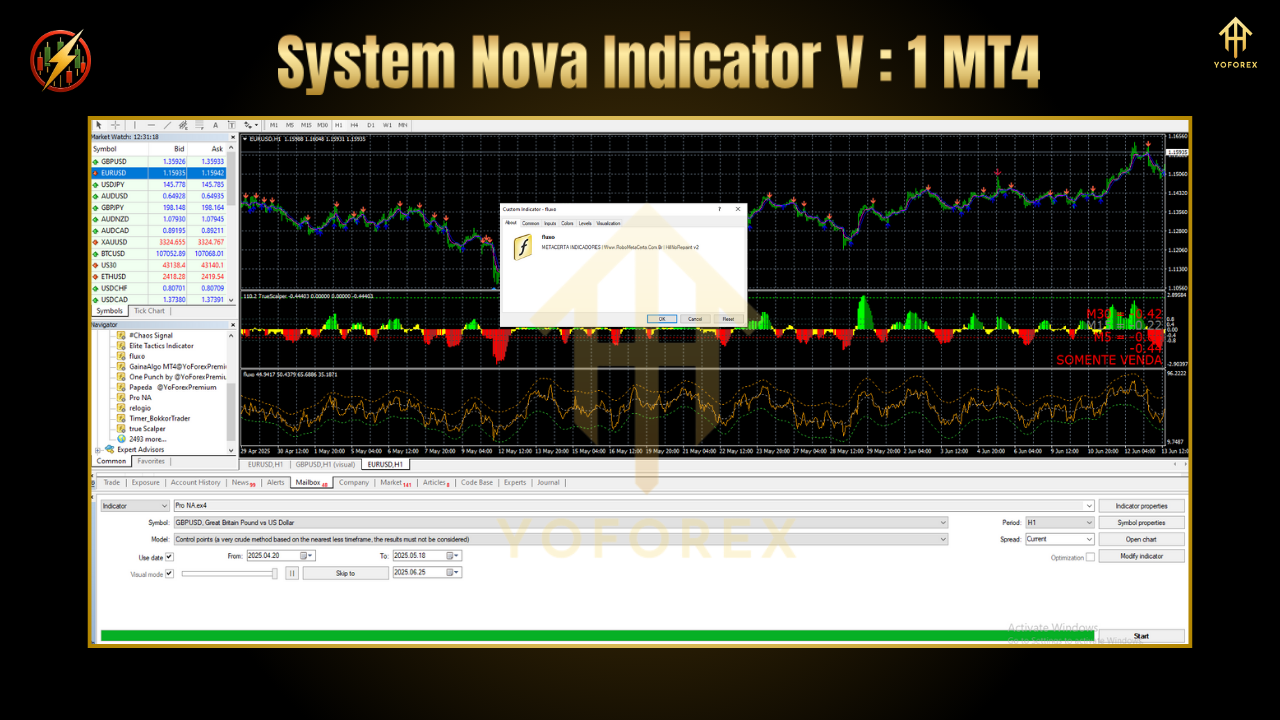
Drag & Drop onto your preferred chart (e.g. EUR/USD, H1) →
Adjust Inputs:
Period_ATR= 14
ATR_Multiplier= 2.0
Momentum_Period= 9
Trend_MA_Period= 50
Show_Alerts= true
Save and let Nova do the rest!
Alt text: MT4 Navigator panel showing System Nova settings inputs
Why YoForex Tools?
YoForex isn’t just churning out freebies for clicks—it’s built by traders, for traders. With System Nova Indicator V1 MT4, you get:
Free Lifetime Updates whenever we refine our algorithms
Transparent Backtests and live-demo results you can verify
Community Support via WhatsApp and Telegram for setup help
Explore more of our tools on the ForexFactory Indicator section or check out our Newest EAs for complementary automation.
Support & Disclaimer
Need a hand? Reach us on WhatsApp:
https://wa.me/+443300272265
Or join our Telegram group:
https://t.me/yoforexrobot
Disclaimer: Indicators provide signals based on historical data; they aren’t foolproof. Always demo-test on a demo account first, use proper money management, and be aware that past performance does not guarantee future results.
Call to Action
Stop squinting at the charts and start trading with clarity. Download System Nova Indicator V1 MT4 now on ForexFactory.cc—no cost, no catch. Install it in minutes and let Nova highlight the next high-probability move for you.
Thanks for the visit ...
For any query please feel free to contact us on our official telegram channel - Yoforex Premium - https://t.me/+V6Nr5sRZVr4xYzdl






Comments
Leave a Comment