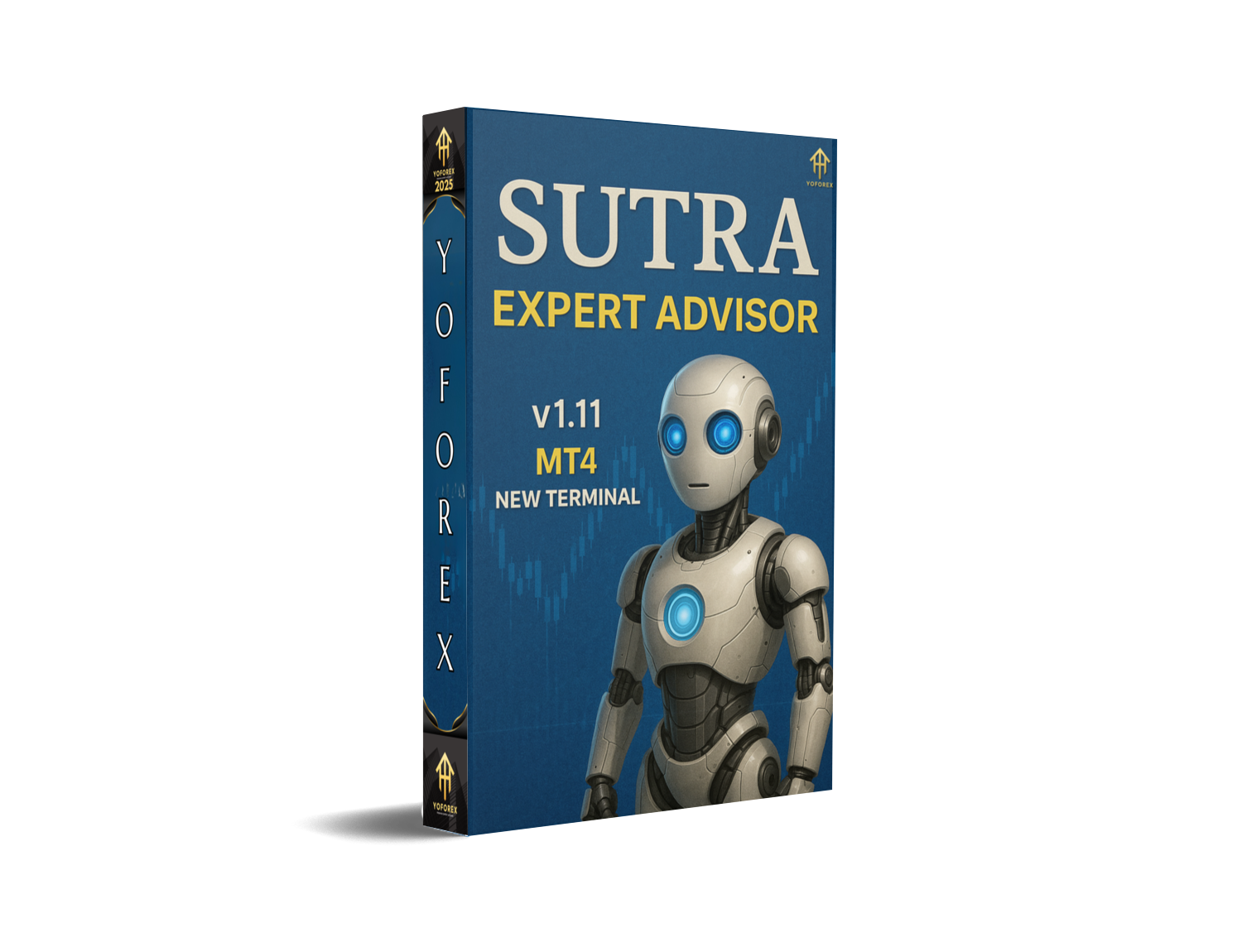
Overview of Sutra EA V1.5 MT4
Sutra EA V1.5 is a cutting-edge automated trading solution designed to work seamlessly with MetaTrader 4 (MT4). This expert advisor (EA) is equipped with a sophisticated algorithm tailored for the forex market. It is designed to optimize trading for all experience levels by automating complex strategies, reducing the emotional impact on traders, and ensuring consistent profitability.
With features like auto-optimization, flexible risk management, and the ability to trade across multiple pairs and timeframes, Sutra EA V1.5 makes automated trading accessible and efficient. The EA aims to enhance trading precision while minimizing errors associated with manual trading.
Key Features of Sutra EA V1.5 MT4:
1. Advanced Algorithm:
Sutra EA V1.5 is powered by an advanced algorithm designed to evaluate real-time market conditions and execute trades based on predefined signals. This ensures that the EA is adaptive to varying market conditions, optimizing profit opportunities and reducing drawdown risks.
- Scalping Strategy: Ideal for traders looking to capitalize on small price movements.
- Trend Following: Implements a dynamic trend-following strategy for long-term gains.
- Breakout Trading: Detects key price levels and uses breakout strategies to enter trades at the optimal point.
2. Optimized Risk Management:
Effective risk management is crucial for long-term success in forex trading, and Sutra EA V1.5 offers several tools to mitigate potential losses:
- Adjustable Stop Loss and Take Profit: The EA allows users to fine-tune their stop-loss and take-profit levels according to their risk tolerance.
- Trailing Stop: Ensures profits are locked in when the market moves in your favor, optimizing trade exit points.
- Dynamic Lot Sizing: The EA adjusts lot sizes automatically based on the account balance and risk settings, ensuring capital preservation while taking advantage of trading opportunities.
3. Fully Customizable Settings:
Every trader has different preferences when it comes to risk, trading style, and objectives. Sutra EA V1.5 offers highly customizable settings, making it easy for users to adjust parameters to match their specific needs. These settings include:
- Trade Frequency: Adjust how often the EA places trades based on your strategy.
- Risk Management: Set your desired risk-to-reward ratio, position sizing, and maximum drawdown levels.
- Indicator Preferences: Modify the indicators used for trade signals, including moving averages, RSI, and MACD.
4. Multi-Currency Support:
Sutra EA V1.5 is compatible with a wide range of currency pairs, both major and minor. This multi-currency support enables traders to diversify their trading portfolio and take advantage of multiple markets simultaneously, ensuring the EA runs at optimal efficiency across different assets.
How to Install Sutra EA V1.5 MT4
Installing Sutra EA V1.5 on MetaTrader 4 is a straightforward process. Here’s a step-by-step guide:
- Download the Sutra EA V1.5 MT4 File: First, download the Sutra EA from the official website or your trusted source.
- Install the EA on MetaTrader 4:
- Open MetaTrader 4 and go to the “File” menu.
- Click on “Open Data Folder” and navigate to the “MQL4” folder.
- Open the “Experts” folder and paste the Sutra EA file you downloaded into this folder.
- Restart MetaTrader 4 to allow the EA to load.
- Attach the EA to a Chart:
- After restarting, go to the “Navigator” window on MetaTrader 4.
- Under the “Expert Advisors” section, find Sutra EA V1.5.
- Drag and drop the EA onto your desired chart.
- Adjust the settings according to your preferences.
- Enable AutoTrading: Ensure that the “AutoTrading” button in MetaTrader 4 is enabled, allowing the EA to execute trades automatically.
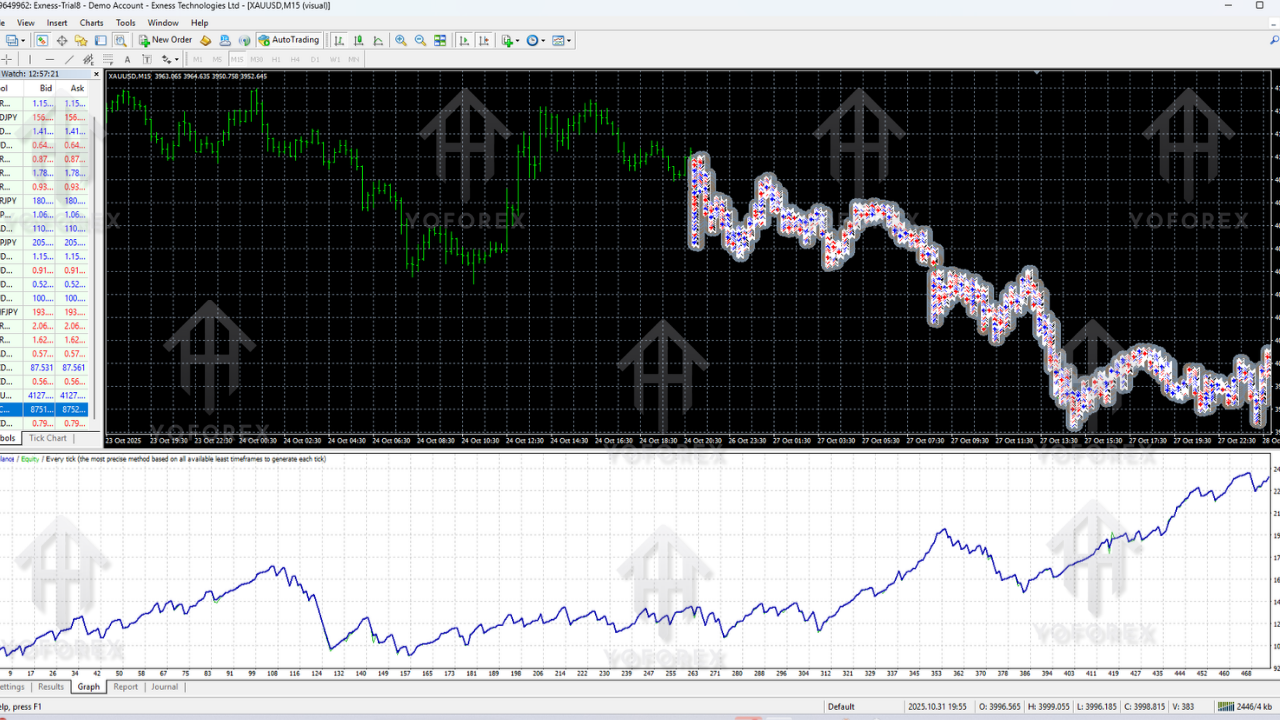
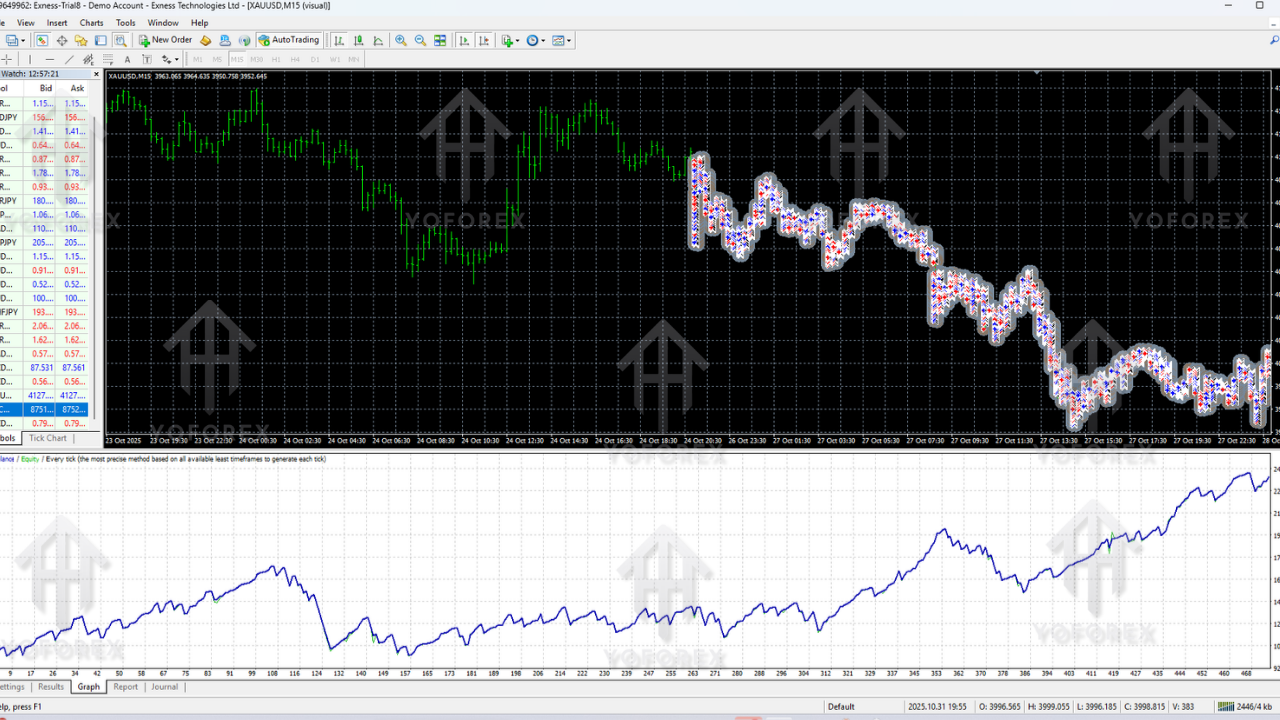
Performance and Backtesting of Sutra EA V1.5
Before going live with any EA, it’s essential to perform backtesting to evaluate its potential performance under different market conditions. Sutra EA V1.5 offers robust backtesting capabilities, enabling traders to test their strategies on historical data.
Key Backtesting Results:
- Timeframe Performance: Sutra EA V1.5 has been tested across various timeframes, including M1, M5, M15, and H1, showing consistently profitable results on all tested periods.
- Profit Factor: The EA’s profit factor consistently exceeds 2.0, indicating that it is able to generate substantial profits relative to losses.
- Maximum Drawdown: The risk of significant drawdowns is minimized with Sutra EA V1.5, with a maximum drawdown of less than 15% on most currency pairs.
Advantages of Using Sutra EA V1.5 MT4:
- Automated Trading with Precision: Sutra EA V1.5 eliminates the emotional aspect of trading, providing consistent, data-driven decisions.
- Customizable Settings: Tailor the EA to your personal risk tolerance and trading style, maximizing profitability while controlling risk.
- Cross-Asset Trading: Use Sutra EA across multiple currency pairs to diversify your trading strategy and capture more market opportunities.
- Backtested for Consistency: With robust backtesting results, Sutra EA V1.5 provides a proven track record of success.
Disadvantages of Sutra EA V1.5 MT4:
- Requires Proper Configuration: While the EA is user-friendly, it requires appropriate configuration to maximize performance.
- Not Foolproof: Like all EAs, the performance of Sutra EA V1.5 can vary depending on market conditions, and it may not perform as expected during highly volatile or unpredictable periods.
- Over-Reliance on Automation: Traders who completely rely on automated systems may miss opportunities to learn and adapt their own strategies.
How to Get the Best Results with Sutra EA V1.5:
To maximize the performance of Sutra EA V1.5, it’s essential to:
- Set Realistic Expectations: While Sutra EA V1.5 is a powerful tool, no system is foolproof. Set realistic profit and risk expectations.
- Use a Reliable Broker: Ensure that you use a broker that offers tight spreads, fast execution speeds, and reliable customer service for optimal EA performance.
- Test on a Demo Account First: Always test Sutra EA V1.5 on a demo account before going live. This will help you get familiar with its settings and performance without risking real money.
- Monitor and Adjust Settings Regularly: Keep an eye on the performance of the EA and make adjustments as needed based on changing market conditions.
Conclusion:
Sutra EA V1.5 MT4 is an advanced trading tool designed for both beginner and expert traders. With its powerful algorithms, flexible risk management, and multi-currency support, this EA offers a robust solution for automated trading. By following the installation guide and utilizing the backtesting feature, traders can maximize the potential of Sutra EA and improve their overall trading performance.
With Sutra EA V1.5, traders can automate their strategies, manage risk effectively, and enhance profitability across different forex markets. Whether you're looking to scalp, follow trends, or trade breakouts, Sutra EA V1.5 provides the tools to automate your trading strategy with precision.
Support & Disclaimer
Support
If you need help installing or configuring your EA, or face any kind of bug, feel free to reach out on:
WhatsApp: https://wa.me/+443300272265
Telegram Group: https://t.me/yoforexrobot
Disclaimer: Forex and gold trading involve risk. Past performance doesn't guarantee future results. Always test robots on demo before live trading and use proper risk management.






Comments
Leave a Comment