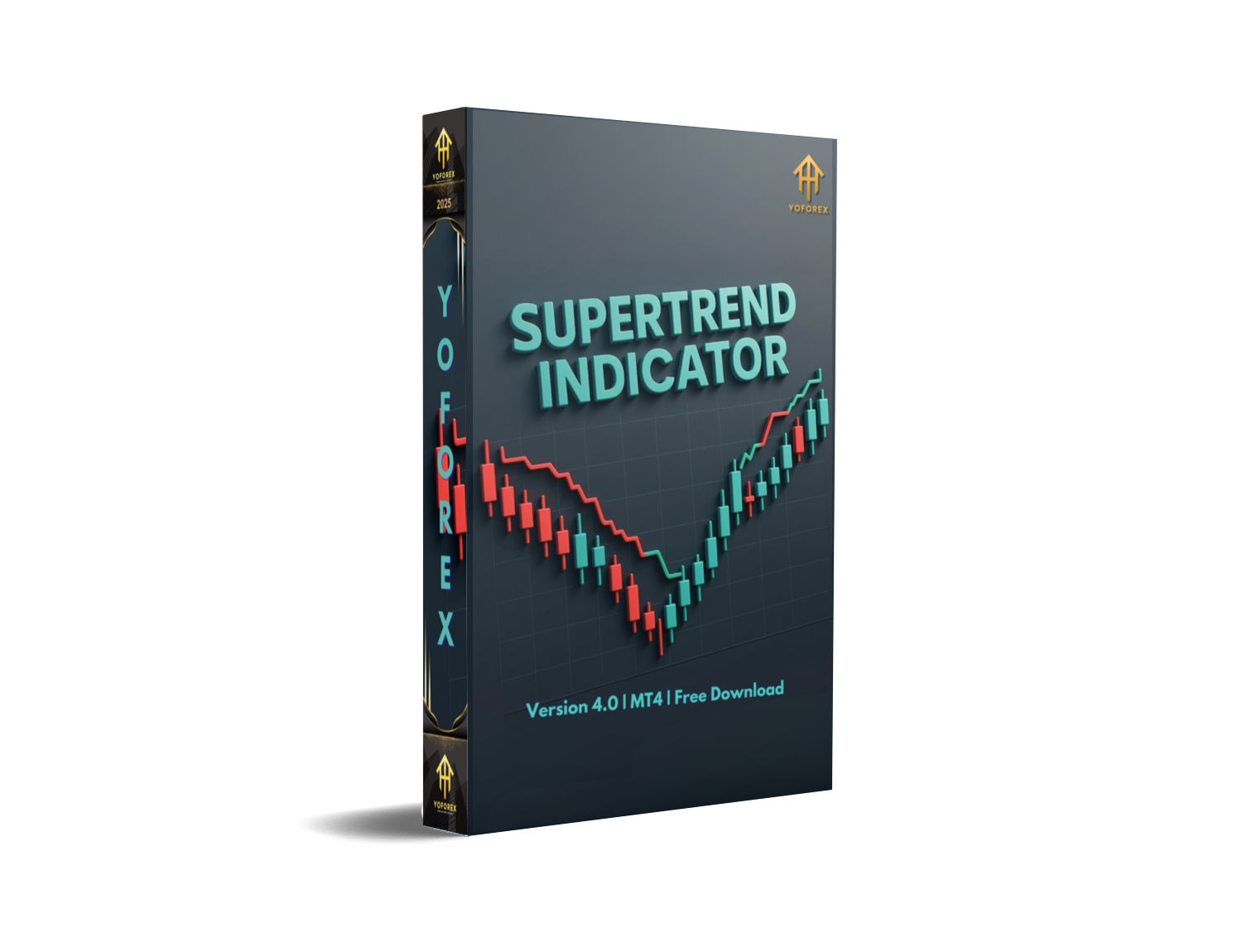
SUPERTREND INDICATOR V4 MT5 – Powerful Trend-Following Tool
If you’ve been struggling to filter out market noise and identify true price direction, you’re not alone. Most traders jump between oscillators, moving averages, and fancy dashboards, yet still miss the real trend. That’s where the Supertrend Indicator V4 MT5 steps in.
This version isn’t just another repainting gimmick—it’s a trend-following tool built for MetaTrader 5, designed to keep things simple while giving accurate buy/sell signals. Whether you’re a scalper on short timeframes or a swing trader holding positions for days, the indicator adapts. The best part? You don’t need a $10,000 account to start… even a minimum deposit of $200 is enough to test and use it effectively.
In this blog, we’ll cover how the indicator works, supported currency pairs, recommended timeframes, features, and why it could become your go-to trading companion.
What is the Supertrend Indicator V4 MT5?
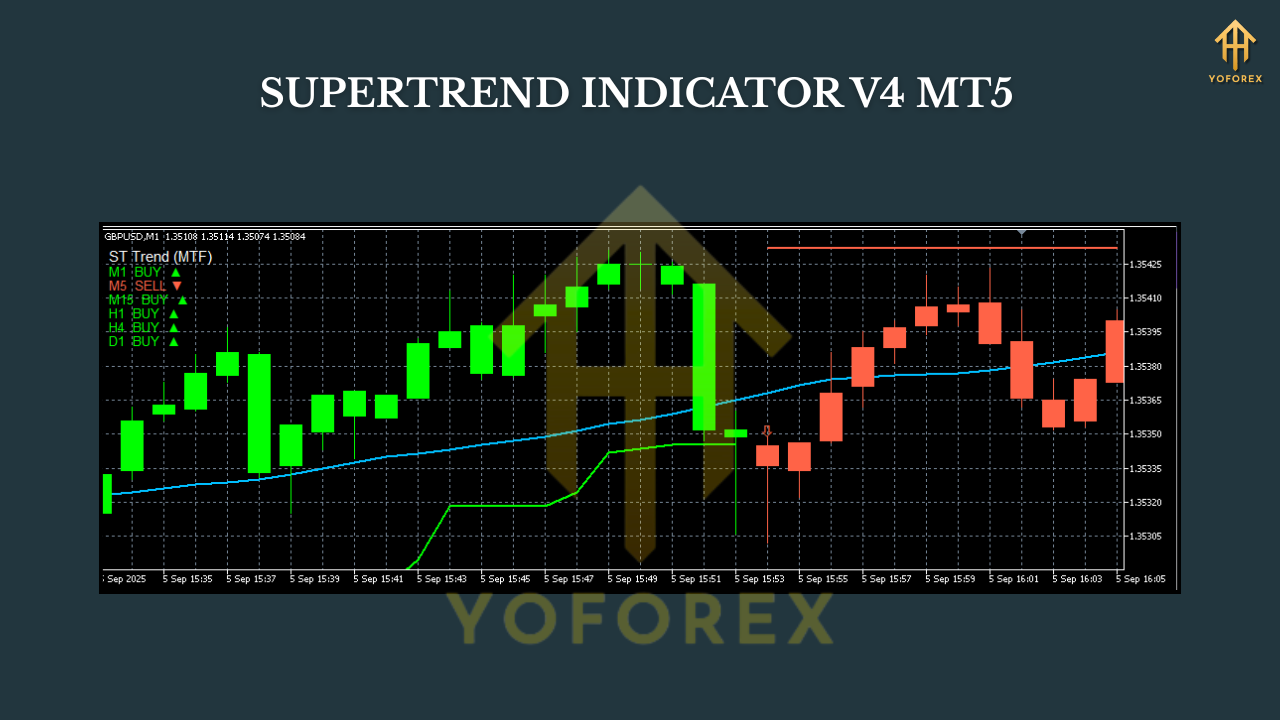
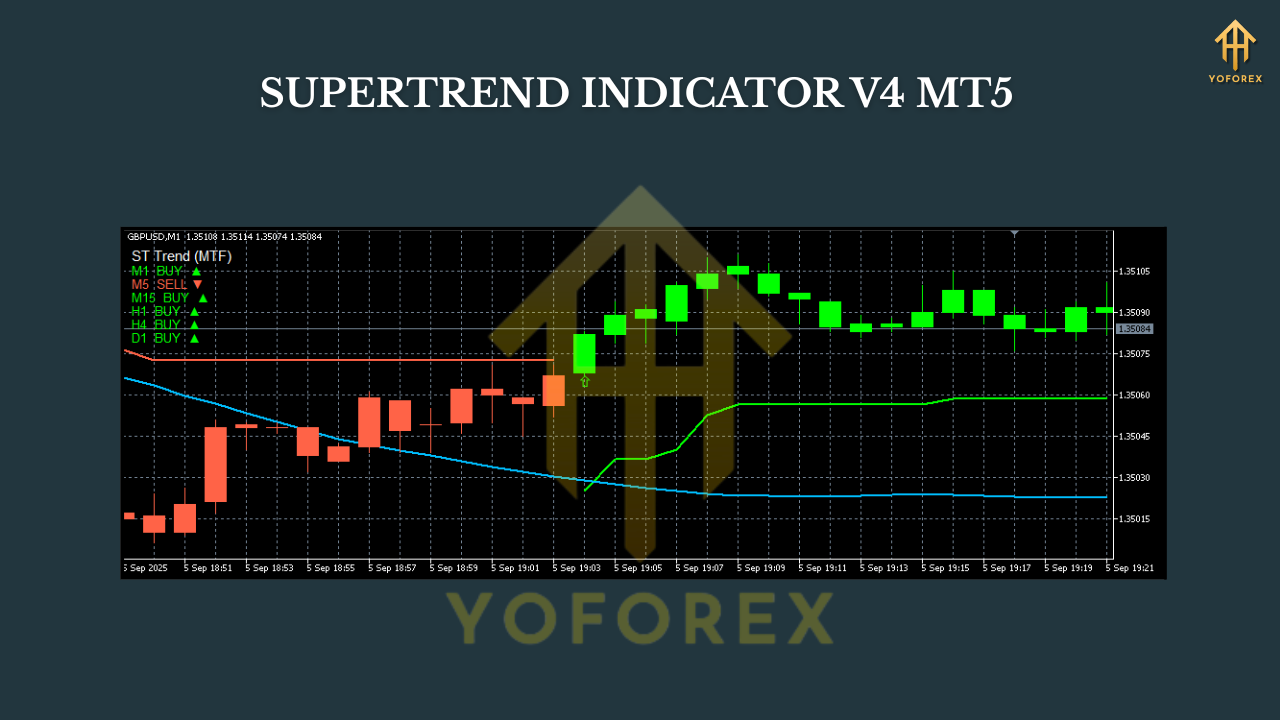
The Supertrend Indicator is a technical analysis tool based on Average True Range (ATR) and price action. Instead of overloading your chart with confusing lines, it gives a simple overlay: a green line for bullish trends and a red line for bearish ones.
Version 4 (V4) improves on earlier versions by:
- Adding better filtering for sideways markets.
- Improving compatibility with MT5 multi-timeframe analysis.
- Offering customizable alerts (popup, push, or email).
It’s basically a visual map—telling you when to stay in the trade and when to get out.
Supported Currency Pairs
One reason traders like the Supertrend Indicator V4 is its multi-asset flexibility. You can use it on:
- Major Forex pairs: EURUSD, GBPUSD, USDJPY, AUDUSD
- Crosses & exotics: EURJPY, GBPJPY, USDTRY
- Gold (XAUUSD): works well due to high volatility
- Indices & crypto: US30, NASDAQ, BTCUSD
Basically, if it has price data in MT5, this indicator can track it.
Best Timeframes to Use
Timeframe choice depends on your trading style:
- Scalping: M5 and M15
- Intraday trading: M30 and H1
- Swing trading: H4 and D1
For beginners, H1 and H4 are usually best because they cut out a lot of fake signals.
Key Features of Supertrend Indicator V4 MT5
Here’s what makes this version stand out:
- Clear buy/sell arrows directly on the chart.
- ATR-based calculation to adjust for volatility.
- Works on any instrument—forex, gold, indices, crypto.
- Non-repainting signals for reliable decision-making.
- Multi-timeframe compatibility.
- Alerts via popup, sound, push, and email.
- Adjustable sensitivity (ATR period and multiplier).
- Lightweight code—doesn’t slow down MT5.
- Ideal for both manual traders and EA developers.
- Can be combined with other indicators (RSI, MACD, moving averages).
How It Looks in Action
Imagine EURUSD on the H1 timeframe:
- Price moves above the green Supertrend line → strong buy signal.
- Price falls below the red line → trend reversal, switch to sell.
Instead of second-guessing, you have a visual guide. Combine it with support/resistance, and you’ll filter out many false trades.
Minimum Deposit & Risk Management
The indicator itself doesn’t enforce a deposit requirement—it works regardless of account size. But to trade with low stress, most brokers recommend $200 minimum deposit.
Risk management tips:
- Don’t risk more than 1–2% per trade.
- Use the Supertrend line as a dynamic stop-loss.
- Stick to pairs with lower spreads if your capital is small.
Why Traders Choose Supertrend Indicator V4
- Simplicity: No messy dashboard, just clear red/green lines.
- Accuracy: Non-repainting makes it more trustworthy.
- Versatility: Can be applied to forex, gold, crypto, and stocks.
- Scalability: Works for both $200 and $20,000 accounts.
- Updates: V4 offers more stable results in volatile conditions.
Installation & Setup Guide
- Download the Supertrend Indicator V4 MT5 from your provider.
- Copy the .ex5 file into the MT5
Indicatorsfolder.
- Path:
File → Open Data Folder → MQL5 → Indicators
3. Restart MetaTrader 5.
4. Open your chart (e.g., EURUSD H1).
5. Insert the indicator from Navigator → Indicators.
6. Adjust ATR Period and Multiplier (default works for most).
Optional: enable alerts if you want MT5 to ping you whenever a new buy/sell signal comes.
Pro Tips for Using Supertrend V4
- Combine it with RSI (14) for trend confirmation.
- Avoid using it during major news events—ATR spikes may create false signals.
- Check higher timeframes (H4/D1) to confirm direction before entering on M15 or H1.
- Backtest on your chosen pair before going live.
Final Thoughts
The Supertrend Indicator V4 MT5 is not a magic money machine. But it simplifies the hardest part of trading—spotting the trend and sticking with it.
With a minimum deposit of $200, you can start testing it right away. Use it on majors like EURUSD or even gold (XAUUSD) to see how well it performs. And remember—no indicator guarantees profits; it’s all about how you combine it with discipline and risk management.






Comments
Leave a Comment