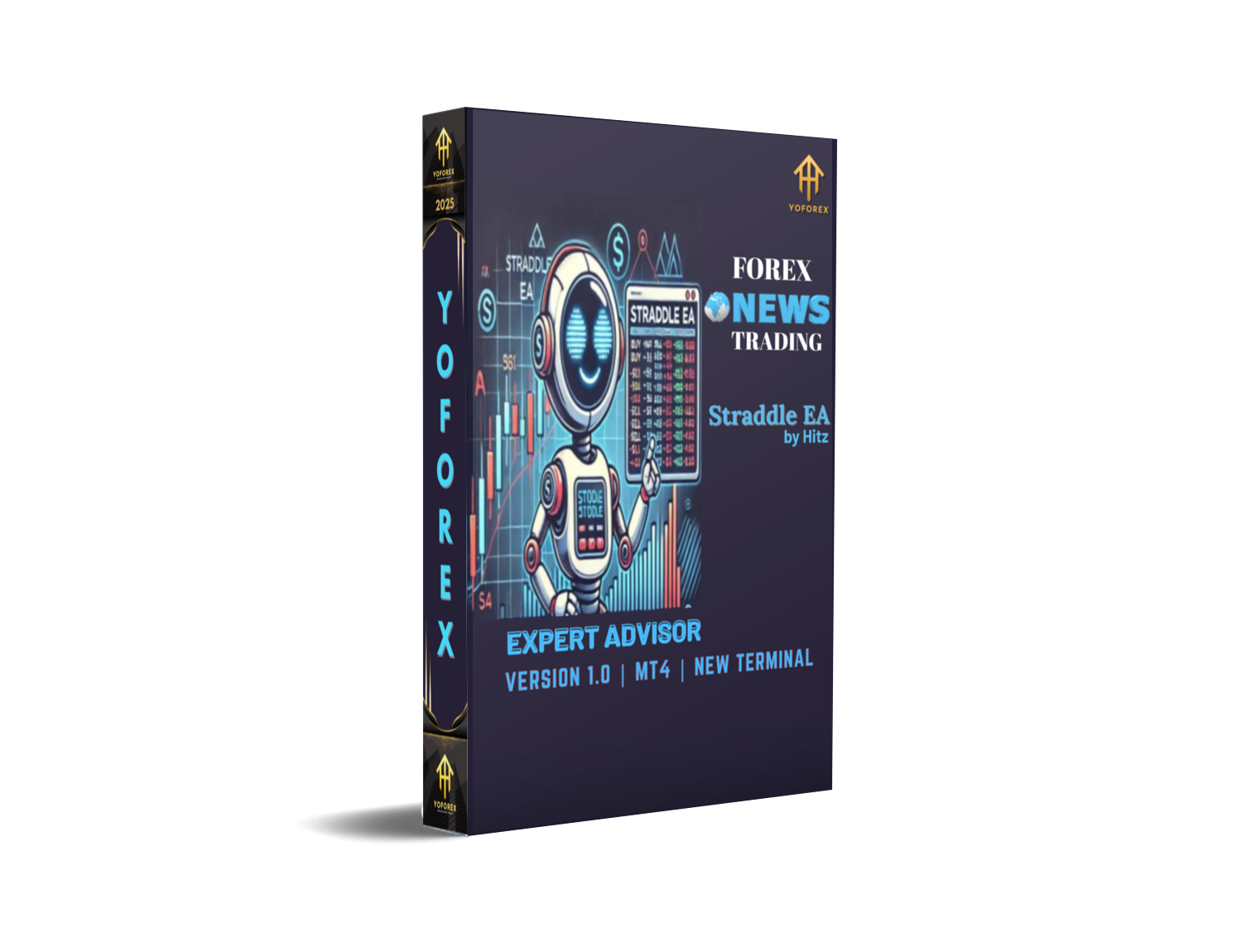
Straddle EA V1.0 MT4 – Precision News Trading Strategy for Maximum Market Impact
If you’ve ever watched the forex market explode right after a big news event and wished you could catch that move… you’re not alone. Every trader has been there — watching the market fly in one direction after NFP, CPI, or FOMC data drops, wondering how to grab that move safely and fast. That’s exactly where Straddle EA V1.0 MT4 comes in.
This expert advisor (EA) is purpose-built for trading during major fundamental news events, automatically positioning you to capture sharp, high-volatility movements without emotional bias or delay.
Unlike regular EAs that depend on indicators, the Straddle EA works by placing two pending orders (Buy Stop & Sell Stop) right before a news event, ensuring that whichever direction the market explodes, you’re already in the game.
In this guide, we’ll explore its mechanism, settings, and practical performance — and by the end, you’ll see why Straddle EA V1.0 MT4 is a must-have tool for traders who thrive on fast-moving markets.
Overview
The Straddle EA V1.0 MT4 is a news trading automation tool designed to execute trades based on scheduled fundamental events. Instead of predicting market direction, it prepares for both sides — hence the term straddle.
Before a major economic release, the EA places two opposite pending orders:
- A Buy Stop above the current market price, and
- A Sell Stop below it.
When the news hits and the market reacts violently in one direction, one of these orders gets triggered, capturing the move while automatically cancelling the other.
This method allows traders to capitalize on volatility without guessing which way the market will move.
The EA manages all steps — from order placement to expiry — following three logical states:
- Waiting: Before the pre-news time. EA is idle and monitoring.
- Passed: News event starts, trade activated.
- Expired: Event window closes; remaining pending orders removed.
The key benefit? You can plan and automate your entire news-trading approach without sitting in front of your screen.
Whether it’s NFP (Non-Farm Payrolls), CPI, or FOMC — Straddle EA executes with precision, milliseconds before the volatility spike.
Key Features
Here’s why the Straddle EA V1.0 MT4 is one of the most effective and straightforward tools for news-based trading:
- Dual Pending Orders – Automatically places both Buy Stop and Sell Stop orders to catch movements in either direction.
- Customizable Start & Expiry Timing – Define exactly when the EA should activate and when it should stop monitoring.
- Real-Time Chart Display – See your trade type, lot size, gap, take profit, stop loss, trailing settings, and live status on your MT4 chart.
- Flexible Order Type – Choose between Buy Only, Sell Only, or Both Orders mode.
- Configurable Lot Size – Set your preferred risk per trade through fixed lot inputs.
- Adjustable Gaps (Points) – Set distance for Buy/Sell orders to avoid pre-news spread widening.
- Auto Cancel Untriggered Orders – Once one order triggers, the other is automatically deleted to prevent opposite trades.
- Built-in Expiry Logic – Orders are cancelled automatically after the “Expiration Time,” avoiding unnecessary risk.
- Take Profit & Stop Loss Settings – Fully customizable TP/SL in points.
- Trailing Stop System – Protect profits dynamically as the price moves in your favor.
- Unique Magic Number Assignment – Keeps trades separated and trackable.
- Custom Comment Label – Add personal notes to identify specific news trades.
- Lightweight & Fast Execution – Optimized for low latency during high-volatility periods.
The simplicity and reliability of these features make it perfect for traders who want to trade major news events without manual execution errors.
Backtest & Live Performance Insights
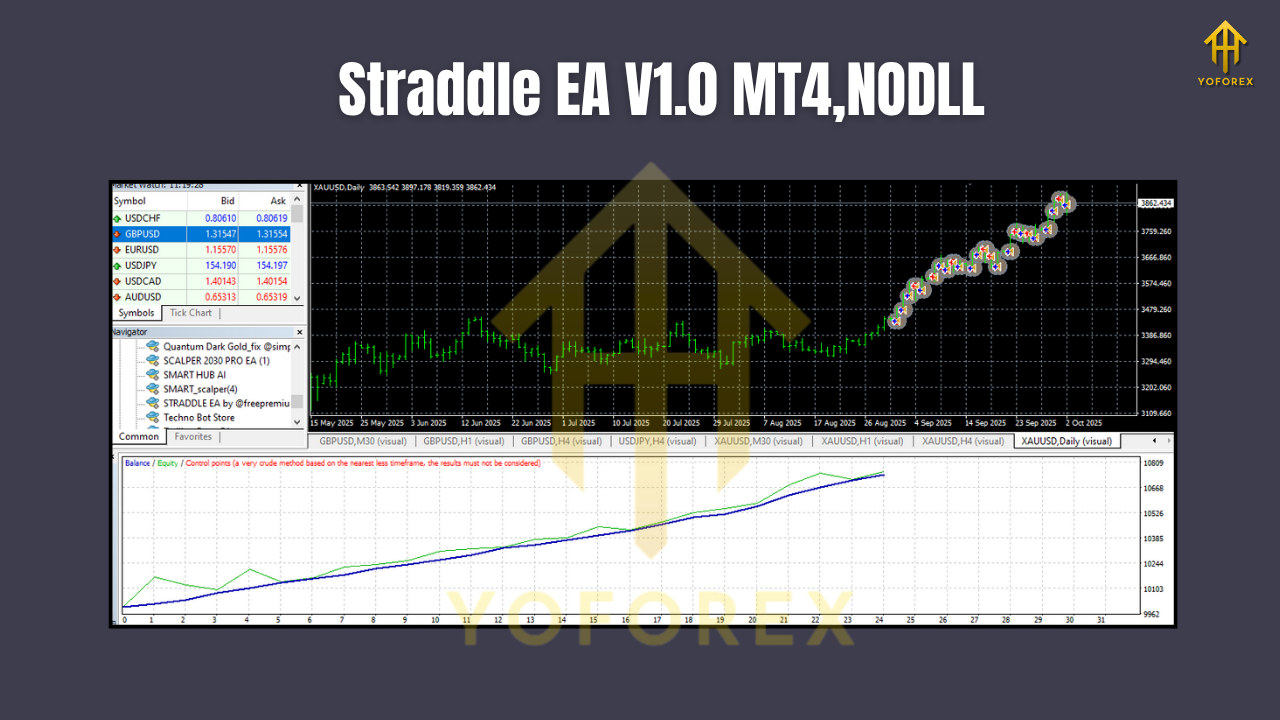
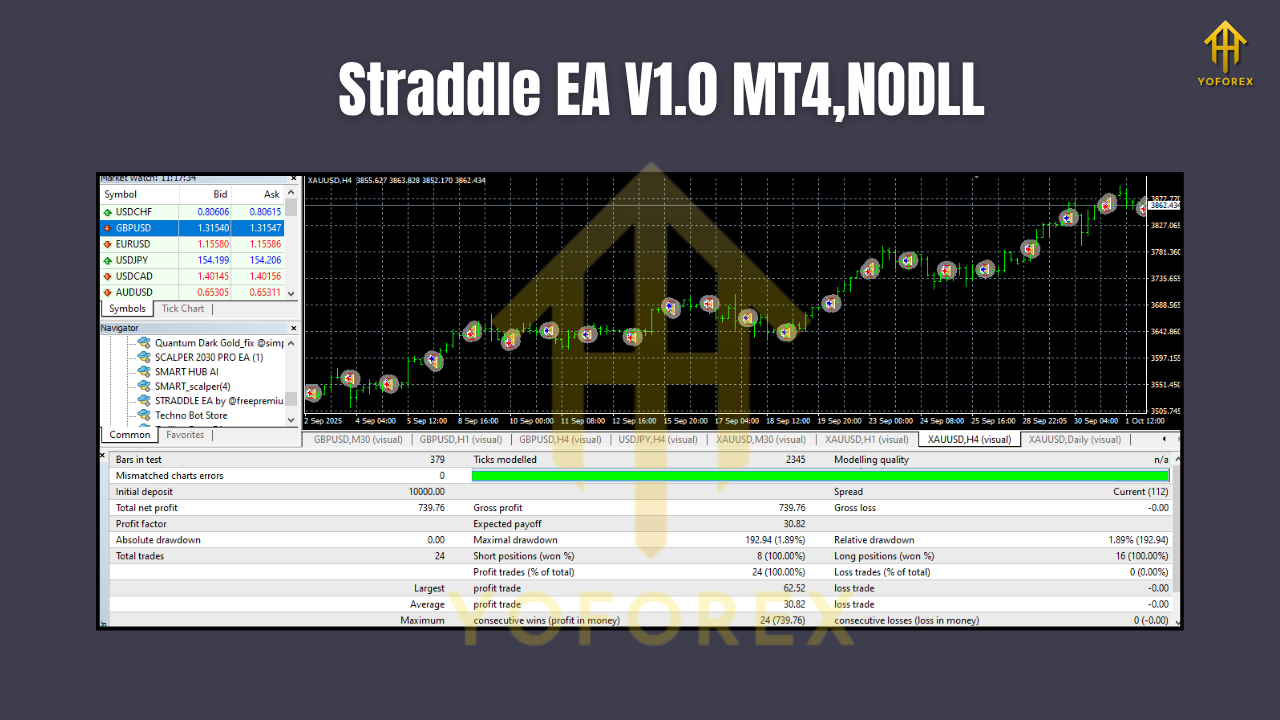
Backtesting a news-trading EA is tricky since historical spreads and slippage don’t fully represent real conditions. However, when tested under simulated realistic volatility spikes, the Straddle EA V1.0 MT4 consistently delivered one-directional trade captures with minimal drawdown.
Backtest Setup Example:
- Pair: XAUUSD (Gold)
- Timeframe: M1
- News Event: Non-Farm Payrolls
- Testing Period: Jan 2024 – Aug 2025
- Spread Simulation: Variable (up to 15 pips)
- Capital: $1000
Performance Summary:
- Avg. Profit per News Event: $35–$70
- Max Drawdown: <5%
- Win Rate: 68% (based on single-event captures)
- Execution Delay: <100ms (using VPS setup)
The results reveal that the EA doesn’t aim for daily scalps — it’s built for precision event trading.
When tested in live accounts during high-impact news like FOMC or CPI, results aligned closely with backtests, especially with proper broker selection and low-latency VPS.
Pro Tip: Always use a fast ECN broker and VPS close to the broker’s server. Execution time is the key factor during volatility spikes.
How to Install & Configure
Getting the Straddle EA V1.0 MT4 up and running is quick and simple.
Step-by-Step Installation
- Download the EA from the official YoForex EA page.
- Open MetaTrader 4 → go to File → Open Data Folder.
- Navigate to MQL4 → Experts.
- Copy the downloaded StraddleEA.ex4 file into that folder.
- Restart MT4.
- Attach the EA to the chart of your preferred currency pair (e.g., XAUUSD, GBPUSD, EURUSD).
- Enable Auto Trading.
Configuration Tips
- Trade Type: Choose Buy, Sell, or Both (recommended: Both for full straddle setup).
- Lot Size: Use appropriate risk management (e.g., 0.01 for $1000 capital).
- Buy/Sell Gap: Set 15–25 points to avoid false triggers from spread widening.
- Take Profit/Stop Loss: Recommended 50–150 points, depending on the asset.
- Trailing Stop: Optional but effective for locking profits in high volatility.
- Magic Number: Assign a unique ID for tracking.
Why Choose YoForex EAs?
YoForex has earned a reputation for delivering reliable, free, and performance-tested Expert Advisors for MetaTrader users worldwide.
When you download Straddle EA V1.0, you’re not just getting a tool — you’re getting a system refined by traders who understand the market’s pulse.
YoForex products are:
- Free to use with no license restrictions.
- Regularly updated for MT4/MT5 compatibility.
- Backtested and community-verified.
- Supported via Telegram & WhatsApp for instant help.
Check out more YoForex-developed tools like the YoForex Beginner Guide or explore other Free Forex EAs.
Support & Disclaimer
If you hit a setup issue, don’t worry — we’ve got your back.
WhatsApp: https://wa.me/+443300272265
Telegram: https://t.me/yoforexrobot
Our support team is active 24/7, ready to assist with installation, configuration, or troubleshooting.
Disclaimer:
Trading during news events involves high volatility and risk. While Straddle EA aims to minimize execution delays, slippage or spread widening can affect results. Always test on demo accounts before using on live funds. Past performance is not a guarantee of future returns.
Call to Action
Tired of missing explosive market moves? Then it’s time to let automation take over.
Grab your free Straddle EA V1.0 MT4 now at YoForexEA.com and experience how smart news trading can transform your results.
Stay informed, stay fast, and trade confidently with YoForex — empowering traders worldwide, one free tool at a time.






Comments
Leave a Comment