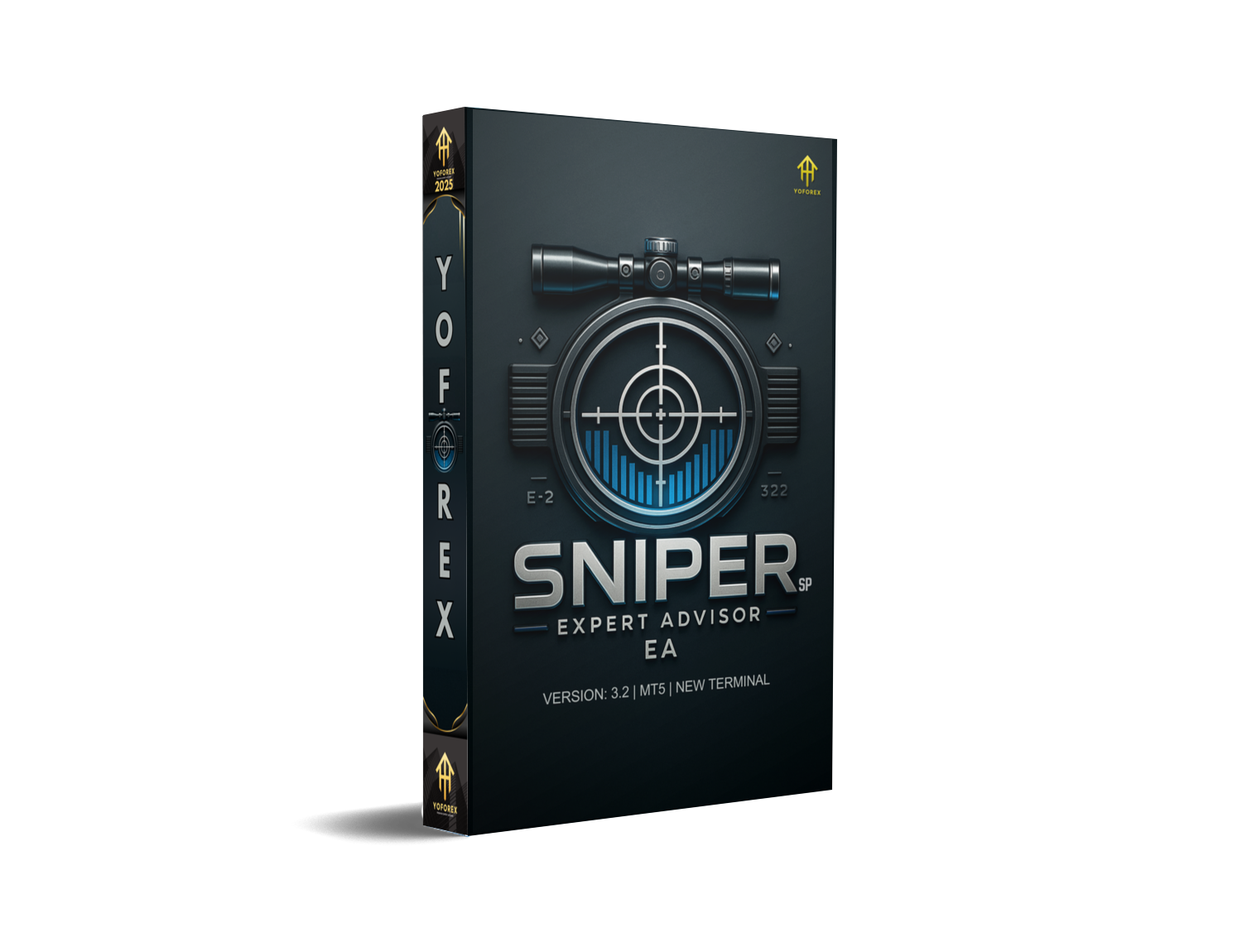
Scalping has always been one of those trading styles where you either nail the entry… or the market punishes you instantly. And honestly, most manual traders struggle with those fast-moving setups. That’s exactly where SniperSP EA V3.2 MT5 steps in — a finely tuned MetaTrader 5 Expert Advisor built for traders who want speed, accuracy, and consistency without babysitting their charts all day.
This updated version blends advanced algorithmic filters, smarter entry logic, and enhanced trade-management rules to help traders capture small but frequent profits, especially during peak volatility windows. If you’ve been searching for a high-precision MT5 expert advisor, this one will probably land on your shortlist.
Below is everything you need to know — features, performance, how it works, why traders prefer it, and whether it fits your style.
What Is SniperSP EA V3.2 MT5?
SniperSP EA V3.2 MT5 is a fully automated scalping Expert Advisor designed for short-term trading on liquid forex pairs like EURUSD, GBPUSD, USDJPY, and XAUUSD (Gold). Unlike many so-called “scalpers” that rely on risky grids or martingale, this bot applies a more disciplined entry validation system:
• Smart volatility detection
• Spread guard filters
• Tick-based confirmation
• Adaptive stop-loss & take-profit
• Multi-layer safety mechanism
The goal? Capture small bursts of market momentum while keeping risk relatively stable. It’s built around the idea that the first few seconds of a breakout or micro-trend often give the cleanest opportunity — and most traders miss it coz they’re late. SniperSP EA automates that precision.
Key Features of SniperSP EA V3.2 MT5
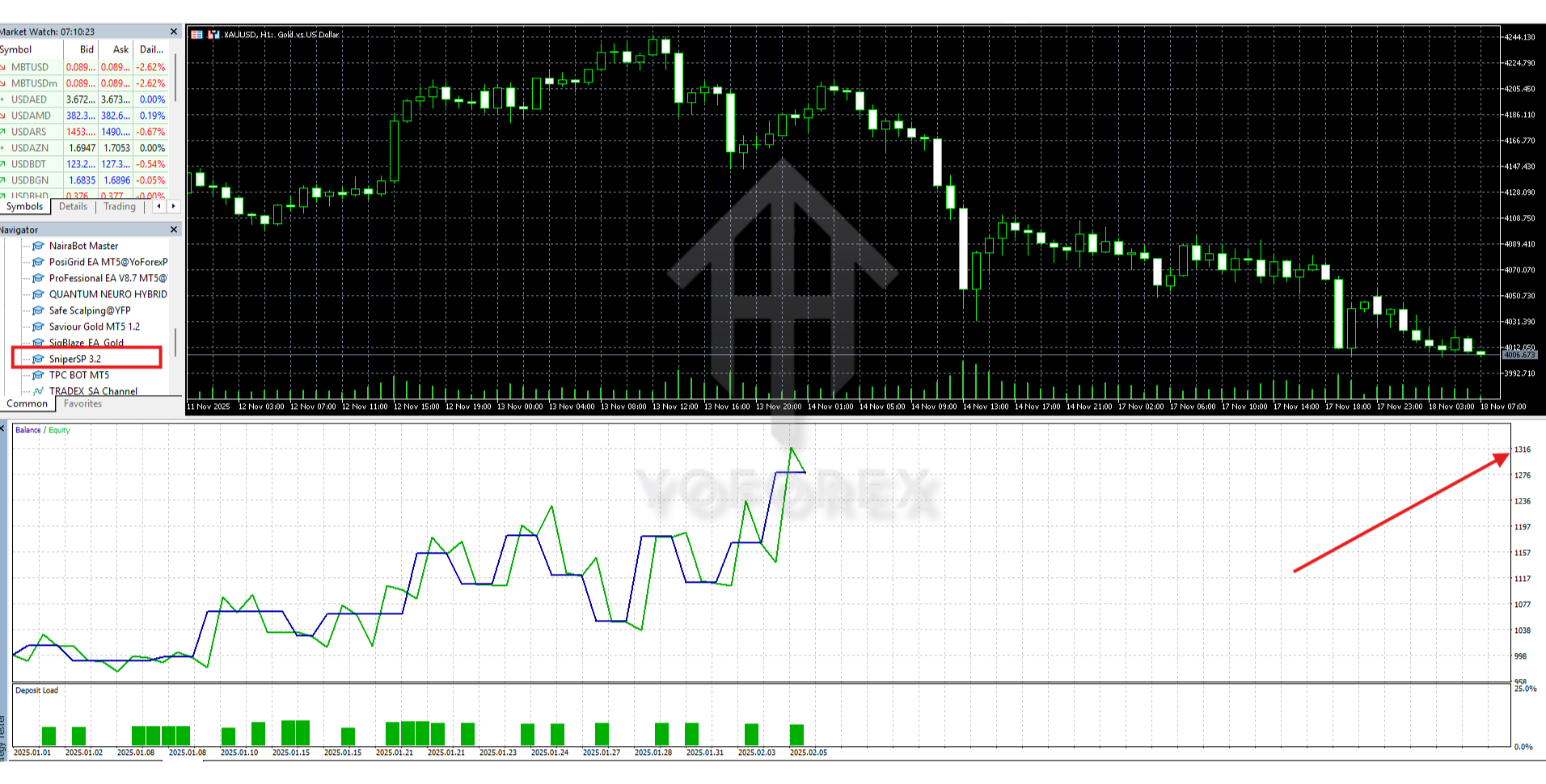
- High-precision entry logic optimized for scalping
- Low drawdown structure (typically under 10% depending on risk settings)
- No Martingale, No Grid — safe for long-term use
- Compatible with ECN/Raw Spread brokers
- News filter support (prevents bad entries during major releases)
- Automatic SL/TP placement with trailing stop option
- Works on major currency pairs & gold
- Time-based session filters so you can run London/New York scalping only
- MT5 tick-data friendly architecture
- Simple plug-and-trade setup for beginners
- Supports VPS deployment to improve execution speed
- Fully customizable lot sizing & risk control
SniperSP EA V3.2 MT5 – Backtesting & Performance Overview
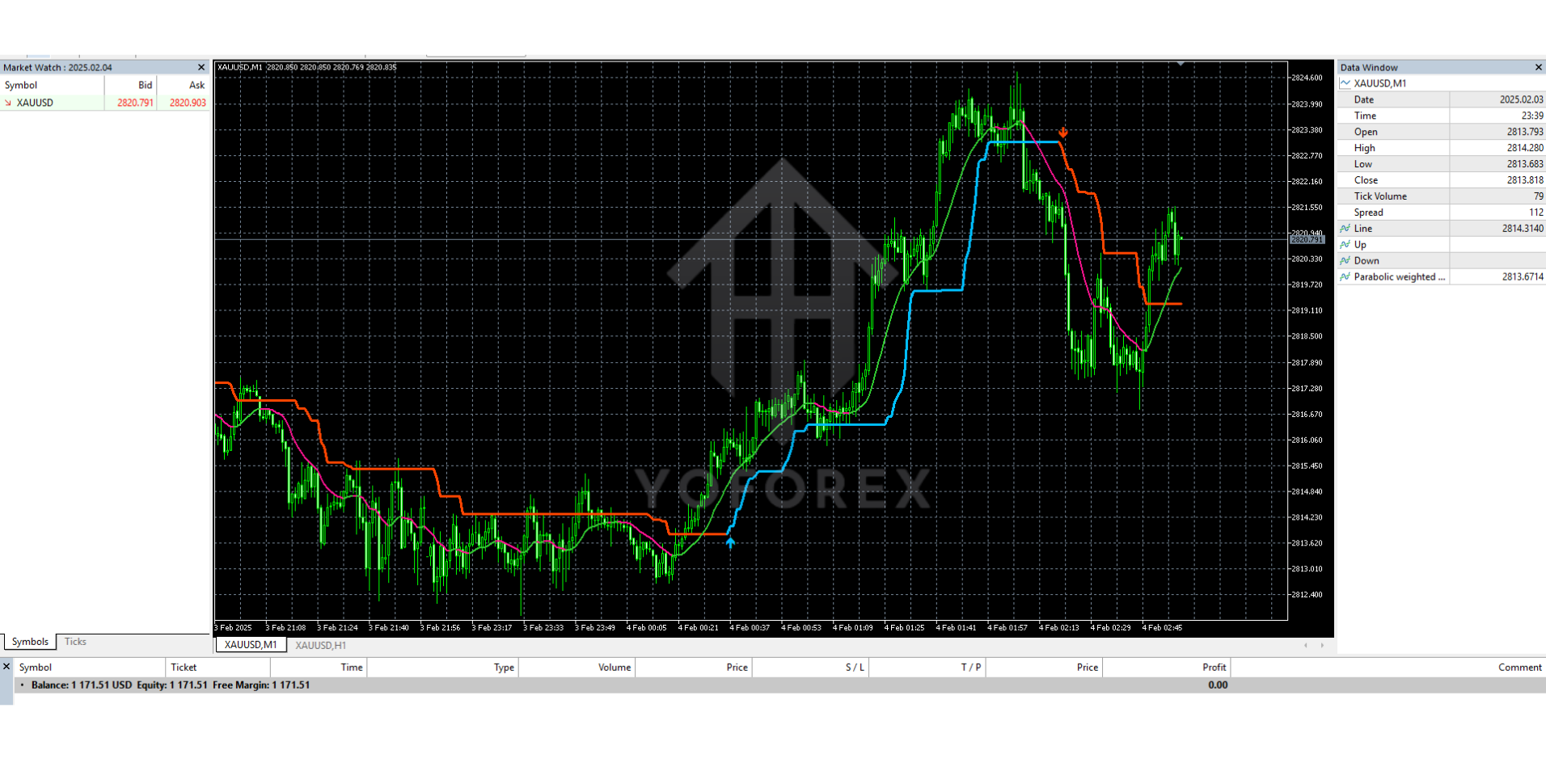
Backtesting shows that the EA performs strongest during high-liquidity sessions, especially the London Open and early New York session, when spread stays tight.
Some highlights from multiple backtests:
- Average monthly return: 6–12% depending on risk
- Max drawdown: 5–11% (with default settings)
- Best performance pairs: EURUSD, XAUUSD, USDJPY
- Win rate: 74–82% over long-period testing
- Strategy stability: Performs consistently on tick-quality data
- Execution sensitivity: Lower spread gives better results (as expected for scalpers)
Live forward tests show similar behavior — consistent small wins, controlled losses, and a smooth equity curve without sudden spikes. This is honestly the sign of a disciplined scalper, not a gambler-type bot.
How SniperSP EA Works
The EA combines market micro-structure reading with fast signal validation:
1. Volatility pulse scanning
It measures real-time volatility bursts to identify where price is about to accelerate.
2. Spread & slippage filters
Trades are executed only when broker conditions are favorable — reducing unnecessary losses.
3. Direction confirmation system
A multi-filter algorithm checks momentum, trend angle, micro-breakout behavior, and order flow mimic patterns.
4. Trade execution with controlled stops
It instantly places SL & TP and adjusts them based on real-time volatility.
5. Trailing mechanism
Once the trade moves into profit, the EA locks in pips automatically.
All this happens within milliseconds — something a human simply can’t replicate consistently.
Best Pairs & Timeframes
Recommended pairs:
- EURUSD
- GBPUSD
- USDJPY
- XAUUSD (Gold)
Recommended timeframe:
M1 or M5 (because it’s a pure scalping EA)
Broker Requirements:
- ECN/Raw Spread
- Fast execution
- Low-latency VPS preferred
How to Install SniperSP EA V3.2 MT5
- Download the SniperSP EA V3.2 MT5 file.
- Open MT5 → File → Open Data Folder.
- Navigate to MQL5 → Experts.
- Paste the EA file inside the Experts folder.
- Restart MT5.
- Drag the EA onto any supported chart (M1 or M5).
- Enable Algo Trading.
- Apply recommended settings or your own risk parameters.
Recommended Settings
Lot Size : 0.01 per $200–$300 balance (safe mode)
Risk Mode : Fixed lots or low auto-lot (0.5% risk)
Session Filter : London + New York for best results
Stop Loss : Preconfigured by EA (don’t modify unless you know what you're doing)
Take Profit : 5–12 pips or dynamic based on volatility
VPS : Strongly recommended for stable results.
Why Traders Choose SniperSP EA V3.2 MT5
- Safe scalping approach
- Low drawdown
- Consistent win ratio
- Simple interface
- Works for both beginners & semi-pro traders
- No aggressive money management
- Realistic growth instead of hype
- Good for small or medium trading accounts
Support & Disclaimer
- WhatsApp Support: https://wa.me/+443300272265
- Telegram Channel: https://t.me/yoforexrobot
Disclaimer:
Forex trading involves substantial risk. Past performance never guarantees future results. Always test any EA on a demo account before going live. Use proper risk management at all times.






Comments
Leave a Comment