SniperEA V3.11 is an Expert Advisor for MetaTrader 4 designed to capture short- to medium-term moves using a blend of price action triggers, volatility filters, and session-based logic. The updated 3.11 version fine-tunes its entry and exit algorithms for even sharper accuracy, while enhancing money management features to make it prop-firm friendly.
Key goal: fewer trades, higher quality setups, and a consistent profit curve.
How It Works
- Market Scan:
Constantly monitors predefined pairs for volatility surges, breakout patterns, and retracement levels. - Precision Entry:
Once all conditions align — trend direction, volatility threshold, and signal confirmation — the EA executes an order instantly. - Risk Management:
Applies a fixed stop loss, trailing stop, and risk-per-trade settings, adapting lot size to your account balance. - Exit Logic:
Can close trades at a fixed target, trailing stop, or when reversal conditions trigger. - Session Awareness:
Avoids low-liquidity times, focusing on London and New York overlaps for cleaner moves.
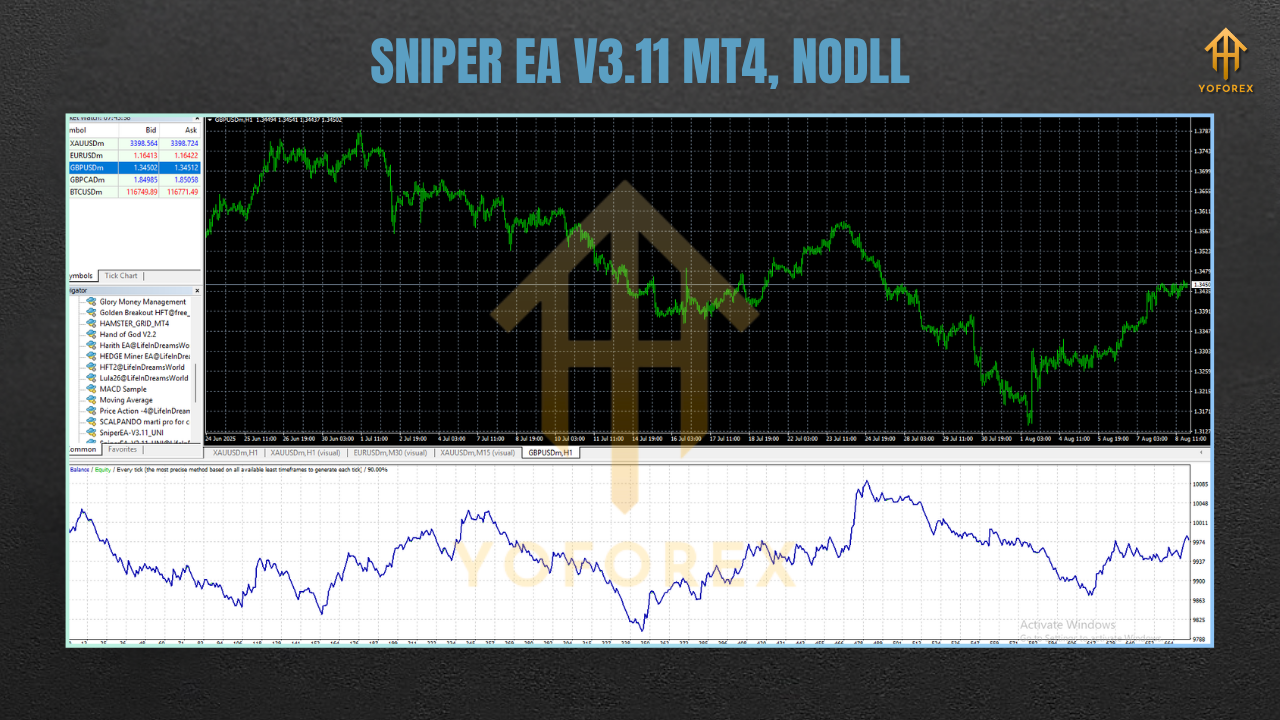
Key Features
- High-Probability Entries – Only trades when multiple conditions align.
- Advanced Money Management – Risk %, fixed lots, or equity-based.
- Built-In Spread Filter – Avoids costly entries in volatile spreads.
- Time & Session Filters – Trade only when liquidity is optimal.
- Trailing Stop Function – Lock in profits as price moves in your favor.
- Multi-Currency Support – Run on several pairs without interference.
- Prop-Firm Friendly – Configure daily drawdown and risk caps.
- No Martingale/No Grid – Pure calculated entries, minimal risk escalation.
- Email/Push Notifications – Get trade updates on the go.
- Lightweight Execution – Runs smoothly on VPS with minimal resources.
Recommended Settings
- Pairs: EURUSD, GBPUSD, USDJPY for best liquidity.
- Timeframe: M15 or H1 for balanced signal quality and trade frequency.
- Minimum Deposit: $300+ for micro/cent accounts; $1,000+ for standard.
- Leverage: 1:100–1:500 depending on broker rules.
- Risk Per Trade: 1–2% for steady growth.
- Trading Sessions: London and NY overlap recommended.
Installation Guide
- Download the SniperEA V3.11 MT4 file.
- Open MT4 → File → Open Data Folder → MQL4 → Experts.
- Paste the EA file inside Experts.
- Restart MT4 or refresh the Navigator window.
- Attach the EA to your chosen chart and timeframe.
- Adjust lot size, risk %, and filters according to your strategy.
- Enable AutoTrading (smiley face on chart should be active).
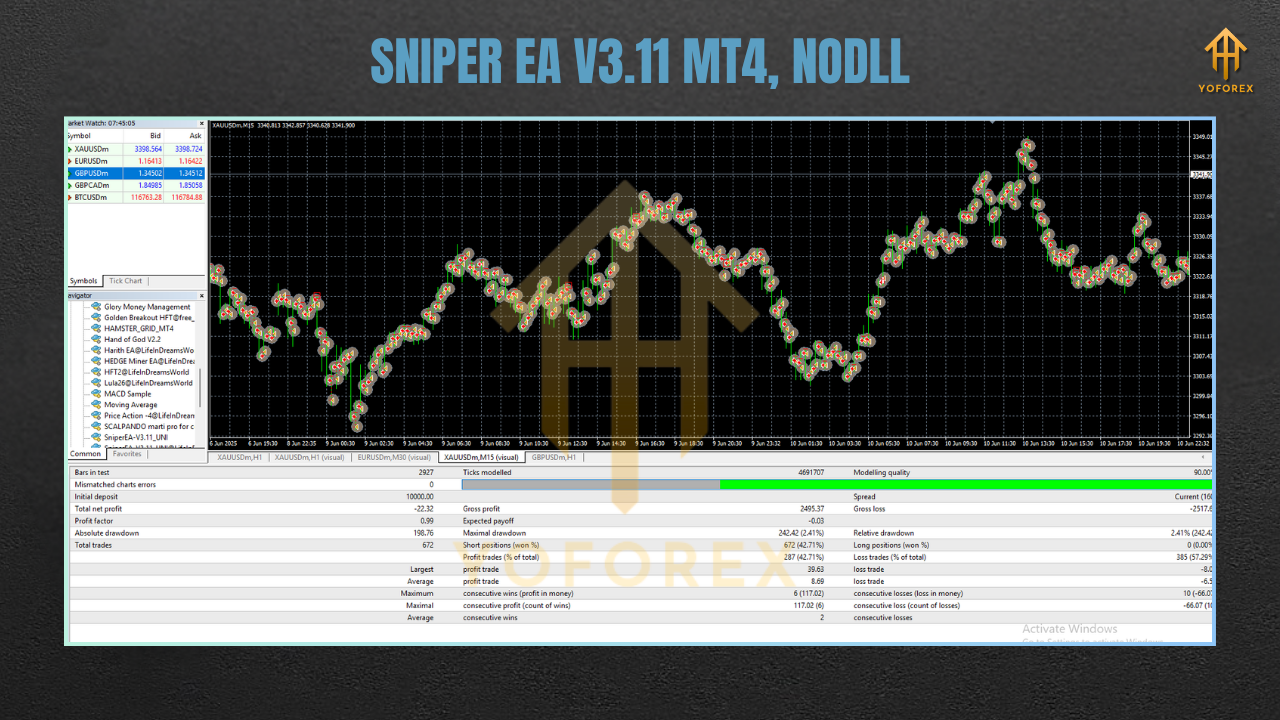
Backtest & Forward Testing
- Use Every Tick mode for accurate results.
- Apply realistic spreads from your broker.
- Test at least 12 months of data for consistency.
- Run demo forward tests for 2–4 weeks before going live.
Trading Tips for Best Results
- Choose Quality Over Quantity: The EA is designed for patience. Let it wait for perfect setups.
- Avoid Overloading Charts: Start with 1–3 pairs, then expand.
- Monitor During News: Pause during high-impact events like NFP or FOMC to avoid slippage.
- Withdraw Profits Regularly: Keep your account safe from unexpected market shocks.
Why Traders Like SniperEA V3.11 MT4
- Simple to install and configure.
- Prioritizes accuracy and safety over trade volume.
- Works with both small and large accounts.
- Suitable for manual oversight or fully automated operation.
- Compatible with prop trading firm rules.
Final Thoughts
If you’re tired of EAs that flood your account with trades or rely on dangerous recovery strategies, SniperEA V3.11 MT4 is a refreshing alternative. With its precision-first logic, strong risk controls, and no-nonsense execution, it’s built for traders who value quality over quantity.






Comments
Leave a Comment