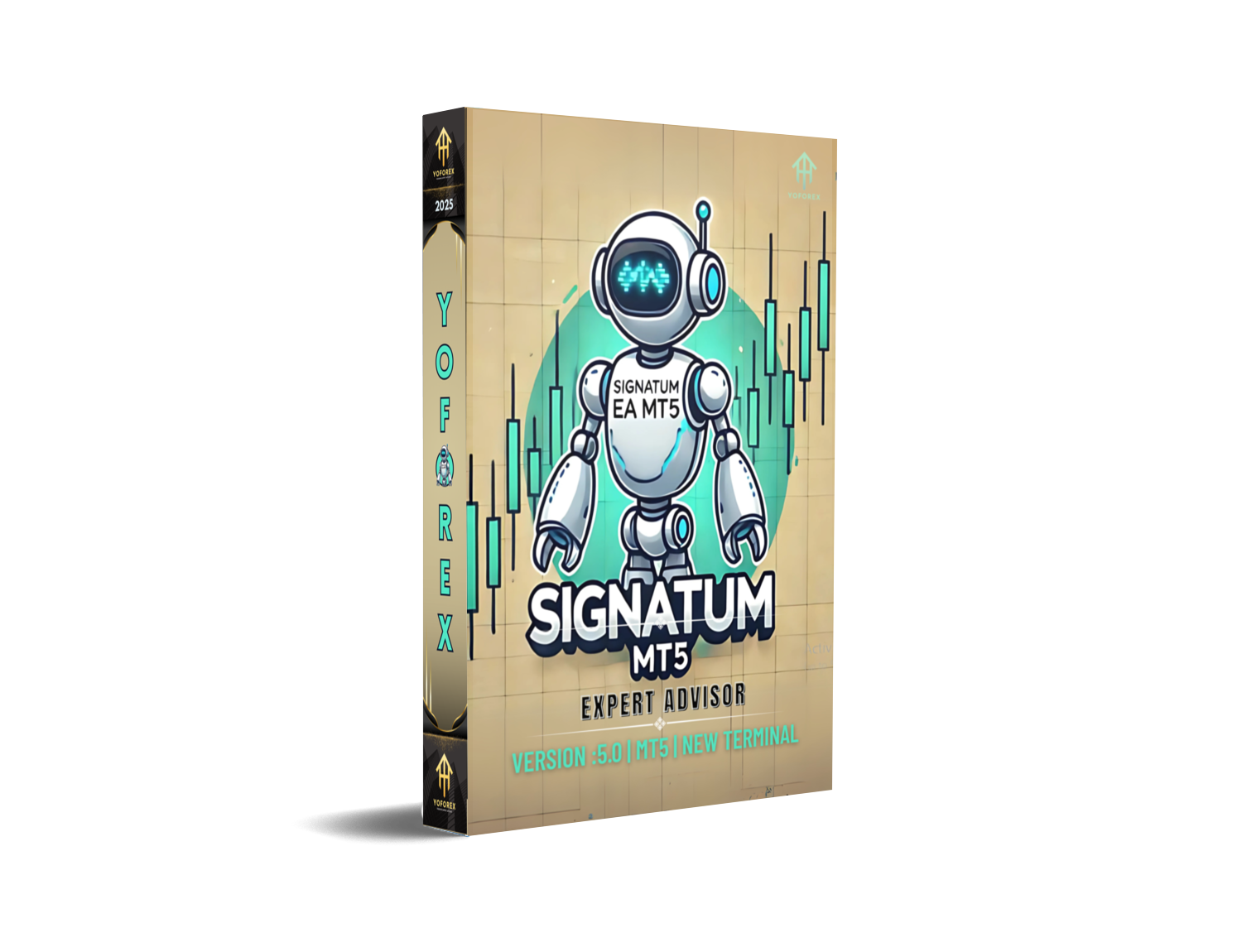
Signatum EA V5.0 MT5 – A Clear, No-Nonsense Guide for Smarter Automated Trading
If you’ve been hunting for an MT5 expert advisor that doesn’t need babysitting every other hour, Signatum EA V5.0 MT5 might be your kind of bot. It’s designed to analyze market conditions, execute trades based on pre-defined rules, and manage risk without you hovering over the screen. In practice, that means fewer impulsive clicks, more systematic entries, and a cleaner equity curve—assuming you respect risk, of course. Let’s unpack how it works on EUR/USD, GBP/USD, USD/JPY, and USD/CHF across the M5, M15, and H1 timeframes, and how to set it up the right way from day one.
What Is Signatum EA V5.0 MT5?
Signatum EA V5.0 is an automated trading robot built for MetaTrader 5. At its core, it’s a rules engine: it scans price action, applies its internal filters, and opens or closes trades only when conditions line up. You get consistent execution, and you avoid the “did I just chase that candle?” feeling. The EA’s design focuses on:
- Multi-pair flexibility (the four majors listed),
- Multi-timeframe adaptability (from fast M5 to steadier H1),
- Simple but effective risk controls you can tweak.
You won’t see marketing fluff here promising “unlimited profits.” Markets change, spreads widen, and news can knock any setup sideways. But a well-coded EA that sticks to logic—paired with realistic risk—is a powerful combo. That’s where Signatum tries to shine.
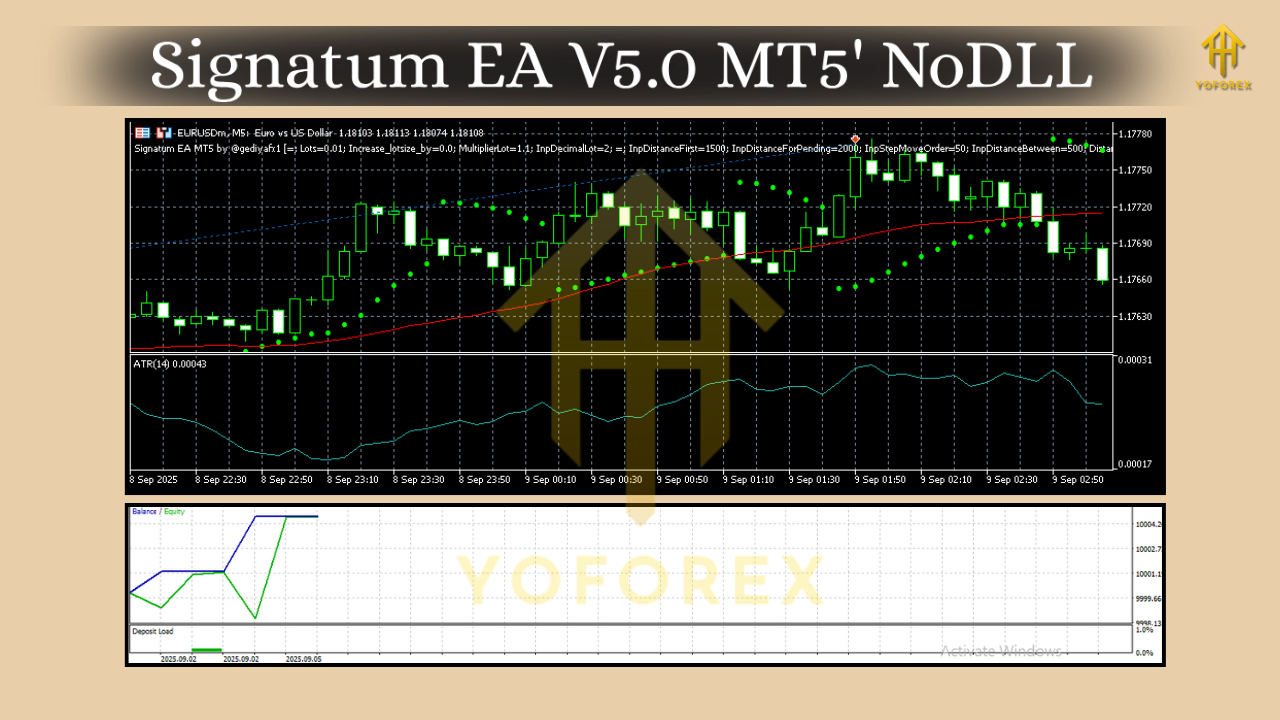
Why These Pairs and Timeframes?
Pairs: EURUSD, GBPUSD, USDJPY, USDCHF
Timeframes: M5, M15, H1
These four pairs are liquid, broker-friendly, and generally offer tighter spreads—good news for an EA that may place multiple trades per week. The M5 and M15 charts can provide more frequent signals for intraday traders, while H1 tends to smooth out noise for swing-style entries. If you’re new to algos, starting on H1 can feel calmer; if you want more action, M15 or M5 is your playground. Just remember: faster charts can mean more whipsaw, so risk small.
Key Features at a Glance
- Multi-Pair Engine: Run EURUSD, GBPUSD, USDJPY, and USDCHF from a single profile; isolate performance per pair with unique magic numbers.
- Timeframe Flexibility: M5 for scalpy momentum, M15 for balanced intraday flow, H1 for cleaner trend-following decisions.
- Signal Confluence: Uses multiple conditions (trend/volatility/structure) before pulling the trigger; fewer random stabs, more filtered trades.
- Spread & Slippage Guard: Avoids entries during nasty spreads or latency spikes; helps keep costs from eating your edge.
- Position Sizing Options: Fixed lots for simplicity or proportional risk per trade (e.g., risk % of balance).
- Protective Exits: Built-in stop-loss and take-profit logic; optional trailing stop to lock gains as price moves.
- Trade Management Limits: Cap simultaneous trades, daily loss, and max drawdown—so one wild session doesn’t wreck your week.
- Session Filter: Restrict entries to specific hours (e.g., London/NY overlap) and skip low-liquidity windows.
- News-Sensitive Workflow (Manual Choice): You can pause the EA around major events or set time-based blocks; simple, practical workaround if you don’t use a news API.
- Clean Logging & Comments: See what the EA did and why; quick diagnostics if a trade looks odd.
How Signatum EA V5.0 Seeks Edge
The EA is built to wait for alignment—trend direction, momentum confirmation, and acceptable trading costs (spread/slippage). When conditions align, it enters decisively and manages the position by rules, not vibes. That’s the edge: repeatable process. On M5, entries might lean into momentum bursts and short pullbacks; on M15, you’ll often see steadier signals; on H1, you’ll get fewer trades but, usually, cleaner structure and bigger R multiples.
A big part of preserving edge is cost control: spreads matter; slippage matters. The built-in checks help the EA pass on low-quality moments. You can and should tighten those thresholds if your broker is spready, or loosen them slightly if you’ve got a top-tier feed.
Recommended Setup & Risk (Read This Twice)
- Account Type: Use a raw/ECN style account with tight spreads.
- VPS: If you’re not leaving your desktop on 24/7, a low-latency VPS helps the EA behave consistently.
- Lot Sizing: Start tiny. 0.5%–1% risk per trade is plenty. You can scale later.
- Per-Pair Caps: Set a max concurrent trades per pair (e.g., 1–2) to avoid crowding your own risk.
- Daily & Overall Equity Protection: Hard stops on daily loss (e.g., 2%–3%) and soft stops on weekly drawdown help you live to trade tomorrow.
- Sessions: Consider London through NY overlap for better liquidity; skip the dead hours unless you know your broker’s behavior well.
- Optimization: Avoid overfitting. Optimize lightly (broad parameters), then forward test on a demo for at least a few weeks before going live.
Backtesting & Forward Testing Tips
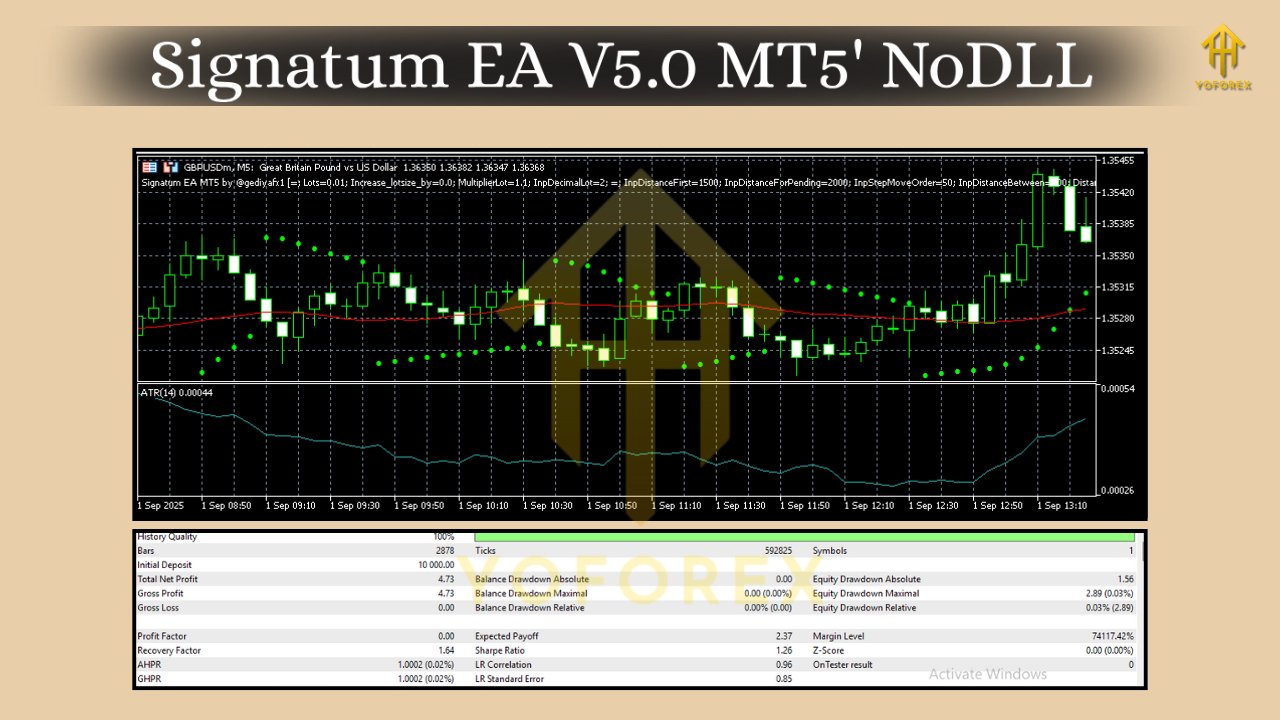
Backtest in MT5 using “Every tick based on real ticks” if your data allows; variable spreads give you a more honest picture.
- Period: At least 12–24 months across each pair to capture different regimes (trends, ranges, shock events).
- Metrics to Watch: Profit factor above 1.3 is workable, but focus on max drawdown, average trade duration, and worst losing streak. Can you sit through that pain without panicking?
- Walk-Forward: After a broad optimization, run walk-forward tests (train on one period, test on the next). This helps check robustness.
- Forward (Demo) Test: Crucial. Markets breathe differently in real-time. Forward testing reveals broker costs, slippage, and quirks you won’t see in the tester.
- Small Live Phase: When you’re comfortable, start live with micro lots. If fills and behavior match your demo within reason, scale gradually.
Remember: past performance ≠ future results. The job isn’t to predict; it’s to execute a good plan consistently and cut risk when conditions degrade.
Step-by-Step Installation (MT5)
- Download/Copy EA File: Save the Signatum EA V5.0 file to your system.
- Open MT5 → File → Open Data Folder.
- Navigate to MQL5 → Experts and paste the EA file there.
- Restart MT5 or right-click Experts in Navigator → Refresh.
- Drag Signatum EA V5.0 onto a EURUSD/GBPUSD/USDJPY/USDCHF chart (choose your timeframe: M5, M15, or H1).
- Enable Algo Trading (top toolbar) and “Allow Algo Trading” in EA inputs.
- Set Parameters: risk %, lot size mode, max spread, trading hours, magic number per chart, SL/TP/trailing, daily loss cap.
- Save Presets: Once you’ve tuned settings per pair/timeframe, save them as .set files for quick reuse.
- First Run on Demo: Let it run a few weeks to validate fills and behavior before going live.
Practical Playbook (How I’d Start)
- Phase 1 – Demo: EURUSD M15 and USDJPY H1 with ultra-small risk. Track slippage, spread rejection events, and average trade duration.
- Phase 2 – Expand: Add GBPUSD M15 if execution is clean; USDCHF M5 last (coz M5 can be twitchy if your broker widens spreads).
- Phase 3 – Go Live Small: Mirror your best-behaved demo setups with micro lots, then scale slowly only after you’re comfortable with the equity swings.
Pros & Cons
Pros
- Works on liquid majors with tight spreads.
- Flexible across M5, M15, H1.
- Clear risk controls (spread/slippage/daily-loss caps).
- Simple install; easy to run on multiple charts.
Cons
- M5 needs great execution; poor spreads can ruin it.
- You must set sane risk; crank it up and any EA can bite.
- Not a news-trader; manual caution around big events still advised.
Final Word
Signatum EA V5.0 MT5 isn’t a magic wand. It’s a structured, rules-based way to interact with the four most traded FX pairs on timeframes that make sense, from fast M5 to calmer H1. If you keep risk small, test properly, and deploy on a broker with decent spreads, it can be a steady part of your automated toolkit. Don’t rush the process; let the data and forward behavior convince you. Then scale, carefully.






Comments
Leave a Comment