Tired of second-guessing your entry points? The Royal Entry Indicator V1 MT4 is designed to take the guesswork out of forex trading by delivering clear, rule-based signals right on your MetaTrader 4 chart. Whether you’re a scalper hunting for micro-moves or a swing trader aiming to catch larger trends, this indicator streamlines your decision-making process. In this post, we’ll dive deep into what makes the Royal Entry Indicator V1 MT4 tick, how its strategy operates, and why it could become your go-to tool for more consistent entries.
What Is the Royal Entry Indicator V1 for MT4?
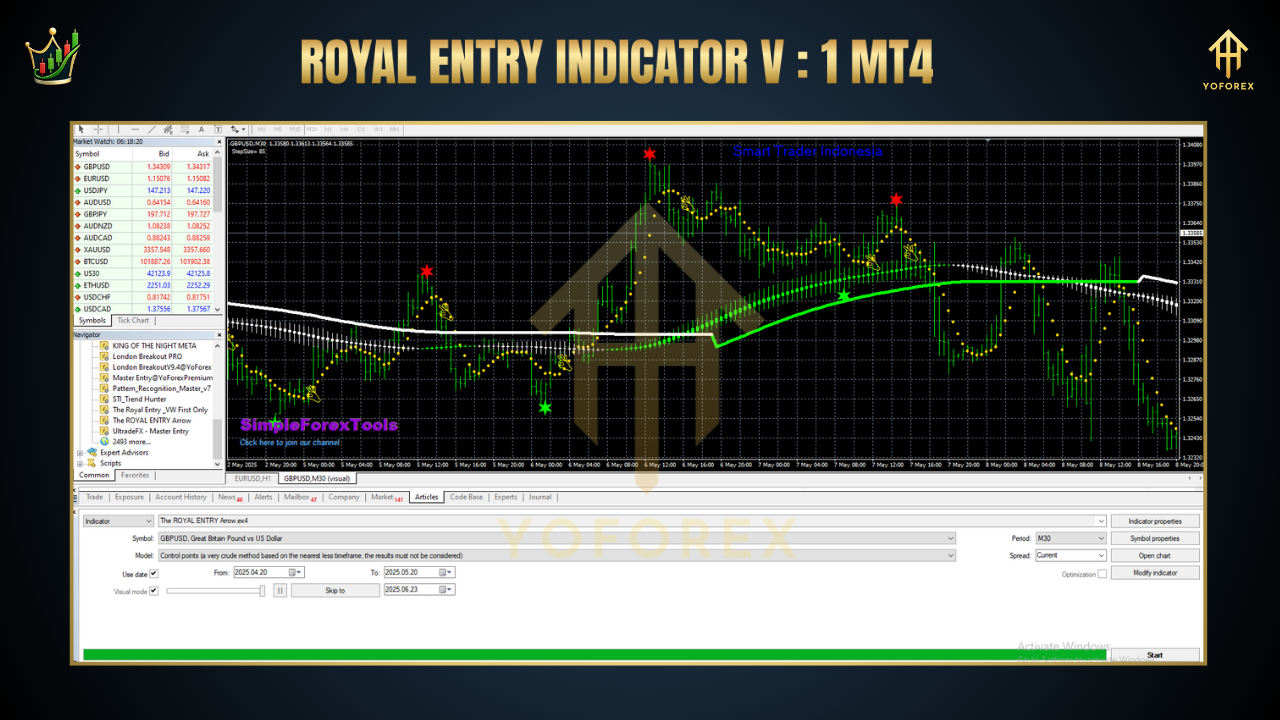
The Royal Entry Indicator V1 MT4 is an advanced trading overlay built in MQL4 specifically for MetaTrader 4. It combines price action analysis with dynamic threshold filters to pinpoint high-probability entry zones. Rather than cluttering your screen with dozens of lines, Royal Entry focuses on delivering a single, crystal-clear signal: buy, sell, or stand aside.
Core Components
Price Action Filter: Analyzes recent candle formations to confirm momentum.
Volatility Threshold: Adapts signal sensitivity based on current market volatility.
Trend Confirmation: Checks moving average crossovers to ensure alignment with the prevailing trend.
Key Features of Royal Entry Indicator V1 MT4
• + Single-click signals (green for buy, red for sell)
• + User-adjustable sensitivity settings
• + Built-in spread filter to avoid low-liquidity periods
• + Multi-timeframe compatibility (M1–H4)
• + Alerts via pop-up, email, or push notifications
• + No repainting—signals stay locked once formed
• + Lightweight code for minimal CPU usage
• + Customizable risk levels for conservative or aggressive styles
• + Visual histogram showing strength of each signal
• + Works seamless with attached EAs for automated execution
How the Strategy Works
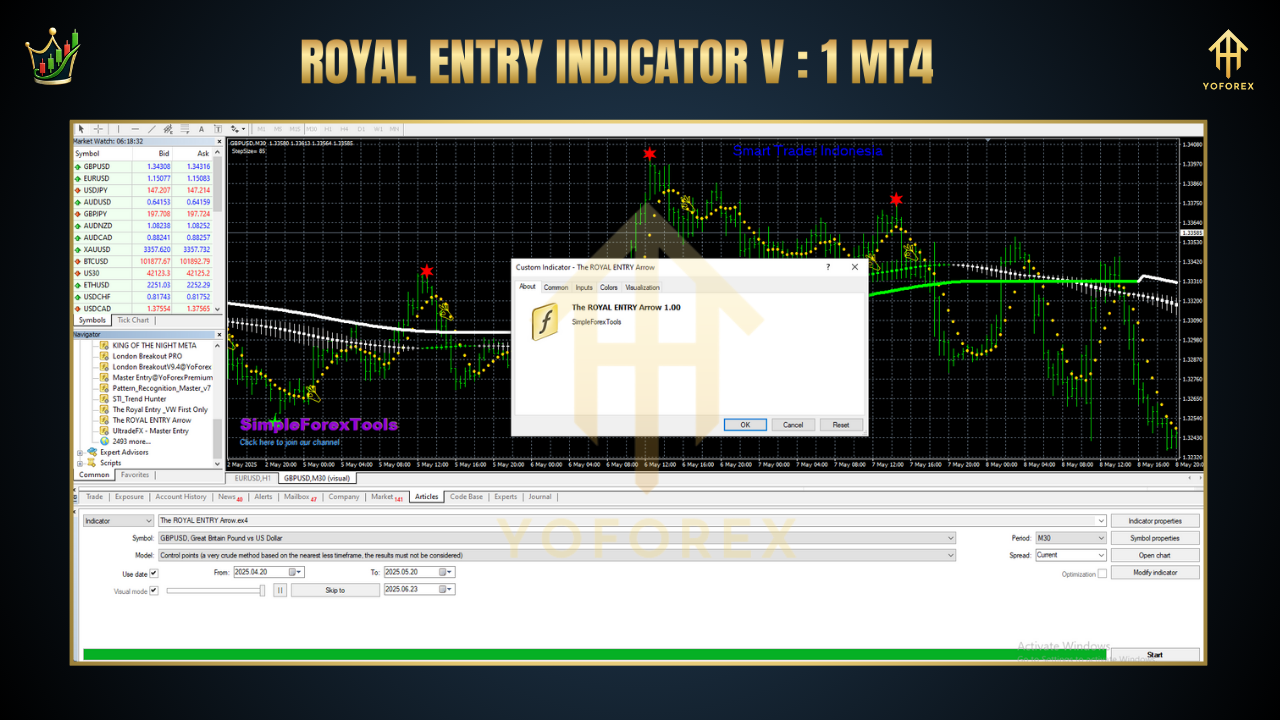
Signal Generation: On each new candle close, the indicator evaluates price action against volatility bands. If conditions align, it plots an arrow on the chart.
Trend Filter: A 50-period exponential moving average (EMA) confirms direction. Buys only trigger when price is above the EMA; sells when below.
Risk Management Overlay: Before signaling, a built-in spread check ensures you’re trading during optimal market conditions—no signals close to major news spikes or illiquid sessions.
Confirmation Window: A mini-histogram appears beneath the chart showing signal strength from 1–5. You can require a minimum strength to filter weaker entries.
Execution: You can manually enter at the arrow or attach your preferred EA to auto-execute trades according to your lot-sizing rules.
This layered approach delivers forex entry signals you can trust, reducing emotional bias and helping you stick to a proven methodology.
Installation and Configuration
Download the
RoyalEntryV1.ex4file from your member area.
Copy it into
MQL4/Indicatorswithin your MT4 data folder.
Restart MetaTrader 4.
Attach “Royal Entry Indicator V1” to your chosen chart and timeframe.
Open the indicator’s properties panel to adjust:
Sensitivity (low, medium, high)
EMA period for trend confirmation
Minimum signal strength
Spread filter threshold
Save your template to reuse your settings on other charts.
Build with
MetaTrader 4 Platform
MQL4 Language
Benefits for Traders
By integrating the Royal Entry Indicator V1 MT4 into your workflow, you’ll:
Reduce analysis paralysis with single-click signals
Improve risk control via built-in spread and trend filters
Adapt easily across timeframes thanks to customizable settings
Save time—no more scanning dozens of indicators each session
Boost confidence knowing signals are non-repainting and backtested
Support and Updates
Royal Entry Indicator V1 comes with free lifetime updates. If you hit any snag—or want to suggest a new feature—reach out via our support channels. Each release is rigorously tested across multiple brokers to ensure compatibility.
Thanks for the visit ...
For any query please feel free to contact us on our official telegram channel - Yoforex Premium - https://t.me/+V6Nr5sRZVr4xYzdl






Comments
Leave a Comment