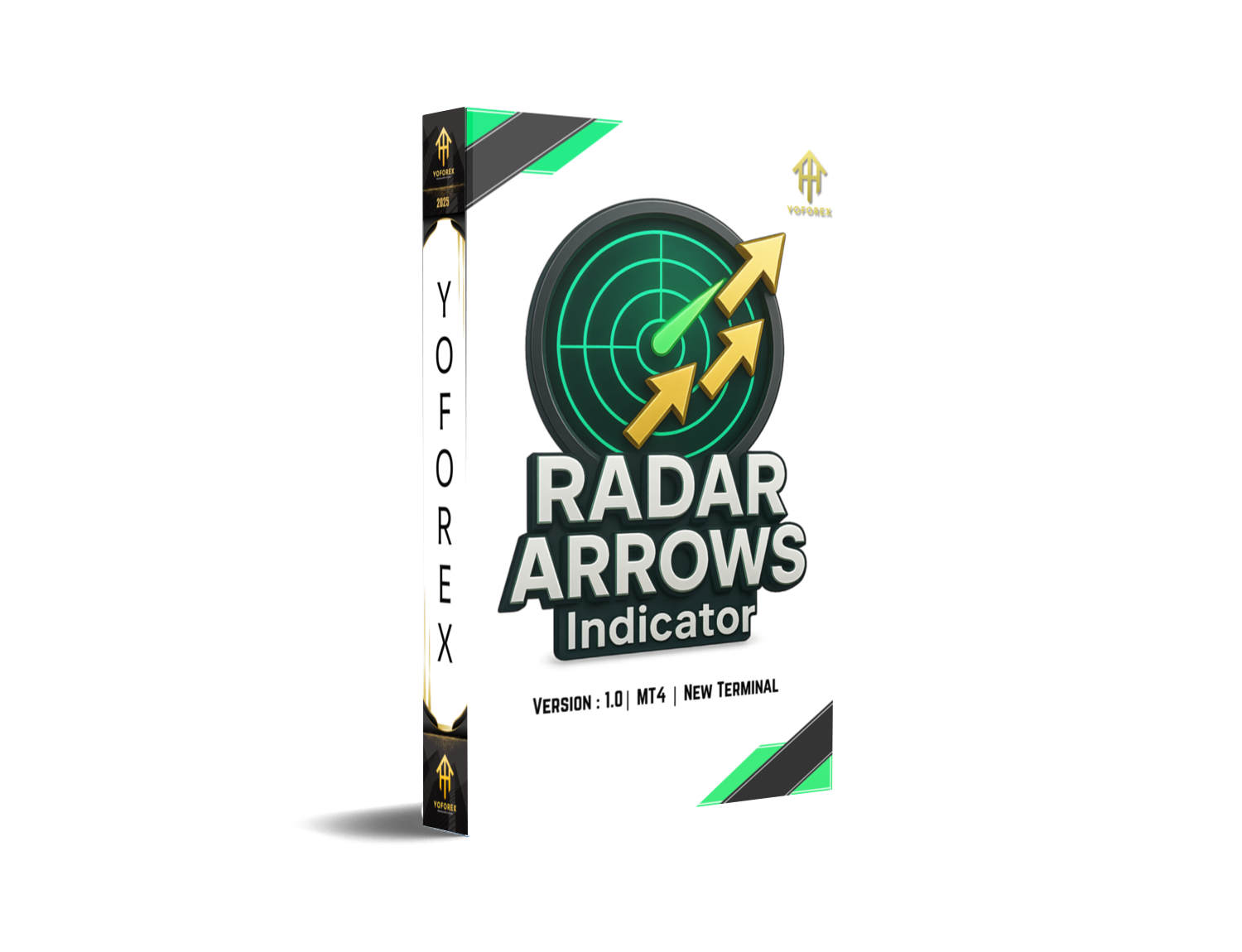
Radar Arrows Indicator V1.0 MT4 — Spot Clean Entries Without Guesswork
If you’ve ever stared at your MT4 chart wondering “is this the candle to jump in… or the one that fakes me out?”, the Radar Arrows Indicator V1.0 is built to cut that hesitation. It plots simple buy/sell arrows only when a defined confluence hits—so your decisions are cleaner, faster, and far less emotional. No hype here; just a practical tool that helps you read momentum and trend in real time, then nudges you with alerts when the odds tilt in your favor.
What Is the Radar Arrows Indicator?
Radar Arrows is a rules-based MT4 indicator that displays visual entry cues (arrows) when price and momentum meet your chosen criteria. It’s designed for traders who want:
- clear, on-chart signals (no clutter);
- flexible filters for trend, momentum, and timeframe confluence;
- reliable alerts (popup, push, email) so you don’t live glued to the screen.
It doesn’t open trades automatically (it’s not an EA). Think of it as your “setup detector.” When a setup triggers on a closed candle, you see an arrow and get notified. From there, you can execute manually or connect it to an EA you already use that reads indicator buffers.
Why Traders Like It (In Plain English)
- It’s simple. Green arrow up? Consider a long. Red arrow down? Consider a short. No dozen indicators to decode.
- It’s flexible. Works on M1–H4 (even daily if you want), and on majors, minors, metals, indices—if your broker streams it on MT4, you can plot it.
- It reduces second-guessing. Because it fires after candle close (recommended), you avoid the usual repaint drama that comes from reading live, unfinished bars.
Key Features
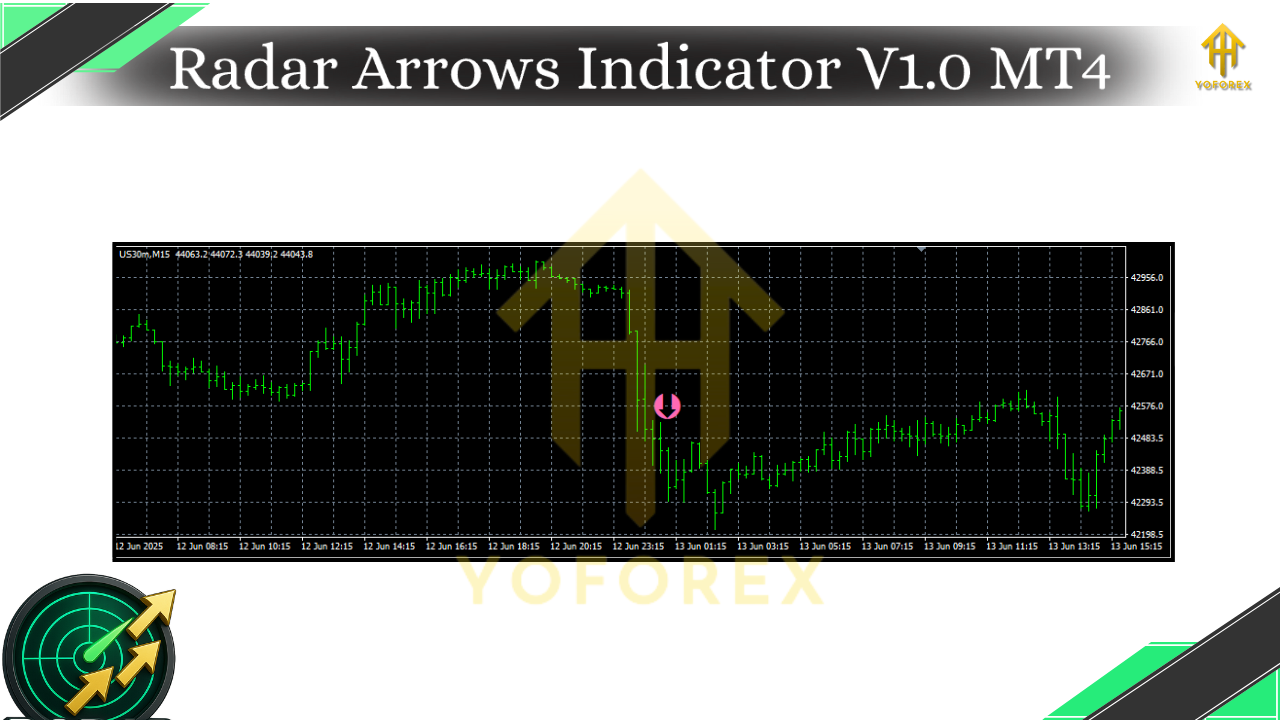
- • Arrow signals on candle close (recommended mode) to minimize repaint confusion.
- • Multi-Timeframe (MTF) filter to confirm signals with a higher timeframe bias (e.g., trade M15 only in the direction of H1).
- • Momentum + trend confluence under the hood—combine a baseline trend filter with a momentum trigger so you’re not buying into exhaustion.
- • Customizable sensitivity (signal period, threshold, ATR filter) so you can tune it for scalping or swing conditions.
- • Alert suite: on-screen popup, sound, push notifications to your phone, and email alerts.
- • Non-cluttered visuals: clean arrows with optional signal labels and price markers.
- • Indicator buffers for EA integration (so coders can automate entries/exits using the same logic).
- • Risk filter options: minimum distance from baseline or session high/low to avoid chasing.
- • One-signal-per-bar option to keep charts tidy in choppy conditions.
- • Lightweight & resource-friendly, even when running on multiple charts.
How It Works (Under the Hood, Briefly)
At a high level, Radar Arrows blends a baseline trend (think moving average slope/price position) with a momentum trigger (e.g., RSI/MACD-style impulse or a volatility-gated thrust). Only when both agree—and optional MTF confirmation is met—does it print a signal on the closed candle. That’s key: closed-bar evaluation gives you stable, repeatable behavior in backtests and forward-watching.
Typical Use Cases
- Scalpers (M1–M5): Tight settings, ATR filter on, one-signal-per-bar.
- Intraday (M15–H1): Balanced sensitivity, MTF filter enabled (confirm with H1/H4).
- Swing (H4/D1): Wider thresholds, focus on clean trend alignment.
Installation & Setup (MT4)
- Download the file
RadarArrows_V1.0.ex4. - Open MT4 → File → Open Data Folder.
- Go to MQL4 → Indicators and paste the file.
- Restart MT4 (or right-click Indicators → Refresh in Navigator).
- Drag Radar Arrows V1.0 onto your chart.
- In the Inputs tab, set your preferences (see below).
- If you want phone alerts: MT4 Tools → Options → Notifications → enable & enter your MetaQuotes ID.
Inputs & Recommended Settings (You Can Tweak Later)
- SignalPeriod (default 14): sensitivity of the momentum/trigger.
- BaselineLength (default 50): length for trend baseline calculation.
- MTF_Confirm (Off / M30 / H1 / H4): confirm signals with higher timeframe trend.
- Use_Closed_Candle (true): prints arrows only after bar close (recommended).
- ATR_Filter_Multiplier (e.g., 0.8–1.2): require minimum volatility before firing.
- One_Signal_Per_Bar (true): keeps things clean.
- Alerts_Popup / Alerts_Push / Alerts_Email (true/false): choose your alert channels.
- Arrow_Offset_Points: nudge arrows slightly away from candles for readability.
- Colors & Sizes: style it to match your template.
Starter presets:
- Scalp preset (M5): SignalPeriod 10, Baseline 34, ATR 0.8, MTF H1, Closed_Candle true.
- Intraday (M15): SignalPeriod 14, Baseline 50, ATR 1.0, MTF H1, Closed_Candle true.
- Swing (H1/H4): SignalPeriod 21, Baseline 100, ATR 1.2, MTF H4, Closed_Candle true.
Trading With Radar Arrows (Blueprint)
Entry:
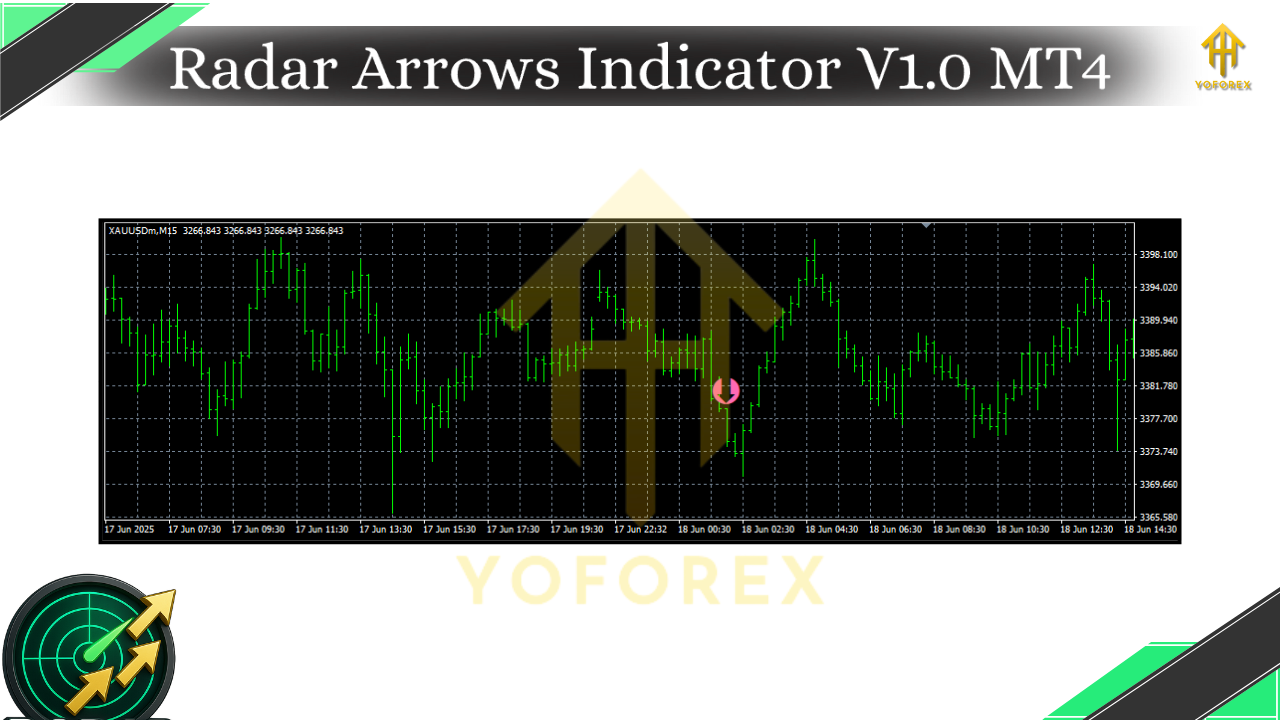
- Buy when an up-arrow prints and price is above the baseline; MTF confirms uptrend if enabled.
- Sell when a down-arrow prints and price is below the baseline; MTF confirms downtrend if enabled.
Stop-loss:
- Conservative: ATR-based (e.g., 1.5× ATR) from entry.
- Structure-based: at/under the last swing low (long) or last swing high (short).
Take-profit / Exit ideas:
- Fixed RR: 1:1.5 or 1:2 RR for scalps; 1:2+ for intraday/swing.
- Trail with ATR: locks gains as volatility cools.
- Opposite signal: exit when the contrary arrow appears (works well if you accept more variance).
Risk tip: Keep risk per trade consistent (e.g., 0.5–1%). Don’t stack new positions if another arrow prints on the same bar—use One_Signal_Per_Bar to enforce this.
Backtesting & EA Integration
Since MT4’s Strategy Tester runs EAs, not indicators, you have two routes:
- Visual forward-check: Scroll-back + press F12 to advance candle by candle and observe arrow placements in closed-bar mode.
- EA bridge: Use (or code) a tiny EA that reads the indicator’s buffers for buy/sell signals and executes trades. This lets you run full backtests with precise rules, spreads, and commissions.
Pro tip: Always test on data quality you trust, include realistic spreads/slippage, and run tests across multiple symbols/timeframes. Past performance isn’t a promise, but good tests reveal how your rules behave.
Best Practices (What Experienced Users Do)
- Trade with the higher timeframe. Even a simple H1 confirmation for M15 entries can filter a ton of noise.
- Avoid first signals right into major news. Vol spikes can trigger whipsaws; either widen ATR filters or step aside.
- Focus on clean markets. Range-bound, low-ADR days often underperform; consider your session (London/NY) and volatility.
- Journal religiously. Log each arrow signal you take, including context (trend slope, S/R, session). Small tweaks = big compounding.
Final Thoughts
Trading is hard mostly because it’s emotional. Tools that standardize your “when to act” rules give you back control. Radar Arrows Indicator V1.0 keeps it visual, disciplined, and surprisingly calm—so you’re trading a plan, not a mood. Start with closed-candle signals, layer an H1/H4 bias, and let the arrows do the heavy lifting while you execute cleanly.






Comments
555
555
555
555
555
555
555
555
555
555
555
555
555
555
555
555
555
555
555
555
555
555
555
555
555
555
555
555
555
555
555
555
555
555
555
555
555
555
555
555
555
555
555
555
555
555
555
555
555
555
555
555
555
555
555
555
@@4fJs7
555????%2527%2522\'\"
555'"
555'||DBMS_PIPE.RECEIVE_MESSAGE(CHR(98)||CHR(98)||CHR(98),15)||'
555
555*DBMS_PIPE.RECEIVE_MESSAGE(CHR(99)||CHR(99)||CHR(99),15)
5556tMLKzft')) OR 866=(SELECT 866 FROM PG_SLEEP(15))--
555THVFiIWj') OR 783=(SELECT 783 FROM PG_SLEEP(15))--
555iWOUqUfI' OR 956=(SELECT 956 FROM PG_SLEEP(15))--
555-1)) OR 98=(SELECT 98 FROM PG_SLEEP(15))--
555-1) OR 628=(SELECT 628 FROM PG_SLEEP(15))--
555-1 OR 473=(SELECT 473 FROM PG_SLEEP(15))--
5557Dzg7kBQ'; waitfor delay '0:0:15' --
555-1 waitfor delay '0:0:15' --
555-1); waitfor delay '0:0:15' --
555-1; waitfor delay '0:0:15' --
(select(0)from(select(sleep(15)))v)/*'+(select(0)from(select(sleep(15)))v)+'"+(select(0)from(select(sleep(15)))v)+"*/
5550"XOR(555*if(now()=sysdate(),sleep(15),0))XOR"Z
5550'XOR(555*if(now()=sysdate(),sleep(15),0))XOR'Z
555*if(now()=sysdate(),sleep(15),0)
-1' OR 2+616-616-1=0+0+0+1 or 'jOVcoqUS'='
-1" OR 2+128-128-1=0+0+0+1 --
-1 OR 2+985-985-1=0+0+0+1
-1' OR 2+609-609-1=0+0+0+1 --
555
-1 OR 2+521-521-1=0+0+0+1 --
555
555
Leave a Comment