Tired of overhyped EAs that blow your account faster than you can blink? Yeah, we’ve all been there. That’s why Professor EA V2.25 for MT4 is turning heads – not just another buzzword bot, this one actually delivers on safety and strategy. Built specifically for the king of forex pairs, EUR/USD, it’s got a solid foundation, clear logic, and a modern twist – AI-powered decision-making using GPT-4 level intelligence.
While most bots either chase wild price swings or over-optimize into oblivion, Professor EA V2.25 takes a cleaner, calculated route. It uses a fixed Stop Loss and Take Profit system, scans multiple timeframes for breakouts, and triggers trades when market conditions hit that “sweet spot.” It’s like having a super-nerd assistant in your terminal… but one that actually makes money.
Let’s dive into the nitty-gritty and see what makes this bot one of the smartest EURUSD specialists on the block.
Overview: What Is Professor EA V2.25?
Professor EA V2.25 MT4 is a fully automated expert advisor designed for precision breakout trading on the EUR/USD currency pair. It combines traditional technical analysis with cutting-edge GPT-4 AI logic to find high-quality trade entries and exits.
At its core, this EA looks for volatility breakouts—those moments when price action finally bursts through support/resistance after building tension. But unlike other breakout bots, it doesn’t just throw darts at the chart. It studies multi-timeframe levels, trend alignment, and other hidden patterns to confirm signals. Plus, every trade is wrapped with a fixed Stop Loss and Take Profit, helping traders manage their risk with more confidence.
It’s got simplicity. It’s got safety. And it’s got some serious AI behind the wheel.
Key Features of Professor EA V2.25
• Specifically for EUR/USD
Optimized exclusively for the most liquid forex pair – the EUR/USD – which means tighter spreads, higher efficiency, and more predictable patterns.
• Fixed TP and SL Per Trade
No endless floating losses or “hold & pray” strategies. Each trade comes with a predefined Take Profit and Stop Loss to keep risks in check.
• AI-Guided Trade Filtering
GPT-4 level logic processes technical and behavioral cues from the market to find smarter entries – not just random signals.
• Multi-Timeframe Trend Analysis
Scans trends on multiple timeframes to determine whether the breakout has real momentum or is just noise.
• No Martingale, No Grid
No doubling down on losses. Professor EA plays it clean with linear trade logic and tight control.
• Volatility-Driven Entry Logic
Waits for the market to show its hand, then strikes when volatility surges beyond normal range.
• Works Best on M15 to H1 Charts
Tested across several timeframes, the EA works like a charm on M15 and H1, giving both short-term signals and trend-following setups.
• Low Drawdown Performance
Careful entry filtering ensures that the EA avoids choppy sideways markets and limits exposure to false breakouts.
• 24/5 Automation
Once installed, you don’t have to babysit the chart. Just let the EA do its thing in the background.
• Compatible With Most Brokers
Works well with standard MT4 accounts; just make sure your broker has decent execution on EUR/USD.
Backtest Results & Strategy Proof
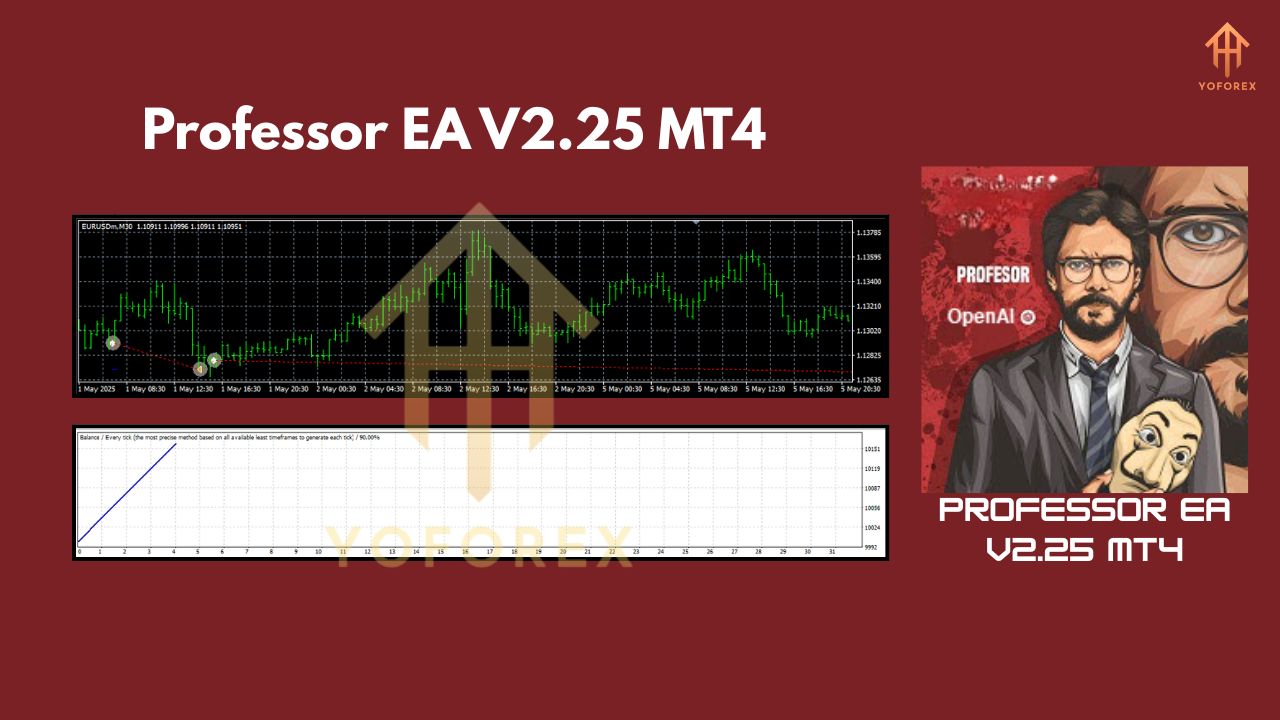
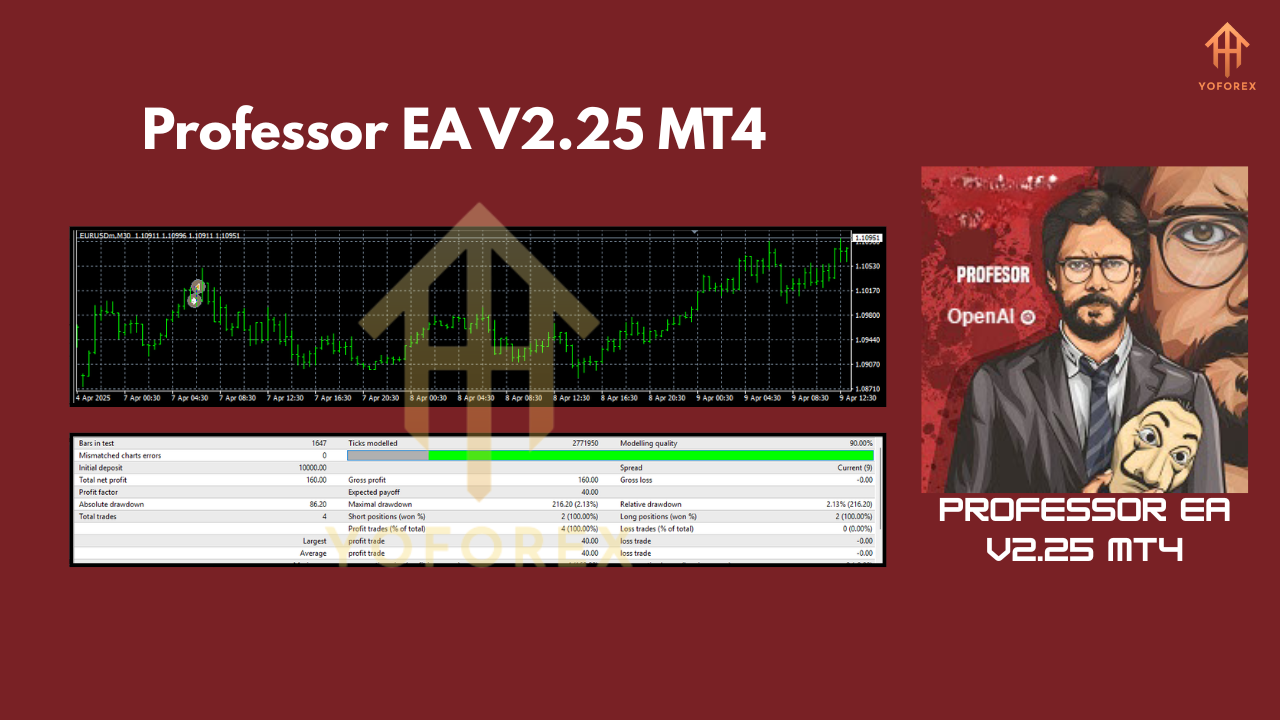
Backtests of Professor EA V2.25 span several years on the EUR/USD pair, using M15 and H1 timeframes, with a focus on breakout-based entries. The EA shows consistent profitability with monthly returns ranging between 3%–8% depending on risk settings.
Key Stats From Backtesting:
- Period: Jan 2020 – Mar 2024
- Initial Deposit: $1,000
- Final Balance: ~$6,700
- Max Drawdown: ~6.5%
- Win Rate: ~68%
- Avg R:R Ratio: ~1.2:1
- Lot Size: Fixed 0.01 (scalable)
- Leverage: 1:100 to 1:500 recommended
Note: Real-market performance will vary, but backtests have been solid under both trending and ranging cycles.
How to Install & Configure
Getting started with Professor EA is a breeze – even if you’re not a techie.
Step-by-Step:
- Download the EA from the official source (link below).
- Open your MetaTrader 4 platform.
- Go to File > Open Data Folder > MQL4 > Experts.
- Paste the EA file into the "Experts" folder.
- Restart MT4, and drag the EA onto any EUR/USD chart (preferably M15 or H1).
- Allow AutoTrading, and set your lot size, SL, and TP.
Recommended Settings:
- Timeframe: M15 or H1
- Pair: EUR/USD only
- Risk Mode: Conservative = 0.5%/trade, Moderate = 1%/trade
- AutoTrading: Enabled
- Broker: ECN/STP with low spread
Why Choose Professor EA Over Others?
Most EAs either overcomplicate things or fall short in live conditions. Professor EA V2.25 takes a different path. It’s backed by the reliability of a single pair (EUR/USD), follows strict safety rules, and uses smart logic—not random guesses.
Plus, it’s powered by OpenAI’s GPT-4, giving it that extra layer of intelligence many bots just don’t have. If you're someone who’s cautious about trading but still wants to be active in the markets, this bot’s your perfect middle ground.
No grid. No martingale. Just clean, confident trading.
Support & Disclaimer
If you ever hit a roadblock—or just want to double-check your setup—you’re not alone.
Need help?
Reach out anytime via:
Disclaimer:
Trading forex is risky, and no EA can guarantee profits. Always test on demo before going live. Past results don’t predict future returns. Stay informed and trade smart.
Call to Action: Ready to Trade Smarter?
Professor EA is built for traders who want smart, safe automation—without the drama.
Download Professor EA V2.25 Now
Start with demo, test your comfort zone, and then scale as you go. With full support from the YoForex team and a clean setup process, there’s no excuse not to try it.
YoForex – empowering traders worldwide, one free tool at a time.
Join our Telegram for the latest updates and support






Comments
Leave a Comment