
Pivot Point Profile Indicator V1.0 MT4 – Optimize Your Trades with Key Support & Resistance Levels
Introduction
In forex trading, identifying support and resistance levels is critical for making informed trading decisions. These levels serve as psychological barriers that influence price movements. One of the most popular tools for determining these levels is the Pivot Point. However, the traditional method can sometimes miss key levels or overlook market dynamics.
The Pivot Point Profile Indicator V1.0 MT4 improves upon traditional pivot point strategies by providing a more comprehensive and dynamic view of support and resistance levels. This indicator is a valuable addition to any trader’s toolbox, helping them identify key price levels that have a high probability of acting as turning points.
In this blog post, we will explore the Pivot Point Profile Indicator, its key features, how to use it effectively, and why it could become an essential part of your trading strategy.
Overview
The Pivot Point Profile Indicator V1.0 MT4 is an advanced technical analysis tool designed for MetaTrader 4 (MT4). It calculates the pivot points, support, and resistance levels in a more comprehensive way than the standard methods, giving traders a detailed overview of market structure.
This indicator offers visual indicators that show potential reversal points, dynamic support and resistance zones, and possible entry and exit areas for forex traders. It’s especially useful for traders who rely on intraday trading, as it can help them identify key levels that are likely to impact price movements throughout the day.
The Pivot Point Profile Indicator V1.0 can be used on any forex pair and works effectively on any timeframe, making it versatile for scalping, day trading, and swing trading strategies.
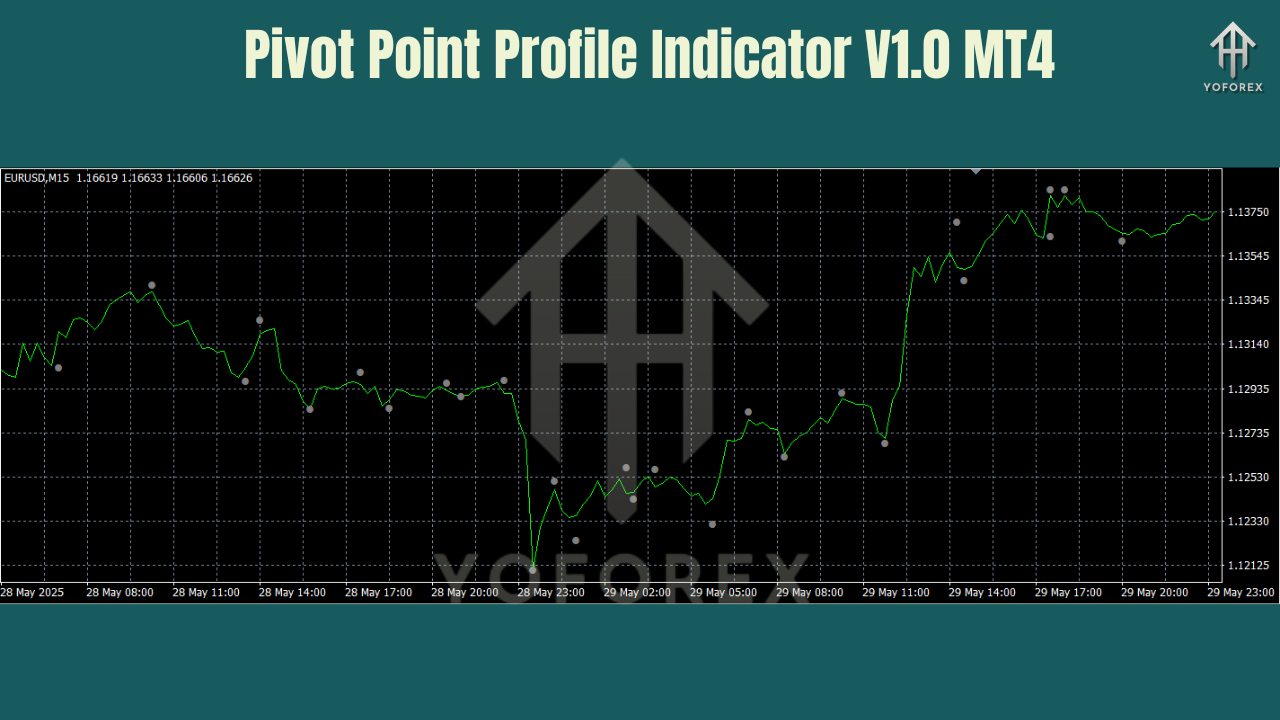
Key Features of Pivot Point Profile Indicator V1.0 MT4
- Dynamic Support & Resistance Levels – Identifies both traditional and extended support and resistance levels.
- Any Timeframe Compatibility – Works across all timeframes from M1 to D1, giving you flexibility depending on your trading style.
- Pivot Point Calculations – Uses a blend of classic, Fibonacci, and Woodie’s pivot points for greater accuracy.
- Real-Time Price Levels – The indicator updates in real-time as market conditions change.
- Trend Strength Confirmation – Helps confirm whether a trend is likely to continue or reverse at key levels.
- Customizable Settings – Adjust the period and calculation method to suit different pairs and strategies.
- Advanced Visualization – Visual lines and markers highlight important price levels directly on your charts.
- No Repainting – The signals are real-time and do not repaint, ensuring reliable decision-making.
- Alerts and Notifications – Set up alerts for when price reaches key support or resistance levels.
How the Pivot Point Profile Indicator Works
The Pivot Point Profile Indicator uses several calculation methods to identify potential price turning points. The core function of the indicator is to calculate pivot points and the levels of support and resistance based on the previous period’s price action. Here’s how it works:
- Pivot Point Calculation – The indicator calculates the central pivot point (PP) and the levels of support (S1, S2, S3) and resistance (R1, R2, R3). These levels act as potential areas where price could reverse.
- Extended Support & Resistance – Unlike traditional pivot points that use only the previous day’s high, low, and close, this indicator also calculates extended levels based on Fibonacci and Woodie’s methods, giving you additional potential turning points.
- Dynamic Price Zones – As price moves through the day, the indicator updates its support and resistance zones in real-time, adjusting to current market conditions.
- Trend Strength Analysis – The indicator also helps assess the strength of the trend and gives you a clearer picture of market structure, helping confirm the likelihood of price moving past key levels.
- Signal Alerts – When price approaches or crosses one of the key levels, the indicator can trigger alerts or notifications, keeping you informed of critical market movements.
This combination of multiple pivot point methods and dynamic price updates provides a more accurate view of market levels compared to traditional pivot point calculations.
How to Install and Use the Pivot Point Profile Indicator on MT4
- Download the Indicator
Download the Pivot Point Profile Indicator.ex4file from the official source. - Copy to MT4 Folder
Open MetaTrader 4 → File → Open Data Folder → MQL4 → Indicators, and paste the.ex4file in the Indicators folder. - Restart MT4
Close and reopen MT4 so the indicator appears in your Navigator window. - Attach the Indicator to a Chart
Drag the Pivot Point Profile Indicator from the Navigator and drop it onto your desired chart (you can use it on any forex pair). - Adjust Settings
- Period: Adjust the period for pivot point calculation (default is 14, but can be customized).
- Pivot Calculation Method: Choose between classic, Fibonacci, or Woodie’s for calculating the pivot points.
- Timeframe: Use the indicator on your preferred timeframe (works great on M1, M5, M15, H1, etc.).
- Alerts: Set up alerts to notify you when price reaches significant support or resistance levels.
- Enable Auto Trading
Ensure that AutoTrading is enabled in MT4 to allow the indicator to start updating and generating signals in real-time.
Why Choose the Pivot Point Profile Indicator V1.0 MT4?
The Pivot Point Profile Indicator offers a comprehensive solution for traders who rely on support and resistance levels for decision-making. Here's why you should use it:
- Enhanced Accuracy – Combines multiple pivot point methods (classic, Fibonacci, Woodie’s) to provide a more accurate analysis.
- Real-Time Updates – Continuously adjusts its support and resistance levels based on the current market price, providing up-to-date information.
- Versatility – Works on any forex pair and timeframe, making it suitable for scalping, day trading, and swing trading.
- Customization – Customize settings for different pairs, timeframes, and trading strategies.
- Trend Confirmation – Helps confirm whether a trend will continue or reverse at key levels.
This combination of features makes the Pivot Point Profile Indicator a valuable tool for price action traders, technical analysts, and anyone looking to trade based on key price levels.
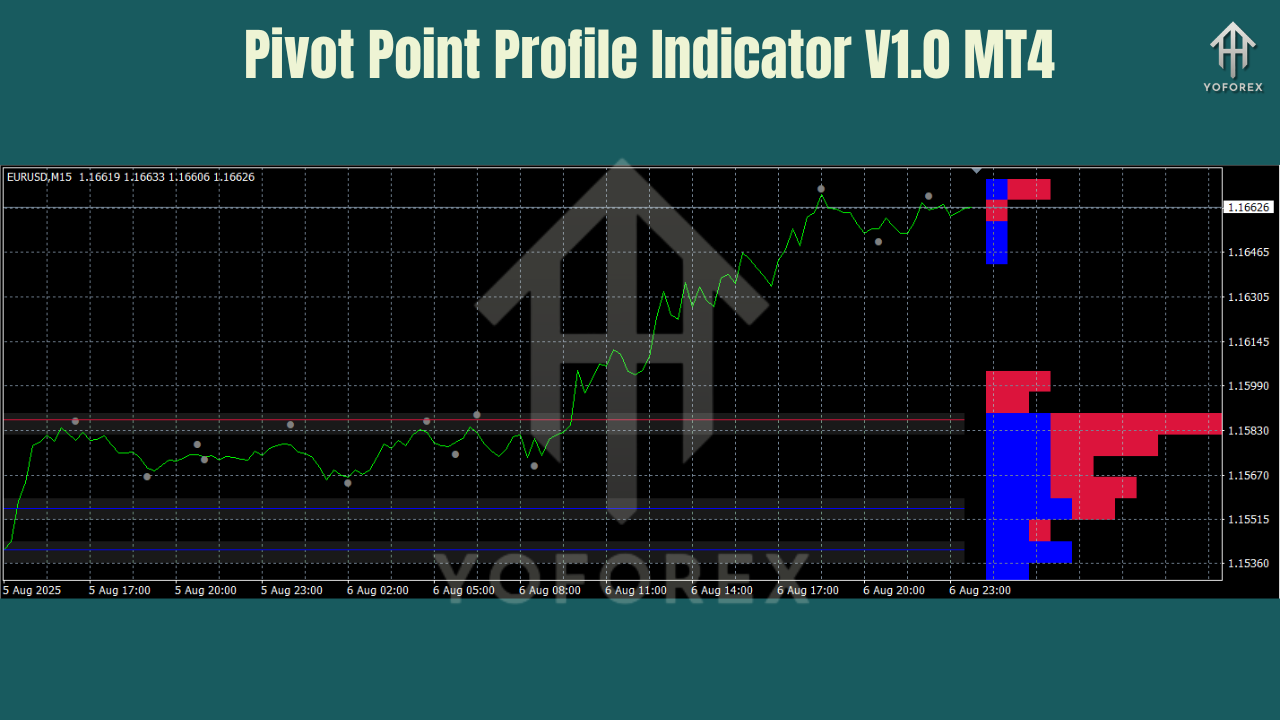
Best Practices for Using the Pivot Point Profile Indicator
To maximize the effectiveness of the Pivot Point Profile Indicator, here are a few best practices:
- Combine with Trend Indicators – Use the indicator alongside moving averages or MACD to confirm trends and enhance signal reliability.
- Avoid Low-Volatility Markets – The indicator works best during periods of high volatility. Avoid trading when the market is flat or slow-moving.
- Set Alerts for Breakouts – Use the indicator’s alert feature to get notified when price breaks through key support or resistance levels.
- Test on Demo First – Before trading live, test the indicator on a demo account to understand how it reacts to different market conditions.
- Use Proper Risk Management – Always apply proper stop-loss and take-profit strategies when using the indicator for trading decisions.
Support
Need help? Contact our support team:
- WhatsApp: Click Here
- Telegram: Join Here
Final Thoughts & Call to Action
The Pivot Point Profile Indicator V1.0 MT4 is a comprehensive tool that helps traders effectively use support and resistance levels to make more informed trading decisions. Whether you’re scalping on short timeframes or trading on higher timeframes, this indicator adapts to your trading style.
Download the Pivot Point Profile Indicator today and enhance your trading precision.
Full support available via WhatsApp & Telegram.
YoForex – empowering traders worldwide, one precise trade at a time.
Join our Telegram for the latest updates and support






Comments
Leave a Comment