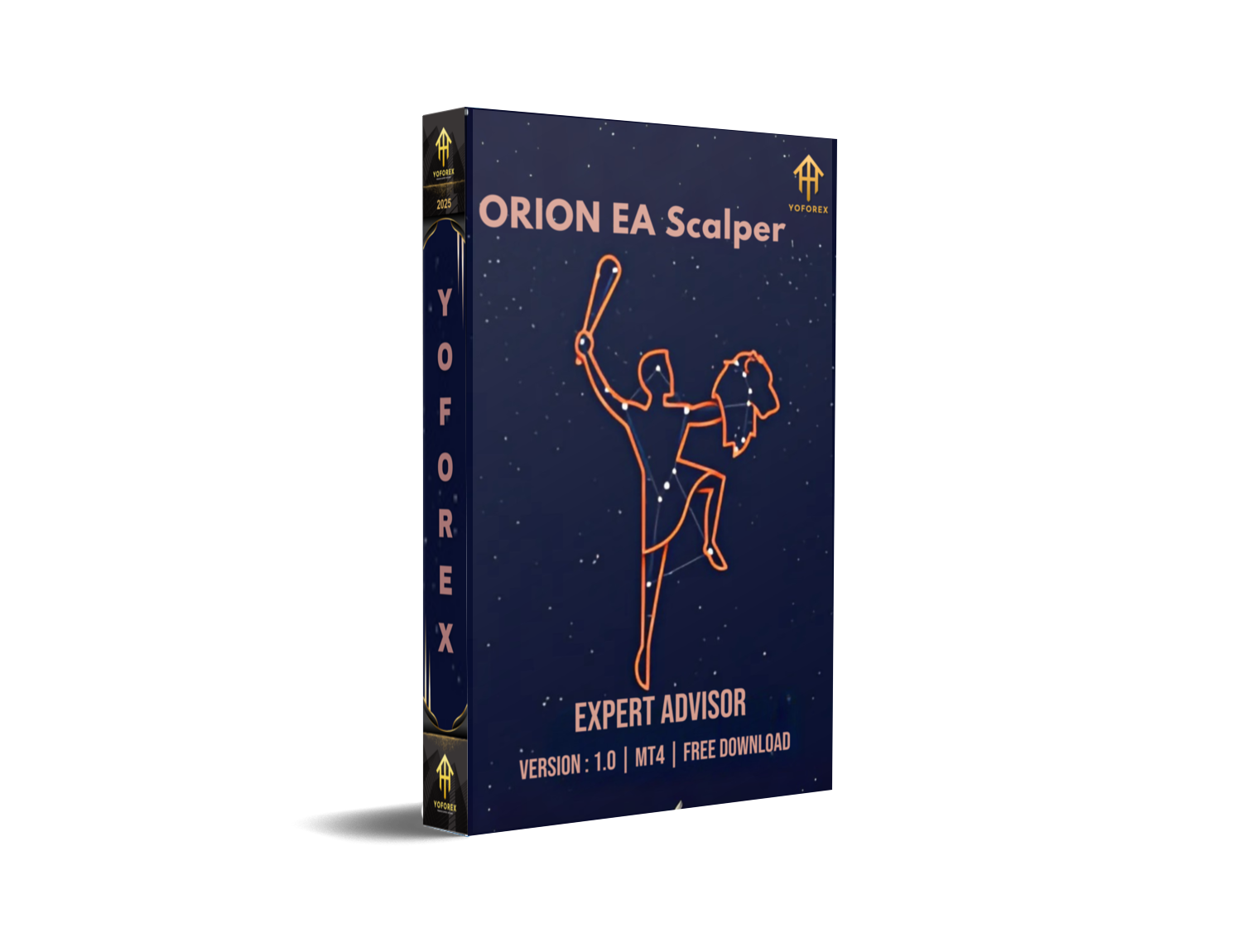
In the fast-paced world of forex trading, having the right tools can make a significant difference in profitability. ORION EA Scalper V1.0 MT4 is an advanced trading algorithm designed for scalping the EURUSD pair on M30 and H1 timeframes. This expert advisor (EA) leverages high-frequency trading strategies to capitalize on short-term price movements, delivering optimal trade entries and exits for consistent gains.
Whether you're a seasoned forex trader or just starting, ORION EA Scalper offers a reliable solution for those seeking precision and speed in their trades. In this blog post, we will dive deep into its features, benefits, and how you can use it to enhance your trading strategy.
Key Features of ORION EA Scalper V1.0
1. EURUSD Focus
ORION EA Scalper V1.0 specializes in scalping the EURUSD currency pair. EURUSD is the most traded forex pair in the world, known for its liquidity and volatility. The EA takes advantage of these factors by executing quick trades with tight stop losses and take profits.
2. Optimized for M30 and H1 Timeframes
The EA operates seamlessly on both the M30 and H1 timeframes. This flexibility allows traders to choose between faster trades on the M30 chart or more relaxed scalping on the H1 chart. Each timeframe is tailored for different risk preferences and trading styles.
3. High-Frequency Scalping
Scalping is all about taking advantage of small price movements, and ORION EA Scalper is built to do just that. It analyzes market conditions to enter and exit trades quickly, ensuring you don't miss out on opportunities.
4. Risk Management Tools
Risk management is at the heart of ORION EA Scalper's design. It includes features such as:
Adjustable lot size: Customize the lot size based on your risk tolerance.
Stop loss and take profit settings: Set and adjust stop losses and take profit levels to protect your capital.
Trailing stop: Lock in profits as the market moves in your favor.
5. User-Friendly Interface
ORION EA Scalper is designed to be easy to use, with a straightforward setup and configuration. Even novice traders can install and operate the EA with minimal technical knowledge, thanks to the detailed instructions provided.
Benefits of Using ORION EA Scalper V1.0 MT4
1. Time-Saving
Manual scalping requires constant attention to the market, which can be exhausting and time-consuming. ORION EA Scalper automates the entire process, allowing you to focus on other aspects of your trading or daily life.
2. Consistency
By following predefined strategies, ORION EA Scalper helps reduce the emotional aspect of trading, leading to more consistent performance. Its risk management features ensure that trades are executed with discipline.
3. Increased Profit Potential
With its high-frequency trading approach, ORION EA Scalper aims to capture small profits on a regular basis, leading to cumulative gains over time. Its optimized scalping algorithm ensures that each trade has the best possible chance of success.
4. Perfect for All Market Conditions
Whether the market is trending or moving sideways, ORION EA Scalper adapts to various market conditions, ensuring that it operates effectively in different trading environments.
How to Use ORION EA Scalper V1.0 MT4
Step 1: Installation
Installing ORION EA Scalper on your MetaTrader 4 platform is simple. Download the EA file and place it in the "Experts" folder within your MT4 directory. Once installed, it will appear in the "Navigator" panel, ready for use.
Step 2: Configuration
To set up ORION EA Scalper, open a EURUSD chart on M30 or H1 timeframe. Drag the EA onto the chart, and configure the settings to suit your risk tolerance and trading preferences. The EA will automatically begin trading based on the set parameters.
Step 3: Monitoring
Once the EA is running, it will automatically manage trades. You can monitor its performance via the MT4 "Terminal" panel, where you'll find detailed information on the trades opened and closed by the EA.
Step 4: Adjusting Settings
As market conditions evolve, you may need to adjust the settings of ORION EA Scalper. For example, you may want to modify the lot size, stop loss, or take profit levels. This flexibility allows you to tailor the EA to changing market dynamics.
Performance and Backtesting
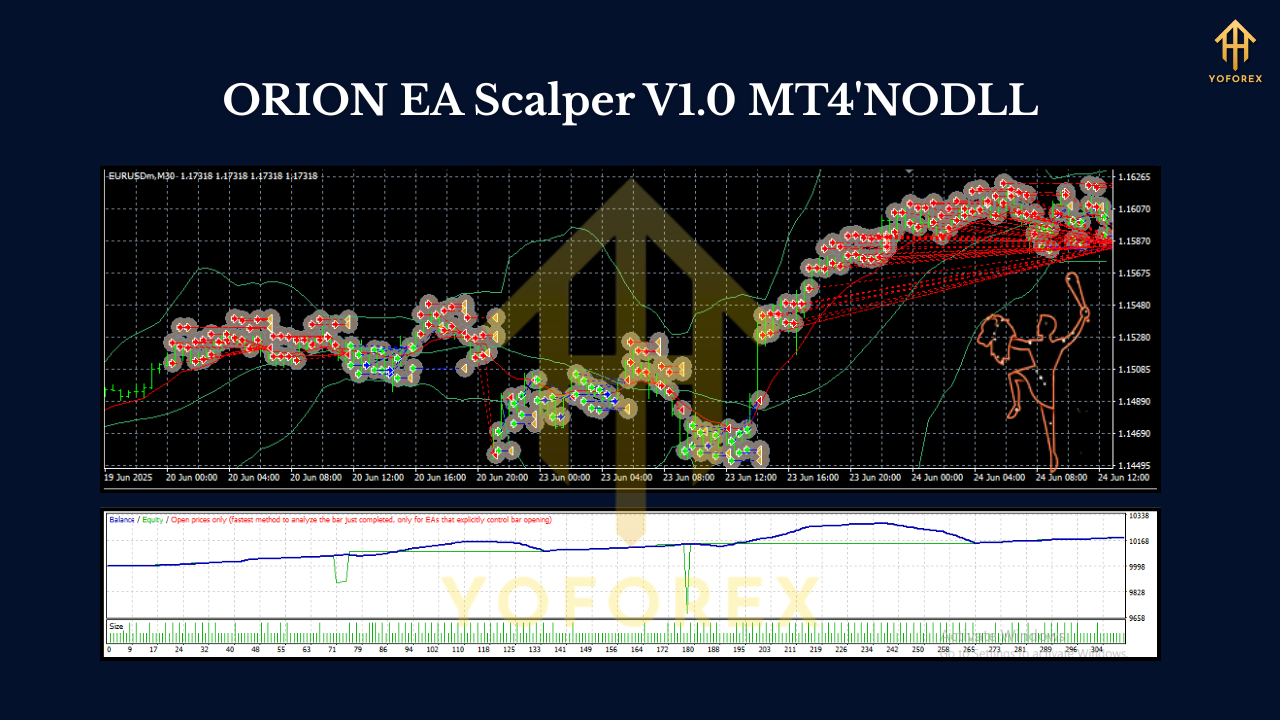
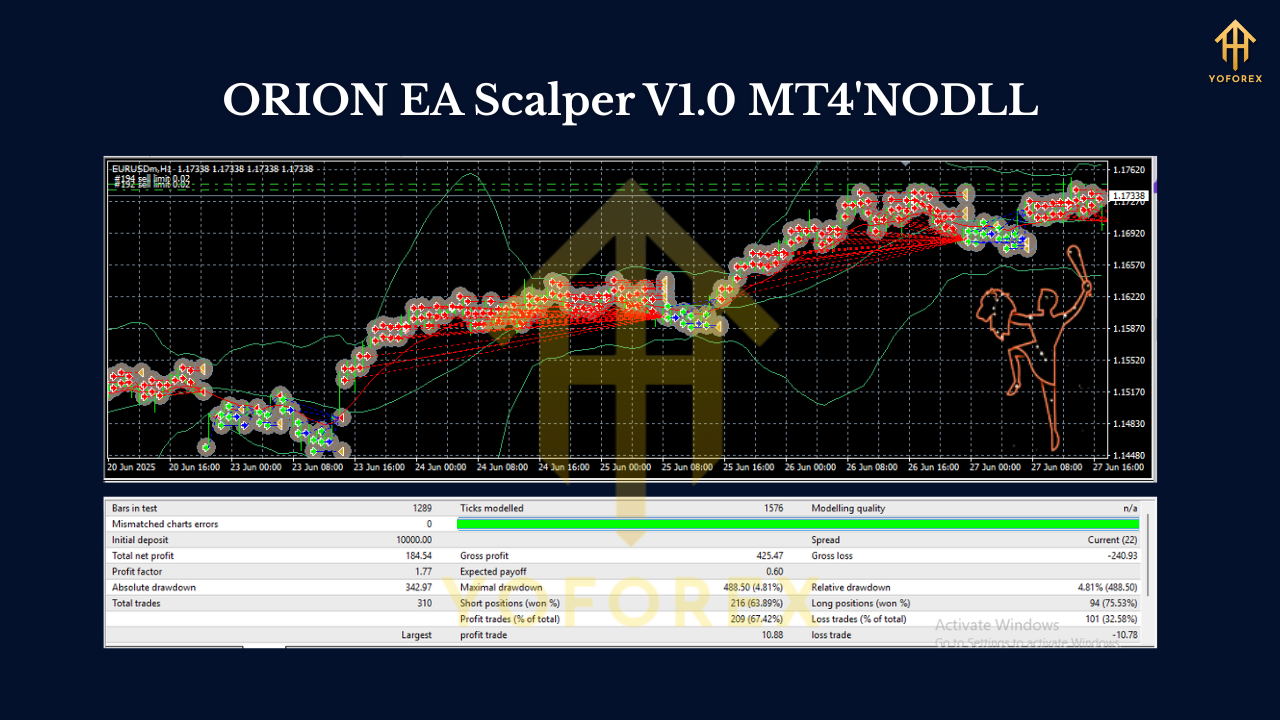
Before going live, it is essential to backtest ORION EA Scalper to evaluate its performance. You can do this within MT4 by running a backtest on historical data using different market conditions. This step helps you understand the EA's potential and optimize its settings for your trading strategy.
Example Backtest Results:
- Pair: EURUSD
- Timeframe: M30
- Profit Factor: 1.5
- Max Drawdown: 12%
- Win Rate: 78%
These results demonstrate the EA's ability to generate consistent profits with controlled risk.
Conclusion
ORION EA Scalper V1.0 MT4 is a powerful tool for forex traders seeking to implement a scalping strategy with precision and efficiency. Its optimized settings for EURUSD on M30 and H1 timeframes make it an ideal choice for traders looking to capitalize on small price movements. With advanced risk management features and a user-friendly interface, ORION EA Scalper is suitable for both novice and experienced traders.
Join our Telegram for the latest updates and support






Comments
Leave a Comment