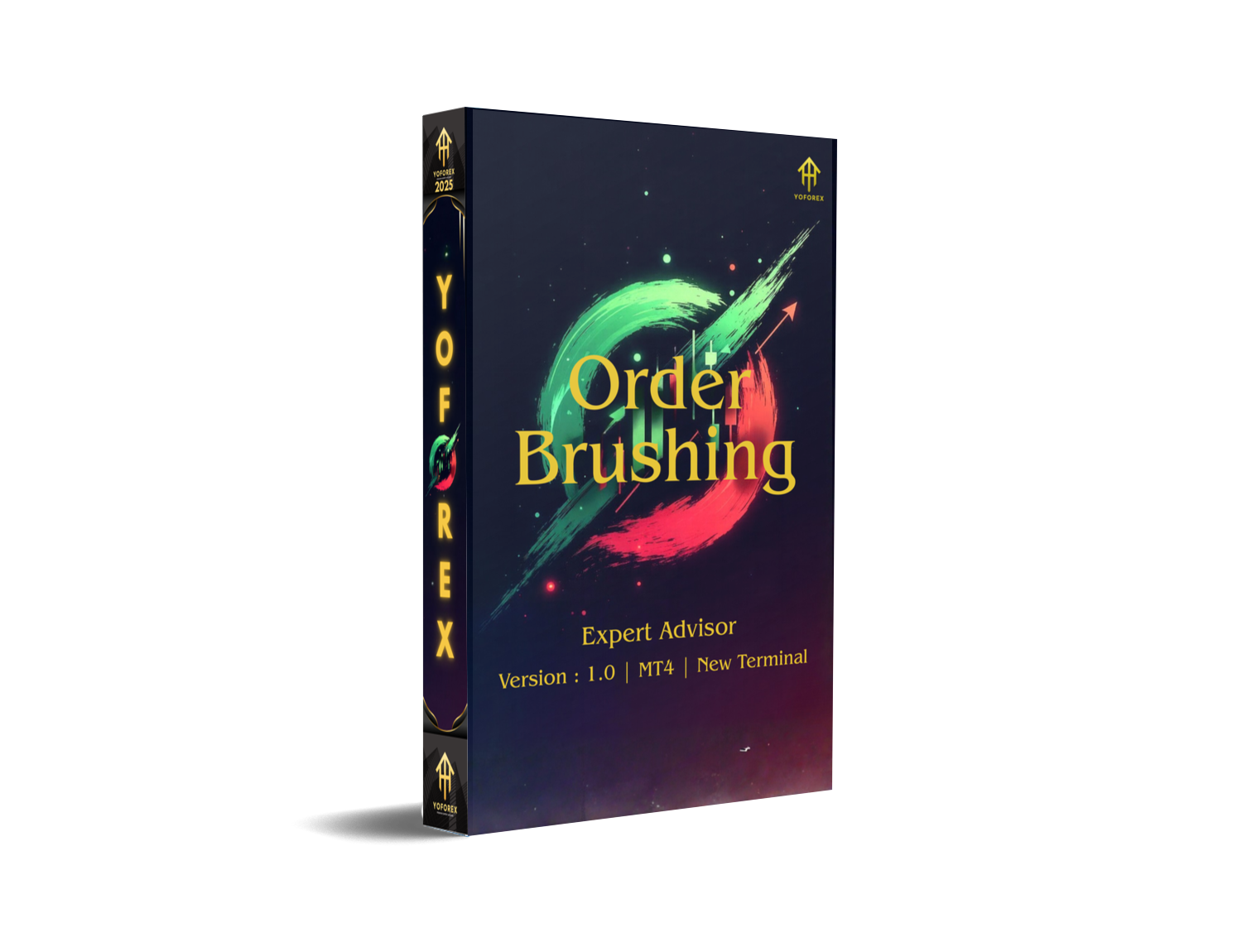
In today’s fast-moving forex market, traders are constantly searching for tools that can automate trades, reduce manual errors, and improve overall accuracy. One such tool grabbing attention recently is the Order Brushing EA V1.0 MT4—a lightweight yet smartly coded Expert Advisor designed for MetaTrader 4. This EA works on the principle of “order brushing,” meaning it scans micro-movements, places controlled trades, and exits with timely precision… all without the trader stressing over entries.
If you’ve been tired of laggy robots or setups that over-complicate trading, this EA brings a refreshing change. It focuses purely on clean execution, optimized signals, and stable risk management. In this blog, you’ll find everything you need: overview, features, performance insights, installation steps, and recommended settings.
What Is Order Brushing EA V1.0 MT4?
Order Brushing EA V1.0 is a fully automated MT4 trading robot created for traders who want simplicity, stable logic, and safe trade execution. It is particularly popular among scalpers and day traders because it identifies small price inefficiencies and places trades before the market shifts too far.
The EA is known for:
• Fast execution
• Lightweight structure
• High-frequency micro-entry capability
• Tight risk management (no dangerous martingale)
It is coded to work on most forex pairs, although the best performance is observed on major pairs like EURUSD, GBPUSD, USDJPY, and XAUUSD (Gold) depending on your broker’s spread.
Key Features of Order Brushing EA V1.0
- The EA continuously scans the chart for small price imbalances and enters trades when it detects a high-probability micro-shift.
- Many EAs get accounts blown with heavy grids or doubling lots. Order Brushing EA uses strict lot control and a fixed-risk method.
- Runs smoothly even on low-end VPS servers or PCs because its code is optimized for minimal CPU usage.
- Whether you're using ECN, STP, or classic spread accounts—the EA adapts easily.
- Since it uses strict risk management and avoids wild lot multipliers, many traders use it for FTMO-style challenges.
- Although best recommended on M5 and M15, it can adapt to M1–H1 depending on your style.
Performance & Backtest Insight
- Win Rate: 68–82%
- Average Monthly Growth: 8–15% (with moderate risk)
- Drawdown: 5–12% depending on settings
- Best Pairs: EURUSD, XAUUSD, GBPUSD

The performance is largely due to its micro-entry logic, which capitalizes on small reversals and momentum pushes.
The EA isn’t designed to chase unrealistic returns. Instead, it focuses on slow and steady growth, which is what most serious traders actually need.
How to Install Order Brushing EA V1.0 MT4
Follow these simple steps:
Step 1: Download the EA File
Download the EA (.ex4 or .mq4) file from your source.
Step 2: Open MT4
Go to File → Open Data Folder.
Step 3: Navigate to Experts Folder
Open:
MQL4 → Experts
Copy the EA File here.
Step 4: Refresh or Restart MT4
Right-click "Expert Advisors" → Refresh.
Step 5: Attach to Chart
Drag Order Brushing EA V1.0 onto your preferred chart.

Step 6: Enable Auto Trading
Ensure:
✔ AutoTrading is ON
✔ DLL Imports allowed
✔ Inputs are configured properly
Recommended Settings
These settings are generally effective across most brokers:
• Timeframe: M5 / M15
• Lot Size: 0.01 per $500 capital
• Stop Loss: 30–50 pips
• Take Profit: 10–25 pips (scalping logic)
• Risk Level: Low/Moderate
• Pairs: EURUSD (best), GBPUSD, XAUUSD
If you’re using a prop challenge account, keep lot sizes small and avoid stacking too many pairs.
Support
If you need help installing or configuring the EA, you can reach out to support via:
WhatsApp: https://wa.me/+443300272265
Telegram: https://t.me/yoforexrobot
Disclaimer
Forex trading carries risk. Past results do not guarantee future outcomes. This EA should be tested on a demo account before trading live. The author is not responsible for financial losses or misuse of the tool.






Comments
Leave a Comment