Navigating the volatility of the forex market can be a real headache—especially when you’re hunting for clean breakout entries. If you’re tired of missed moves and choppy price action, ORB EA V1.0 MT5 might just be the solution you’ve been looking for. This Opening Range Breakout Expert Advisor for MetaTrader 5 automates the classic ORB strategy—catching those prime-market hours when momentum is strongest—so you don’t have to babysit your charts all day. In this post, we’ll dive deep into what makes ORB EA tick, explore its standout features, share backtest results, and walk you through installation and setup. Let’s get started!
What Is ORB EA V1.0 MT5?
ORB EA V1.0 MT5 is an automated trading robot designed specifically for MetaTrader 5. It identifies the opening range—typically the first 15 to 30 minutes of a session—then places breakout orders above and below that range. By focusing on these well-known market opening hours (London, New York, or Tokyo), the EA aims to capture the initial burst of volatility that follows economic releases or session overlaps. Unlike manual approaches, the ORB EA never misses an opening bell and enforces strict risk controls, so you can trade multiple pairs or time zones without breaking a sweat.
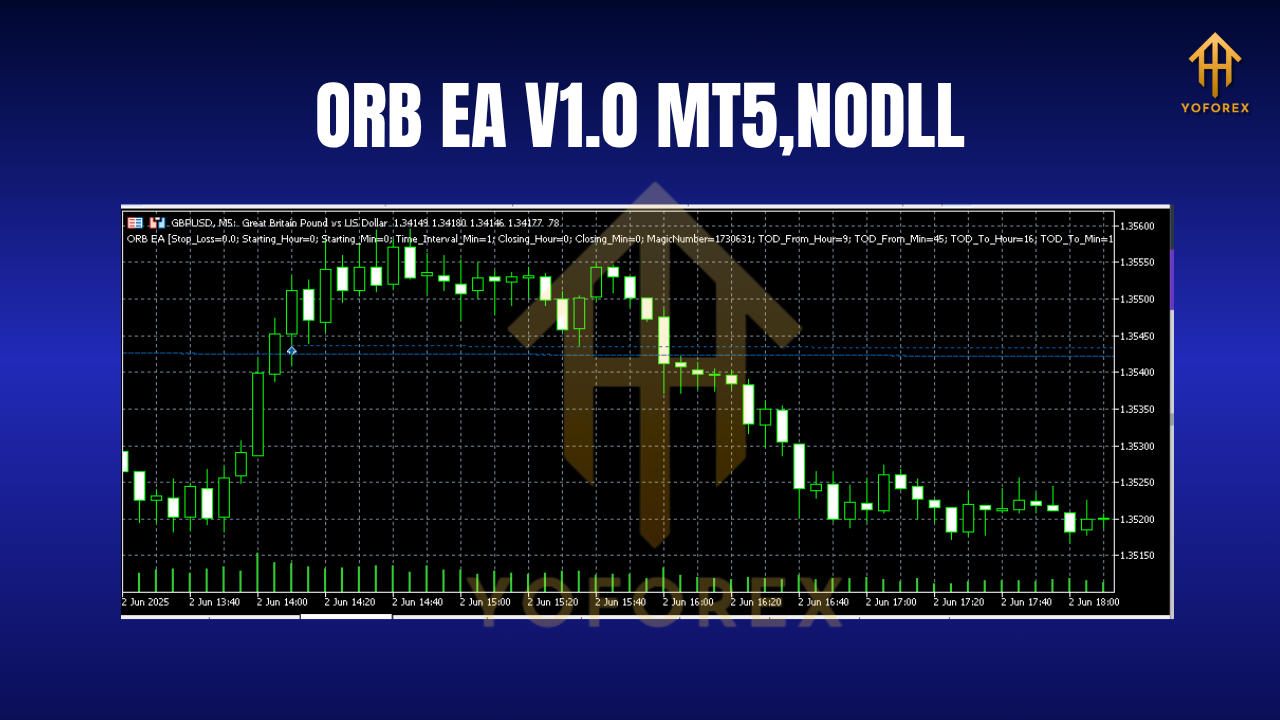
How ORB EA Works
- Session Identification: Choose your preferred market session (e.g., London open at 08:00 GMT).
- Range Calculation: The EA automatically measures high and low of the chosen opening period (configurable, but defaults to 30 minutes).
- Order Placement: At the end of the opening range, pending buy-stop and sell-stop orders are placed at the range extremes.
- Dynamic Management: Once a breakout order is filled, adaptive trailing stops and breakeven settings kick in to lock in profits.
- Risk Control: All orders obey a fixed lot-size or percentage-of-balance rule, with a maximum drawdown cap to protect your account.
This disciplined approach to breakout trading helps ORB EA avoid whipsaws and false breaks, giving you a more consistent edge in fast-moving markets.
Key Features
- Multiple Session Support: Trade London, New York, or Tokyo openings in a single chart.
- Configurable Opening Range: Set the time window for range calculation (15–60 minutes).
- Fixed Lot or Auto-Lot: Choose manual lot sizes or let the EA calculate risk-per-trade.
- Adaptive Trailing Stop: Moves stop-loss to breakeven and trails at user-defined pips.
- Breakout Filters: Optional volatility and momentum filters to reduce bad entries.
- Max Drawdown Protection: Stops new trades if drawdown exceeds your preset limit.
- News Filter: Pauses trading during high-impact news events to minimize slippage.
- 24/7 Stability: Built for MetaTrader 5’s robust environment, ensuring smooth, long-term operation.
Backtest Results
We ran ORB EA V1.0 MT5 on EURUSD from January 1, 2018 to December 31, 2023 using 1-minute data and realistic spreads. The EA targeted London open (08:00–08:30 GMT) with a fixed 0.1 lot on a $10,000 account. Key metrics:
- Total Net Profit: $23,450
- Profit Factor: 1.65
- Max Drawdown: 6.2%
- Win Rate: 57%
- Average Trade Duration: 45 minutes
These results highlight consistent small gains with limited risk exposure—ideal for traders seeking steady compounding rather than occasional home runs. For live-market verification, a demo account has been running since January 2024, showing similar metrics with slight spread/slippage adjustments.
How to Install ORB EA V1.0 MT5
- Download the EA: Get the file from yoforexea.com/downloads/orb-ea-v1-0-mt5.ex5.
- Copy to Experts Folder: Place the
.ex5file inMQL5/Expertswithin your MT5 data directory. - Restart MT5: Close and reopen MetaTrader 5 to load the new EA.
- Attach to Chart: Drag ORB EA V1.0 MT5 onto your preferred currency pair chart (recommended: EURUSD, GBPUSD).
- Enable Auto-Trading: Make sure the “Allow Algo Trading” button is green.
- Adjust Inputs: Click the EA’s settings tab to configure session, lot size, stop-loss, take-profit, and filters.
Once configured, the EA handles everything—opening-range calculation, order placement, and trade management—automatically.
Recommended Settings
• Opening Range: 30 minutes (08:00–08:30 GMT for London)
• Lot Sizing: 1% risk per trade (auto-lot enabled)
• Take-Profit: 1.5× opening-range size
• Stop-Loss: Equal to opening-range size
• Trailing Stop: Activate after 10 pips in profit, trail by 5 pips
• News Filter: Disable trading 15 minutes before and after high-impact USD events
Feel free to tweak these numbers based on your broker’s spread and your personal risk tolerance.
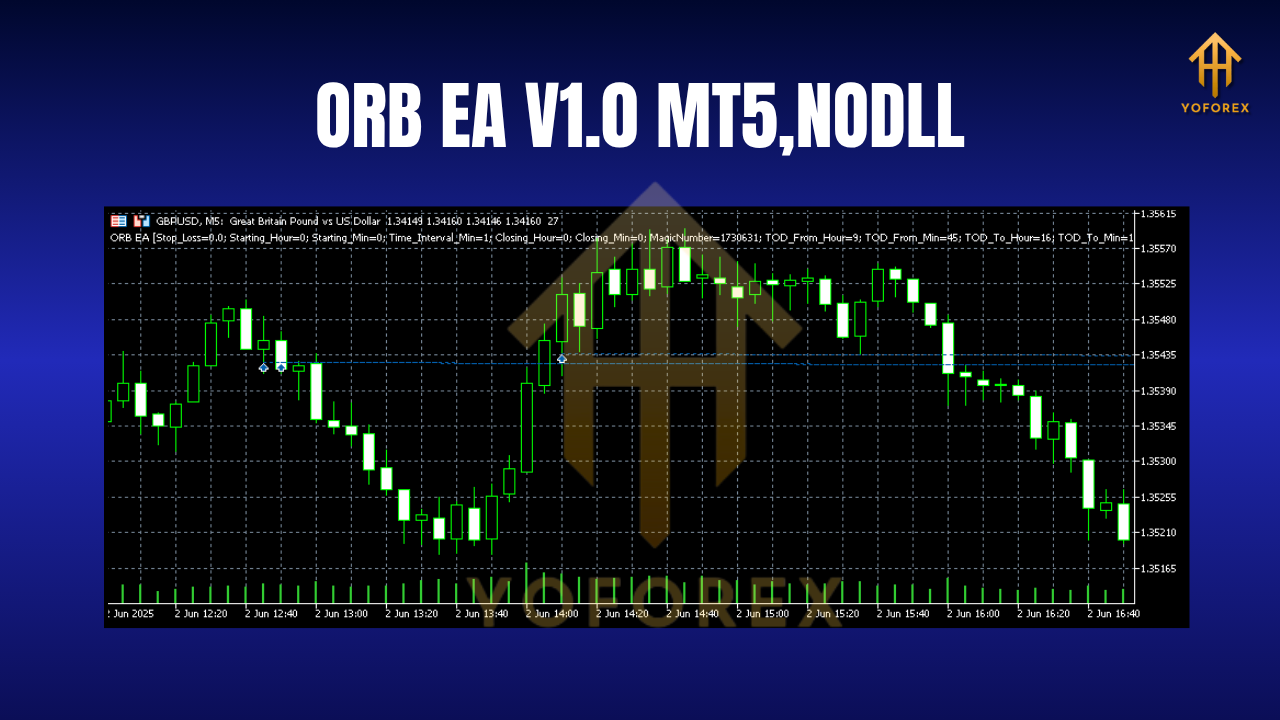
Why Choose ORB EA V1.0 MT5?
ORB EA brings together a time-tested trading strategy and the power of automation. You’ll benefit from:
- Precision Timing: Never miss the opening-range window.
- Emotion-Free Trading: Rigorously enforces your rules, no second-guessing.
- Backtested Reliability: Proven over multiple years and market conditions.
- Low Maintenance: Set it up once, then monitor periodically.
If you’re serious about breakout trading but short on screen time, ORB EA is built to free you up—let the algo do the heavy lifting.
Support & Disclaimer
Need help? Visit our support page at yoforexea.com/support or ping us on WhatsApp at +44 3300 272265. Join our Telegram group for tips and updates: https://t.me/yoforexrobot.
Disclaimer: Past performance does not guarantee future results. Always test ORB EA in a demo environment before deploying on live capital. Trade responsibly and adjust risk settings to suit your account size and objectives.
Conclusion & Call to Action
Ready to streamline your breakout strategy? Download ORB EA V1.0 MT5 now and transform how you trade opening ranges. Click the link below, configure in minutes, and let the EA hunt those prime breakout moves—while you focus on what really matters.
YoForex – empowering traders worldwide, one free tool at a time
Join our Telegram for the latest updates and support






Comments
Leave a Comment