Ninja FX EA V6.04 MT4 — precision, risk control, consistency (H1–M30)
Looking for an automated strategy that actually respects risk while still catching clean moves? Ninja FX EA V6.04 for MetaTrader 4 aims squarely at that sweet spot. It’s built for traders who want consistent execution across Forex majors and indices without babysitting the charts all day. The logic prioritizes disciplined entries, adaptive stops, and session awareness so the bot trades when conditions are favorable and stands down when they’re not. In short: less noise, more signal.
Below, you’ll find a practical overview of how Ninja FX EA V6.04 MT4 works, the recommended time frames and pairs, setup tips, risk controls, and workflow ideas to help you test and go live responsibly.
What is Ninja FX EA V6.04 MT4?
Ninja FX MT4 is a powerful automated trading EA for MetaTrader 4, built with precision, risk control, and consistency to boost your Forex performance. It’s designed to operate on H1 to M30 time frames, and supports these symbols out of the box:
- GBPUSD
- EURUSD
- BTCUSD
- AUDCAD
- NZDCAD
- US30 (Dow Jones index CFD)
The strategy favors structured entries over frequent scalps. Think momentum confirmation + volatility awareness + spread filters. Rather than chasing every tick, it waits for confluence, then manages the position with rules you can actually audit later. For teams or prop-firm-style rules, this approach can be easier to justify in an evaluation because it avoids wild lot escalation and “revenge” patterns.
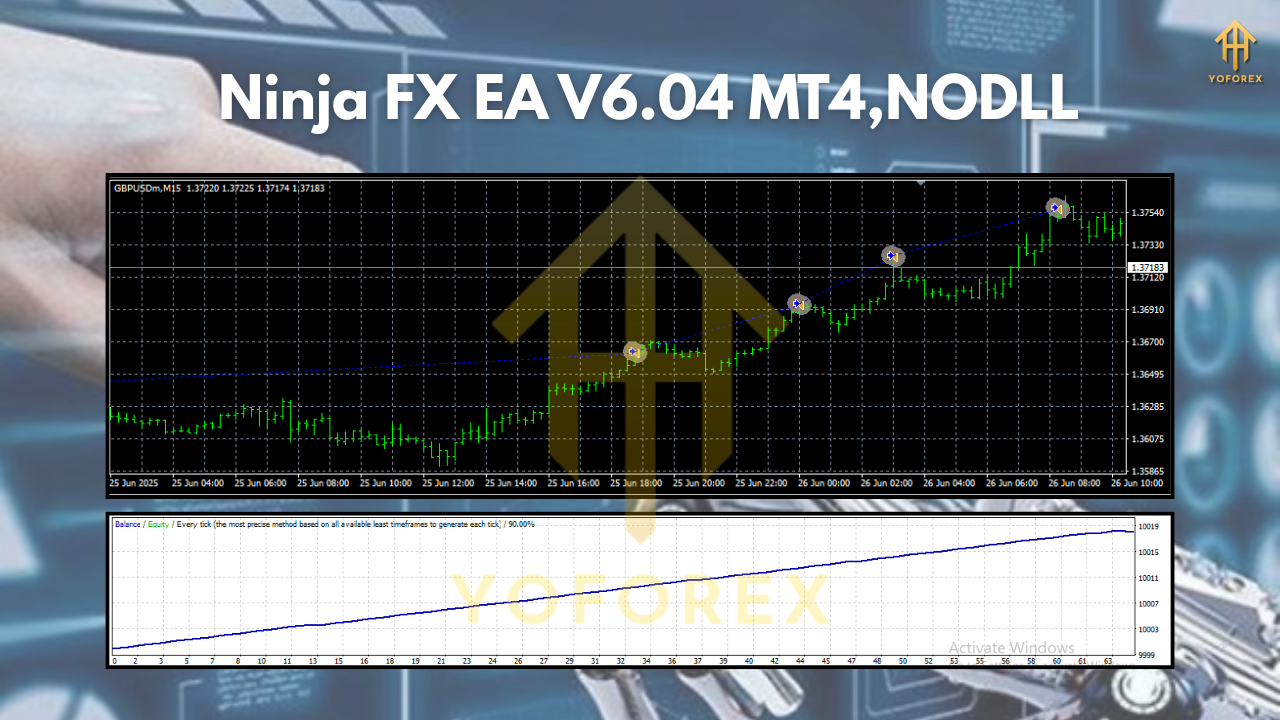
Key features at a glance
- Time-frame flexible (H1–M30): adapts to swing-scalp hybrids without losing structure.
- Multi-asset coverage: majors, cross-pairs, crypto CFD (BTCUSD), and US30.
- Risk-first logic: fixed fractional risk per trade; no hidden lot multipliers.
- No martingale, no grid: one clean setup = one clean position plan.
- Volatility-aware stops: ATR-style or pip-based SL/TP with trailing options.
- Spread & slippage filters: stands aside during unhealthy conditions.
- Session filter: focus on liquid sessions, avoid dead zones where signals degrade.
- News-time caution: configurable pause around high-impact events (if you prefer).
- Equity & daily loss limits: optional caps to protect from outlier days.
- Robust logs: clear entry/exit reasons for later review and optimization.
How Ninja FX EA generally trades
At a high level, Ninja FX EA looks for a directional push confirmed by momentum and a clean market structure (e.g., recent swing breaks or strong continuation candles). A volatility filter checks whether the range is realistic for your chosen time frame; if it’s too tight (chop) or too wild (whipsaw risk), the EA will often pass.
Once in a trade, stops and targets are placed immediately. Many users prefer a 1.2:1 to 2:1 payoff profile on H1/M30, then enable a break-even rule after price moves favorably (e.g., +0.8R). A trailing stop can be enabled for extended trends—handy on US30 or BTCUSD when momentum really runs. If you dislike trailing, you can keep classic SL/TP only; the system doesn’t depend on trailing to be profitable.
Time frames & symbols (H1 to M30)
H1 gives more breathing room, fewer trades, and (usually) cleaner trends. M30 increases frequency but will need stricter spread/volatility rules on fast movers.
- GBPUSD & EURUSD: core majors for consistent liquidity; H1 is excellent, M30 if spreads are tight.
- AUDCAD & NZDCAD: tend to respect structure; consider session filters aligned with London/New York overlaps.
- BTCUSD: treat it differently—use wider stops, lower risk per trade. Volatility can be explosive.
- US30: momentum-friendly; best during New York session. Use a VPS and keep slippage filters realistic.
Recommended risk settings (start conservative)
- Risk per trade: 0.25%–0.5% while you learn the system; scale only after forward data supports it.
- Max daily loss: 1%–2% equity cap to prevent “bad day” spirals.
- Max concurrent trades: 1–3, depending on correlation (e.g., don’t stack GBPUSD & EURUSD blindly).
- No martingale: keep lot sizing fixed fractional or fixed lot—no multipliers.
Pro tip: If you include BTCUSD or US30, reduce their per-trade risk versus the majors. Same bot, different temperament.
Installation & setup (MT4)
- Copy files: Place the EA file into
MQL4/Experts/and restart MT4. - Enable algo trading: Check “AutoTrading” in the toolbar and allow DLL imports if required.
- Attach to chart: Open your target symbol’s chart (e.g., GBPUSD H1) and attach Ninja FX EA.
- Input settings:
- Set risk per trade (fractional or fixed lot).
- Choose SL/TP mode (ATR-based or fixed pips).
- Turn on spread limit, slippage control, session filter, news filter (if you use one).
5. Broker & VPS: Pick a low-spread broker with fast execution; use a VPS for uptime and stability.
6. Dry run first: Forward test on demo for at least 2–4 weeks before deploying to live.
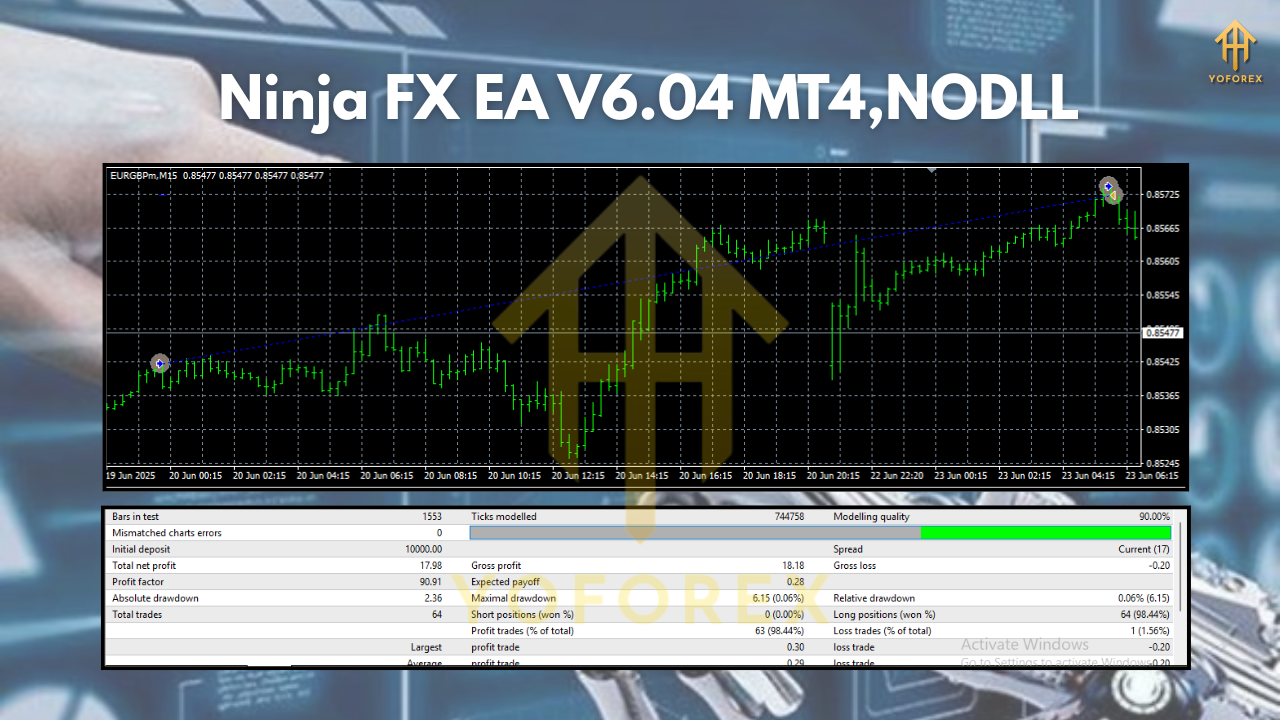
Backtesting & forward testing workflow
- Use realistic data & spreads: Model slippage for US30/BTCUSD.
- Walk-forward approach: Optimize on a past period, validate on a later unseen period.
- By-pair profiles: Save separate set files for GBPUSD/EURUSD vs BTCUSD/US30.
- Session tests: Compare results with/without London and NY filters; don’t assume “more time = more profit.”
- Stability beats peak: If one setting spikes equity but collapses in out-of-sample, discard it. Prioritize smooth curves.
Practical tips to improve consistency
- Limit news exposure: If you trade during FOMC/NFP or similar, expect slippage. Many users simply pause.
- Avoid over-optimization: A few robust parameters > dozens of curve-fit tweaks.
- Correlations matter: If EURUSD triggers, be cautious stacking GBPUSD; decide whether the portfolio intends diversification or focus.
- Weekly review ritual: Export MT4 reports, tag trades (session, pair, setup flavor), and prune what underperforms.
- Don’t chase: If you miss a setup, let it go. The EA will see another—rushing breaks the logic.
Who is Ninja FX EA V6.04 for?
- Part-time traders who want structured automation during liquid sessions.
- Rule-based traders who care about risk and documentation (no black-box “magic”).
- Portfolio tinkerers running a few uncorrelated strategies instead of one all-in approach.
- Prop-style traders needing daily loss caps and consistent behavior (subject to firm rules).
If you’re after wild, high-frequency martingale fireworks, this isn’t it—and that’s the point. Ninja FX EA tries to feel more like a measured teammate than a gambler.
Final thoughts
Ninja FX EA V6.04 MT4 is built around three pillars: precision entries, disciplined risk, and consistent execution. On H1–M30, it targets high-quality moves across GBPUSD, EURUSD, BTCUSD, AUDCAD, NZDCAD, and US30, while giving you the controls to shape risk and session behavior to your style. Set it up carefully, respect its filters, and keep your review process tight. Do that, and you’ll have an automated partner that behaves—especially when markets try to bait you into doing the opposite.
Trade responsibly. Start on demo. Let the data convince you, not the hype.






Comments
Leave a Comment