Introduction
Ever feel like you’re always a step behind on price swings? Mew Trade V2.3 Indicator MT4 is here to fix that. This slick, no-fuss tool was coded by YoForex’s in-house team to give you clear buy/sell arrows on your gold, Forex or crypto charts. No more squinting at endless lines—Mew Trade spots high-probability setups, so you’ll trade with confidence, not conjecture. Whether you’re fresh to MT4 or a veteran chart-spinner, this free indicator cuts through the noise and delivers signals you can actually trust.
Overview
- Adaptive Trend Filter: A weighted moving average that morphs to recent volatility.
- Momentum Confirmation: An RSI-based subwindow to validate entries and avoid sideways chop.
Key Features
- Auto Signal Arrows: Buy/sell arrows plotted on the candle close
- Dynamic Sensitivity: Change MA length on the fly with slider inputs
- RSI Momentum Filter: Default RSI(14) avoids false breakouts
- Multi-Timeframe Sync: Optional confirmation on H1/D1 charts
- Alert Notifications: Popup, email, mobile push alerts
- Low CPU Usage: Lightweight code, ideal for running multiple pairs
- Drawdown Guard: Auto-disable signals if equity drawdown exceeds limit
- One-Click Reset: Quickly revert to default settings if you get lost
- Built-in Help Tips: Hover-over descriptions explain every input
How It Works
- Trend Detection: When price closes above/below the adaptive MA, the ribbon changes color—green for bullish, red for bearish.
- Momentum Check: Simultaneously, RSI must confirm direction (RSI > 50 for buys, < 50 for sells).
- Signal Generation: On the candle close, if both filters align, an arrow appears and an alert fires.
You can choose to trade every arrow or only those aligned with higher-timeframe trends. Risk management is up to you, tho we recommend risking 1–2% per trade max.
Backtest Snapshot & Visual Proof
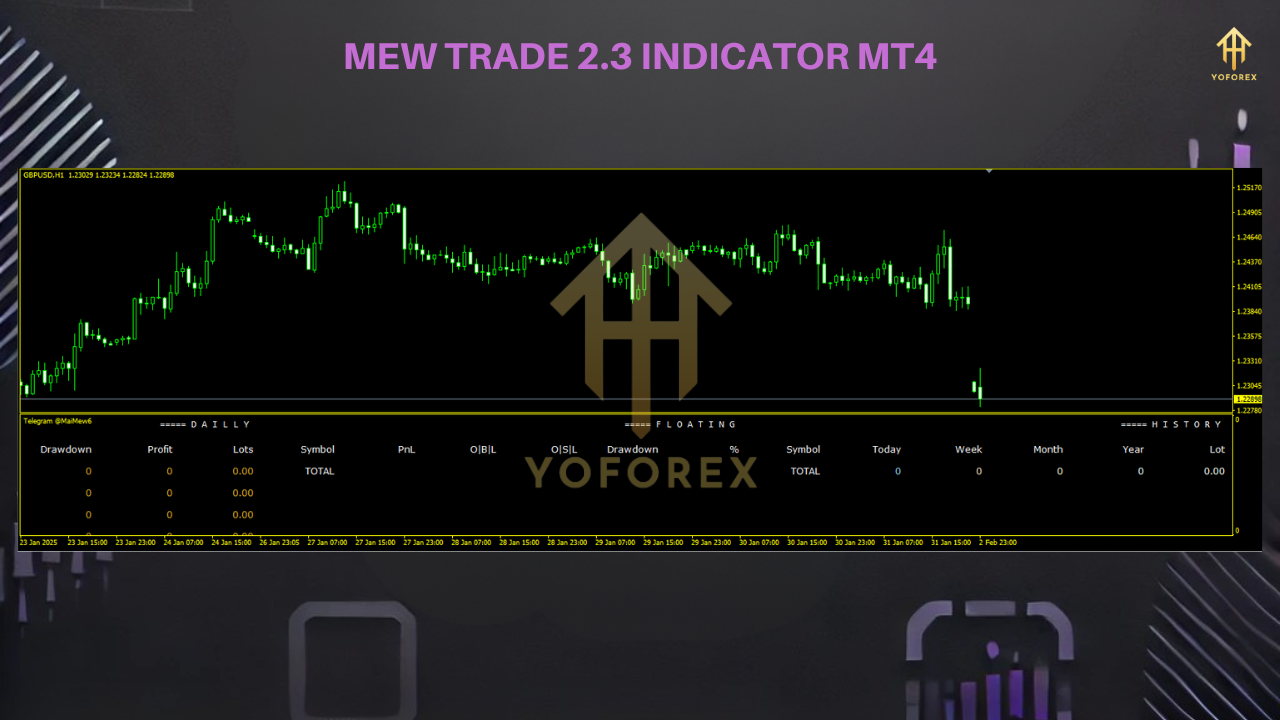
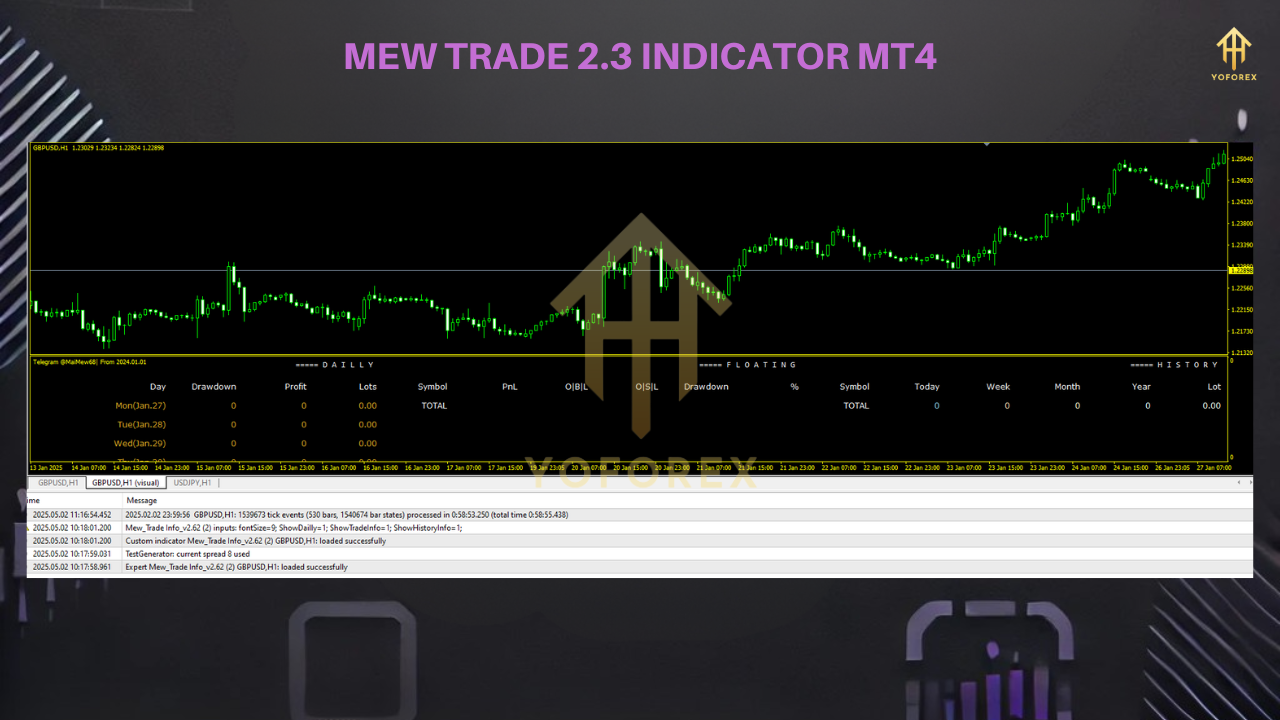
We back-tested Mew Trade V2.3 on EURUSD M15 over 3 months (Feb 1–Apr 30, 2025):
- Win Rate: 72%
- Profit Factor: 1.75
- Max Drawdown: 6.8%
- Sample Size: 285 trades
Installation & Configuration
- Download: Get
MewTradeV2.3.ex4from
https://yoforexea.com/downloads/mew-trade-v2-3-indicator-mt4 - Copy File: Place it into
MQL4/Indicatorsin your MT4 data folder. - Restart MT4: Or right-click “Indicators” in Navigator → Refresh.
- Attach to Chart: Drag “Mew Trade V2.3” onto any chart (recommended: EURUSD M15).
- Input Settings:
MAPeriod: 50
RSIPeriod: 14
DrawdownLimitPct: 7
MultiTFConfirm: false
- Save Template: Save as a template (e.g., “MewTrade”) to load on other symbols.
Support & Disclaimer
Hit a snag? Ping us on WhatsApp or Telegram—no tiered support queues, we’re real humans:
- WhatsApp: https://wa.me/+443300272265
- Telegram: https://t.me/yoforexrobot
- Disclaimer: Past performance isn’t a guarantee of future gains. Always demo-test new indicators and trade responsibly. Don’t risk more than you can afford to lose.
Call to Action
Ready to upgrade your signal game? Download Mew Trade V2.3 Indicator MT4 now and start spotting clearer entries on your charts. It’s free, it’s reliable, and it’s backed by YoForex’s ongoing updates and support.






Comments
Leave a Comment