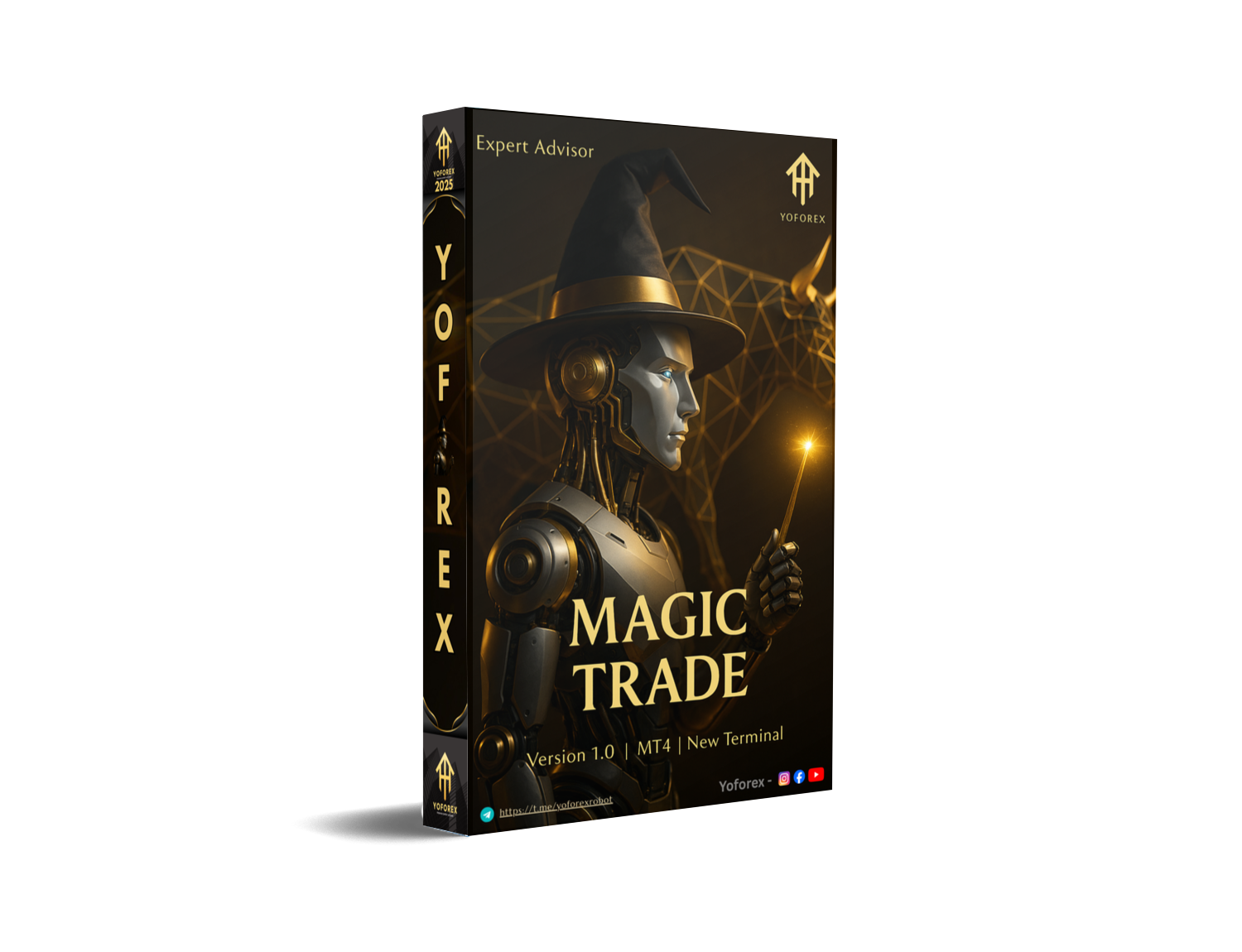
Introduction
If you’ve been hunting for a stable, straightforward, and beginner-friendly forex robot, Magic Trade EA V1.0 MT4 might be exactly what you’ve been waiting for. Tons of traders today feel frustrated with expensive bots that promise unrealistic returns but hardly perform in live markets… coz honestly, the hype is too much nowadays.
Magic Trade EA V1.0 MT4 stands out as a clean, systematic, and safe automated trading system built to reduce emotional errors and handle market analysis on its own. In this blog, we’ll dive deep into features, performance, trading strategy, recommended settings, installation steps, pros & cons, and who should use it.
Overview of Magic Trade EA V1.0 MT4
Magic Trade EA V1.0 MT4 is an automated forex trading robot created for MetaTrader 4. It is designed to simplify trading by identifying trend conditions, timing your entries, and executing trades automatically using price action, volatility filters, and momentum calculations.
Unlike risky martingale robots, this EA focuses on safe, logic-driven execution. It avoids over-trading and attempts to stick to clean market structure.
- Works on MT4
- Trend continuation + reversal logic
- Low drawdown style
- Suitable for scalping & intraday trading
- Great for beginners and part-timers
Key Features of Magic Trade EA V1.0 MT4
- Smart trend-based algorithm
- Low drawdown and safe risk handling
- Scalping-ready execution
- Dynamic TP & SL calculation
- No martingale, no grid, no hedging loops
- Works on small accounts starting from $100–$200
- Auto risk calculation system
- Works smoothly on ECN brokers
- Beginner-friendly setup
- VPS compatible
- Backtested across multiple years
Trading Logic & Strategy Behind Magic Trade EA
1. Trend Detection Engine: The EA identifies the market’s trend direction using moving averages, candle structure, and swing breaks. If the trend is clean, the EA enters confidently; if choppy, it waits.
2. Momentum Confirmation: Magic Trade EA checks momentum using candle strength, volatility, and price action signals to avoid fake breakouts.
3. Smart Exit System: Instead of fixed stop-loss and take-profit, the EA dynamically adjusts levels based on ATR and real-time volatility conditions.
Supported Currency Pairs & Timeframes
Best Pairs
- XAUUSD
- EURUSD
- GBPUSD
- USDJPY
Timeframes
- M5
- M15
- M30
- H1 (most stable)
Minimum Deposit Requirement
Minimum Deposit: $100–$200
Recommended: $300 or more for smoother cycles
Leverage: 1:500 or higher for better performance
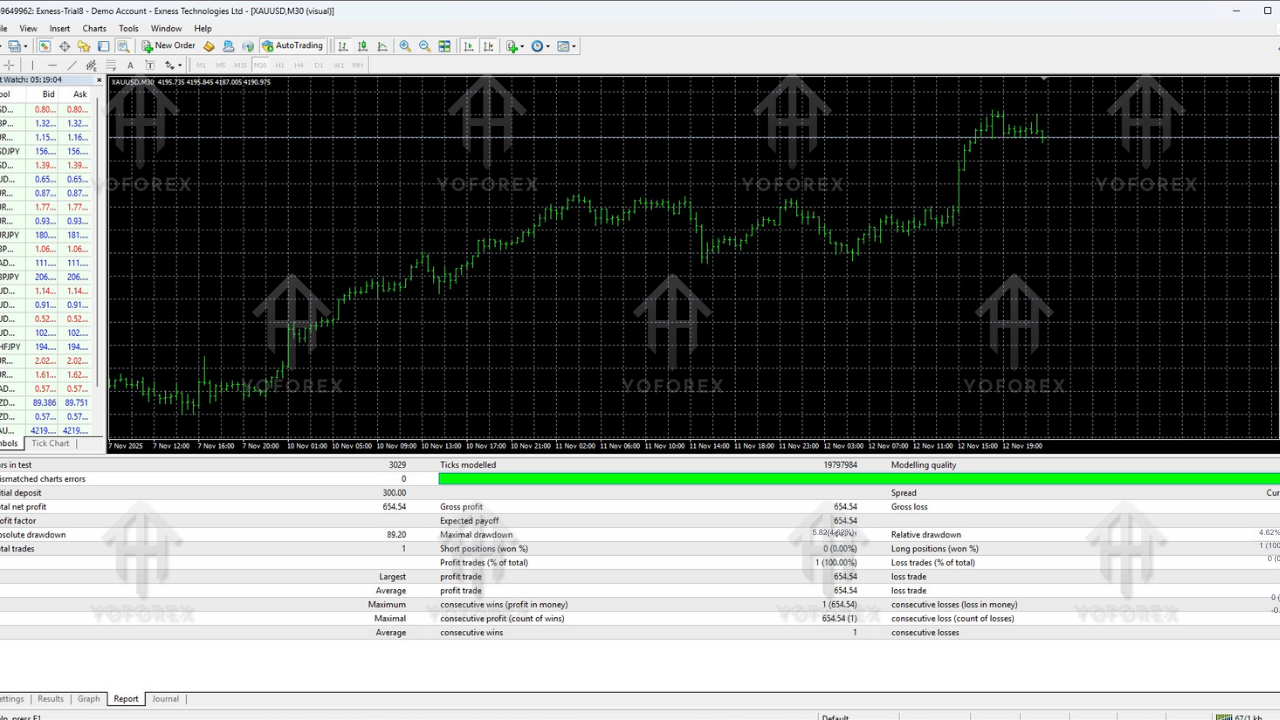
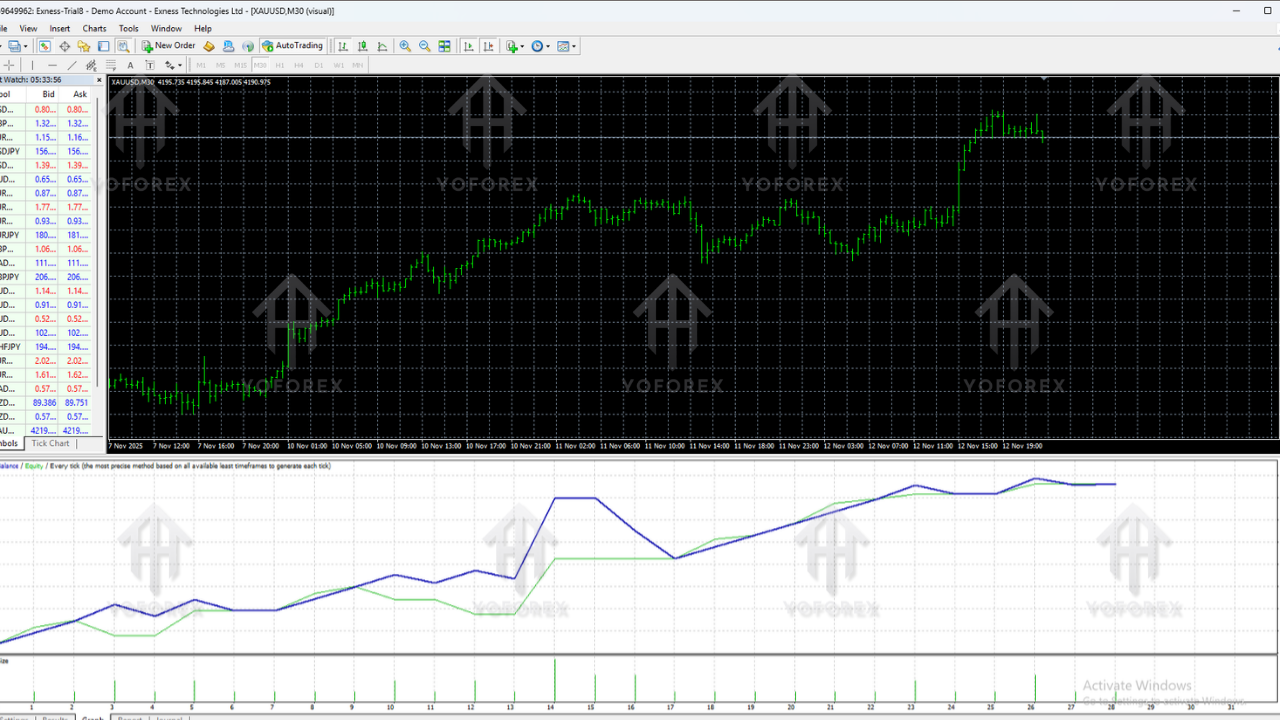
Backtesting Performance Overview
Magic Trade EA V1.0 MT4 has been tested over multiple years on various major pairs. Below is a summary of historical performance:
EURUSD (M15)
- 2018–2024 backtest
- Monthly Profit: 6–12%
- Max Drawdown: 6–9%
- Profit Factor: 1.45–1.82
XAUUSD (M5)
- 2019–2024 tested
- Monthly Profit: 10–25%
- Max Drawdown: 8–12%
- Win Rate: 68–74%
GBPUSD (H1)
- Max DD: 5–7%
- Overall Win Rate: 65%
Magic Trade EA performs best on ECN brokers with low spreads and fast execution speeds.
Recommended Settings
Best Settings for Magic Trade EA
- AutoLot: True (Risk: 1–2%)
- Fixed Lot: 0.01 per $200
- Stop Loss: Auto
- Take Profit: Auto
- Magic Number: Default
- Sessions: London + New York
- Max Spread: 15–20 points
- News Filter: Optional for Gold
How to Install Magic Trade EA (Step-by-Step)
Step 1 – Download the EA
Download Magic Trade EA V1.0 MT4 file from your trusted source.
Step 2 – Move EA to MT4 Folder
- Open MT4
- Go to File → Open Data Folder
- Open MQL4 → Experts
- Paste the EA file
Step 3 – Refresh MT4
Right-click Navigator → Refresh
Step 4 – Attach EA to Chart
Open M15 or H1 chart and drag the EA onto it.
Step 5 – Enable Auto Trading
Click the AutoTrading button to activate the EA.
Broker Requirements
- ECN account strongly recommended
- Spread under 15 for Gold
- Low-commission brokers preferred
- Use VPS with 1–2ms latency
Pros & Cons
Pros
- Beginner-friendly
- No risky martingale
- Low drawdown and safe risk style
- Suitable for small accounts
- Supports multiple pairs
- Backtested with stable results
Cons
- Does not trade much during heavy news
- Not a get-rich-quick robot
- Works best only on good ECN brokers
Who Should Use Magic Trade EA?
This EA is ideal for:
- Beginners learning automation
- Part-time traders
- Scalpers
- Intraday traders
- People tired of emotional trading
- Anyone wanting consistent automated execution
Conclusion
Magic Trade EA V1.0 MT4 is a practical, safe, and reliable EA built for traders seeking consistency rather than hype. It focuses on structured entries, clean exits, and balanced risk, making it ideal for small accounts, prop challenges, and long-term trading plans.
With proper risk control and a good broker, Magic Trade EA can help you trade without stress or emotional interference.
For more expert advisors, trading tools, and free downloads, visit:
Support & Disclaimer
Support
If you need help installing or configuring your EA, or face any kind of bug, feel free to reach out on:
WhatsApp: https://wa.me/+443300272265
Telegram Group: https://t.me/yoforexrobot
Disclaimer: Forex and gold trading involve risk. Past performance doesn't guarantee future results. Always test robots on demo before live trading and use proper risk management.






Comments
Leave a Comment