
MAGIC NUMBER GAME EA V1.0 MT4 (XAUUSD M5) — Smart Gold Scalper for Focused, Low-Stress Trading
If you like the idea of automating your gold trades without babysitting charts all day, the MAGIC NUMBER GAME EA V1.0 MT4 is built for you. Designed for XAUUSD on the M5 timeframe with a recommended minimum deposit of $1,000, it aims to capture short, repeatable moves in gold while keeping risk structured and visible. In this review, you’ll learn how the EA approaches entries and exits, which settings matter most, how to install it on MetaTrader 4, and what a sensible deployment plan looks like for both demo and live accounts.
Why trade XAUUSD on M5 with an EA?
Gold (XAUUSD) is volatile, liquid, and reacts well to intraday structure—particularly session opens, round numbers, and quick momentum bursts. The M5 timeframe balances frequency with signal quality; you get enough trades for meaningful data in a week, yet you’re not over-exposed to noise like on M1. An EA removes emotional decision-making, executes your plan consistently, and manages risk without hesitation. If you’ve ever placed a manual trade and second-guessed it mid-candle, you know how valuable that consistency is.
What the MAGIC NUMBER GAME EA tries to do (in plain English)
At its core, MAGIC NUMBER GAME EA V1.0 MT4 is a short-term, rules-driven scalper for gold. It looks for conditions that often precede quick micro-trends—think mini breakouts from tight ranges or reaction moves around key levels—and places trades with predefined Stop Loss and Take Profit. The “magic number” in MT4 simply means each strategy instance has a unique ID, so if you choose to run multiple charts (e.g., different risk profiles or sessions), your trades won’t interfere with each other.
Key ideas behind the logic:
- Focus on high-probability bursts on M5, not marathon trends.
- Keep risk per position small; survive the chop, exploit the runs.
- Respect session timing (London open, NY open/overlap) where volatility peaks.
- Avoid “revenge” behavior like doubling down—no mandatory martingale or grid.
- Use sensible trade filters (spread, time window) to stay out of bad liquidity.
Core Specifications
- Platform: MetaTrader 4 (MT4)
- Instrument: XAUUSD (Gold)
- Timeframe: M5
- Minimum Deposit: $1,000 (ECN/Raw spread account recommended)
- Trading Style: Short-term scalping/intraday momentum
- Position Sizing: Fixed lot or per-balance risk (depending on your template)
- Risk Profile: Conservative by default (you control the lot size)
Tip: Treat $1,000 as a practical baseline for XAUUSD M5. Gold moves in dollars, not pips; that volatility deserves buffer capital and tight risk control.
Recommended Settings (battle-tested principles)
These are practical guidelines you can apply immediately. Always demo first.
- Account Type: ECN/Raw spread with fast execution.
- Leverage: 1:200 or higher (don’t over-gear risk; leverage is optional power).
- Lot Size: Start 0.01–0.02 lots per $1,000. Scale carefully after 3–4 weeks of stable results.
- Max Spread Filter: Keep it ≤ 300 points (≈ $3 if your broker uses 0.01 as one point on XAUUSD).
- Stop Loss (SL): 2,500–4,000 points (≈ $25–$40).
- Take Profit (TP): 1,500–3,000 points (≈ $15–$30).
- Trading Hours: Focus on London open to NY close, skip illiquid Asia if your broker’s spread widens.
- News Handling: Pause around high-impact events (FOMC, NFP, CPI, Fed speak). If you don’t have a news filter tool, just disable AutoTrading 15–30 minutes before and after major releases.
The SL/TP ranges above are a conservative starting envelope. Your live broker’s point model may vary; always verify contract specs in MT4 (Market Watch → right-click XAUUSD → Specifications).
Risk Management (the part that keeps you in the game)
- Fixed fractional risk beats ego. Keep risk per trade at 0.5%–1.0% of equity until you have a meaningful sample of results.
- No martingale by default. This EA doesn’t need to escalate lot sizes to work. If you enable any multiplier logic, do it knowingly and sparingly.
- Equity guardrails: Consider an equity-based daily stop (e.g., -2% per day). If hit, the day’s done—tomorrow’s another session.
- Trade frequency discipline: If spreads are off or execution is laggy, stand down. Skipping low-quality periods is alpha.
Backtesting & Forward-Testing: A sensible plan
Rather than chase “perfect” historical curves, build confidence with a structured test plan:
Step 1: MT4 Backtest (baseline)
- Model: Every tick (if available) for a clean baseline.
- Data Window: Last 12–24 months on M5 for XAUUSD.
- Spread: Use current/variable if possible; if fixed, pick a value your broker commonly shows during London/NY hours.
- Settings: Start with the recommended ranges above (SL/TP, spread filter, hours).
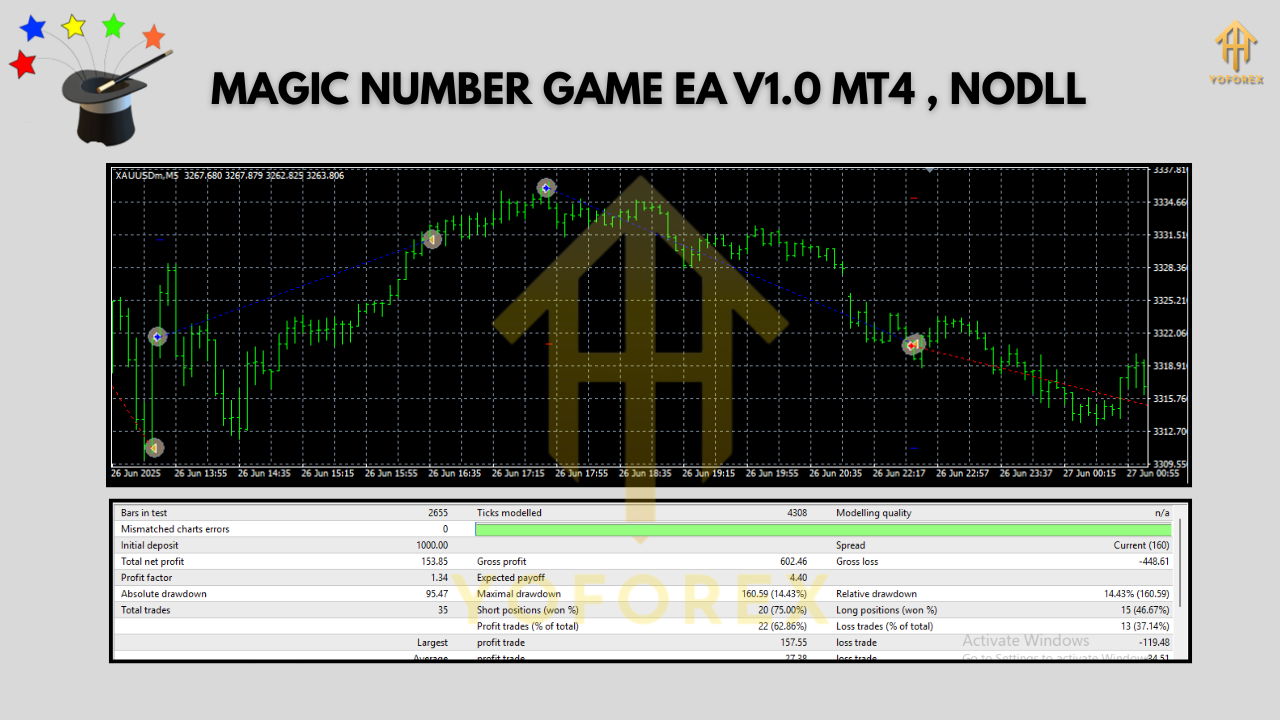
- Goal: You’re not trying to max the curve; you’re looking for reasonable profit factor (>1.2), controlled drawdown, and stable month-over-month behavior.
Step 2: Demo Forward-Test (reality check)
- Run the EA for 2–4 weeks on a demo account with live feed.
- Watch slippage, execution, spread spikes, news behavior, and broker quirks.
- Adjust only one variable at a time (e.g., tighten TP by 300 points for a week). Document changes.
Step 3: Small Live Deployment (risk-aware)
- Start at half your demo risk or 0.01 lot—whichever is smaller.
- Keep a journal (date, session, spread notes, any missed news).
- Consider scaling after 4–6 profitable weeks with drawdown in line with your plan.
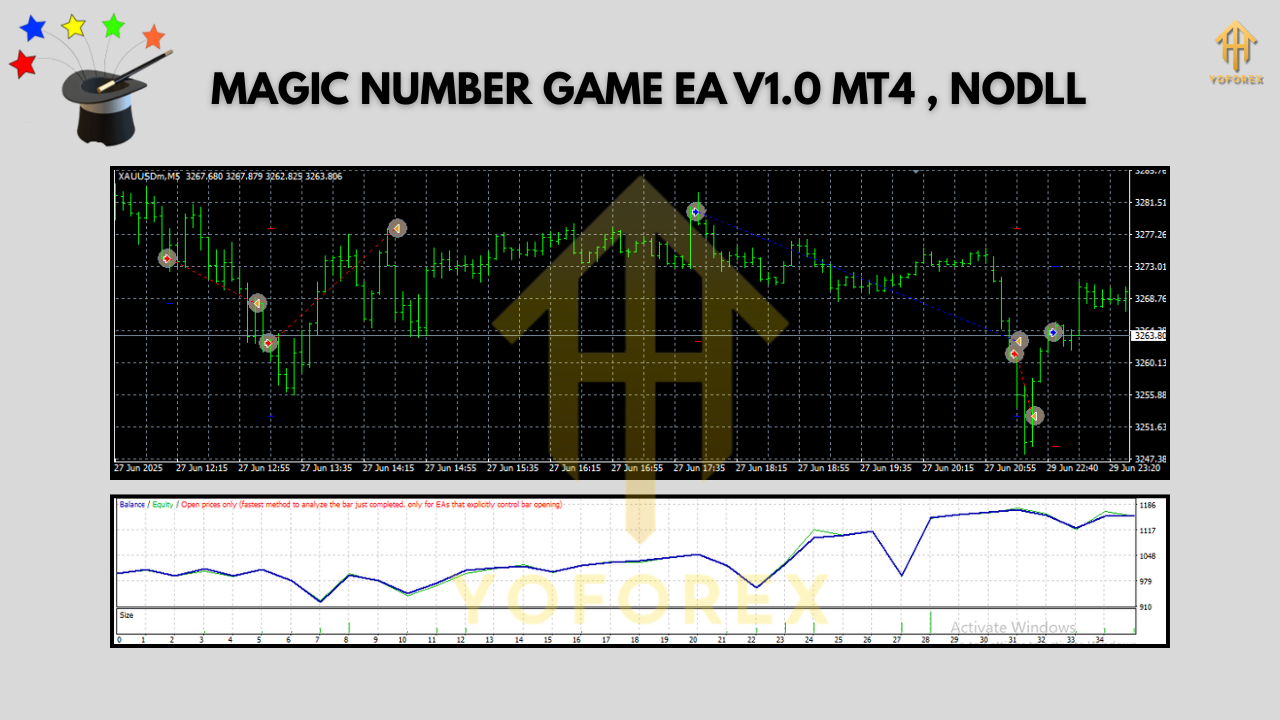
Backtests are a compass, not a promise. Forward-testing proves how the EA handles your broker’s reality—latency, re-quotes, and all.
Installation & Setup (MT4)
- Download & Copy the EA file to:
File → Open Data Folder → MQL4 → Experts. - Restart MT4 or refresh the Navigator.
- Enable Algo Trading: Check the AutoTrading button (top bar) is green.
- Attach EA to Chart: Open XAUUSD, set timeframe to M5, drag the EA from Navigator → Expert Advisors onto the chart.
- Allow DLL imports (if required by your environment).
- Inputs: Configure lot sizing, SL/TP, trading hours, and spread filter as per the “Recommended Settings.”
- Visual Check: Confirm the EA panel/magic number shows on the chart and that the smiley face is active.
Operating Tips for Better Consistency
- Run on a VPS close to your broker (ping ideally < 50 ms).
- One symbol, one approach: Stick to XAUUSD M5—avoid mixing random pairs/timeframes on the same account while you collect your first data.
- Session discipline: If your broker’s spreads are poor in Asia, disable trading until London.
- Version control: Keep a log when you change settings. Version your
.setfiles so you can roll back. - Withdraw & recycle: If you hit monthly goals, consider withdrawing some profits and resetting risk to protect gains.
Who is this EA for?
- Busy traders who want a low-friction, rules-driven way to participate in gold.
- Disciplined risk managers who prefer steady compounding over jackpot thinking.
- Prop-curious traders who need an EA that can respect daily loss limits and session rules (you supply the guardrails).
Final Thoughts
MAGIC NUMBER GAME EA V1.0 MT4 focuses on the right battle: consistent, short-term opportunities in XAUUSD on M5 with risk you can see and control. It won’t promise miracles, but it does enforce rules—which is what most traders actually need. Start small, respect spreads, skip the worst hours, and you’ll give the strategy the best chance to show its edge.






Comments
Leave a Comment