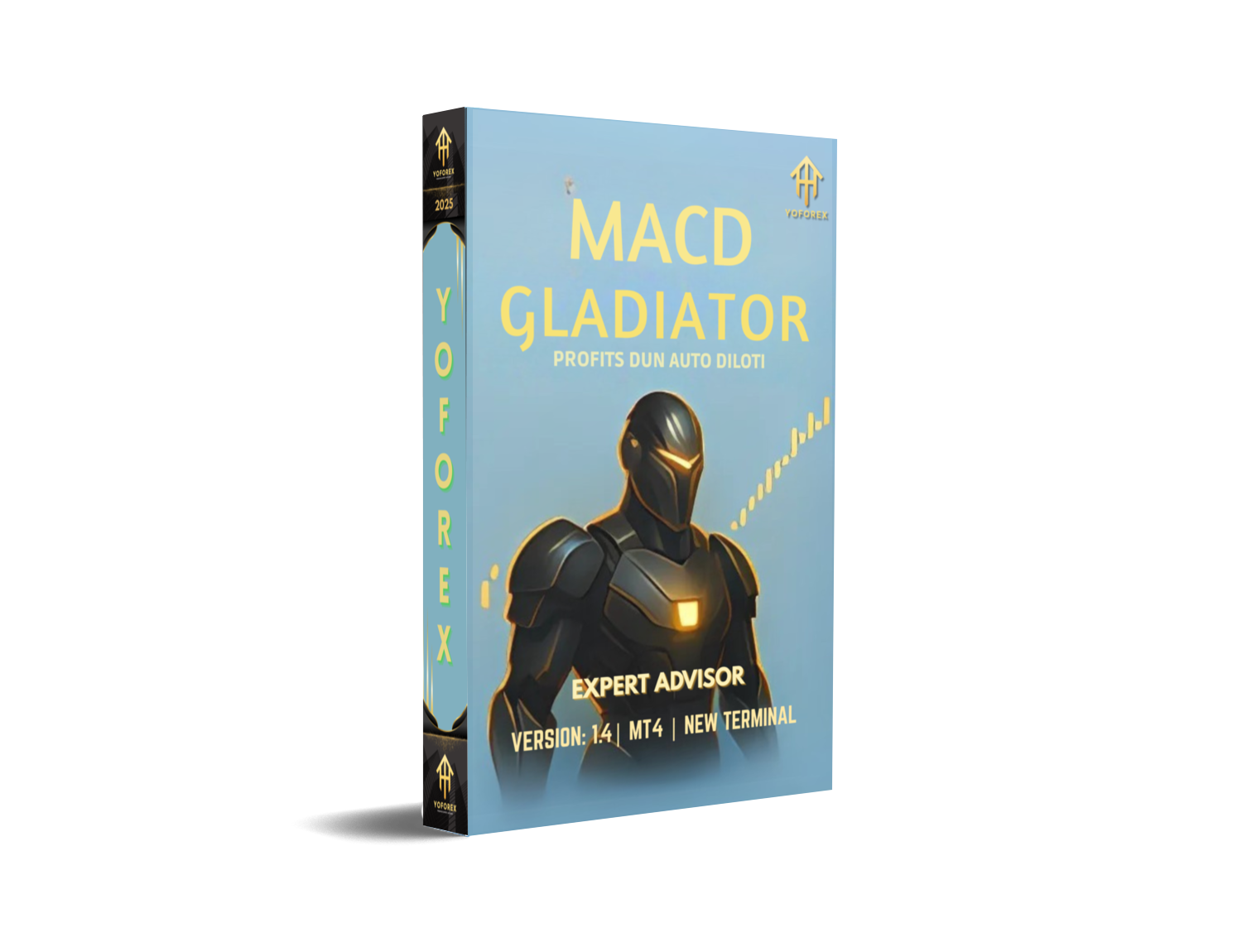
Tired of EAs that blow up your account with grid and martingale nonsense? Yeah... same here.
Enter MACD Gladiator EA V1.4 for MT4 — a clean, trend-focused Expert Advisor that doesn’t gamble your balance. Built for traders who crave structured entries and tight risk management, this bot relies on a powerful combo of MACD crossovers and EMA trend filters to snipe quality trades across major currency pairs and GOLD.
Forget randomness. Forget overtrading. Gladiator only strikes when it counts. And it does so with discipline.
If you're looking for a battle-tested forex robot that’s not gonna turn reckless with your capital, this EA might be your next best trading partner.
Let’s dive deeper.
Overview: What Is MACD Gladiator EA?
At its core, MACD Gladiator EA is a trend-following trading bot for MetaTrader 4 (MT4). It combines two of the most respected indicators in technical analysis — the MACD (Moving Average Convergence Divergence) and EMA (Exponential Moving Average) — to generate trading signals that are both directional and filtered.
The result? Fewer trades, but stronger ones.
Rather than firing off dozens of entries in a session (like some hyperactive bots), Gladiator waits for a real MACD signal (cross above/below the signal line), confirms it with the prevailing EMA trend, then pulls the trigger — with a defined SL and TP already in place.
Think of it as the disciplined Roman general of forex bots… not a wild berserker.
Who's It For?
- Traders who want trend-based entries
- Those avoiding martingale, grid, or stacking
- Gold and forex pair scalpers on H1–H4
- Anyone tired of overhyped bots that overtrade
Key Features of MACD Gladiator EA V1.4
- MACD Crossover Logic
Enters only when the MACD line crosses the signal line with valid histogram confirmation. - EMA Trend Filter
A moving average filter ensures that trades align with broader directional bias. - One Position Per Symbol
No stacking or overlapping entries. One clean trade at a time. - Manual SL/TP Settings
You define the Stop Loss and Take Profit. No shady hidden exits. - Retry Mechanism on Order Failure
If MetaTrader execution fails (due to broker lag or volatility), EA retries with smart delay logic. - No Martingale, No Grid
Every trade is risk-defined. No increasing lot sizes. No trap-door logic. - Designed for GOLD and Majors
Optimized for XAUUSD (Gold), EURUSD, GBPUSD, and other majors on H1–H4 timeframes. - Supports Real & Demo Accounts
Perfect for demo testing before going live. - Internal Volume and Margin Checks
The EA double-checks margin requirements and trade volumes before placing orders. - Stable, Lightweight Code
No DLLs, no dependencies. Just pure MQL4 logic designed for efficiency.
Strategy Breakdown: Why MACD + EMA?
Let’s get a bit geeky (but not too much).
The MACD is a momentum oscillator that shows the relationship between two moving averages. When its line crosses above the signal line — it’s often a bullish sign; crossing below? That’s bearish.
However, MACD alone can be messy on choppy days.
So what does Gladiator do? It filters those MACD signals through an EMA trend direction. If the trend is up (per EMA) and MACD flashes bullish — bam, it’s a match. Same for bearish setups.
This way, it only takes trades in the direction of the prevailing trend — giving each position a better chance of playing out without too much drawdown.
Backtest Summary & Results
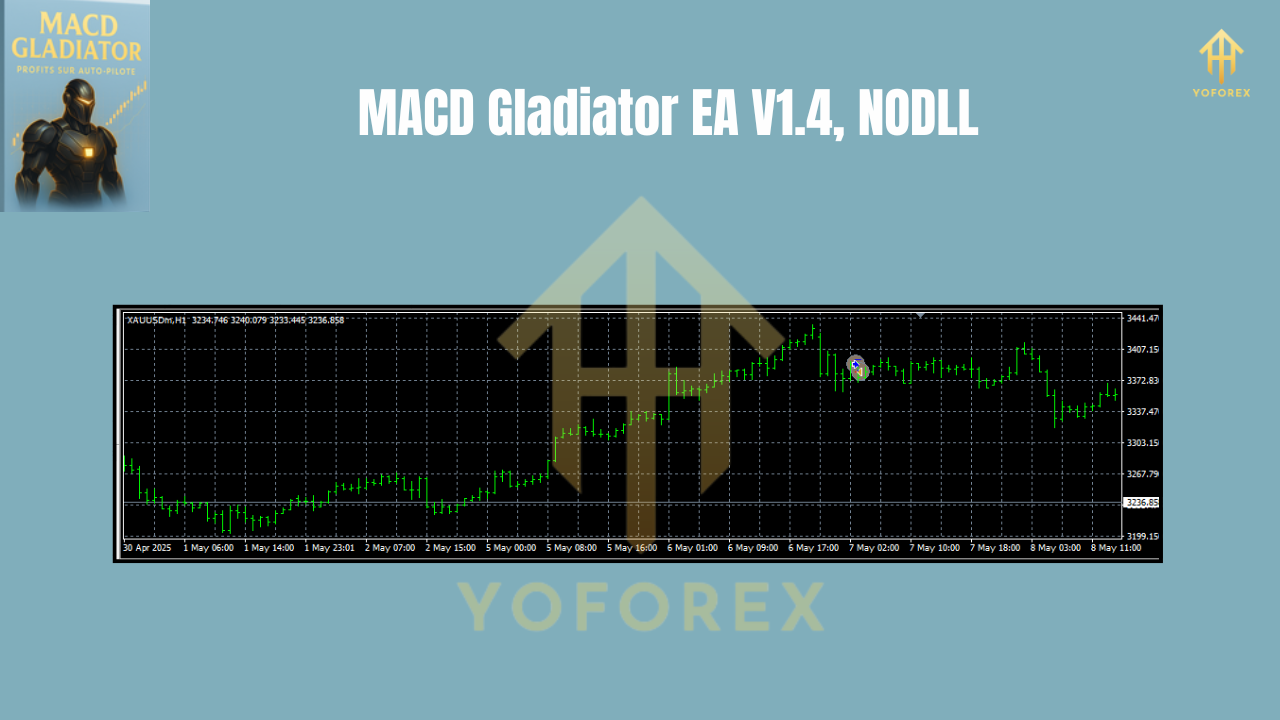
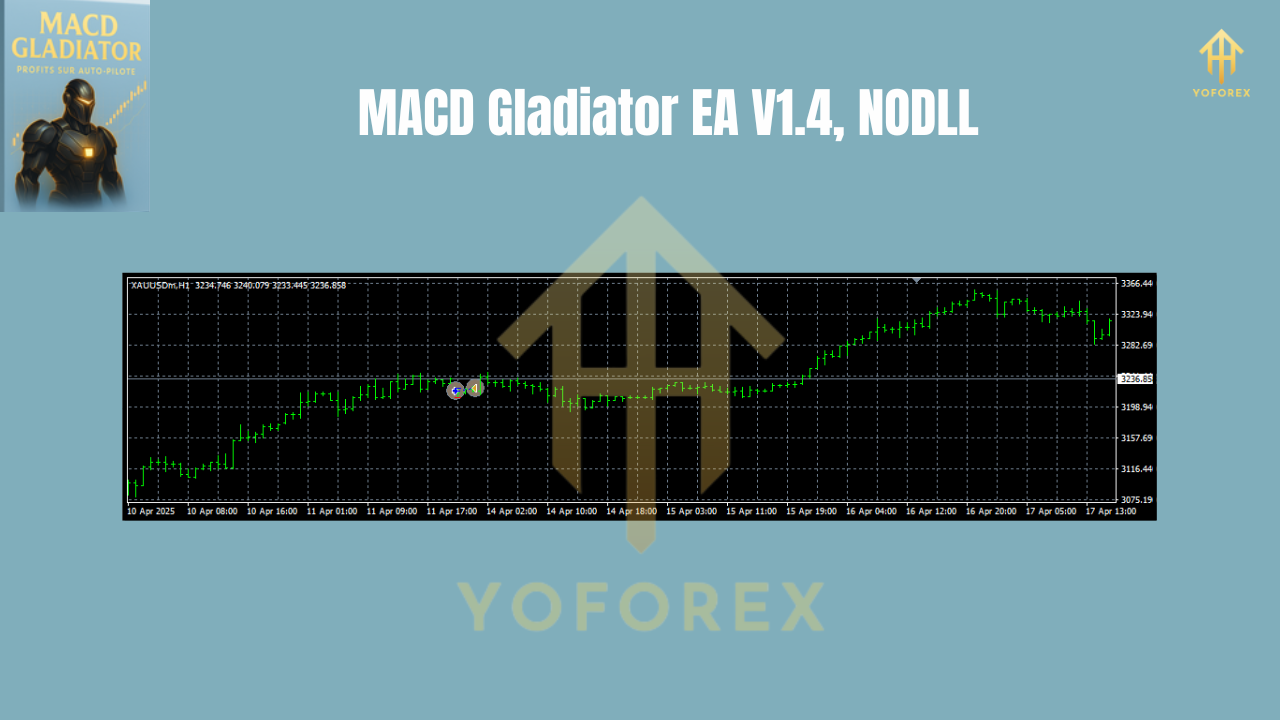
Backtested over several years of data using tick-based simulation, MACD Gladiator EA showed consistent edge across multiple markets — particularly GOLD on H1 and H4.
Key backtest highlights:
- Timeframe: H1 and H4
- Symbol: XAUUSD, EURUSD, GBPUSD, USDJPY
- Model: Every tick (high-quality backtest)
- Profit Factor: Between 1.45–1.72 depending on pair
- Max Drawdown: ~5–9% depending on risk mode
- Win Rate: ~58–62% average
- Avg Trades/Month: 10–20 (depends on pair & trend conditions)
The results aren’t overly flashy (which is a good sign). Gladiator is built for sustainable growth, not lottery-style gains.
Installation & Setup Guide
Using MACD Gladiator EA is as easy as prepping instant noodles… almost.
1. Download the EA
Grab the .ex4 file from YoForexEA.com
2. Copy to MT4 Directory
Open MT4 → File → Open Data Folder → MQL4 → Experts → Paste the EA file.
3. Restart MT4
Or hit “Refresh” in the Navigator pane.
4. Attach to Chart
Open your desired chart (like XAUUSD H1), drag the EA onto the chart.
5. Set Parameters
Adjust SL, TP, lot size, risk %, and enable auto-trading.
Why Choose YoForex EA-Powered Tools?
YoForex has been releasing free, no-BS trading tools for years now. Unlike shady vendors charging $200+ for recycled scripts, YoForex offers bots that are:
- 100% free to download
- Regularly updated
- Transparent in logic and setup
- Built for traders, not marketers
Check out our Beginner Guide or explore other bots like Hydrangea EA for more options.
Support, Help & Disclaimer
Need help installing?
Hit us up via:
- WhatsApp: Click here
- Telegram: Join the group
We offer full setup support, bug fixes, and community Q&A.
Final Call: Grab MACD Gladiator EA Today!
Why wait? If you’re looking for a clean, logic-based MT4 EA that trades with trend discipline and smart risk — download MACD Gladiator EA now.
It’s free. It’s stable. And it’s backed by real traders, not marketers.
Download Here
Or ping us if you need setup help.
YoForex – empowering traders worldwide, one free tool at a time.
Join our Telegram for the latest updates and support






Comments
Leave a Comment