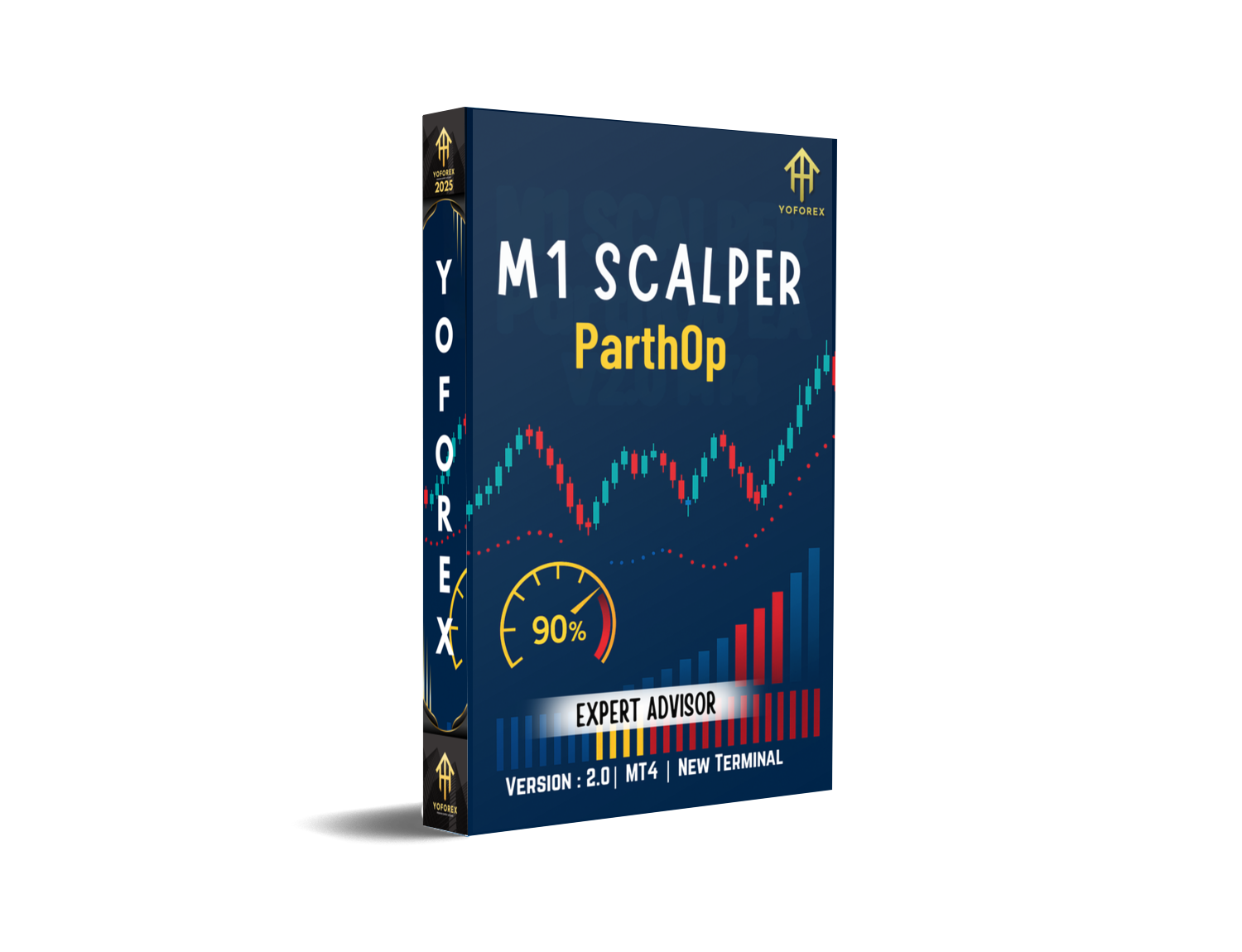
M1 Scalper ParthOP EA V2.0 (MT4): Fast, Focused, and Built for the 1-Minute Grind
Tired of waiting hours for a setup that never comes? If you live for fast entries and quick exits, M1 Scalper ParthOP EA V2.0 for MT4 is built for you. It’s a low-latency, 1-minute chart specialist that hunts micro-moves with smart filters, disciplined risk, and no crazy martingale nonsense. The idea is simple: capture frequent, tiny edges that add up—without babysitting charts all day. And yeah, it’s brutally honest about costs like spread, slippage, and commissions… coz on M1, those matter more than anything.
Below I’ll walk you through what ParthOP EA is, how it operates, the logic behind its entries/exits, recommended settings, risk control, and how to install + optimize it on your MT4. By the end, you’ll know exactly whether this bot fits your style (spoiler: if you like precision and speed, it probably will).
What Is ParthOP EA V2.0 (MT4)?
ParthOP EA V2.0 is a pure M1 scalper designed for MetaTrader 4. It targets high-liquidity pairs and gold during active sessions, exploiting short bursts of momentum and mean-reversion snaps caused by order-flow imbalances. In plain English: it goes after those tiny price nudges you see around session opens, minor news reactions, and liquidity sweeps; then gets out quickly, before spreads or a random wick ruin the party.
Core purpose:
- Trade M1 candles with high frequency but controlled risk
- Favor tight spreads/low commissions and fast execution
- Use filters (session, spread, volatility, news avoidance) to keep quality high
Who it’s for:
- Traders who want automation during London/NY sessions
- Those who prefer many small wins over long multi-hour swings
- Prop-firm testers who need disciplined risk & consistency
Who it’s not for:
- Folks who dislike fast markets or can’t run a VPS/low-latency setup
- Traders expecting 0 drawdown or “set-and-forget, never check again” vibes (you’ll still monitor basics like spread and broker conditions, of course)

Key Features You’ll Actually Use
- M1-Native Engine: Built specifically for the 1-minute timeframe; no half-baked “works on all TFs” claim.
- Session Filters: Trade only when liquidity is real (e.g., London/NY overlap), skip the dead hours.
- Spread Guard: Automatic spread ceiling; if it widens beyond your limit, EA pauses entries.
- Volatility Gate: ATR-based filter avoids chop or sudden spikes; it trades when the “tape” is clean.
- No Martingale / No Grid: Fixed or dynamic lots with linear risk, not exponential blow-ups.
- Smart Exits: Combines tight TP/SL with time-based exits if price stalls; protects capital.
- News-Aware Mode: Optional scheduled news avoidance via MT4 calendar inputs or your own timing window.
- Slippage Control: Max slippage threshold to avoid getting slipped into bad fills.
- Symbol Whitelist: Enable only pairs that suit your broker’s spread/latency profile.
- Equity Protection: Daily loss cap, pause after X losses, and max drawdown guard.
- Prop-Firm Friendly Presets: Conservative templates for evaluation phases (e.g., 0.5–1% daily risk cap).
- Detailed Logs: Clear order commentary so you can audit entries like a pro.
How the Strategy Thinks (Without the fluff)
On M1, your edge is a mix of micro-momentum and snap-back. ParthOP V2.0 uses:
- Impulse detection (short bursts with confirmation) to seek continuation scalps;
- Micro-reversion markers (deviation bands + candle close behavior) to fade tiny over-extensions—only when spread is tight and volatility is in your pre-set lane.
It doesn’t chase every tick. Two big killers on M1 are costs and noise. So the EA:
- Trades less when spreads are fat or volatility is erratic;
- Prioritizes clean tape—you’ll notice far fewer trades during lunchtime doldrums or right after big news spikes.
Exit logic blends small TP (often 3–10 pips on majors, ticks-aware on gold) with hard SL and a time stop (if price doesn’t move in your favor within N bars, just bail). That time stop alone saves a ton of grief.
Recommended Pairs, Brokers, and Environment
- Pairs: EURUSD, GBPUSD, USDJPY, USDCHF; consider XAUUSD if your broker offers razor-thin spreads and fast fills.
- Sessions: London open → NY session (disable during Asia unless testing shows edge).
- Broker: ECN/RAW spread, commission-based, low latency, and fast execution.
- Leverage: 1:200 to 1:500 is typical; always size lots responsibly.
- VPS: Highly recommended (closer to broker’s servers = fewer bad fills).
- Account Types: Hedging enabled is fine; swap rates matter less since holds are short.
Installation & Setup (MT4)
- Copy Files: Place
ParthOP_V2.0.ex4intoMQL4/Experts/. - Restart MT4: Or hit Refresh in Navigator.
- Allow Algo Trading: Global “AutoTrading” ON + EA Inputs
Allow DLLif used by your setup. - Attach to Chart: Open M1 chart for your chosen symbol (e.g., EURUSD), drag the EA on.
- Broker Check: Add a Spread indicator; ensure spread fits your configured max.
- Inputs (baseline):
RiskMode: Fixed lot (start small, e.g., 0.01 per $1,000) or %Risk per trade (e.g., 0.25%).MaxSpread: Set tighter than average (e.g., 10–12 points on EURUSD with 5-digit quotes).TradeSessions: Enable London/NY hours, disable Asia (tweak to your broker).NewsPause: True, with custom window around high-impact events.TP/SL (pips): Start with 4–8 TP / 6–10 SL on majors; test and iterate.TimeStopBars: 3–6 bars; exit if price stalls.DailyLossLimit%: 2–3% cap;PauseAfterLosses=3(example).
7. Forward Test First: Demo or cent account for at least 1–2 weeks, then scale.
Risk Management That Doesn’t Lie
Position Sizing:
Start tiny. On M1, your average win can be small; costs can creep. Keep risk per trade ≤0.5%, often 0.25% until you see stable stats with your broker.
Daily Rules:
DailyLossLimit%protects you from revenge trading.PauseAfterLosseslets the market cool off if microstructure changes.
Symbol Caps:
Running multiple symbols? Cap simultaneous exposure. No need to be long EURUSD and GBPUSD at the same instant with correlated logic unless you’re deliberately diversified.
No Martingale, No Grid:
Drawdowns remain linear and manageable. If you need “recovery” systems, this isn’t your EA. ParthOP is built for clean risk, not lotteries.
Optimization Tips (Keep It Real)
- Broker First: If your spread is 1.5–2.0 pips on EURUSD during London open, no EA can fix that. Change broker or account type.
- Pairs Are Not Equal: Some brokers quote gold beautifully; others… not so much. Test per symbol.
- Don’t Over-Optimize: Curve-fitting on M1 is a trap. Tune only a few variables (TP/SL, spread, session times).
- Model Quality: Use tick-data backtests if you can. But always forward test—M1 fills differ in real life.
- Latency: A 2–5 ms VPS to your broker beats a 50 ms home connection every day, especially for scalping.
Backtesting & Forward-Testing Blueprint
Backtest Ideas:
- Periods: Last 1–3 years on EURUSD and USDJPY; 12–18 months on XAUUSD.
- Data: High-quality tick data with variable spreads if possible.
- Metrics to Watch: Profit factor (>1.2 is solid for M1), average trade duration (short), win rate stability across months, and worst month drawdown.
Forward Test Checklist:
- Run demo for at least 2 weeks across your target session windows.
- Compare live spreads vs. backtest assumptions; adjust
MaxSpreadif needed. - Track slippage and commission per trade—if they’re eating >40% of gross edge, switch symbol/broker or tighten filters.

Prop-Firm Notes (Evaluation-Friendly)
- Use the Conservative preset: 0.25% per trade, daily cap 1–2%.
- Avoid trading during high-impact news (FOMC, NFP, CPI, rate decisions).
- Consider one or two symbols only (e.g., EURUSD + USDJPY) to keep variance low.
- If your firm has time limits, extend trading windows but lower risk so you still meet targets without spiking drawdown.
Troubleshooting Quickies
- No Trades? Check session times, spread filter, and AutoTrading status.
- Too Many Breakevens? Increase
TimeStopBarsslightly or widen TP by 1–2 pips (test). - Spike Losses Around News? Increase your NewsPause window.
- Equity Dips at Asia Open? Disable Asia trading; M1 microstructure can be ugly there.
- Commission Eating Wins? Try symbols with lower commission/spread or a broker with raw accounts + better routing.
Final Thoughts
ParthOP EA V2.0 is what it says on the tin: a focused M1 scalper for MT4 that respects costs, enforces discipline, and avoids gimmicks. If you want a realistic approach to fast-chart trading—small targets, tight risk, strict filters—this bot gives you that structure so you can stop second-guessing yourself and let the edge compound. Just remember: forward test, pick the right broker, and keep risk boring.






Comments
Leave a Comment