
M1 GOLD ARROW Indicator V1.0 MT4 — Lightning-Fast, Non-Repaint Signals for XAUUSD on M1
Tired of indicators that look amazing in screenshots but fall apart the moment you hit “Start”? Same. If you scalp Gold on the M1 timeframe, you need something crisp, quick, and honest. M1 GOLD ARROW Indicator V1.0 MT4 is built exactly for that—an arrow-type, non-repaint, non-backpaint signal tool designed specifically for XAUUSD on the M1 chart. It merges two custom arrow engines with a Max Payne trend filter (yep, that’s the edge) and ships with a built-in backtesting panel so you can see real stats—win rate, winners/losers, pips gained—based on history bars you choose. No guesswork, no “trust me bro” plots… just signals and stats you can verify.
In this guide, you’ll get the full picture—how it works, what to tweak, where it shines, and how to combine it with clean execution rules so your scalps don’t turn into coin flips. Let’s go.
What Is the M1 GOLD ARROW Indicator?
At its core, M1 GOLD ARROW is a scalping signal indicator for MT4 that:
- Plots up/down arrows when both internal arrow engines align with the Max Payne trend filter.
- Does not repaint or backpaint—meaning the arrow you see after candle close stays put.
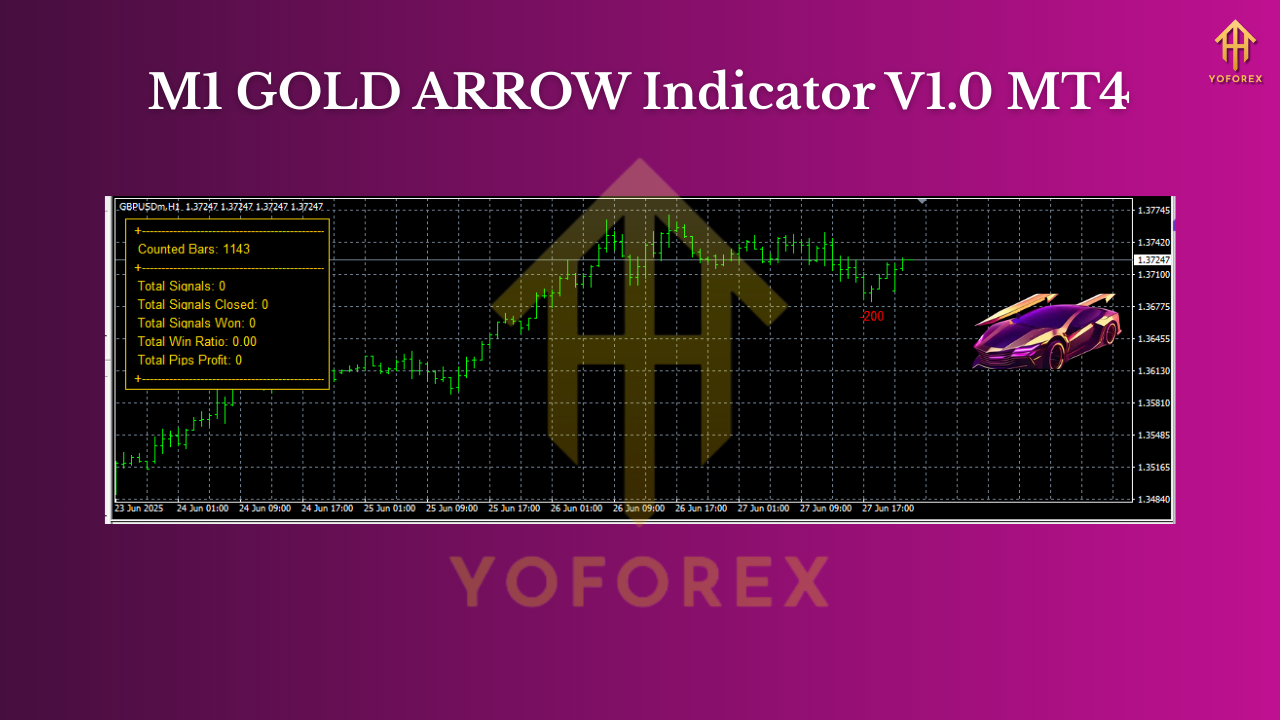
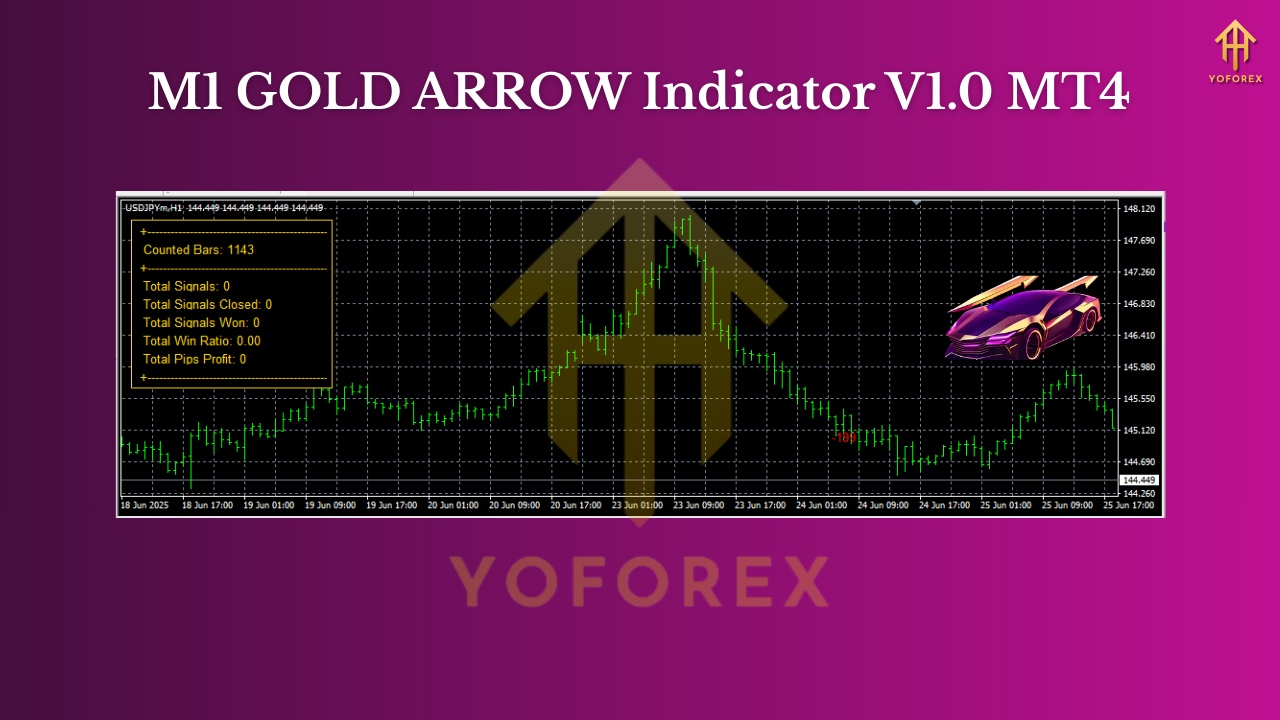
- Includes a performance panel for instant, on-chart backtesting on any number of historical bars you select.
- Is purpose-built for XAUUSD on the M1 timeframe, where speed and precision matter.
Who it’s for: traders who love the Gold M1 rhythm, prefer rule-based entries, and want transparent stats without exporting data all day.
How the Signal Logic Works (In Plain English)
- Two Arrow Engines, One Decision: The indicator fuses two separate arrow logic streams—think of them as independent signal checkers—to reduce false positives.
- Max Payne Trend Filter: A directional filter that keeps you on the right side of momentum. When both arrows and the filter agree—boom, you get a clean signal.
- Bar-Close Confirmation: Signals confirm at candle close. You won’t get flicker-arrows that vanish; once printed, they remain.
Result? Fewer “oops” trades, more structured entries. You’ll still need discipline (coz it’s Gold!), but the indicator does the heavy scanning.
Key Features at a Glance
- Non-repaint / Non-backpaint: Signals lock in after bar close, no post-facto art.
- Built-in Backtesting Panel: See win rate, wins/losses, pips (points) captured for the exact history bars you set.
- XAUUSD-Focused on M1: Optimized for Gold’s volatility on the one-minute chart.
- Dual Arrow Logic: Two engines combine for higher-quality triggers.
- Max Payne Trend Filter: Cuts counter-trend noise and keeps you aligned.
- Adjustable History Depth: Expand test range easily to stress-check performance.
- Lightweight & Snappy: Minimal lag on most decent setups.
- Alert Options (if enabled): Pop-up/push/email alerts to avoid screen-burn.
- Clean Visuals: Easy-to-read arrows and panel; no clutter.
- Works Alongside EAs: You can build simple rules to trade signals with a lightweight EA or manual hotkeys.
Backtesting Panel: Real-Time Proof on Your Chart
One of the stand-out pieces here is the on-chart performance module. Instead of exporting or running a separate tester, the panel calculates:
- Win rate (%)
- Number of winning/losing trades
- Total pips/points captured (as per XAUUSD tick scaling in MT4)
All of this is computed using the “History Bars” value you input in settings. Want a larger sample? Increase history bars and rerun. Prefer a tighter window (e.g., last London session)? Reduce the bars. It’s that simple.
Tip: Evaluate at least 3–5 different history sizes—e.g., 2,000 bars, 5,000 bars, and 10,000 bars—to understand stability across recent regimes. Gold’s mood can change fast; you want something that holds up across multiple slices of time, not just yesterday at 10:00.
Installation & First-Run Setup (MT4)
- Copy Files: Place the indicator file into
MQL4/Indicators. - Restart MT4: Or right-click Navigator → Refresh.
- Open XAUUSD (M1): Make sure you’re on the M1 timeframe.
- Attach Indicator: Drag it onto the chart from the Navigator panel.
- Allow Alerts (Optional): If you want pop-ups or notifications, enable them in settings.
- Set History Bars: Start with something like 5,000–10,000 bars. Adjust later as you test.
- Check the Panel: Confirm it shows win rate, total trades, pips etc. If not visible, ensure the option is enabled.
Broker Setup Tips:
- Low spread + fast execution is crucial for M1 Gold.
- Use fixed or raw spread accounts when possible.
- Consider a VPS if your latency is high.
- News slippage can be brutal; avoid trading high-impact events unless that’s your plan.
Suggested Parameters & Best Practices
- History Bars: 5,000–10,000 for a balanced view; stretch to 20,000+ for robustness checks.
- Trend Filter Sensitivity: Keep default at first; tweak only after gathering stats across sessions.
- Session Focus: London and NY overlap often have the cleanest volatility for M1.
- Risk Per Trade: Keep it tight (e.g., 0.25%–0.5%). It’s Gold, not a Sunday stroll.
- Stops/Targets (Starter Idea):
- SL: Place just beyond the most recent micro-swing (or use ATR-based stops).
- TP: Fixed 1.2–1.8R or trail when price makes new micro-structure breaks.
- Filters: Consider a spread filter (don’t trade when spread balloons), and skip the very first minute after the hour when spreads can spike.
 A Simple, Repeatable Trade Plan
- Confirm Trend: Only take signals in the direction of the Max Payne filter.
- Wait for Arrow: Enter on close of the signal candle, not mid-bar.
- Place SL: Behind the last micro-swing (or ATR-based).
- Set TP: Aim for ≥1.2R; consider partial at 1R, then trail the rest.
- Avoid Chop: If win rate dips below your backtested baseline for the session, step back.
- Document: Track trades. If your panel shows 62% win rate at 1.4R but your live stats slip to 48%, review execution (slippage/spread/late entries).
Reading the Backtesting Panel (Without Fooling Yourself)
- Sample Size Matters: Don’t celebrate a 90% win rate on 20 trades. Aim for 200–500+ trades over varied days/sessions.
- Regime Awareness: If London is consistently cleaner than Asia on your stats (often is), prioritize that window.
- Consistent Rules: The panel reflects the raw signal performance. Your live routine (spread filters, news filters) should improve those numbers—not make them worse.
Pro Tips to Level Up
- Record Your Spread: Log average spread at entry; high spreads kill M1 edges.
- Stack Confluence: If you must, layer a time-of-day filter or a micro-structure break rule to refine entries.
- Keep It Mechanical: Gold punishes hesitation. Define your plan and stick to it.
- Continuous Calibration: Recheck the panel weekly. If performance drifts, revisit filters or skip bad sessions.
Final Word
M1 GOLD ARROW Indicator V1.0 MT4 is a no-nonsense scalper’s companion for XAUUSD: non-repaint signals, a Max Payne trend gate, and a built-in backtesting panel that lets you validate the logic on the fly. It won’t magically fix discipline (nothing will), but it does remove ambiguity, speed up decision-making, and help you build a repeatable plan. Test it, tune it, and keep your risk tiny. Your future self will thank you.
Join our Telegram for the latest updates and support






Comments
Leave a Comment