LAWAN EA V1.0 MT5 – Complete Review of This Automated Forex Robot
In a forex market that never sleeps, keeping up with every price swing, breakout, or reversal is almost impossible if you trade manually. At some point, most traders look for an automated solution that can follow a clear rule-based strategy without getting tired or emotional. That’s where LAWAN EA V1.0 MT5 comes into the picture.
LAWAN EA V1.0 MT5 is a fully automated trading robot developed specifically for the MetaTrader 5 platform. It is designed to scan the market, identify high-probability trading opportunities, and execute trades based on predefined algorithms. Instead of guessing or chasing entries, the EA follows a disciplined trading plan 24/5, giving both new and experienced traders a more structured approach to the market.
In this detailed review, we’ll break down what LAWAN EA V1.0 MT5 does, which pairs and timeframes it supports, its key features, recommended setup, and what kind of performance traders can reasonably expect when using it.
What Is LAWAN EA V1.0 MT5?
LAWAN EA V1.0 MT5 is an Expert Advisor created for MetaTrader 5, one of the most modern and feature-rich trading platforms in the forex industry. Its main objective is simple: automate your trading process based on a tested algorithm, so you don’t have to sit in front of the charts all day.
The EA continuously monitors market conditions such as trend direction, volatility spikes, and key price levels. When specific conditions align with its strategy rules, LAWAN EA V1.0 MT5 opens, manages, and closes trades for you. All this happens according to the parameters you set—lot size, risk per trade, maximum number of open positions, and so on—so you retain full control over how aggressive or conservative the system behaves.
Because the logic is rule-based and not emotional, LAWAN EA V1.0 MT5 helps traders stick to a consistent strategy. This is especially important if you tend to overtrade, revenge trade, or close trades too early due to fear or greed.
Supported Pairs and Timeframes
By design, LAWAN EA V1.0 MT5 focuses on liquid, widely traded major pairs. According to the strategy specification, the EA works best on:
- EUR/USD
- GBP/USD
- USD/JPY
For timeframes, the EA performs optimally on:
- H1 (1-hour timeframe)
- M15 (15-minute timeframe)
This combination gives a good balance between frequency and quality of signals. On M15, LAWAN EA V1.0 MT5 can capture intraday moves and short-term swings. On H1, the EA focuses more on broader trends and medium-term momentum. Traders can choose to run the EA on one or multiple charts depending on their account size and risk appetite.
How LAWAN EA V1.0 MT5 Analyzes the Market
The core strength of LAWAN EA V1.0 MT5 lies in its algorithmic approach. Instead of relying on a single indicator, the EA typically blends several factors:
- Overall trend direction (e.g., using moving averages or market structure)
- Volatility conditions (range expansion or contraction)
- Key support and resistance zones
- Momentum and strength of recent candles
When sufficient confluence is present, LAWAN EA V1.0 MT5 generates a buy or sell signal and opens a trade. Stop loss and take profit levels are placed automatically according to the settings or the logic coded inside the EA. Some versions of such systems also include trailing stops or break-even functions, allowing the trade to be locked in once it moves in profit.
The important part is that all of this happens without emotional influence. The EA does not chase losses or double up impulsively; it simply follows the rules coded by the developer.
Risk Management and Money Management
One of the reasons LAWAN EA V1.0 MT5 can suit both beginners and advanced traders is its focus on risk control. While the exact parameters will depend on how you configure the EA, typical money-management features might include:
- Fixed lot or percentage risk per trade
- Maximum daily or weekly loss limit
- Limit on the number of simultaneous open trades
- Option to pause trading after a series of losses
By carefully tuning these inputs, you can align LAWAN EA V1.0 MT5 with your own risk tolerance. For example, a small account trader might choose a conservative risk per trade (0.5–1% per position), whereas a more aggressive trader might push toward 2% or use slightly larger lots—but always within a planned framework.
Recommended Account Setup
To run any automated system efficiently, you need a stable trading environment. For LAWAN EA V1.0 MT5, consider the following recommendations:
- Minimum Deposit: Many traders may start around $300–$500, but higher capital provides smoother risk distribution, especially if you run the EA on multiple pairs.
- Account Type: ECN or Raw-spread accounts usually give better execution and tighter spreads, which can improve overall performance.
- Leverage: 1:100 or 1:200 is generally sufficient; overly high leverage can tempt over-risking.
- VPS (Virtual Private Server): For the best uptime and stable connection, running LAWAN EA V1.0 MT5 on a VPS close to your broker’s servers is highly recommended.
- Platform: MetaTrader 5 desktop version, with auto-trading enabled and the EA correctly attached to the chosen charts.
These factors don’t change the logic of LAWAN EA V1.0 MT5 itself, but they can significantly impact real-world results such as slippage, execution speed, and stability.
Key Features of LAWAN EA V1.0 MT5
LAWAN EA V1.0 MT5 offers a range of features to make automated trading more practical and user-friendly:
- Fully automated trading on MetaTrader 5
- Optimized for EURUSD, GBPUSD, and USDJPY
- Best performance on H1 and M15 timeframes
- Clear and adjustable input parameters (lot size, risk per trade, trading hours, etc.)
- Built-in risk management to help limit high drawdowns
- Ability to run on multiple pairs simultaneously
- Hands-free trade execution and management
- Consistent rule-based logic, free from emotional noise
- Compatibility with most regulated forex brokers that support MT5
- Easy to install, even for traders new to Expert Advisors
Together, these features make LAWAN EA V1.0 MT5 a practical choice if you want to gradually shift from manual trading into a more systematic, algorithmic style.
Backtesting and Performance Expectations
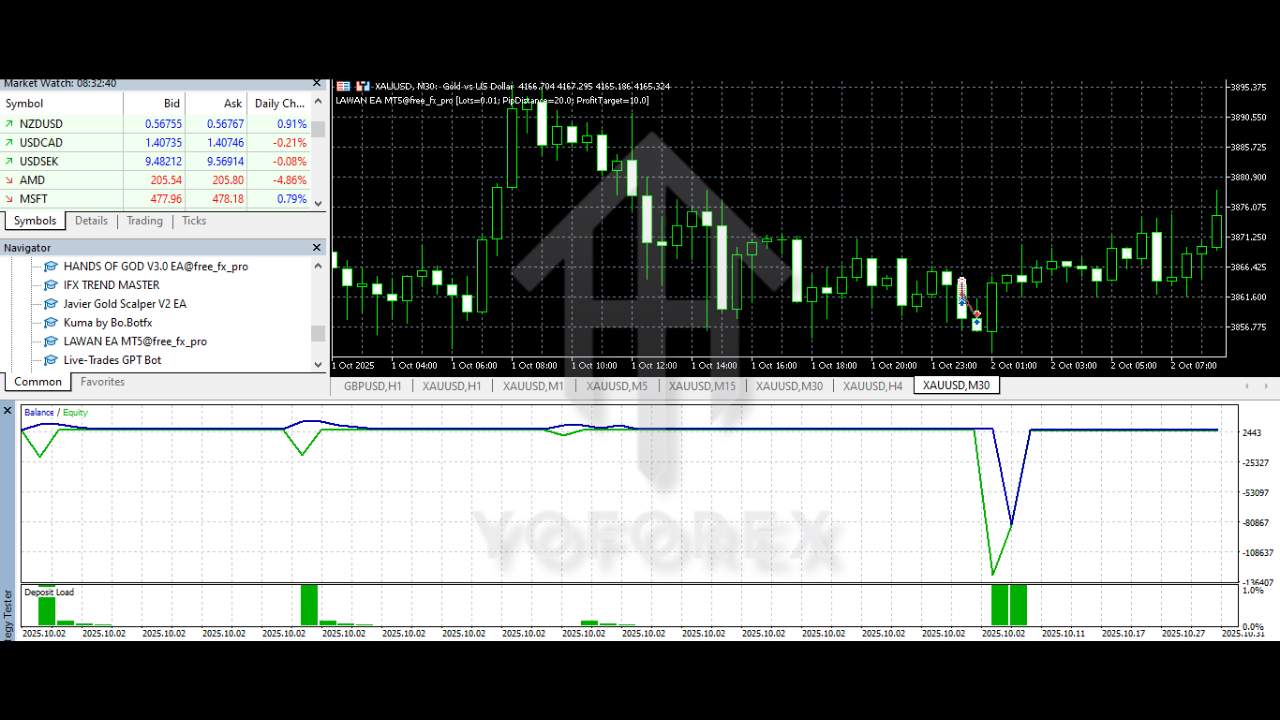
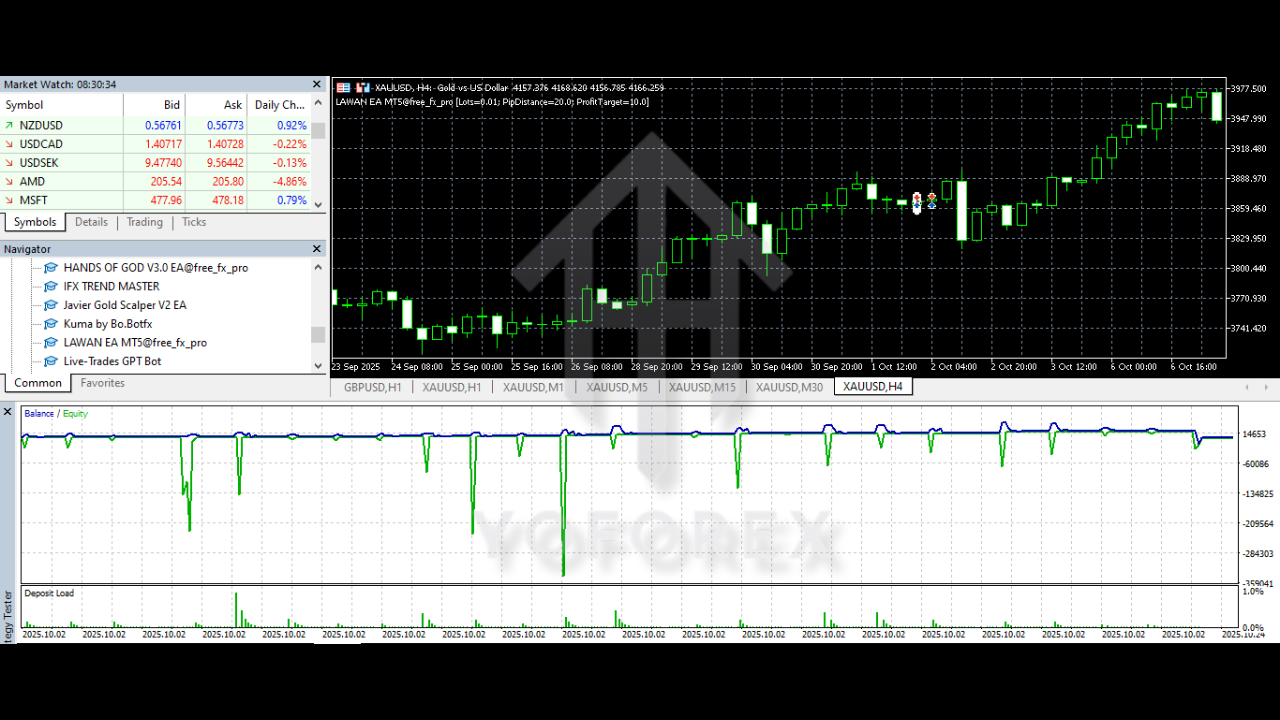
Before trusting any EA with real money, traders should always backtest and forward-test. LAWAN EA V1.0 MT5 is designed to be backtested on historical data using MT5’s Strategy Tester. By running tests over several years of data on EURUSD, GBPUSD, and USDJPY for H1 and M15, you can evaluate:
- Average monthly return
- Maximum historical drawdown
- Win rate and risk-to-reward ratio
- How the EA behaves in different market conditions (trends, ranges, high-volatility periods)
Keep in mind that past performance—whether from backtests, demo results, or live accounts—does NOT guarantee future profits. Markets evolve, spreads vary between brokers, and slippage can affect results. However, a solid backtest and demo forward-test can at least show whether LAWAN EA V1.0 MT5 behaves in a consistent, logical way across various market phases.
A smart approach is to:
- Start with long-term backtests (3–5 years where possible)
- Then move to a demo account for several weeks or months
- Finally, if satisfied, move to a small live account before scaling up
This staged process lets you build confidence in LAWAN EA V1.0 MT5 without exposing large capital from day one.
How to Install and Run LAWAN EA V1.0 MT5
Even if you’re new to Expert Advisors, installing LAWAN EA V1.0 MT5 is straightforward. Here’s a quick step-by-step overview:
- Open your MetaTrader 5 platform.
- Click on “File” → “Open Data Folder”.
- Navigate to MQL5 → Experts.
- Copy the LAWAN EA V1.0 MT5 file (.ex5 or .mq5) into this “Experts” folder.
- Restart MT5 so the EA loads in the Navigator panel.
- Open the chart of your chosen pair (e.g., EURUSD) and set the timeframe to H1 or M15.
- Drag and drop LAWAN EA V1.0 MT5 from the Navigator → Expert Advisors list onto the chart.
- In the settings window, adjust lot size, risk percentage, max trades, and other parameters as desired.
- Click “OK” and ensure the AutoTrading/Algo Trading button is switched ON in MT5.
Once activated, LAWAN EA V1.0 MT5 will start scanning the market based on your settings. You can attach it to multiple charts (for different pairs and timeframes) as long as your account and VPS can handle the load.
Who Is LAWAN EA V1.0 MT5 Best For?
LAWAN EA V1.0 MT5 is suitable for a wide range of traders:
- Beginners who want to learn about automated trading while still keeping risk controlled.
- Part-time traders who don’t have time to monitor charts all day.
- Intermediate traders looking to add a rule-based strategy to their portfolio.
- Advanced traders who want to diversify across multiple EAs and strategies.
It’s not a “get-rich-quick” magic button, and it shouldn’t be used with unrealistic expectations. Instead, LAWAN EA V1.0 MT5 works best as a disciplined trading tool that can help you execute a consistent plan over the long run.
Final Thoughts
If you’re tired of emotional manual trading and want a more structured, algorithmic approach on MetaTrader 5, LAWAN EA V1.0 MT5 is a solid candidate to explore. With its focus on major pairs like EURUSD, GBPUSD, and USDJPY, and its optimized performance on H1 and M15 timeframes, the EA offers a practical blend of frequency, stability, and risk management.






Comments
Leave a Comment