
The forex market is constantly evolving, and traders are always searching for tools that can provide an edge in decision-making. The Lain Indicator V1.0 MT4 is one such custom-developed tool for the MetaTrader 4 platform that is gaining attention for its ability to simplify technical analysis and deliver actionable trade signals.
In this guide, we will break down everything you need to know about the Lain Indicator V1.0 MT4—its features, how it works, recommended settings, strategies, and practical tips to maximize its effectiveness. Whether you’re new to forex or an experienced trader, understanding this indicator could help refine your trading approach.
What Is the Lain Indicator V1.0 MT4?
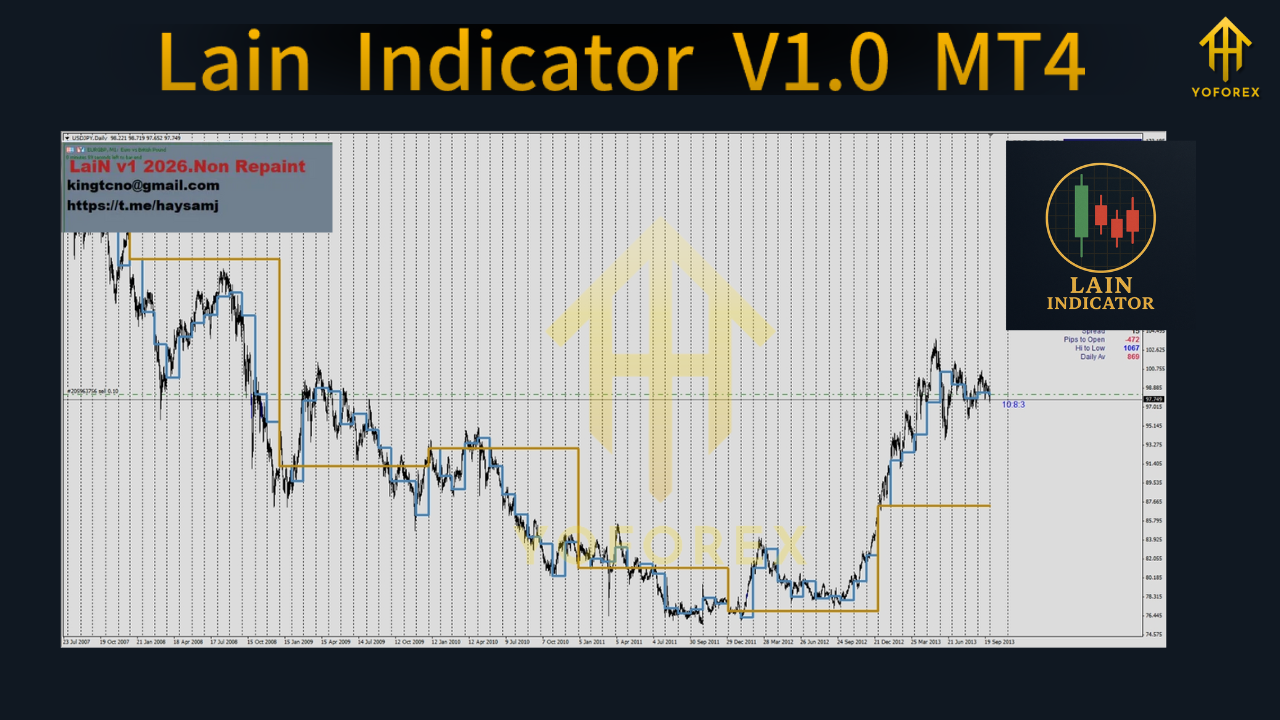
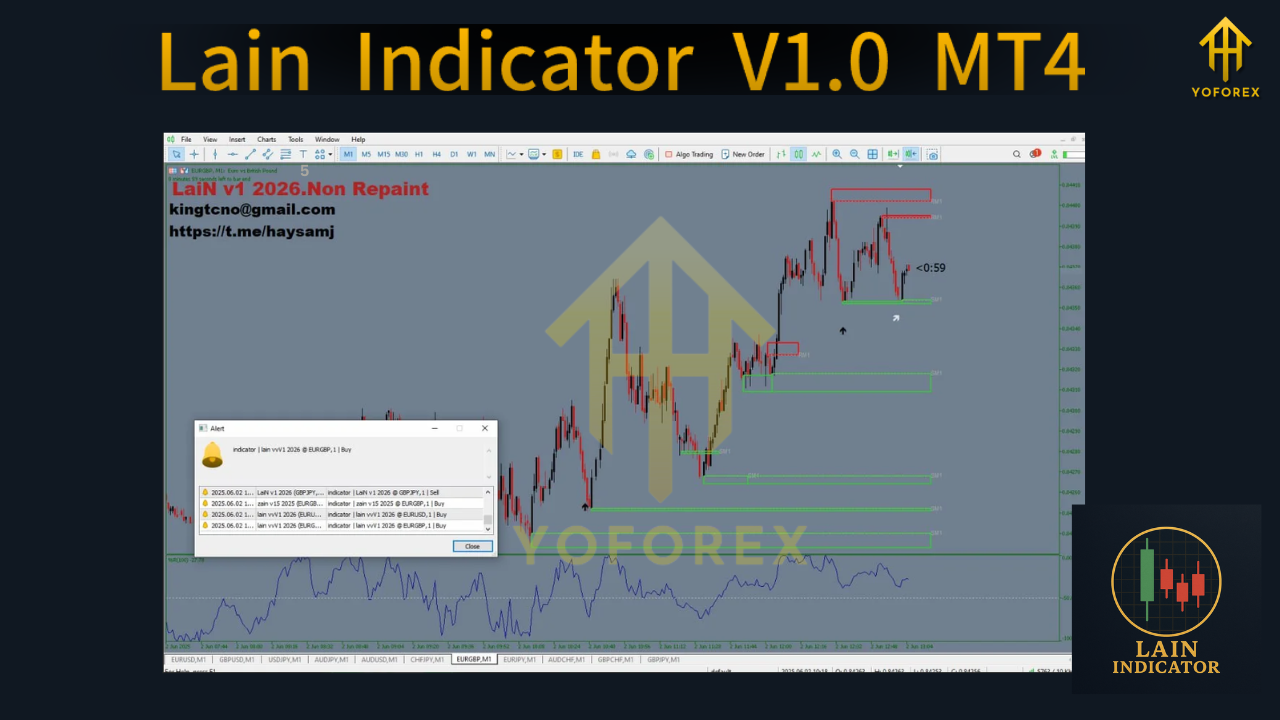
The Lain Indicator V1.0 MT4 is a specialized indicator designed to identify high-probability trading opportunities by analyzing market trends, momentum, and price action. It plots clear buy and sell signals directly on your chart, reducing the time required for market analysis and helping traders react quickly to emerging opportunities.
It’s built to work across different market conditions—making it suitable for scalping, day trading, and swing trading. This versatility makes it a valuable addition to any trader’s toolbox.
Key Features of Lain Indicator V1.0 MT4
1. Accurate Buy/Sell Signals
- Generates clear visual alerts for potential trade entries and exits.
2. Trend Confirmation Logic
- Uses a combination of moving averages and momentum oscillators to confirm signals before triggering them.
3. Multi-Timeframe Capability
- Can be applied to short-term, medium-term, and long-term charts, from M1 to D1.
4. No Repainting
- Once a signal appears, it remains fixed, making it reliable for both live trading and backtesting.
5. Customizable Parameters
- Allows adjustments to signal sensitivity, display colors, and alert preferences.
6. Built-in Alert System
- Notifies you with sound or push alerts so you can act promptly on trade setups.
How Lain Indicator Works
The Lain Indicator’s algorithm is a combination of trend-following and momentum-based principles. It first identifies the market’s overall direction, then waits for momentum confirmation before generating a trade signal.
Step-by-Step Process:
- Trend Detection – Uses moving averages and price structure to determine whether the market is in an uptrend, downtrend, or range.
- Momentum Confirmation – Evaluates the strength of price moves using oscillators like RSI or CCI.
- Signal Generation – Issues a buy or sell alert only when both conditions align.
- Alert Delivery – Sends notifications on-screen or via mobile to ensure timely action.
Best Timeframes & Assets
- Recommended Timeframes: M15, M30, H1 for balanced frequency and accuracy.
- For Scalping: M5–M15 with higher signal sensitivity.
- For Swing Trading: H1–H4 for fewer but stronger signals.
- Assets Supported: All major forex pairs, gold (XAUUSD), and major indices.
Advantages of Lain Indicator V1.0 MT4
- Ease of Use – Designed for traders at all experience levels.
- Reliable Signals – No repainting ensures consistent performance.
- Versatility – Works in trending and ranging markets with the right settings.
- Time-Saving – Cuts down the need for manual chart scanning.
- Customizable – Adaptable to different strategies and risk profiles.
Limitations to Keep in Mind
- No indicator is 100% accurate—should be combined with other analysis methods.
- Market conditions such as high volatility news events can affect performance.
- Requires disciplined money management to ensure long-term profitability.
Effective Trading Strategies with Lain Indicator V1.0 MT4
1. Trend-Following Method
- Use the indicator to trade in the direction of the prevailing trend.
- Confirm the trend using a higher timeframe before entering a trade.
2. Breakout Confirmation
- Wait for the indicator to confirm a breakout above resistance or below support.
- Place stop-loss orders just outside the breakout level.
3. Scalping Strategy
- Apply the indicator on M5–M15 charts with higher sensitivity.
- Aim for quick entries and exits to capture smaller market moves.
Installation Guide
- Download the Lain Indicator V1.0 MT4 file.
- Open MetaTrader 4.
- Go to File > Open Data Folder > MQL4 > Indicators.
- Copy and paste the indicator file into the Indicators folder.
- Restart MT4 and load the indicator onto your chosen chart.
Best Practices for Using Lain Indicator
- Always backtest before using in live trading.
- Combine with support/resistance and price action for greater accuracy.
- Avoid overtrading—focus on high-quality setups.
- Keep a trading journal to review performance over time.
Conclusion
The Lain Indicator V1.0 MT4 offers a balanced blend of trend identification and momentum confirmation, making it a reliable companion for traders looking to improve accuracy and reduce market noise. While it should not replace a complete trading plan, it can be an important part of one—especially for traders who value clarity and timely alerts.
By integrating it with disciplined risk management and additional market analysis, the Lain Indicator can help traders refine their approach and potentially increase profitability.






Comments
Leave a Comment