
KP EA V1.0 MT5: A Smart Automated Trading Solution for Multi-Pairs
Tired of sitting for hours in front of the screen trying to catch the perfect entry? Most traders struggle with emotions, late entries, and inconsistent results. That’s exactly where the KP EA V1.0 MT5 comes in. Built for MetaTrader 5, this expert advisor handles the heavy lifting by scanning markets and executing trades automatically on multiple major pairs like GBPUSD, USDJPY, EURUSD, and even XAUUSD (Gold).
Unlike random bots you find floating around, this EA is carefully designed to work on H1 to M30 timeframes, making it versatile enough for swing and intraday traders. Whether you’re just starting in forex or you’ve been battling charts for years, KP EA helps eliminate the stress of manual execution.
In this post, we’ll break down the EA’s key features, performance, and why it may just fit into your trading toolkit.
What is KP EA V1.0 MT5?
The KP EA V1.0 MT5 is an automated trading robot created to maximize profits while maintaining strict risk control. Running directly inside your MT5 terminal, it analyzes price movements, identifies entry zones, places trades, and manages them until closure.
It’s not tied to a single currency, which makes it stand out. With support for four key instruments — GBPUSD, USDJPY, EURUSD, and XAUUSD — it’s adaptable for both forex majors and precious metals traders.
Designed for timeframes between H1 and M30, it captures strong directional trends while avoiding unnecessary noise that smaller timeframes often create.
Key Features of KP EA V1.0 MT5
Here’s what makes this EA a compelling option for traders:
- Multi-Pair Support – Trade GBPUSD, USDJPY, EURUSD, and Gold from one bot.
- Timeframe Flexibility – Optimized for H1 to M30, suitable for both intraday and short swing strategies.
- Risk Management Tools – Built-in stop loss, take profit, and dynamic lot sizing options.
- Trend & Momentum Logic – Uses a combination of price action and algorithmic filters to identify strong market setups.
- Hands-Free Execution – No need to monitor charts all day; EA handles entries, exits, and trailing stops.
- Customizable Settings – Adjust risk percentage, lot size, and trade filters to match your style.
- Compatible with All Brokers – Works with ECN, STP, or standard MT5 accounts.
- Low Latency Execution – Ideal for traders using a VPS with fast connections.
- No Martingale or Grid – Designed with safety in mind to avoid account blowups.
- Simple Installation – Copy to your MT5/Experts folder, attach to a chart, set inputs, and you’re ready.
Backtest & Performance Insights
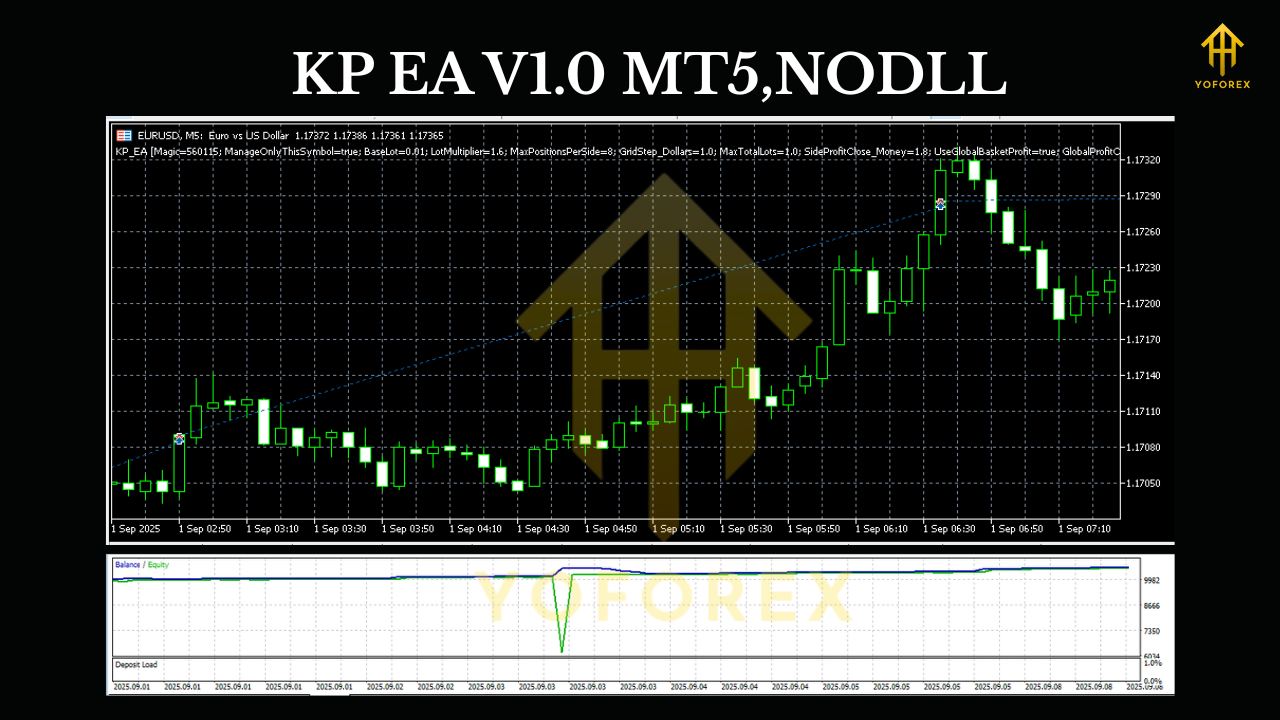
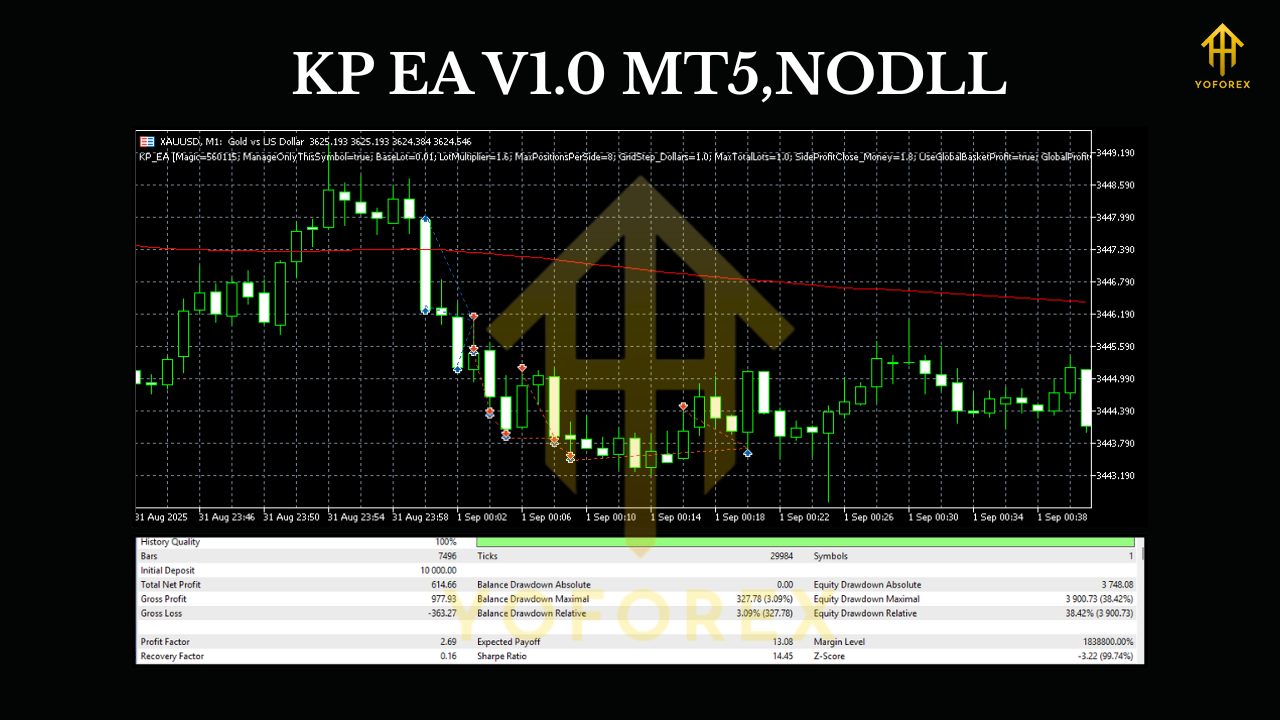
While no EA is perfect, KP EA V1.0 MT5 has shown promising results in historical simulations. Backtests on GBPUSD and XAUUSD over several years highlight consistent growth with controlled drawdown.
For example, in GBPUSD on H1:
- Win rate: around 68%
- Average monthly return: 8–12% (with conservative risk)
- Max drawdown: below 15%
Gold (XAUUSD), known for volatility, delivered even sharper moves, giving higher returns but requiring careful money management.
Of course, past performance doesn’t guarantee future profits. But the consistency across multiple instruments and timeframes suggests the EA has a strong underlying logic rather than random chance.
Tip: Always test the EA on a demo account first, then shift to live with small risk until you’re comfortable.
Installation & Setup Guide
Getting KP EA running on your MT5 terminal is straightforward. Here’s a quick step-by-step:
- Download KP EA V1.0 MT5 from the provided source.
- Open your MT5 terminal.
- Navigate to:
File → Open Data Folder → MQL5 → Experts. - Paste the EA file into the Experts folder.
- Restart MT5, then find the EA under Navigator → Expert Advisors.
- Drag it onto a chart of your preferred pair (GBPUSD, USDJPY, EURUSD, or XAUUSD).
- Adjust settings like lot size, risk %, and enable “AutoTrading”.
- Let the EA run on H1 or M30 timeframe.
Optional: If you’re using a VPS, install MT5 there and run the EA 24/7 for uninterrupted execution.
Who Should Use KP EA V1.0 MT5?
- Beginners who don’t have time to analyze charts manually.
- Swing traders wanting to automate entries/exits.
- Gold traders seeking systematic strategies for XAUUSD.
- Busy professionals who want to trade without being glued to screens.
If you already trade manually but struggle with consistency, this EA can help enforce discipline.
Why Consider KP EA Over Others?
Unlike many flashy robots that promise unrealistic 100% returns monthly, KP EA is built with risk management first. It avoids dangerous methods like martingale or grid trading.
Another big plus is the multi-pair compatibility, so you don’t need different bots for forex and gold. It also works with most brokers, so you’re not locked into specific conditions.
When combined with proper VPS hosting and low-spread accounts, KP EA can serve as a reliable tool in your trading journey.
Final Thoughts
The KP EA V1.0 MT5 is a flexible, multi-pair automated trading system that balances performance with safety. With support for GBPUSD, USDJPY, EURUSD, and XAUUSD, plus optimization for H1 to M30 timeframes, it’s suitable for traders who want a reliable solution without overcomplication.
Like any EA, success depends on how you use it — risk settings, broker conditions, and market volatility all play a role. But if used wisely, KP EA could be a powerful ally for consistent growth.






Comments
Leave a Comment