Trading the calm of the Asian and early European sessions can feel like walking a tightrope—low volatility, narrow ranges, and choppy price action often turn small accounts into victims of spread hunts. That’s exactly why King of the Night Meta V1.20 EA for MT4 was developed: a specialized night-session scalper designed to harness the subtle moves when most retail traders are asleep.
This EA skips the noise of major news events and focuses purely on statistically proven patterns that emerge between Tokyo close and London open. With dynamic lot sizing, adaptive entry logic, and built-in risk controls, it aims to deliver consistent small gains that compound over time. Let’s unpack how this powerful tool works, why it might be your best companion for nocturnal trading, and how to get it up and running on your MetaTrader 4 platform.
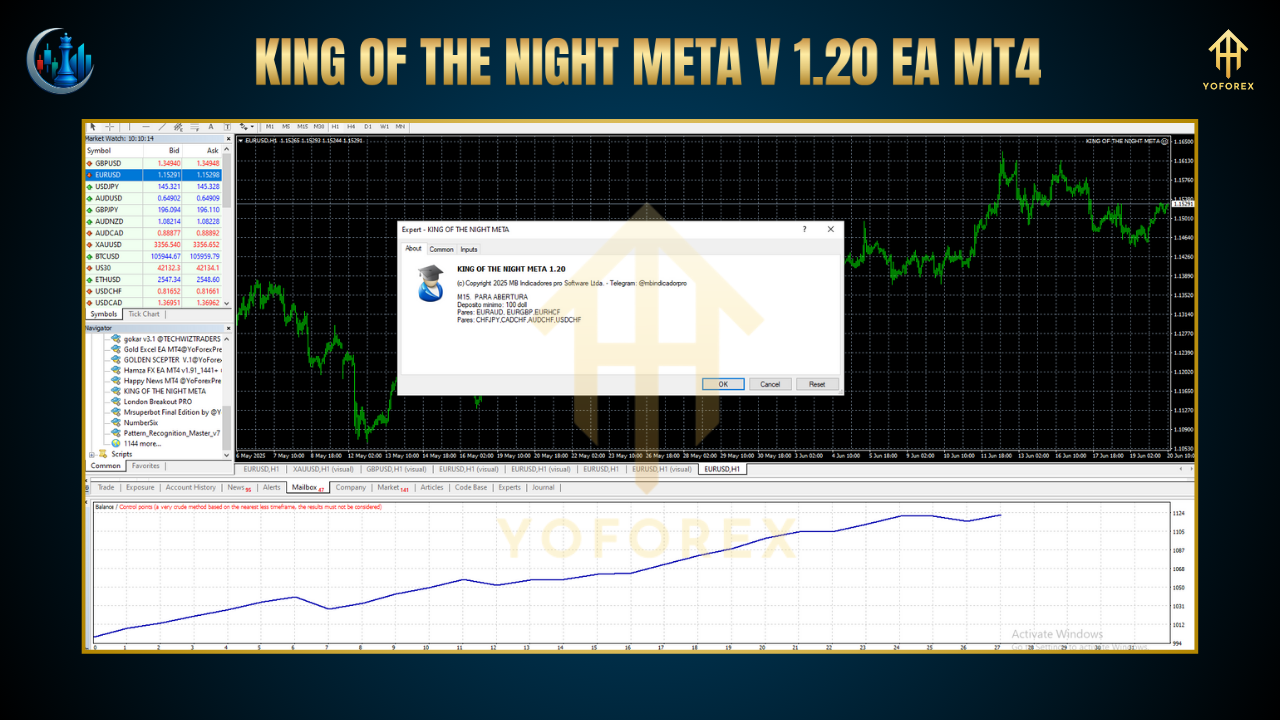
Overview of King of the Night Meta V1.20 EA
King of the Night Meta V1.20 EA is an Expert Advisor programmed in MQL4 to trade tight breakouts and pullback patterns during the low-liquidity hours. Rather than waiting for big swings, it captures incremental profits—think +5 to +10 pips per trade—by exploiting the mean-reversion tendencies and micro-breakouts common at night.
Key design goals:
Precision Scalping: Targets small, high-probability moves.
Sleep-Friendly: Fully automated, so you don’t have to watch the charts.
Low Drawdown: Focus on preservation of capital over big wins.
Adaptability: Adjusts to changing night-session volatility.
Strategy & Trade Logic
Session Filter
Activates only between configurable hours (default: 23:00–02:00 server time), avoiding flash spikes from overnight news or illiquid gaps.
Volatility Check
Calculates the Average True Range (ATR) of the last X bars to confirm a minimum volatility threshold—skips flat nights.
Entry Signals
Breakout Entry: Places pending orders at a specified buffer above/below the session high/low.
Pullback Entry: For minor retracements, it uses a moving-average confluence zone to identify low-risk entries.
Dynamic Lot Sizing
Determines lot size based on account balance and user-defined risk percentage, ensuring position sizes adjust as your equity grows or shrinks.
Fixed SL/TP and Trailing Stop
Stop Loss: Tight, e.g., 8–12 pips.
Take Profit: Modest, e.g., 5–10 pips (ratio roughly 1:1).
Trailing Stop: Optional, kicks in after breakeven plus a small profit buffer.
Auto-Trade Management
Cancels all pending orders if neither is triggered within the configured window (avoids stale orders), and disables further entries after a user-set maximum number of trades per night.
Recommended Timeframes & Pairs
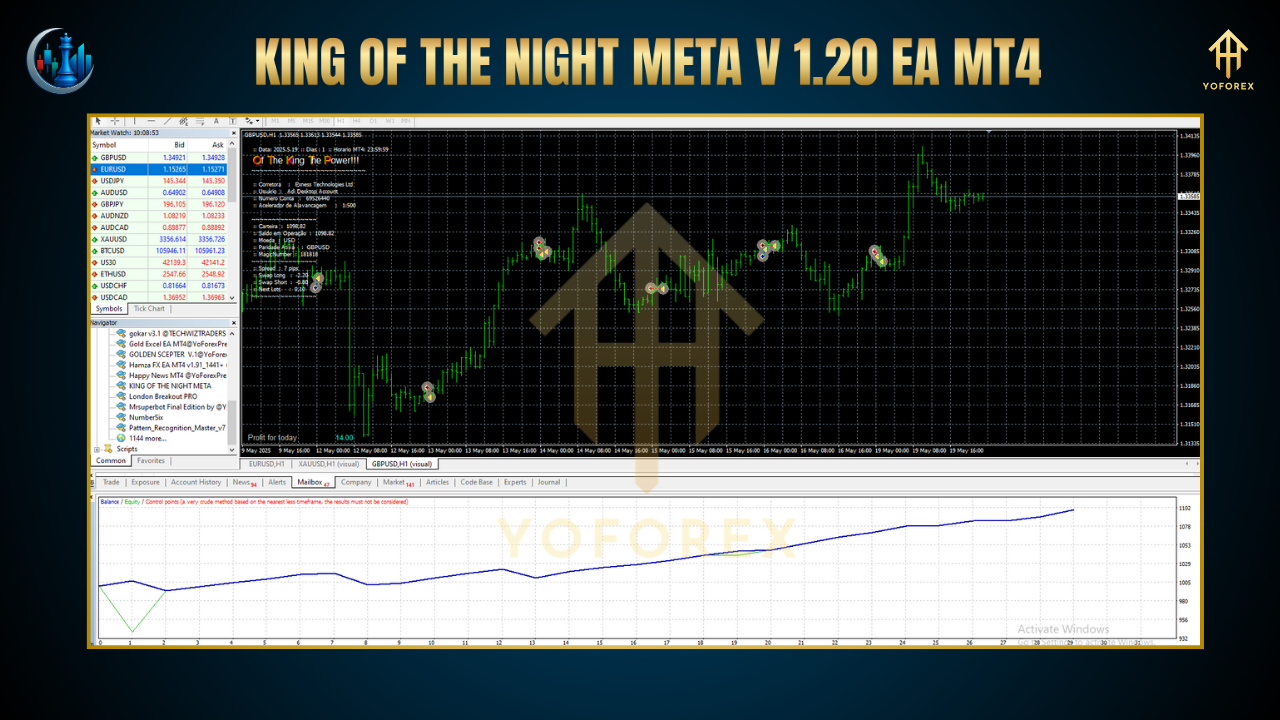
Timeframe: M1 or M5 for tight control.
Pairs:
EURUSD
GBPUSD
USDJPY
AUDUSD
USDCHF
These major pairs exhibit reliable nocturnal patterns thanks to overlapping Asian-European liquidity.
How to Install & Configure
Download EA: Get the
KingOfNightMetaV1.20.ex4file from our website.
MT4 Folder: Copy into
MQL4/Expertsin your MT4 data directory.
Restart MT4: Refresh the Navigator window.
Attach to Chart: Drag the EA onto an M1 or M5 chart of your chosen pair.
Inputs:
StartHour/EndHour(default 23, 2)
RiskPercent(e.g., 1.0)
ATRPeriod&ATRThreshold
SL_Pips&TP_Pips
MaxTradesPerSession
Enable AutoTrading: Make sure the “Algo Trading” button is green.
Thanks for the visit ...
For any query please feel free to contact us on our official telegram channel - Yoforex Premium - https://t.me/+V6Nr5sRZVr4xYzdl






Comments
Leave a Comment