
Ilan EA V6.10 MT4 — A Pragmatic Guide to Grid Trading Done Right
Looking for a battle-tested grid EA that doesn’t require you to babysit charts all day? Ilan EA V6.10 for MT4 aims to be that steady workhorse—simple to deploy, configurable via pre-built set files, and tuned for liquid majors and crosses. In this guide, we’ll walk through how Ilan’s logic works, the best way to run it on EURUSD, EURGBP, and CADCHF, recommended timeframes (M15, H1), and how to keep risk under control with a $1,000 minimum balance. No hype—just clear, actionable steps so you can get up and running with confidence.
What is Ilan EA V6.10?
Ilan is a grid-based Expert Advisor designed for MetaTrader 4. At its core, it opens an initial trade according to its entry logic, then manages additional orders in a grid as price moves against the position. The goal is to average into a position and capture profit on pullbacks. It is known for being powerful in ranging or mean-reverting phases; during strong trends, risk controls become crucial.
Version V6.10 focuses on stability, clarity of inputs, and ease of setup—especially thanks to SetFiles that take the guesswork out of the initial configuration. If you’ve tried grid EAs before and got spooked by wild drawdowns, you’ll appreciate the emphasis here on sane defaults, equity protection, and position limits. Still, remember: grid logic magnifies exposure; disciplined risk settings are non-negotiable.
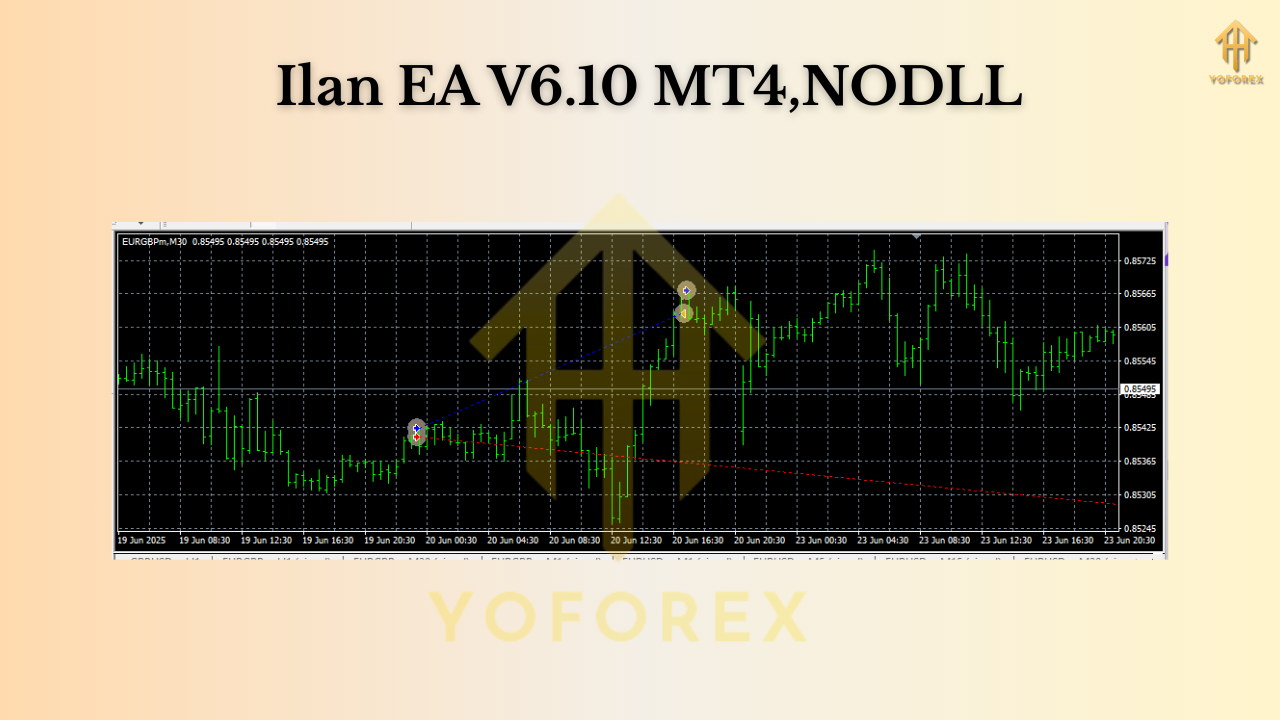
Supported Pairs, Timeframes & Balance
- Pairs: EURUSD, EURGBP, CADCHF
- Timeframes: M15, H1
- Minimum Balance: $1,000 USD (per running instance or per aggregated risk—see tips below)
- SetFiles: Available, making the setup quick and consistent
These pairs are favored for their liquidity and generally tighter spreads, which can materially improve execution quality on grid strategies. The M15 timeframe offers more signals and faster cycles; H1 tends to be calmer, with fewer but potentially sturdier sequences.
How Ilan’s Grid Logic Works (In Plain English)
- First Entry: The EA opens an initial position when its conditions trigger (for example, during a pullback or at a defined signal threshold).
- Grid Expansion: If price goes against the initial trade, Ilan adds positions at preset grid steps. Depending on your set file, the lot sizing can be fixed or stepped (some users prefer a conservative multiplier, while others keep every order equal).
- Take-Profit Management: The EA typically seeks to close the basket of trades at a combined profit once price snaps back—this is the key to grid-style recovery.
- Risk Controls: Modern Ilan configurations rely on max orders, equity protection, and daily loss caps to keep exposure within reason.
Pro tip: If you’ve been burned by aggressive martingale in the past, choose a low or no multiplier set file. Flat (fixed) lots across the grid often mean slower recovery but far smoother equity.
Why These Three Pairs?
- EURUSD: Deep liquidity, consistent spreads, and a tendency toward mean reversion during quieter sessions make it a grid favorite.
- EURGBP: Typically less explosive than some majors; can range neatly—good for controlled grid sequences.
- CADCHF: Often displays cleaner oscillations during parts of the week; just be mindful of oil-related CAD volatility and SNB headlines.
Key Features You’ll Appreciate
- • Ready-to-use SetFiles: Start quickly with proven parameter templates.
- • Works on M15 & H1: Choose between more cycles (M15) or calmer pacing (H1).
- • Pair-Tuned Presets: EURUSD, EURGBP, CADCHF—minimize guesswork.
- • Position & Equity Guards: Cap max orders, drawdown, and daily loss.
- • Flexible Lot Sizing: Fixed or conservative step-up options; your call.
- • Spread & Slippage Filters: Help avoid entering at bad moments.
- • News Awareness (via schedule discipline): You can pause around red-news manually or through a trade-pause routine if included in your template.
- • VPS-Friendly: Lightweight enough for stable 24/5 execution.
- • Simple Chart Attachment: One chart per pair/timeframe and you’re good.
- • Clear Logs: Understand what the EA is doing and why.
Setup: From Download to First Trade
- Install the EA: In MT4, go to File → Open Data Folder → MQL4 → Experts and copy Ilan EA V6.10.ex4 there. Restart MT4.
- Attach to Chart: Open EURUSD M15 (or your chosen pair/timeframe), drag Ilan EA V6.10 from the Navigator onto the chart.
- Load the SetFile: In the Inputs tab, click Load, select the appropriate .set for the pair/timeframe (e.g.,
Ilan_V6_10_EURUSD_M15.set). - Enable Algo Trading: Make sure the AutoTrading button is green.
- Broker Settings: Use low-spread, low-latency accounts (ECN/Raw if available).
- VPS: Consider a reliable forex VPS near your broker’s data center to reduce slippage.
- Dry Run: Start on a demo account to watch behavior across at least a week of sessions.
Quick sanity checks: max open positions per symbol, max daily loss %, and equity stop. Confirm these match your risk profile before going live.
Risk Management That Actually Works
Grid EAs can be profitable—if risk is sized correctly. A few guardrails:
- Start Small: With $1,000, consider 0.01 lots as your base, and limit the number of grid levels (e.g., 5–7).
- Avoid Aggressive Multipliers: If your set file uses lot multipliers, keep them mild—or choose no multiplier.
- Set a Daily Loss Cap: When it’s not your day, it’s not your day. Preserve capital.
- Use Max Orders: Don’t let the grid grow endlessly; cap exposure.
- Pause for Red News: Especially for CADCHF (oil data, BoC) and EUR pairs (ECB, major PMI/CPI).
- One Pair at a Time (initially): See how the equity curve behaves before you diversify to all three pairs.
- Withdraw Wins: Periodically banking profits reduces psychological pressure and tail risk.
M15 vs H1 — Which Should You Choose?
- M15:
- Pros: More trade cycles, faster recoveries in ranges.
- Cons: More sensitive to noise; can accumulate positions quicker.
- H1:
- Pros: Fewer sequences and less noise; easier to supervise.
- Cons: Recoveries can take longer; patience required.
If you’re new to Ilan or grid EAs in general, consider starting on H1 with one pair. Once stable, expand to M15 or add a second symbol.

Execution Quality: Broker, VPS, and Costs
Every pip matters on a grid. Look for:
- Tight Spreads: Especially during Asian and London sessions.
- Consistent Execution: Avoid brokers with frequent requotes.
- Low Commissions: Commissions add up over many grid orders.
- Nearby VPS: Aim for sub-10ms latency if possible.
Backtesting & Forward Testing Tips
- Use High-Quality Tick Data: 99% modeling quality if you can.
- Spread Simulation: Test with variable spreads, not just fixed 1 pip.
- Include Slippage Scenarios: Reflect real execution.
- Walk-Forward: After optimizing, validate on a different period.
- Forward Demo: Let it run through a few news cycles and different sessions before committing real capital.
Who Is Ilan V6.10 For?
- Intermediate traders comfortable with risk controls and position management.
- Hands-on users who can check the account once or twice a day.
- Diversifiers looking to add a non-indicator, mean-reversion-style component to their portfolio.
If you prefer ultra-low drawdown and hate seeing multiple open trades, a pure trend-following EA might fit your temperament better. If you like the idea of mean reversion + baskets, Ilan is right up your alley.
Final Thoughts
Ilan EA V6.10 MT4 can be a productive grid engine when run on the right pairs, with conservative settings, and solid discipline. The included SetFiles make onboarding straightforward; from there, your edge comes from good broker selection, VPS stability, and the courage to keep risk small—even when things look “safe.” Remember: consistency beats aggression over the long run.
Join our Telegram for the latest updates and support






Comments
Leave a Comment