Tired of late entries and missed breakout moves? The HMA Breakout Indicator MT4 is engineered to zero in on sharp price accelerations by leveraging the Hull Moving Average (HMA). Whether you’re a day trader hunting swift momentum swings or a swing trader targeting breakout zones, this tool draws clear signals and zones on your MetaTrader 4 chart—so you can jump in early and ride the trend. Let’s explore what makes it tick, how to set it up, and practical ways to integrate it into your trading routine.
What Is the HMA Breakout Indicator MT4?
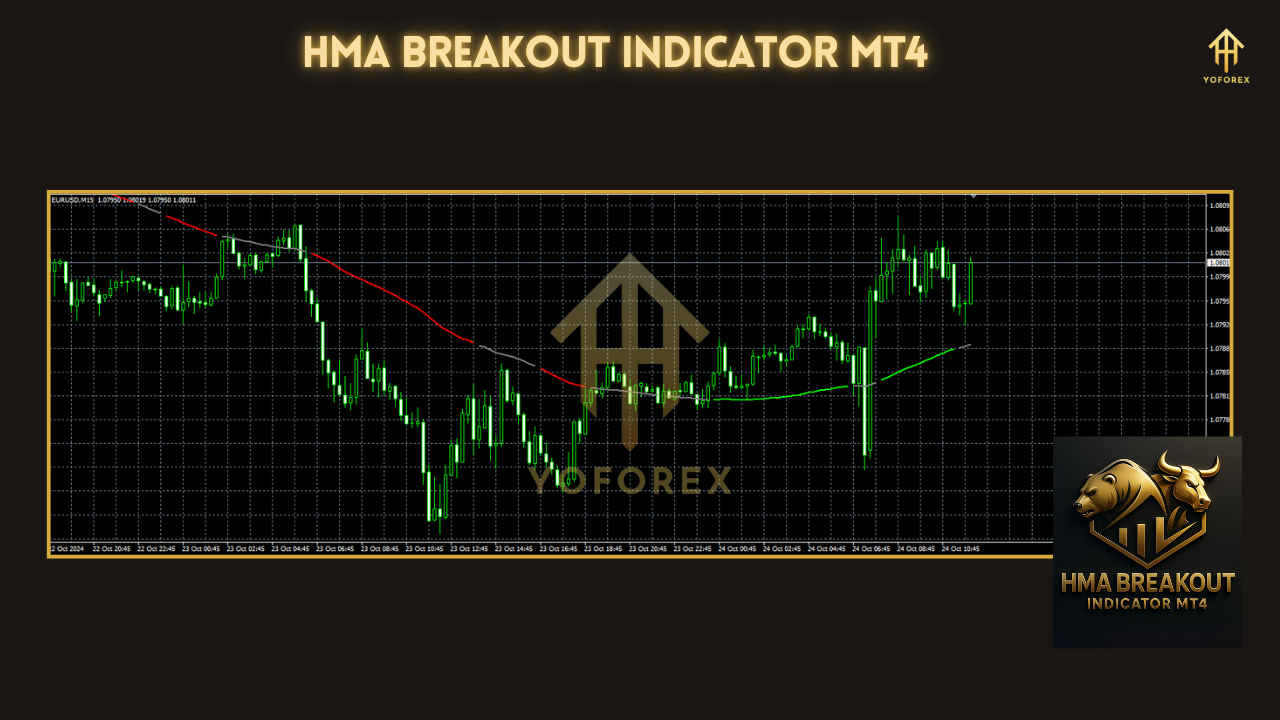
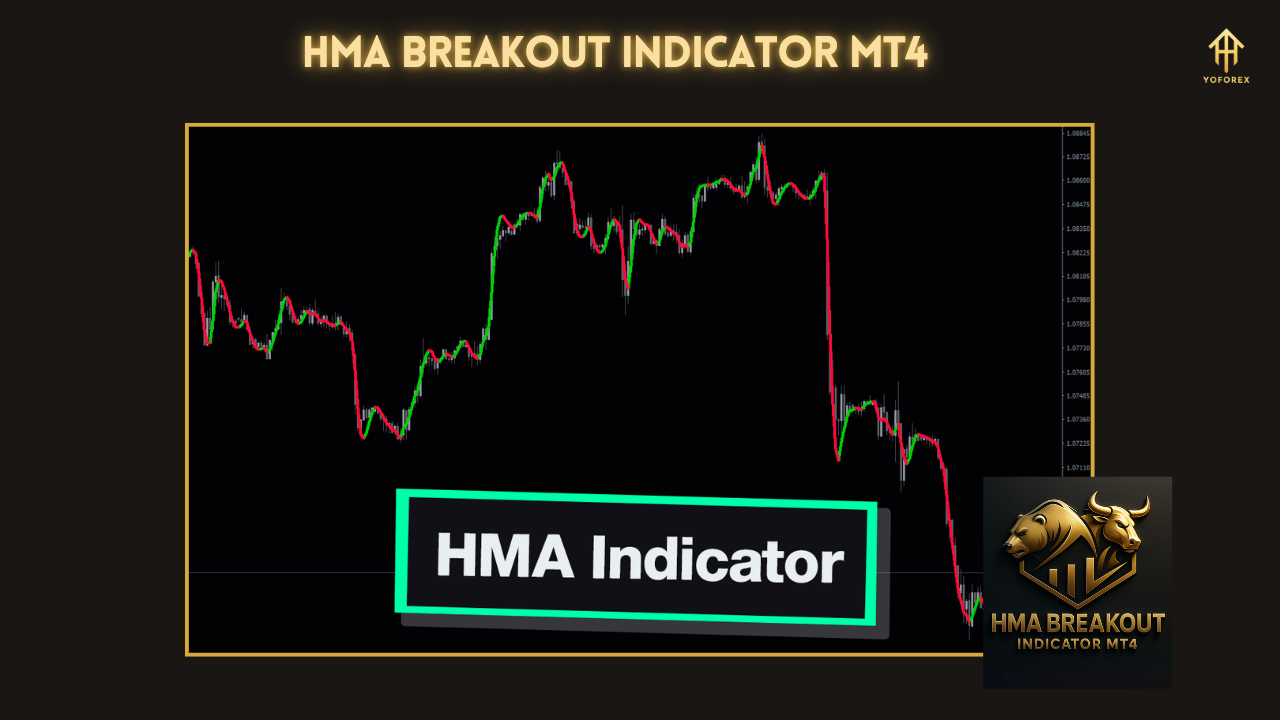
The HMA Breakout Indicator MT4 is a custom MetaTrader 4 plugin that uses Hull Moving Averages to identify periods when price is primed to break out of consolidation or pullback. By smoothing the moving average formula and reducing lag, the HMA highlights genuine momentum shifts. When price closes beyond a HMA-based threshold and meets your volatility criteria, the indicator plots breakout arrows and bands, giving you objective entry and exit cues.
How It Works
- HMA Calculation
- Computes two Hull Moving Averages (fast and slow periods) to capture short- and medium-term momentum.
- Breakout Detection
- Monitors when price closes above (bullish) or below (bearish) these HMAs plus a configurable buffer.
- Confirmation Filter
- Optionally checks time-based volatility (e.g., ATR) to avoid false signals in low-volatility periods.
- Signal Plotting
- Draws arrows for breakout direction and shaded bands marking potential support/resistance.
- Alerts
- Triggers pop-ups, sound alerts, and email notifications when a breakout occurs.
Key Features
- Dual-HMA Logic for faster, smoother trend detection
- Adjustable Breakout Buffer (pips or percentage) to fine-tune sensitivity
- ATR Filter Option to reduce whipsaws in quiet markets
- Visual Bands & Arrows that don’t clutter your chart
- Multi-Timeframe Compatibility—works on M1 through MN4
- Custom Alerts including pop-up, sound, and email
- No Repainting—signals stay fixed once plotted
- Lightweight Performance—minimal impact on MT4 CPU usage
How to Install & Configure
- Download Files
- Get
HMA_Breakout.ex4(compiled) andHMA_Breakout.tplfrom your download page. - Copy to MT4 Directory
- Place
HMA_Breakout.ex4intoMQL4/Indicators - Place
HMA_Breakout.tplintoTemplates - Restart MetaTrader 4
- Reopen MT4 so the indicator appears under Navigator > Indicators.
- Attach to Chart
- Drag HMA Breakout Indicator onto your desired chart.
- Recommended Settings
- Fast HMA Period: 21
- Slow HMA Period: 55
- Breakout Buffer: 10 pips
- Use ATR Filter: true; ATR Period: 14; ATR Multiplier: 1.5
- Alert Type: Popup + Email
- Save Template
- Go to Charts > Template > Save Template, name it “HMA_Breakout.” Next time, load it instantly.
Practical Trading Strategies
- Trend-Following Entries: In a trending market, wait for a bullish arrow on H1, then enter long with a stop just below the band.
- Pullback Breakouts: After a retracement into the HMA band on M15, look for a breakout arrow to confirm continuation.
- Volatility Scalps: Use M5 with tight buffer and ATR filter to scalp quick moves—ideal during London/London–New York overlap.
- Multi-Timeframe Alignment: Spot a breakout on H4 for bias, then fine-tune entry on M30 or M15 to boost win rate.
Why Choose HMA Breakout Indicator?
Standard moving averages lag too much for breakout plays, and many breakout indicators repaint or flood your chart with noise. The HMA Breakout Indicator MT4 combines the lag-reducing power of Hull MAs with strict volatility filters, delivering clear, reliable signals that reflect true momentum shifts. It’s simple to use, highly customizable, and built for performance.
Support & Disclaimer
Got questions or need help tuning your settings? Ping us anytime on WhatsApp or jump into our Telegram group—our support team’s on call. Remember, no indicator is foolproof. Always demo-test your strategy, use proper risk management, and never risk more than you’re comfortable losing.
Call to Action
Ready to seize breakout opportunities with confidence? Download the HMA Breakout Indicator MT4 now and start capturing trend moves today. Reach out on WhatsApp or join our Telegram community for free support 24/7!






Comments
Leave a Comment