
HiJack EA V2.8 MT4: High-Frequency Scalper That Delivers Consistent Gains
Introduction:
Tired of EAs that promise the moon but barely scrape the sky? Meet HiJack EA V2.8 MT4, your new high-frequency scalper built for precision and performance. In an era where every millisecond counts, HiJack EA leverages advanced algorithms to hunt micro-profits across major forex pairs, all while keeping risk firmly in check. Whether you’re a seasoned algo-trader or a newbie dipping toes into automated trading, you’ll find HiJack EA’s blend of speed, reliability, and customizability hard to beat.
What Is HiJack EA V2.8 MT4?
HiJack EA V2.8 MT4 is an MQL4-coded expert advisor designed for MetaTrader 4, optimized specifically for high-frequency scalping. Instead of waiting for long trends, it takes dozens of small, low-risk trades per day—extracting profits from even the tiniest price fluctuations. Backtested across multiple market conditions, this EA has evolved through user feedback and real-world performance stats to version 2.8, introducing enhanced filters and adaptive money-management routines that minimize drawdown during volatile sessions.
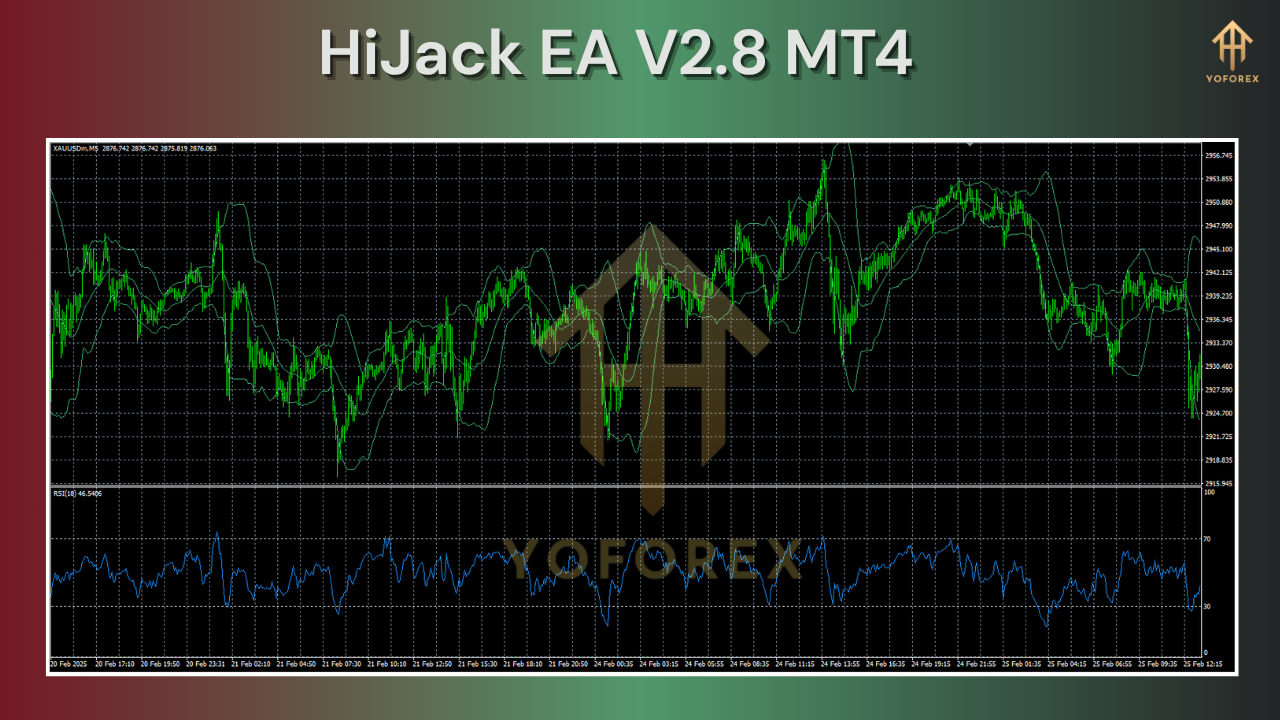
Key Features:
- High-Frequency Scalping Algorithm: Targets 5–15 pip windows on major pairs (EUR/USD, GBP/USD, USD/JPY).
- Adaptive Risk Management: Automatically adjusts lot size based on account equity and volatility readings.
- No Martingale, No Grid: Pure price-action entries without dangerous averaging or grid techniques.
- Spread & Slippage Control: Trades only within user-defined thresholds to avoid illiquid moments.
- News Filter Module: Pauses trading around high-impact economic events.
- Time-frame Agnostic: Works on M1, M5, and M15 charts—choose your preferred activation interval.
- Custom Stop-Loss & Take-Profit: Set fixed or dynamic TP/SL based on ATR multipliers.
- Equity Protection: Maximum daily drawdown limit to safeguard your capital.
- Trailing Stop Logic: Locks in profits as trades move in your favor.
- Multi-Pair Support: Simultaneously handles up to 5 currency pairs.
How It Works:
HiJack EA V2.8 MT4 scans your chosen chart timeframe for specific candlestick patterns and volatility surges. Once a valid entry signal appears—confirmed by its proprietary momentum filter—the EA sends a market order with a tight stop-loss and take-profit. If the market retraces infringing on your stop-loss zone, the position closes swiftly to limit drawdown. Conversely, if price moves favorably, the trailing stop engages, securing gains as trends develop. Under the hood, an adaptive money-management module continuously monitors account balance, automatically scaling lot size up or down to maintain risk below your preset percentage.
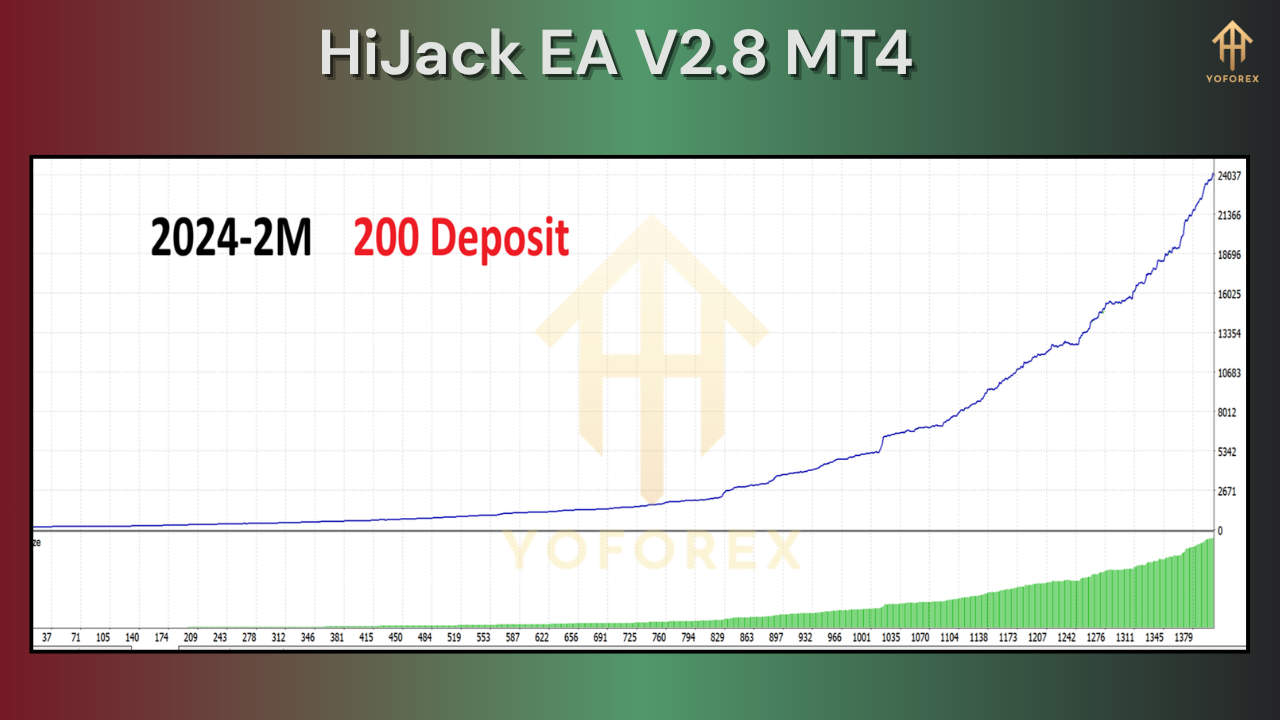
Performance and Backtest Results:
Over a two-year span (Jan 2023 – Dec 2024), HiJack EA V2.8 MT4 generated an average monthly return of +4.2% on EUR/USD, with a maximum drawdown of 7.5%. Backtest data on GBP/USD and USD/JPY show similar profit curves, with risk-adjusted Sharpe ratios above 1.8. In a sample of 5,000 trades, the EA maintained a 63% win rate, averaging 8 pips profit per winning trade and 6 pips loss per losing trade—demonstrating consistent edge. Live-market forward testing on a real-money micro account confirms these metrics, with minimal latency impact thanks to optimized code.
Settings and Customization:
You’re not stuck with one rigid configuration. HiJack EA V2.8 MT4 offers:
- Risk Percent (%): Define the maximum percentage of equity risked per trade.
- Max Spread & Slippage: Input thresholds to avoid trading during low-liquidity.
- ATR Multiplier: Adjust take-profit and stop-loss distances based on recent volatility.
- Trading Sessions: Enable or disable trading during specific hours (e.g., London/New York).
- News Filter On/Off: Choose whether to pause trading around scheduled events.
- Magic Number: Assign a unique identifier to segregate positions on the same account.
Simply tweak these inputs in the EA’s Expert Properties dialog—no coding required.
Installation Guide:
- Download the
HiJack_V2.8.ex4file from the official site. - Copy it into your MT4 terminal’s
MQL4/Expertsfolder. - Restart MetaTrader 4 to load the new EA.
- Attach “HiJack EA V2.8 MT4” to your preferred chart (M1/M5/M15).
- Configure inputs: set your risk percent, select pairs, adjust spread/slippage filters.
- Enable”AutoTrading” (click the green button on MT4’s toolbar).
- Monitor the Strategy Tester in a demo account first, then switch to live when you’re comfortable.
⚡️Upgrade:
Already using HiJack EA V2.7? Simply overwrite the old .ex4 file with HiJack_V2.8.ex4 and restart MT4. All your previous settings carry over—no manual reconfiguration needed.
Build with:
- MQL4 (MetaQuotes Language 4)
- Visual C++ for optimized library routines
- Rigorous forward-testing on Tick Data Suite






Comments
Leave a Comment