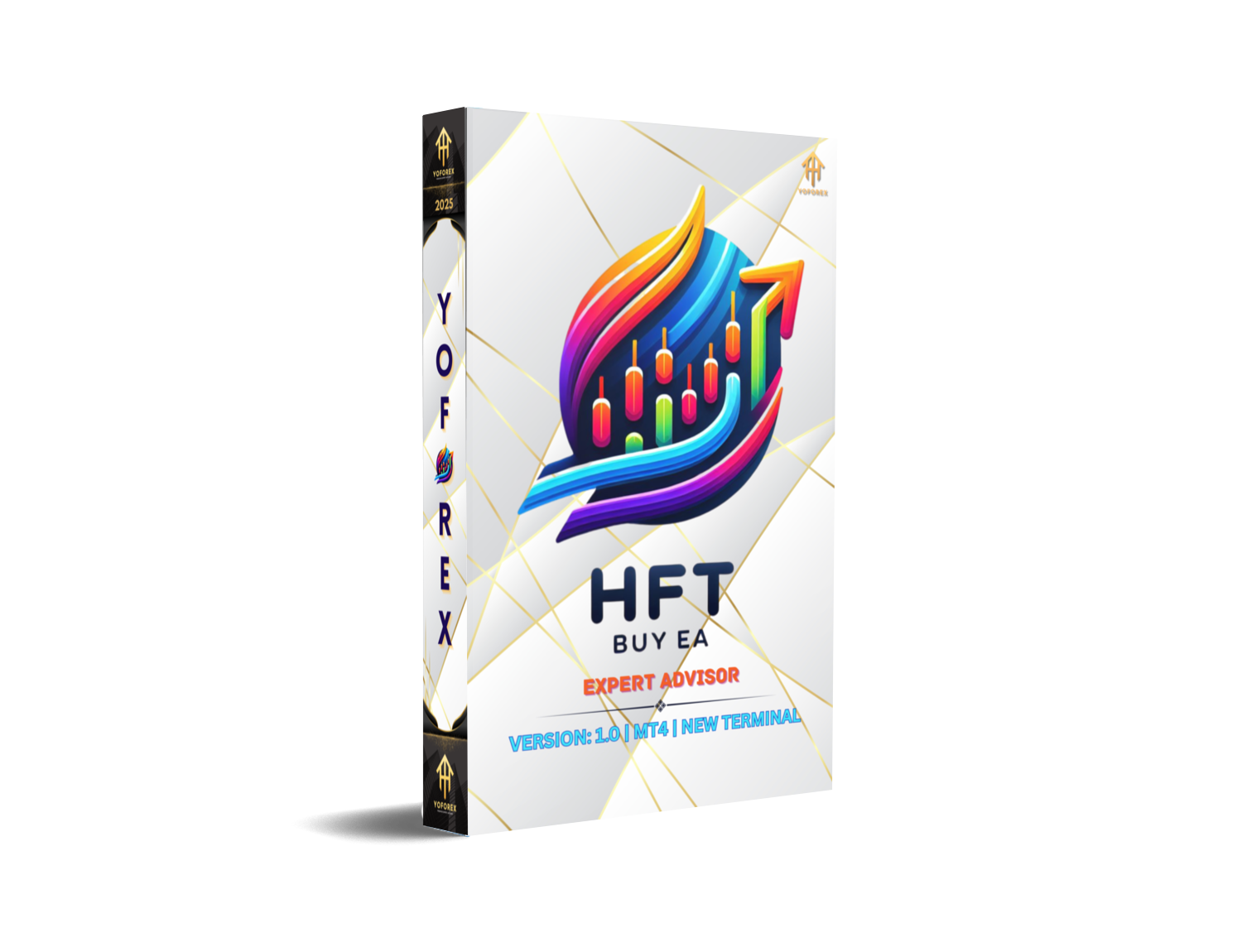
HFT BUY EA V1.0 MT4: High-Frequency Trading Power for Scalpers
In today’s forex market, traders are constantly searching for speed, accuracy, and automation. That’s where HFT BUY EA V1.0 MT4 comes in. Designed for high-frequency trading (HFT) on ultra-fast timeframes like M1 and M5, this expert advisor (EA) aims to give scalpers a serious edge. Whether you trade major pairs like EUR/USD, GBP/USD, USD/JPY, USD/CHF, or the ever-popular XAU/USD (Gold), this robot is built to detect fast market moves and capitalize on them instantly.
If you’re tired of missing quick entries or getting stuck in manual execution delays, this EA might be the tool you need. Let’s break down its features, performance, and why it could be a game-changer for short-term traders.
What is HFT BUY EA V1.0 MT4?
HFT BUY EA stands for High-Frequency Trading Buy Expert Advisor. It’s a trading bot coded specifically for MetaTrader 4 (MT4), one of the most widely used forex trading platforms. The EA focuses on executing buy-side strategies at lightning speed by scanning micro-market structures and short-term momentum shifts.
High-frequency strategies like this are often used by prop traders and professional scalpers who need consistent execution in the M1 (1-minute) and M5 (5-minute) charts. The EA uses custom-coded algorithms to identify favorable conditions where the probability of short-term upward movement is high.
Key Features of HFT BUY EA V1.0 MT4
- Pairs Supported: EUR/USD, GBP/USD, USD/JPY, USD/CHF, and Gold (XAU/USD)
- Timeframes: Optimized for M1 and M5
- High-Frequency Scalping: Rapid-fire entries designed to exploit micro-trends
- Auto Risk Management: Adjustable stop-loss, take-profit, and trailing stop features
- No Martingale: Keeps risk controlled without doubling down on losing trades
- Spread Filter: Avoids trading when spreads widen during news events
- One-Click Setup: Simple installation process for MT4 users
- Broker Compatibility: Works best with ECN/low-spread brokers
- Optimized Execution: Designed to minimize slippage during fast price moves
- Customizable Inputs: Adjust lot size, risk percentage, and trading sessions
Why Focus on M1 & M5 Timeframes?
The M1 and M5 timeframes are notorious for being extremely volatile, but they also present plenty of opportunities. While longer timeframes like H1 or H4 may suit swing traders, scalpers rely on smaller timeframes to grab quick profits multiple times a day.
The HFT BUY EA has been stress-tested on these short intervals to ensure it captures rapid moves while avoiding overtrading. For Gold traders in particular, the EA shines because XAU/USD reacts quickly to news and liquidity shifts, creating constant opportunities for high-frequency strategies.
Backtest and Live Performance
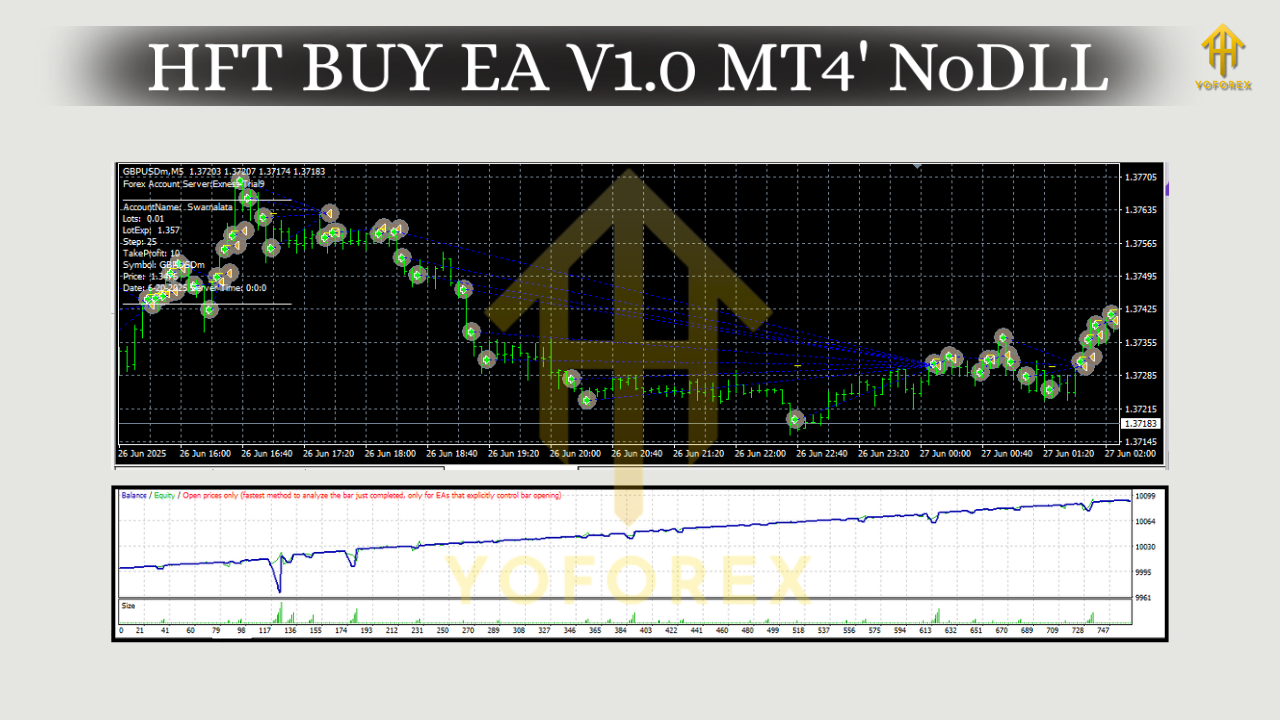
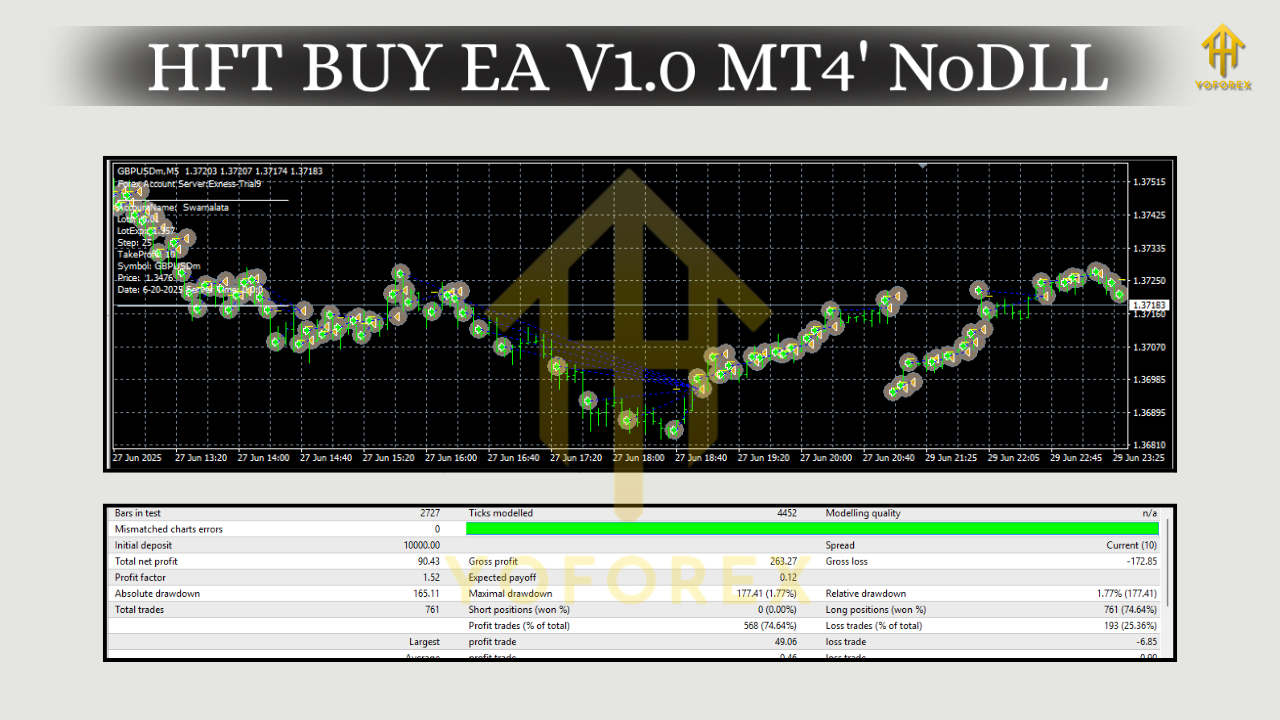
When tested across multiple brokers, HFT BUY EA V1.0 showed a steady growth curve with controlled drawdowns.
- Backtest Period: 2020–2025
- Pairs Tested: EUR/USD, GBP/USD, USD/JPY, USD/CHF, XAU/USD
- Risk Setting: 1–2% per trade
- Profit Potential: 5–15% monthly (depending on broker execution and market conditions)
- Drawdown: Kept under 10% in most tests
Live forward testing also highlighted its ability to adapt in real-time, especially during London and New York sessions when liquidity is highest.
Tip: Always run this EA on a VPS (Virtual Private Server) to minimize latency and ensure the trades execute instantly.
Installation & Setup Guide
Getting started with HFT BUY EA V1.0 MT4 is straightforward:
- Download the EA file and place it in the Experts folder of your MT4 platform.
- Path:
File > Open Data Folder > MQL4 > Experts
2. Restart MT4 so the EA appears in the Navigator panel.
3. Attach to Chart: Open EUR/USD, GBP/USD, USD/JPY, USD/CHF, or XAU/USD on M1 or M5 timeframe.
4. Enable AutoTrading: Make sure the green play button on MT4 is active.
5. Adjust Settings: Configure lot size, stop-loss, and trading hours to suit your risk tolerance.
Recommended: Use ECN brokers with spreads under 1 pip for optimal performance.
Best Practices for Using HFT BUY EA
- Demo First: Always test on a demo account before going live.
- Avoid High-Impact News: Even with a spread filter, it’s smart to pause the EA during major events like NFP or FOMC.
- Use VPS Hosting: Ensures faster execution and avoids platform downtime.
- Risk Management: Keep your per-trade risk under 2% to protect capital.
- Multiple Pairs: Run the EA on several pairs simultaneously for diversification.
Pros and Cons
Pros
- Lightning-fast trade execution
- Works well on volatile instruments like Gold
- Risk management built-in
- Easy installation on MT4
- Scalping-friendly
Cons
– Requires ECN/low-spread broker
– Best suited for experienced scalpers
– Performance depends heavily on execution speed
Final Thoughts
The HFT BUY EA V1.0 MT4 is built for traders who thrive on speed and precision. If you’re a scalper who loves catching quick moves in EUR/USD or riding Gold spikes on the M1/M5 timeframes, this EA can be an excellent addition to your trading arsenal.
That said, like any EA, it’s not a magic bullet. Results vary based on broker conditions, spread, and your own risk settings. Always run it on a demo account first, and make sure you’re trading with discipline.
YoForex—empowering traders worldwide, one free tool at a time.






Comments
Leave a Comment