Introduction
Ever been burned by a sudden market spike and felt powerless watching your account bleed red? You’re not alone. Most EAs either stick to fixed rules or crank up trade sizes with dangerous martingale grids—and both can end in disaster. At YoForex, we believe there’s a smarter way. Enter the Hedging Martingale EA—a free, open-source MQ4 Expert Advisor that blends classic martingale sizing with strategic hedging. It’s designed to protect your balance, lock in reversal profits, and give you peace of mind 24/5, without the runaway risk of pure martingale systems.
What Is Hedging Martingale EA?
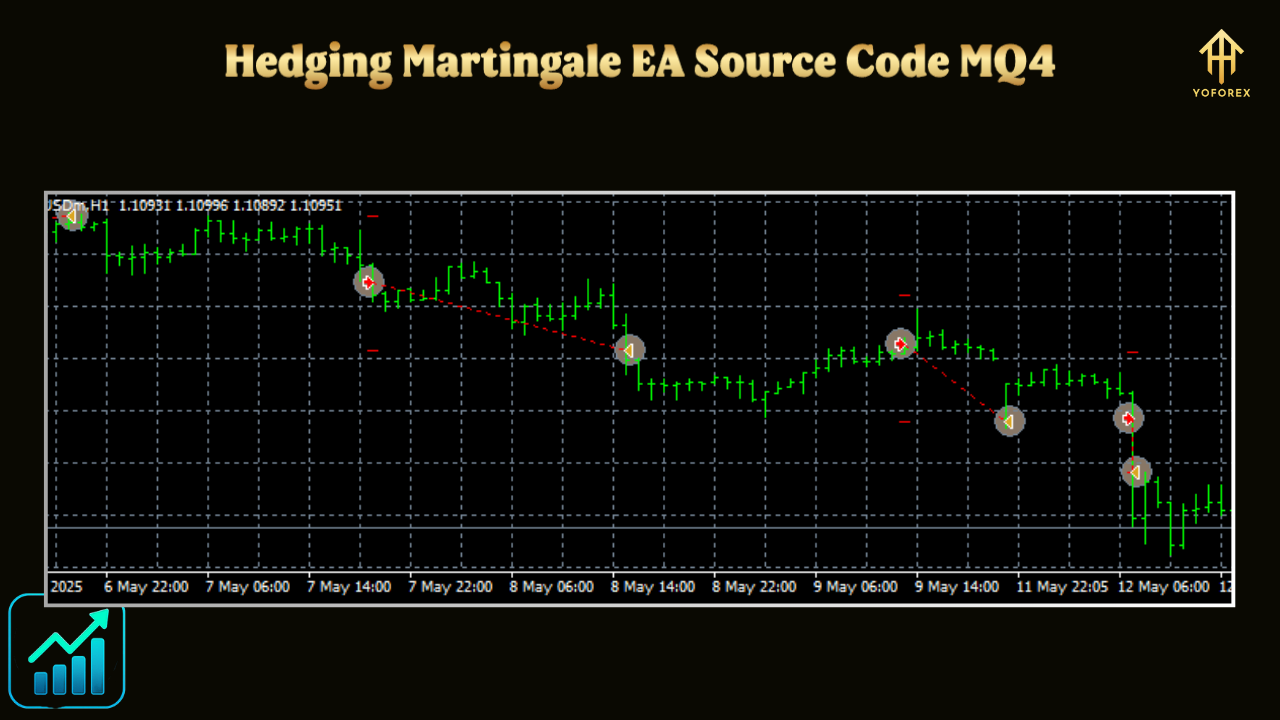
The Hedging Martingale EA is an MQ4-based Expert Advisor for MetaTrader 4 that automatically manages losing trades on your chosen currency pair(s) by opening counter-hedge orders. Instead of piling up ever-larger martingale bets, it splits the risk: when price moves against your initial position by a set pip distance, the EA places an opposite hedge order sized according to a martingale multiplier. Once the market swings back, both positions close together—locking in profit or minimizing drawdown. Best part? You get full access to the source code, so you can tweak every threshold to suit your style.
Core Strategy
- Initial Trade Execution – EA opens your standard market order at your preferred lot size.
- Pip-Threshold Trigger – If the price moves against you by
Trigger_Pips, a hedge order is placed. - Martingale Multiplier – Hedge lot size =
Initial_Lot × Multiplier^n, where n is the hedge count. - Combined P/L Exit – When the sum profit of original + hedge ≥
Target_Profit, both close. - Risk Safeguards – Max hedges limit, time-based expiry, spread/slippage filters to avoid choppy exits.
Key Features
- Open MQ4 Source Code – Fully editable in MetaEditor.
- Hybrid Hedging & Martingale – Balance drawdown control with leveraged recovery.
- Custom Pip Triggers – Set exact distance before each hedge kicks in.
- Configurable Multiplier – Choose how aggressively lot sizes increase.
- Unified Exit Logic – Close all positions together at your P/L target.
- Max Hedge Count – Prevent endless compounding with a hard cap.
- Time-Expiry Option – Auto-close stale hedges after X minutes.
- Spread & Slippage Guards – Skip hedging when market conditions are unfavourable.
- Lightweight & Efficient – Low CPU footprint, perfect for VPS or desktop.
Installation & Configuration
- Download the
HedgingMartingale_EA.mq4from our Download Page. - Copy it into your MT4 →
MQL4→Expertsfolder. - Compile in MetaEditor and restart MT4.
- Attach the EA to your chosen chart (e.g., EURUSD M15).
- Adjust Inputs:
Initial_Lot(e.g., 0.01)Trigger_Pips(e.g., 20)Multiplier(e.g., 1.5)Target_Profit(e.g., 10 pips)Max_Hedges(e.g., 3)Expiry_Minutes(e.g., 120)- Enable AutoTrading and let the EA manage trades.
Why Choose Hedging Martingale EA?
• Transparent & Customizable: Open-source means you control the logic.
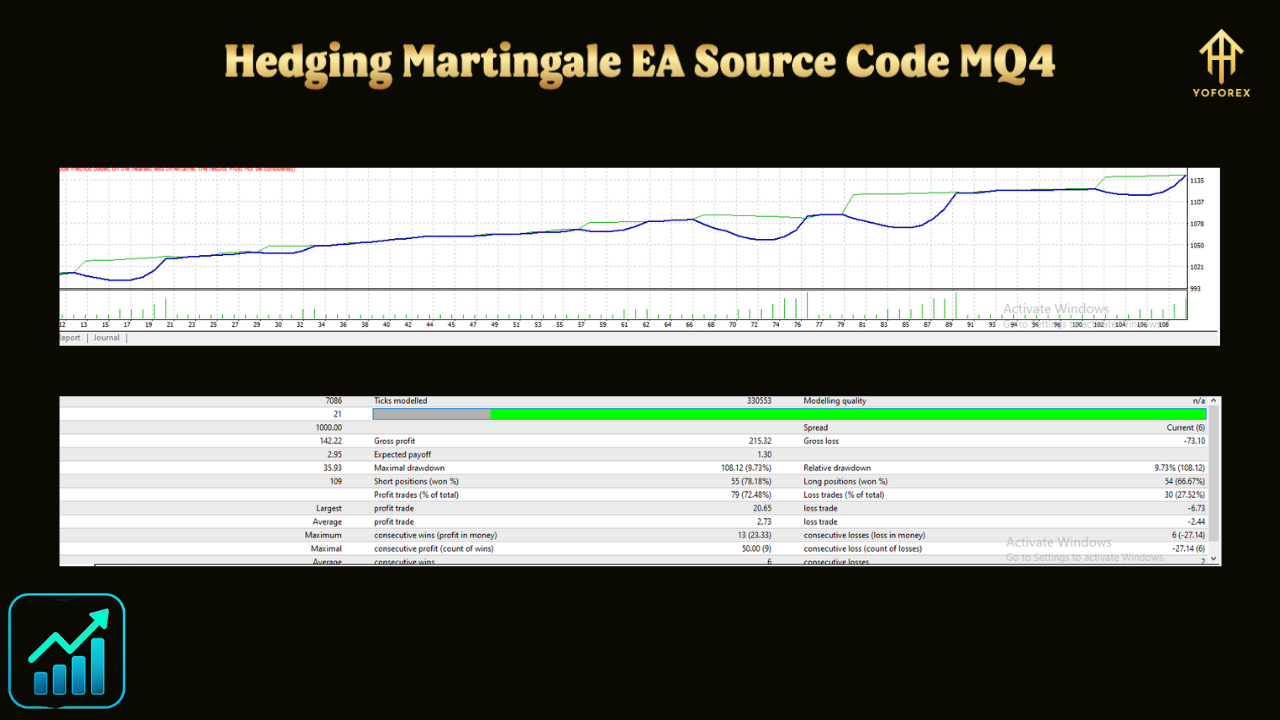
• Risk-Managed Recovery: Hedge to soften drawdowns, martingale to recoup losses.
• Proven Concepts United: Combines two time-tested methods for balanced performance.
• Free & Updated: YoForex commits to ongoing tweaks based on real-world feedback.
Support & Disclaimer
Need a hand or found a bug? Hit us up on WhatsApp or hop into our Telegram group:
- WhatsApp: https://wa.me/+443300272265
- Telegram: https://t.me/yoforexrobot
Disclaimer: Trading involves risk. Past results don’t guarantee future gains. Always demo-test before going live, and never risk more than you can afford to lose.
Call to Action
Ready to hedge smarter and recover faster? Download the free Hedging Martingale EA MQ4 source code now and give your MT4 account the safety net it deserves! And remember, unlimited support is just a message away.






Comments
Leave a Comment